Categories
DevOps Workflow Automation Orchestration Approval Workflows Task Scheduler Platform Engineering Self-Service Portal Infrastructure AutomationStars
Forks
Watchers
Developer links
Flowctl
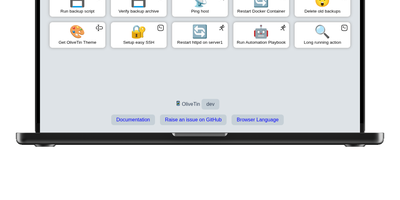
Flowctl turns repetitive ops work, such as granting SSH access, restarting a service, or provisioning a server, into self-service forms that anyone on the team can run without holding credentials. Each workflow is a YAML or HUML file with typed inputs, validation rules, and a list of actions. Actions run in order or as a dependency graph, so independent branches execute in parallel. Every action runs in a Docker container, as a shell script, or as another flow, and scripts can target remote servers over SSH, several at once. Sensitive steps pause until a reviewer approves or rejects them. Output from one action feeds the next, files pass along as artifacts, and failed actions can be retried. Cron schedules with time zones and labels run flows unattended, while logs stream live in the browser. Email, Slack, Mattermost, and webhook notifications announce success, failure, waiting, or cancellation. Teams get isolated namespaces with user, operator, reviewer, and admin roles, OIDC single sign-on, and encrypted storage for SSH keys and secrets. A built-in flow editor means nobody has to hand-write files, and custom executors can be added as Go plugins. Running on a dedicated VPS on RepoCloud with guaranteed CPU, RAM, and SSD, full root SSH access, and a browser serial console. Apache-2.0 licensed.
Benefits
- Teammates self-serve without holding credentials
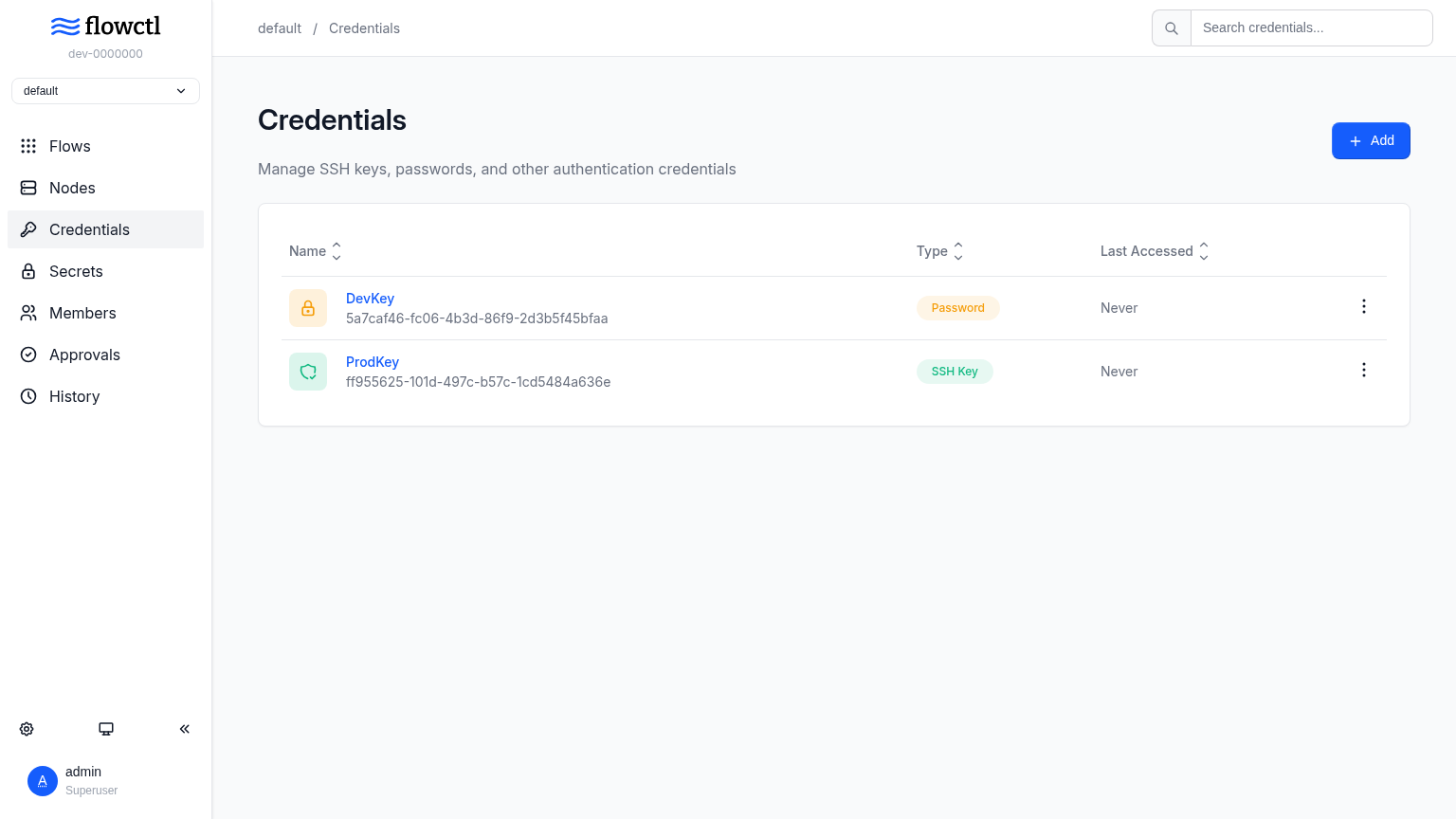
- Users fill in a form and run a flow, while SSH keys, passwords, and secrets stay in encrypted storage and namespace roles decide who can run, review, or edit each flow.
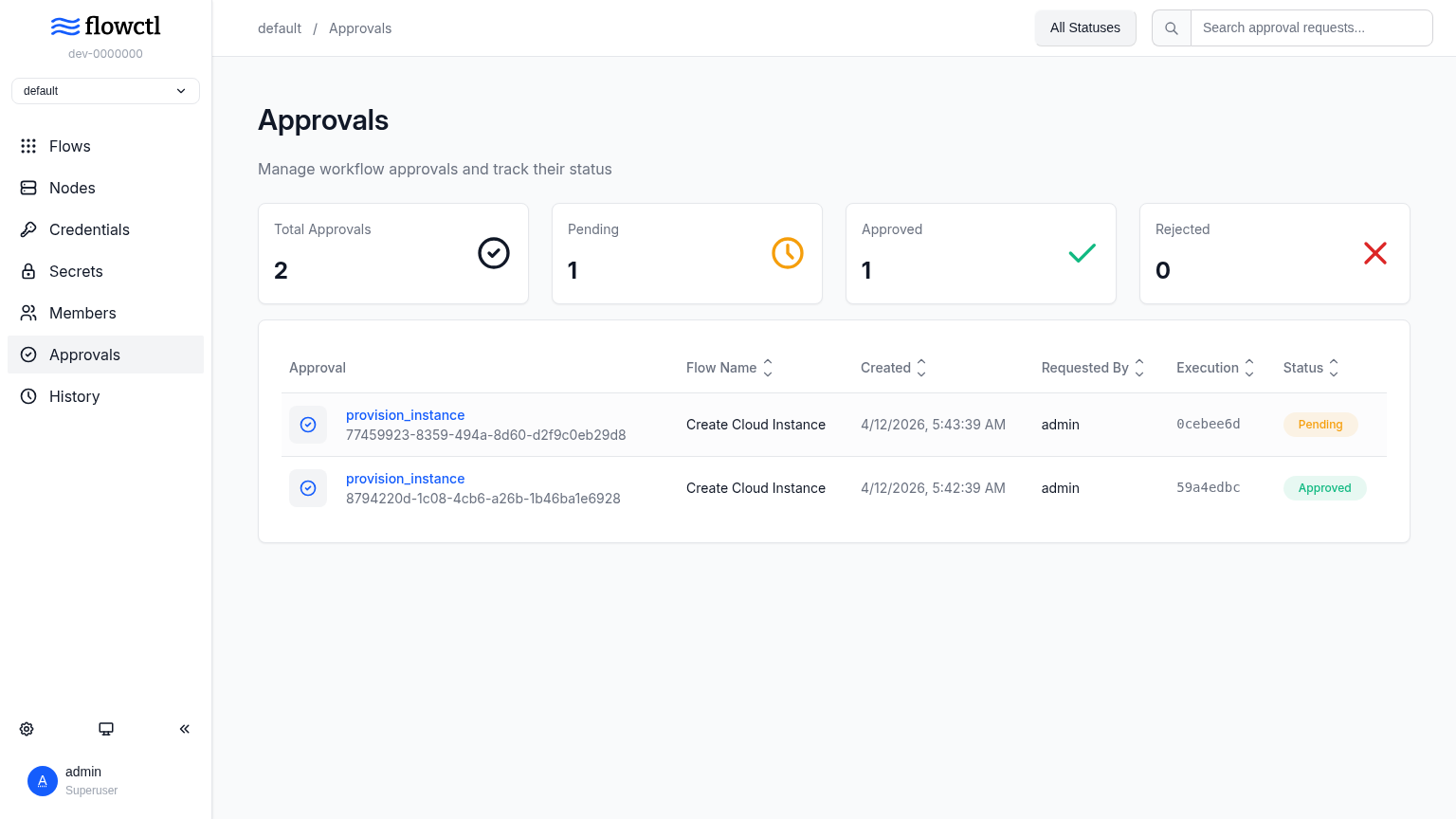
- Risky steps wait for approval
- An action can pause until a reviewer approves or rejects it, and notifications over email, Slack, Mattermost, or webhooks tell the right people that a flow is waiting.
- One binary, one database
- The server, web interface, scheduler, and background workers ship in a single binary, and PostgreSQL is the only external dependency, which keeps a VPS deployment small.
- Workflows live as plain files
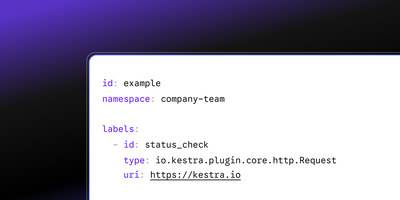
- Flows are stored as YAML or HUML files that can be written in the built-in editor or by hand, so they can be reviewed, versioned, and reused across teams.
Features
- Docker, Script, Flow Executors
- Actions run in Docker containers, as Bash or custom-interpreter scripts, or as child flows, and scripts can also target remote hosts over SSH, passing outputs to later actions.
- DAG Execution Mode
- Setting execution_mode to dag lets each action declare what it needs, so independent branches run in parallel, while the default sequential mode stops at the first failure.
- Casbin Namespace RBAC
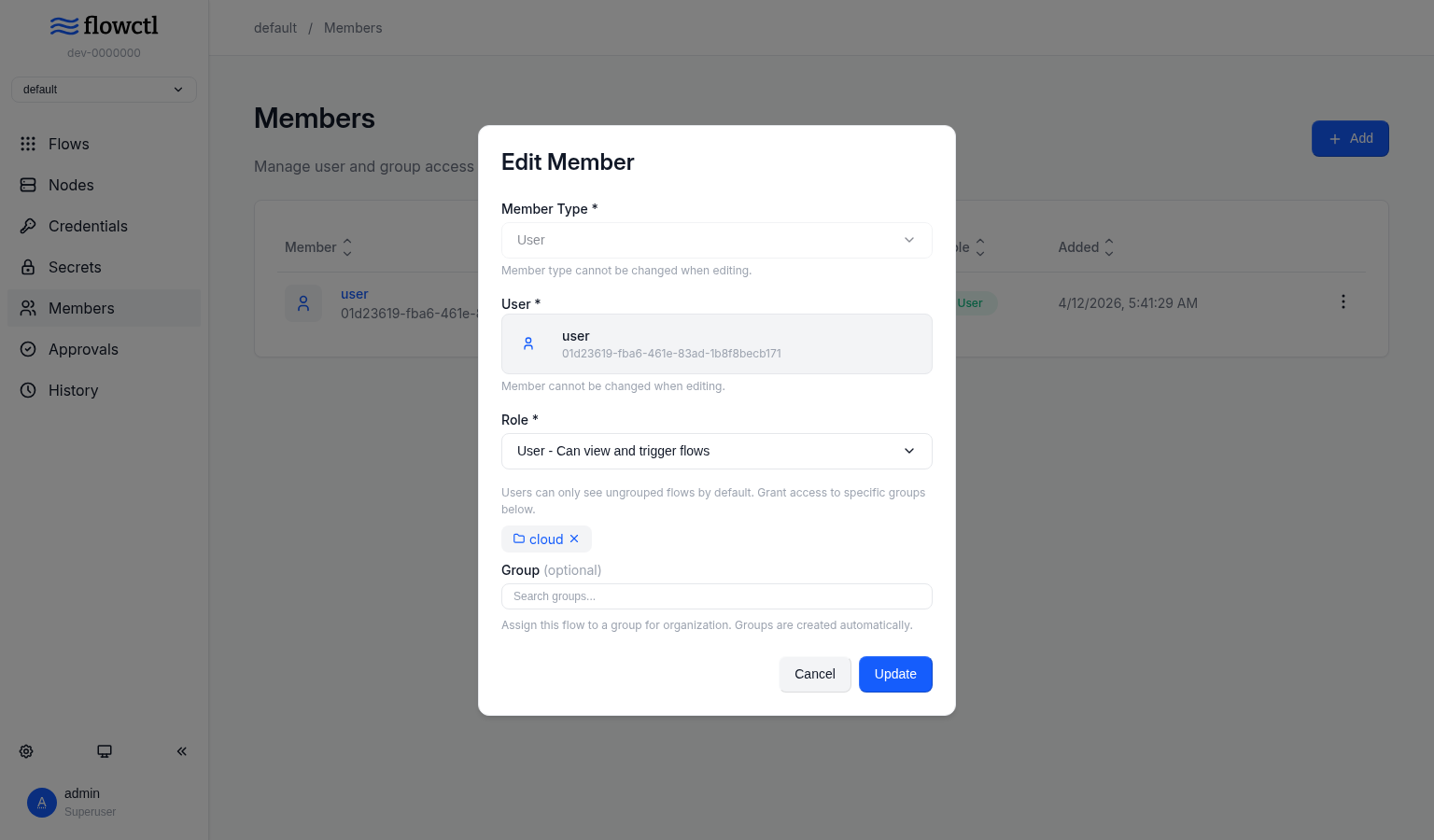
- Casbin enforces global and per-namespace roles, with User, Operator, Reviewer, and Admin scopes that control who runs flows, sees executions, approves actions, and manages credentials.
- Go Executor Plugins
- Custom executors are standalone Go binaries loaded through go-plugin over gRPC, with JSON Schema config that the interface renders as a form.
- Schedules and Notifications
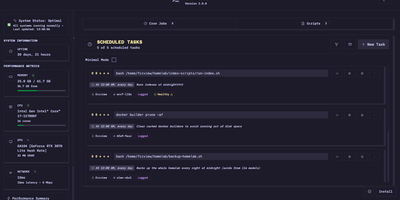
- Flows accept multiple named cron schedules with time zones, and notify by email over SMTP, Slack or Mattermost incoming webhooks, or Standard Webhooks HTTP posts.
- Encrypted Secrets Storage
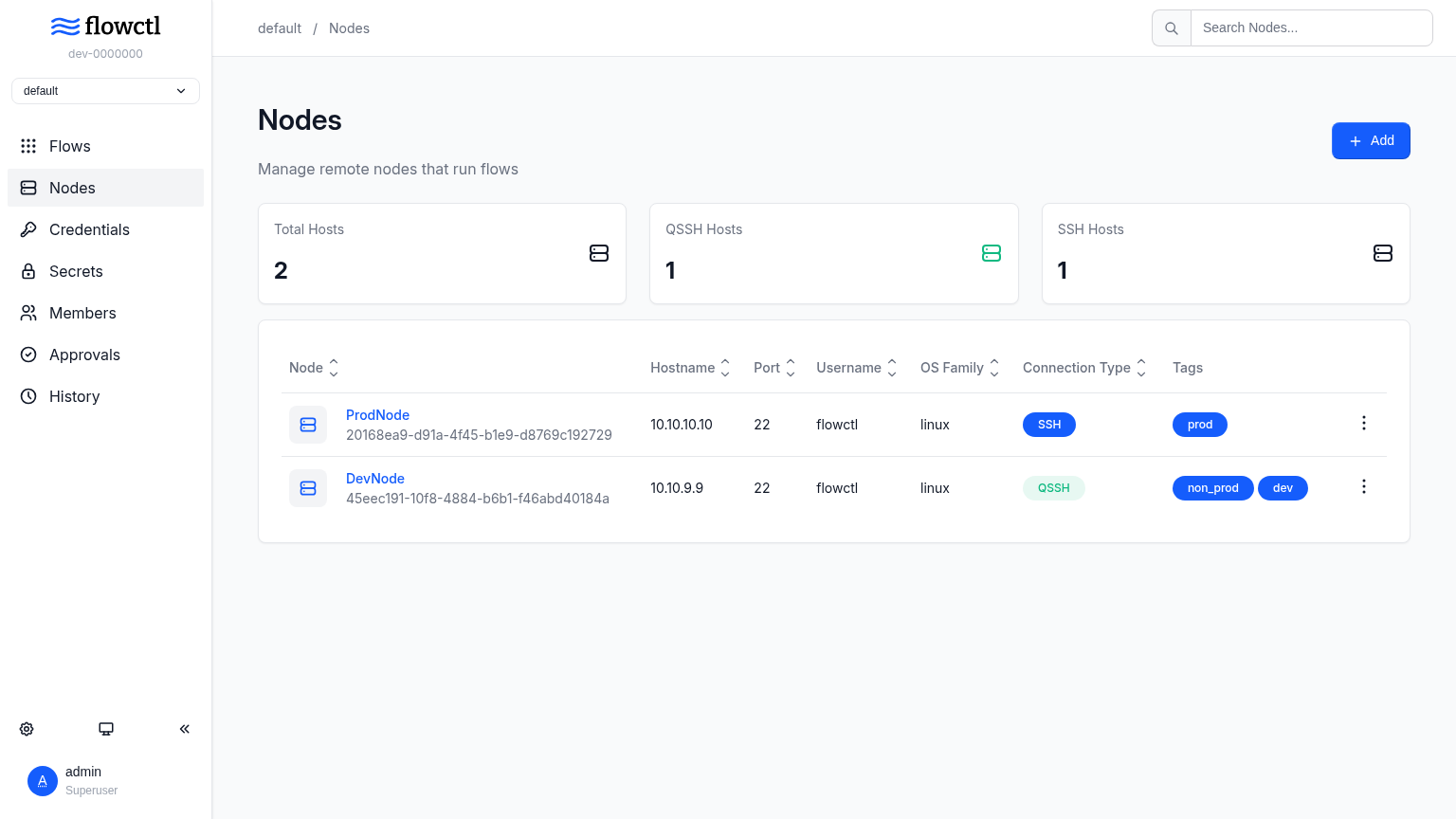
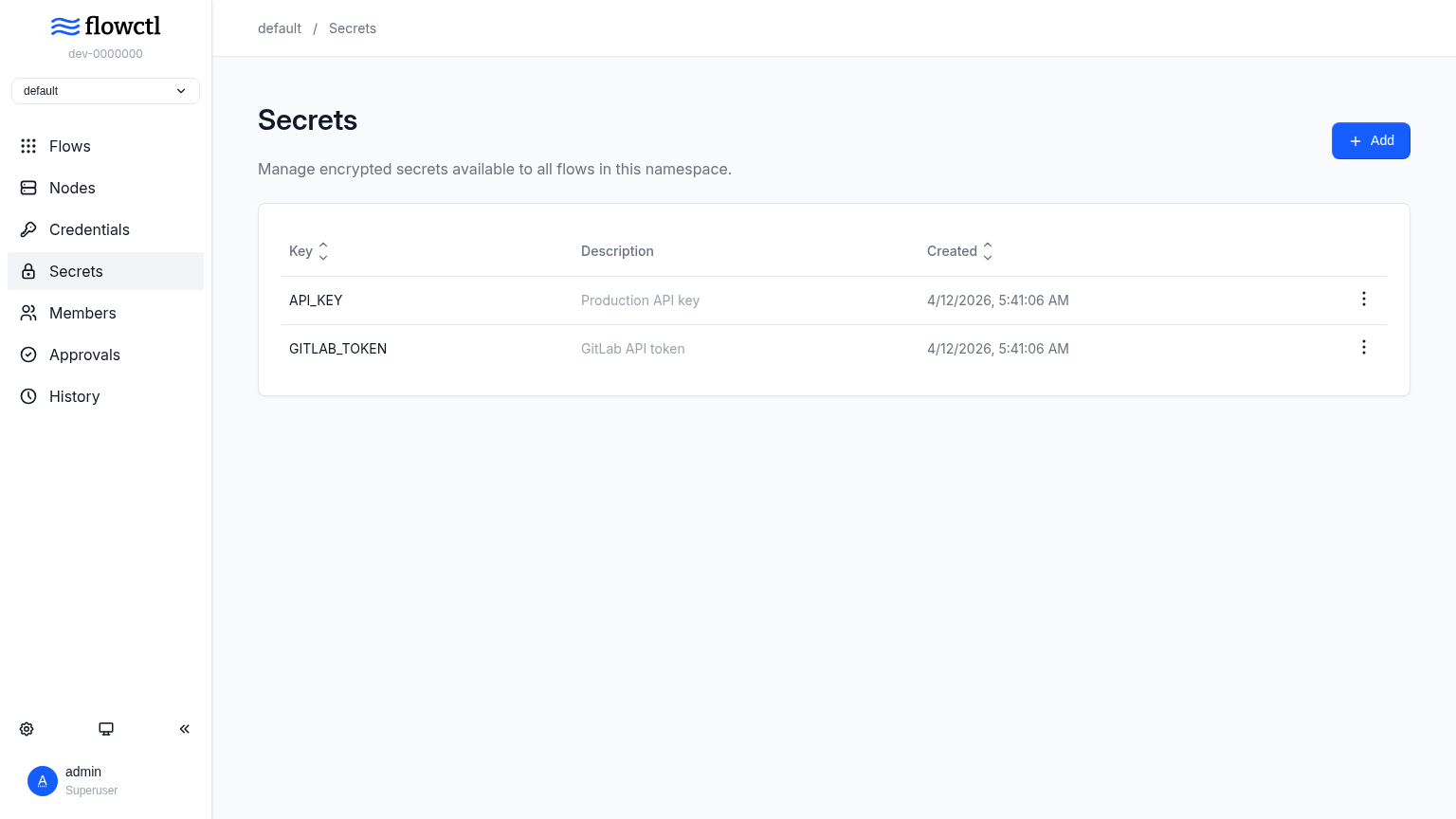
- SSH private keys, passwords, and other secrets are encrypted at rest and managed per namespace, with credentials attached to nodes for SSH execution.