Developer links
Compartment
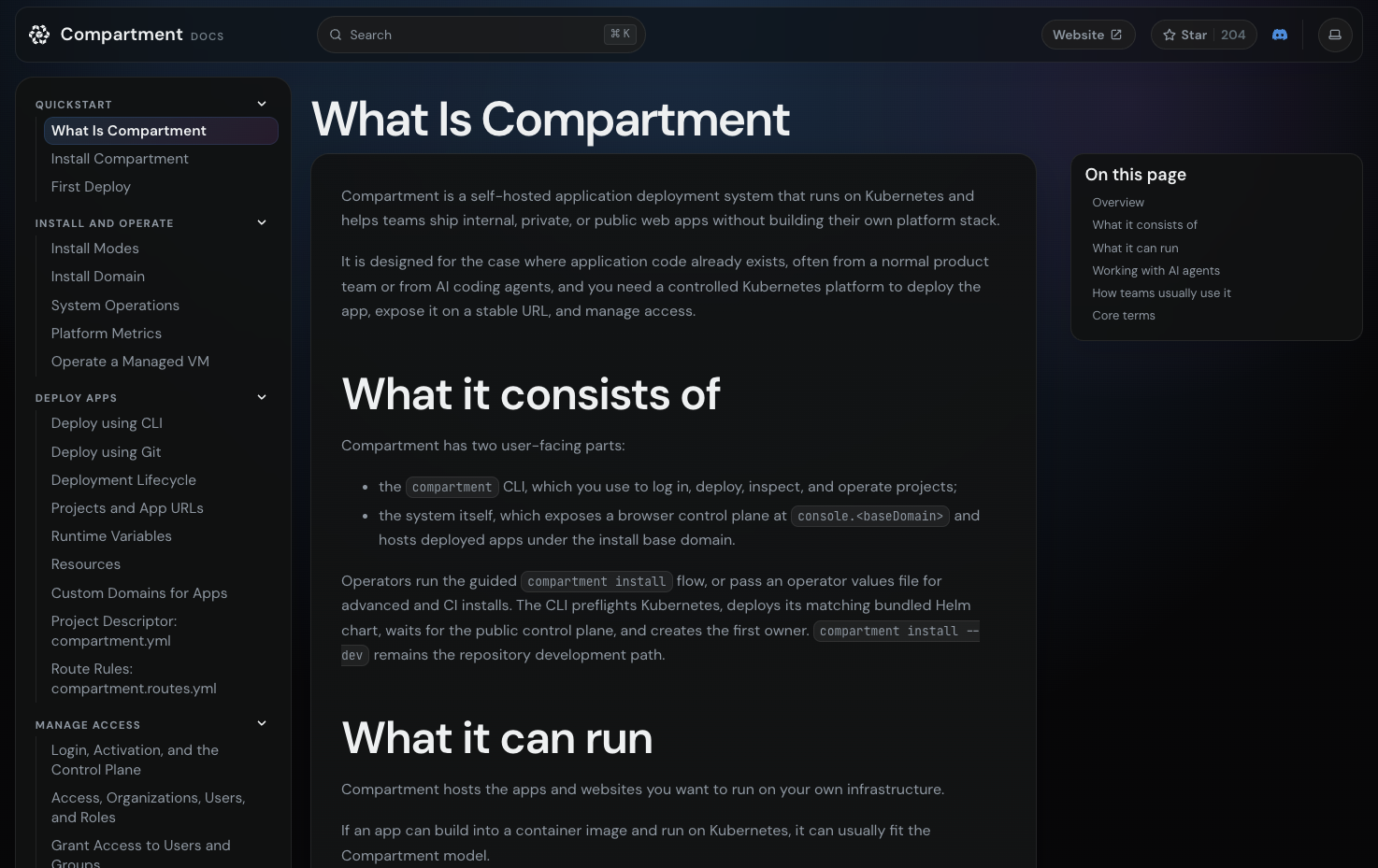
Compartment gives the small internal tools, private apps, and AI-built utilities your team keeps creating a proper place to live: your own Kubernetes, with one-command deploys, stable URLs, and sign-in handled for you. Install it into a cluster you already run, or let the guided installer provision a managed single-node Kubernetes host after showing you exactly what it will change. Each app is described by one small compartment.yml file naming its services, and from there deployment is a single command from your checkout, or a branch-driven flow when you connect the Git repository and let pushes roll out on their own. If an app can build into a container image with Docker or Railpack, it fits the model, and every deploy lands behind the edge ingress with its own URL and HTTPS from the first release. The browser Console becomes your operations surface for projects, deployment history, logs, and runtime variables, while SSO, role-based access, and audit logs replace the informal permission paths that grow around shared tools. Workloads stay isolated and can sit close to the private services, data stores, and internal APIs they need, without turning steady traffic into managed-platform spend. Running on a dedicated VPS on RepoCloud with guaranteed CPU, RAM, and SSD, full root SSH access, and a browser serial console. Apache-2.0 licensed.
Benefits
- A Home for Small Software
- Scripts, internal apps, workers, and AI-generated tools that became genuinely useful get a stable runtime, a real URL, and an owner, instead of living on laptops and ad hoc links.
- One Command from Repo to Live
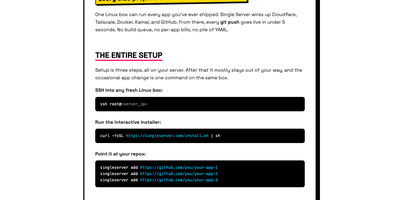
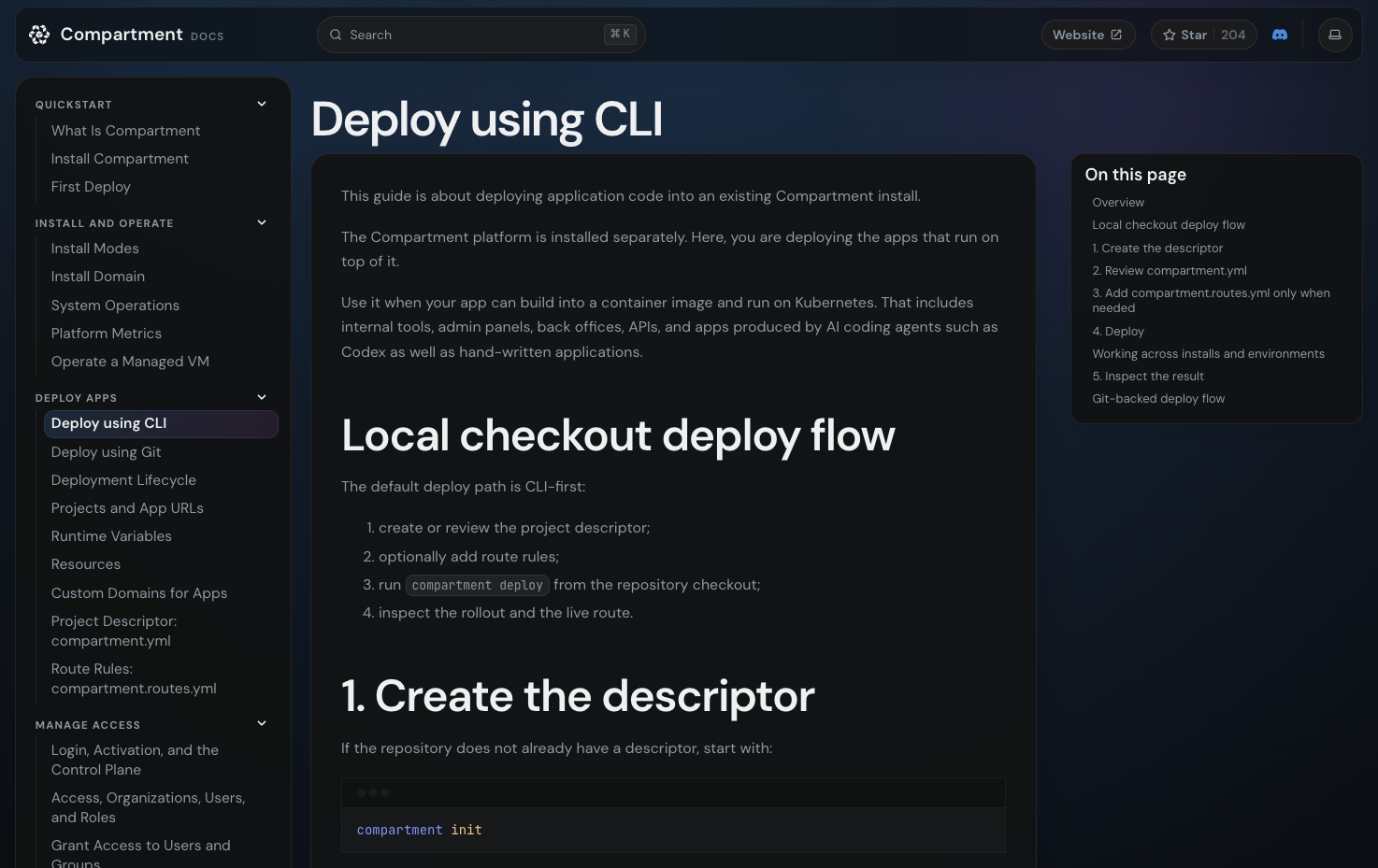
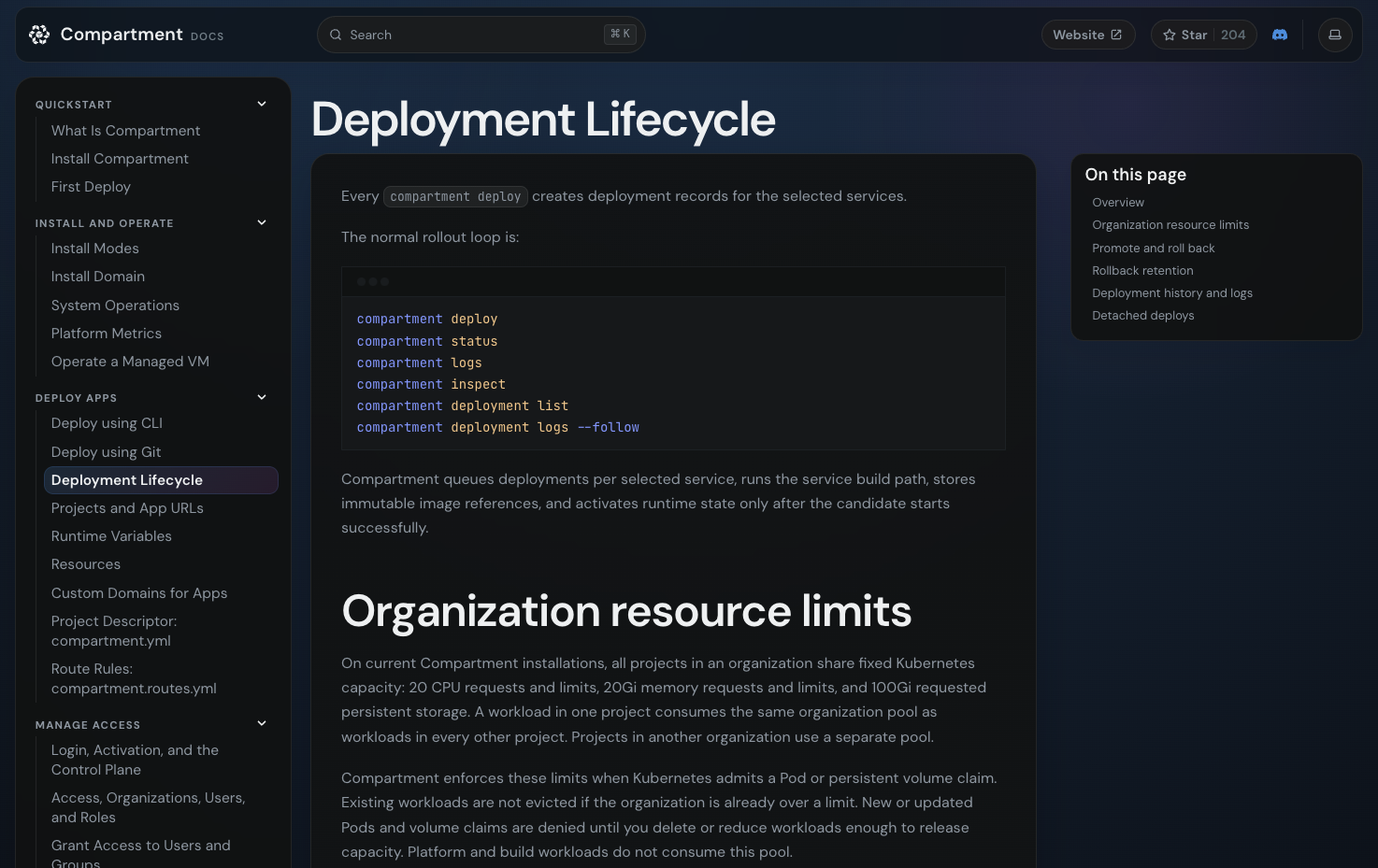
- A small compartment.yml describes each app, then compartment deploy ships it from your checkout, or a connected Git repository deploys by branch. Builds use Docker or Railpack into container images.
- Access Control Built In
- SSO, role-based permissions, and audit logs govern who can open, deploy, and administer every app, so sharing a tool with the team never means bolting on your own auth first.
- Your Cluster, Your Rules
- Install into an existing Kubernetes cluster or let the installer provision a managed single-node host. Workloads stay isolated near your private services, with no managed-platform meter running.
Features
- Repository-first Deploys
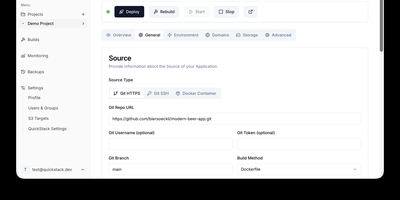
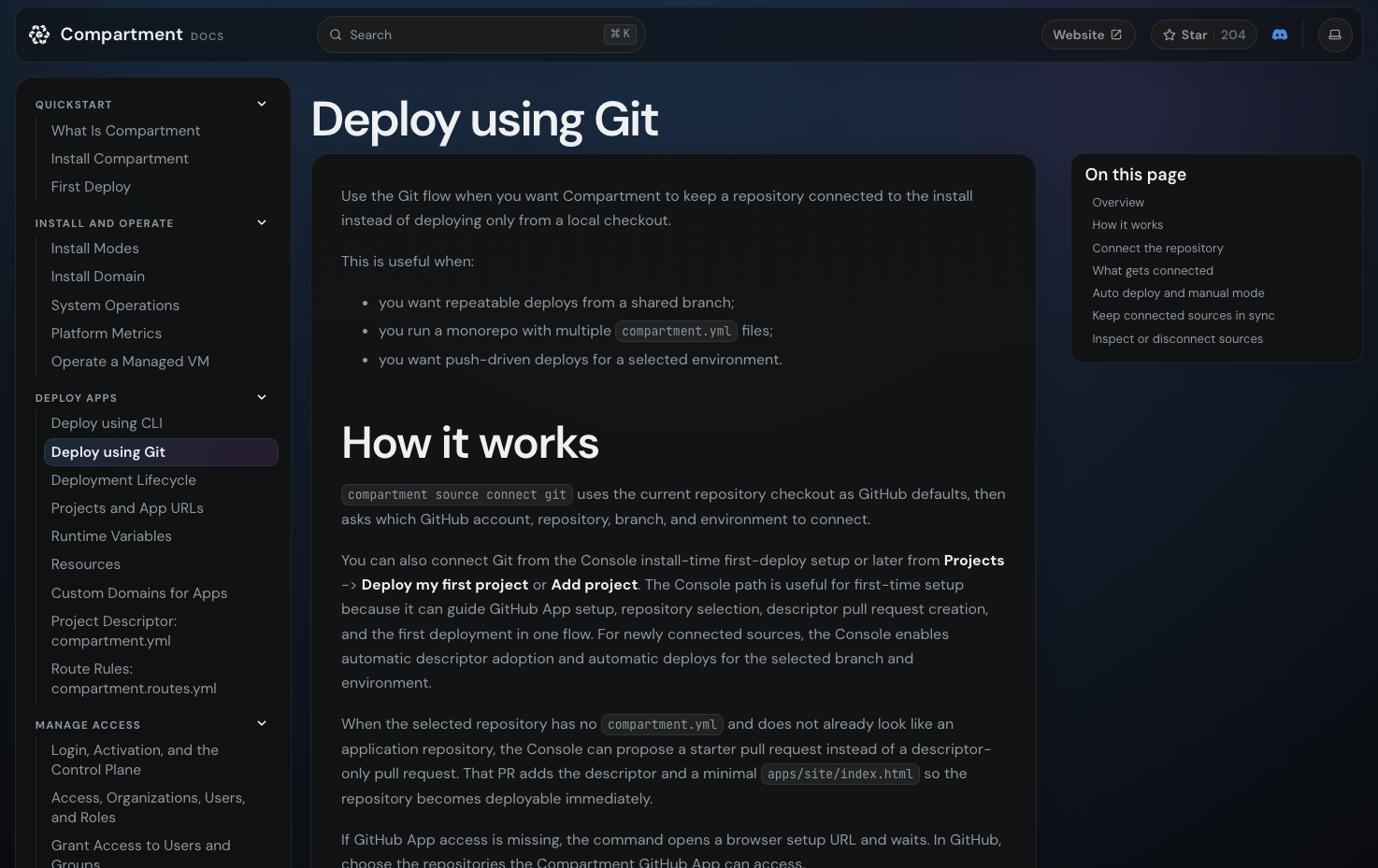
- A compartment.yml descriptor in the repo defines services, then the CLI deploys from a local checkout or a connected Git repository maps branches to environments with optional auto-deploy.
- Single-node or Existing Cluster
- The guided installer preflights Kubernetes and deploys the bundled Helm chart, or provisions a managed single-node host, showing one mutation review before it requests sudo.
- Browser Console Control Plane
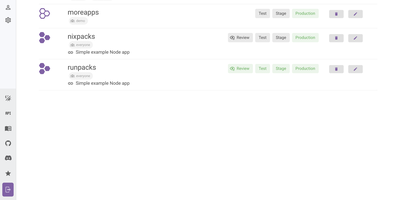
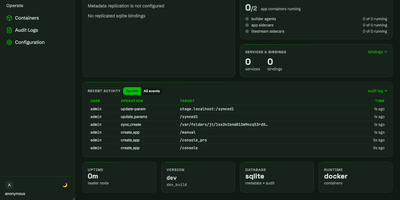
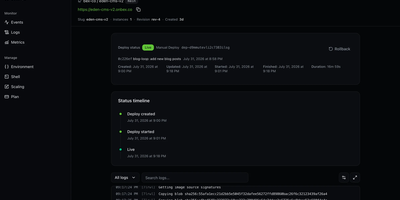
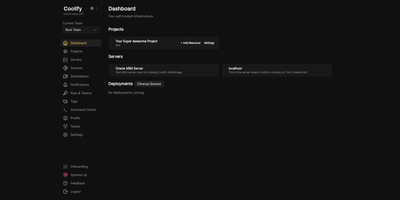
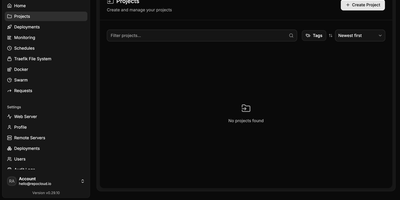
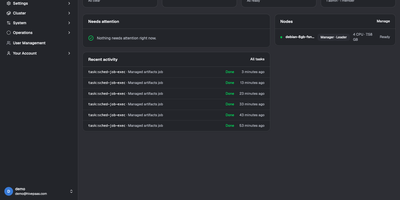
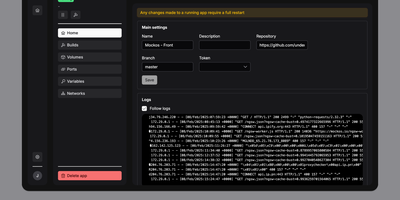
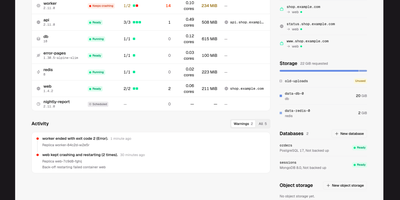
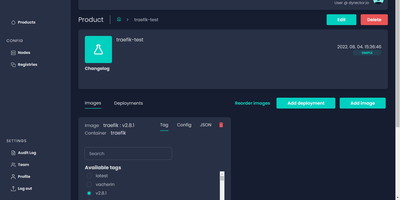
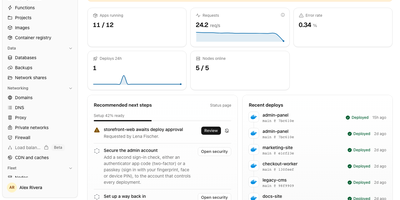
- A self-hosted Console at your install domain covers projects, deployment history, logs, runtime variables, and custom domains, backed by a control-plane API and PostgreSQL.
- SSO, RBAC, Audit Logs
- Organizations, users, groups, and roles control access to every hosted app, with single sign-on and audit logs replacing informal sharing and untracked permission changes.
- Docker and Railpack Builds
- Apps build into container images through Docker or Railpack on BuildKit, so anything that can become an image can usually run under the Compartment model.