Categories
AI Agents MCP Workflow Automation Self-Hosted AI AI Workspace AI Chat Ollama LLM InterfaceStars
Forks
Watchers
Developer links
keinsaas Navigator
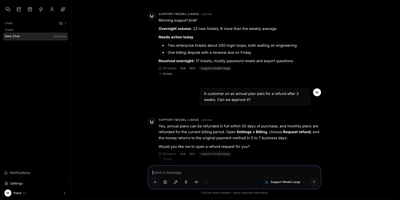
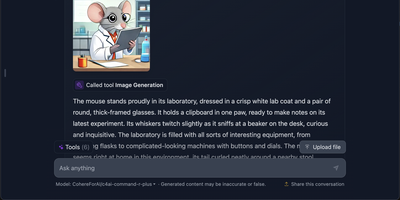
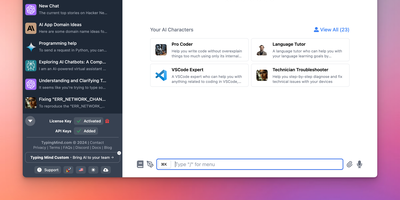
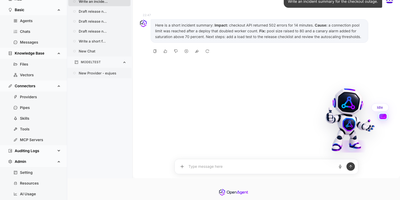
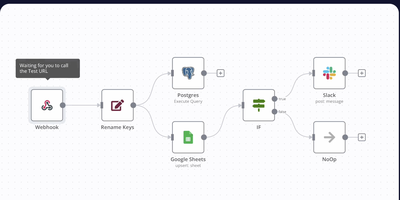
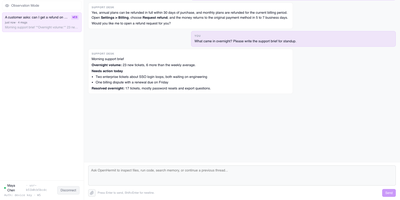
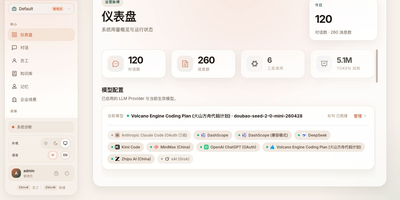
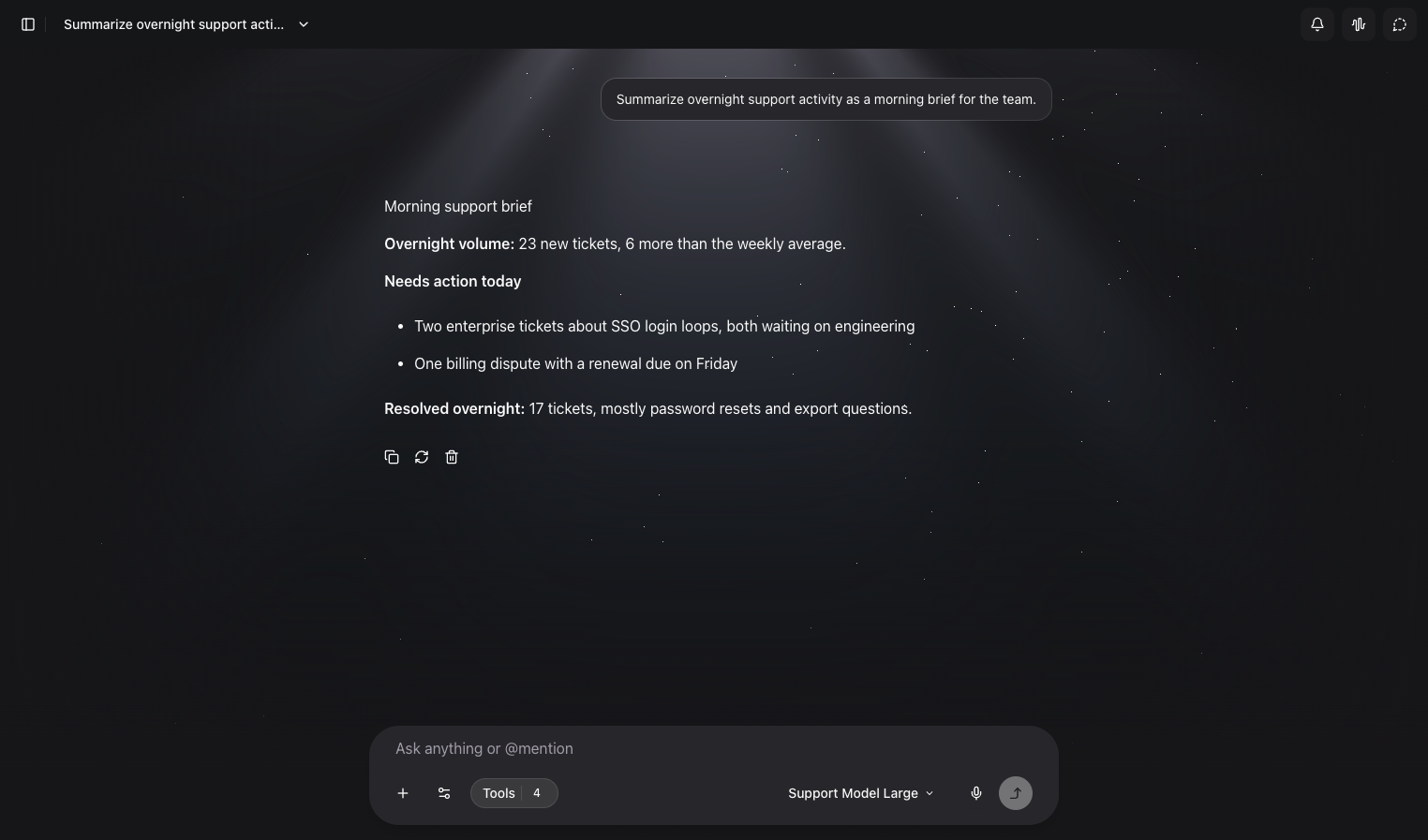
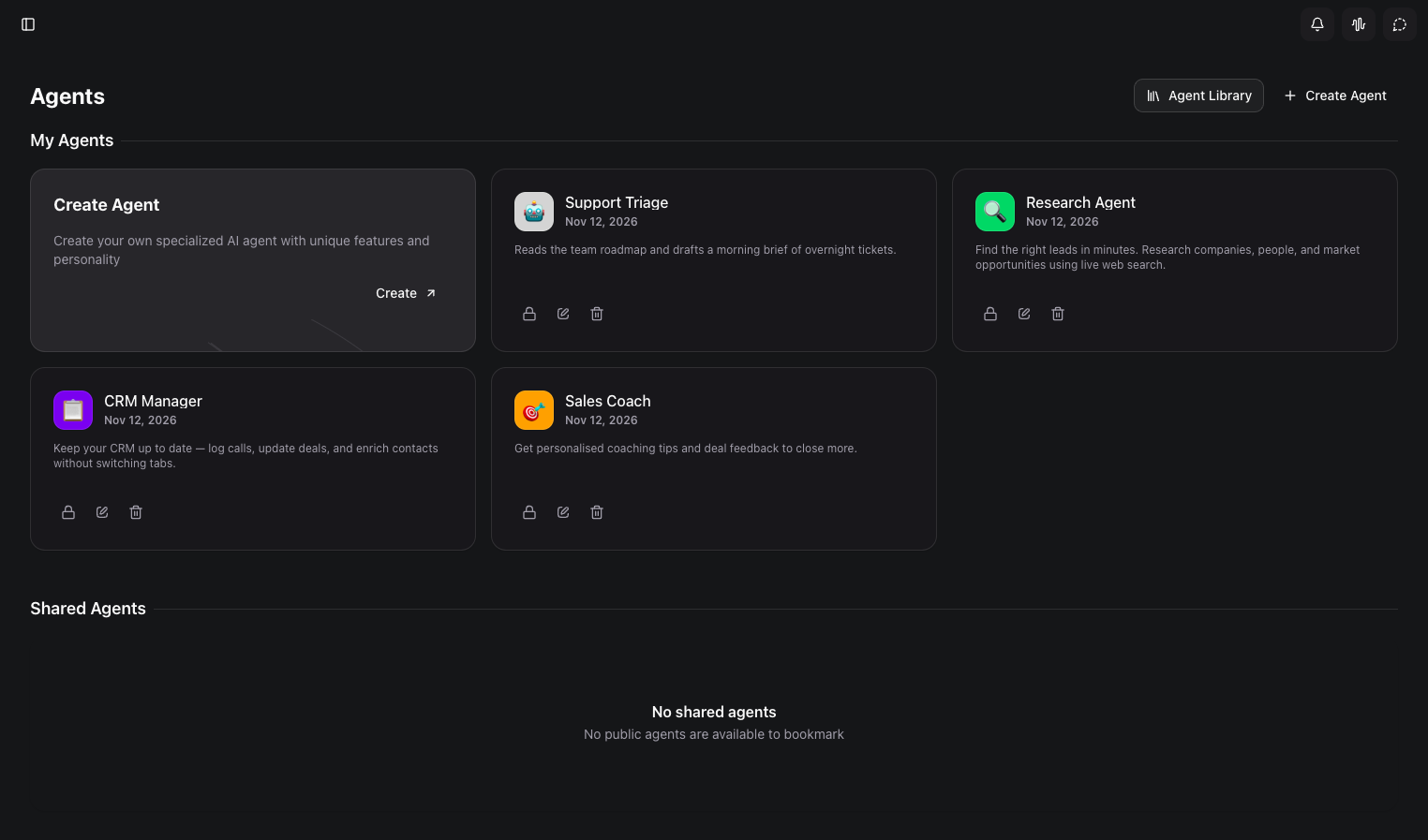
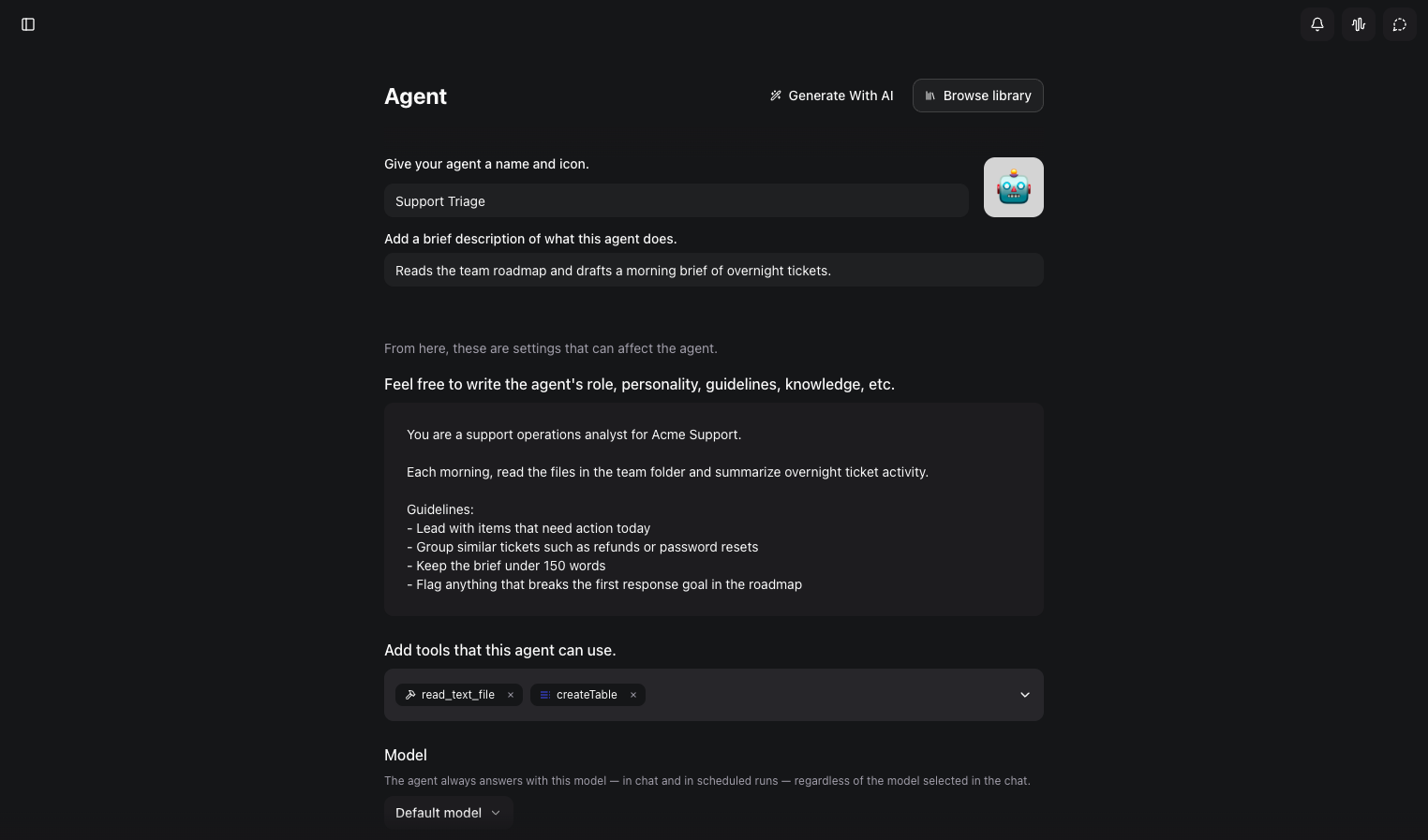
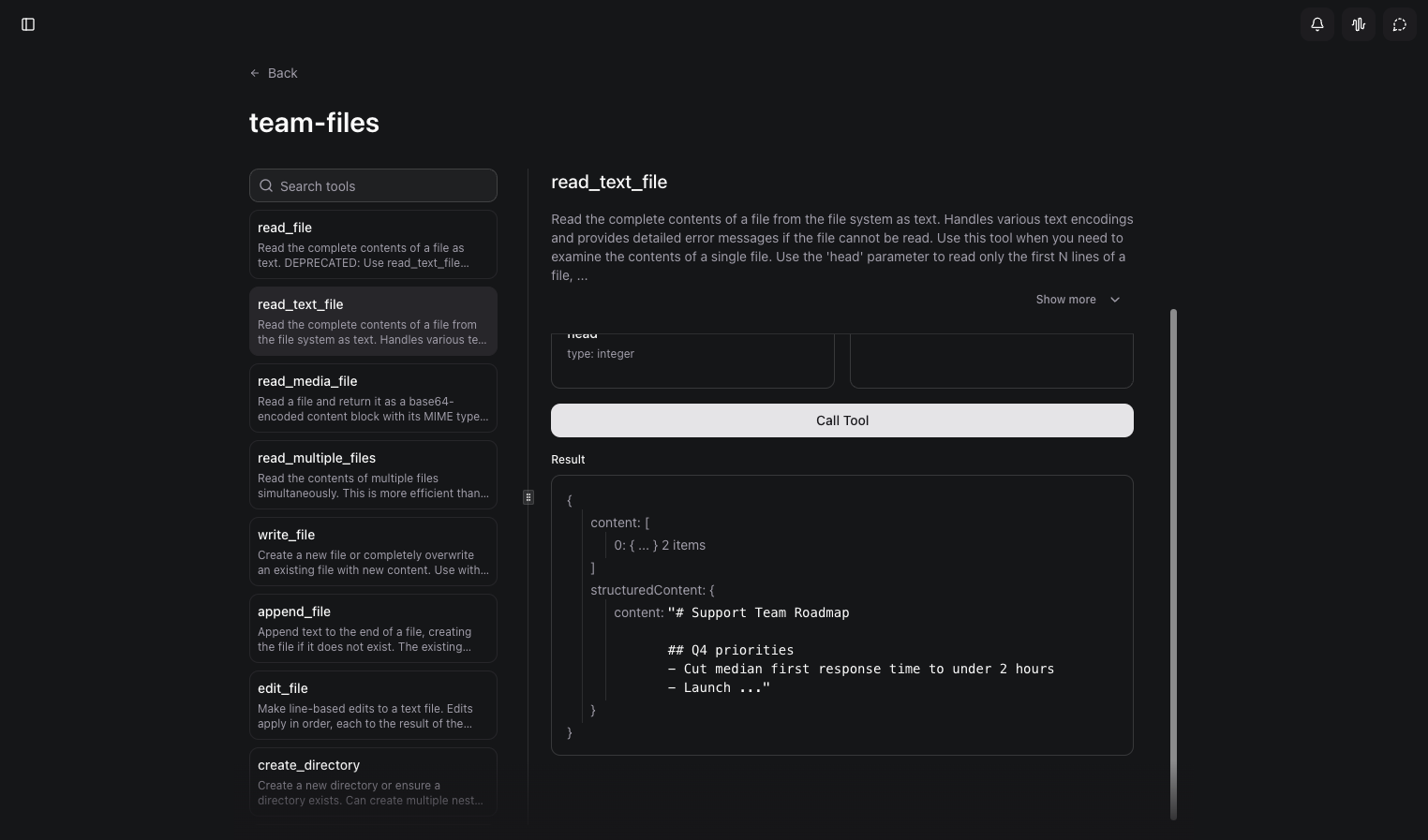
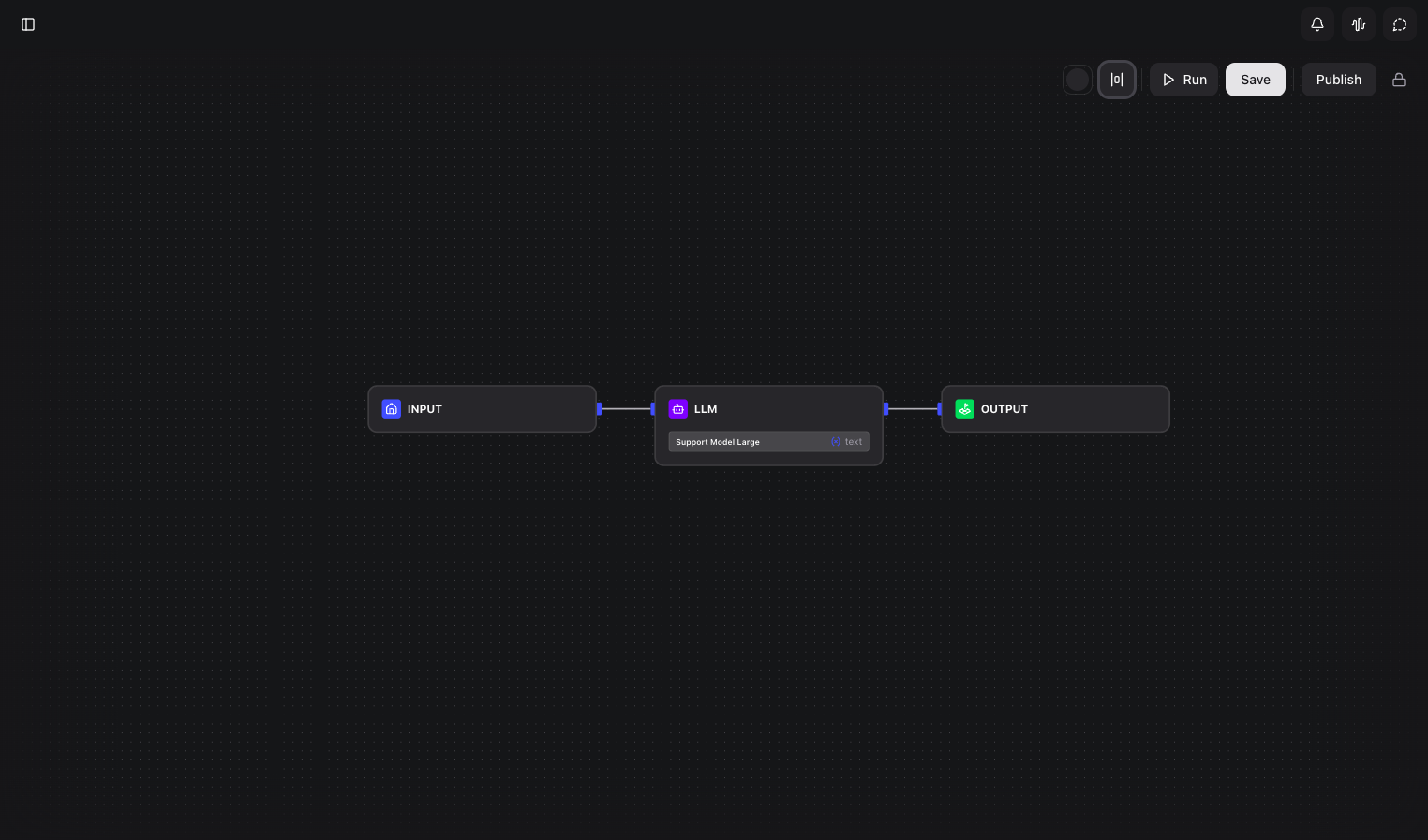
Chat apps, agent builders, workflow tools, and tool servers usually live in four separate products, and keinsaas Navigator folds them into one self-hosted AI workspace. Point it at Ollama, LM Studio, or any OpenAI-compatible endpoint, register the models you want, and pick one for each conversation. Type an at sign in the composer to pull an agent, a workflow, or a tool straight into the message. Agents carry their own role, instructions, model, and tool list, and each one stays private or is shared with the team. The workflow editor connects Input, LLM, Condition, Tool, HTTP, Template, Note, and Output nodes on a canvas, and a published workflow becomes a tool that any chat can call. MCP servers connect over HTTP or local commands, and a built-in tester runs each tool with JSON input before an agent depends on it. Projects keep shared documents and memory with vector search. Agents can run on a schedule for recurring jobs like morning briefs. Teams get accounts and sharing, and the first person to sign up becomes the administrator. A support desk copilot, a private assistant, or a prototype for the next automation all start from the same screen. Running on a dedicated VPS on RepoCloud with guaranteed CPU, RAM, and SSD, full root SSH access, and a browser serial console. MIT licensed.
Benefits
- Own Your AI Workspace
- Chats, agents, and workflows live on a server you control, and local model endpoints keep prompts off third-party clouds when privacy matters most.
- Connect Any Model Endpoint
- Register Ollama, LM Studio, or any OpenAI-compatible base URL, then choose a model per conversation without changing tools or retraining your team.
- Automate Without Writing Code
- Drag workflow nodes onto a canvas, publish the result as a tool, and let agents or teammates run it from chat whenever the job comes up.
- Share Agents With Your Team
- Build an agent once with its instructions and tools, then keep it private or share it so everyone gets the same reliable assistant.
Features
- Chat With Tool Calling
- Mention agents, workflows, and tools from the composer, so a single conversation can read files, call services, and return a formatted answer.
- Custom Agents
- Define a role, instructions, default model, and tool list for each agent, and attach a schedule so recurring work runs on its own.
- Visual Workflow Builder
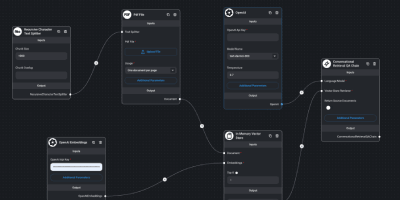
- Connect Input, LLM, Condition, Tool, HTTP, Template, and Output nodes on a canvas, test the run, then publish it as a reusable tool.
- MCP Tool Servers
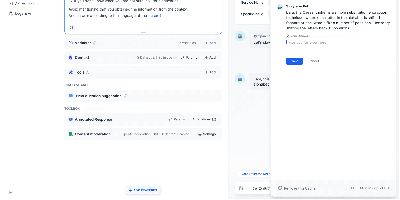
- Add servers over HTTP or local commands, browse every tool they expose, and call each one with test JSON before handing it to an agent.
- Project Knowledge
- Keep shared documents and memory in projects, with vector search over uploads so answers can draw on your own material.
- Team Accounts
- Sign up the first user as administrator, add teammates, and choose which agents and workflows stay private or are shared.