Stars
Forks
Watchers
Developer links
Chat UI
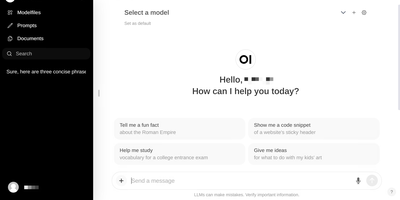
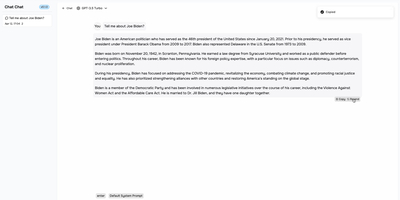
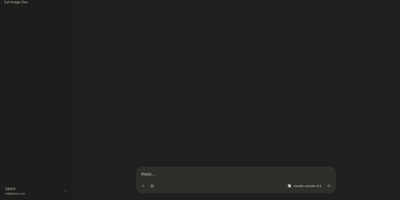
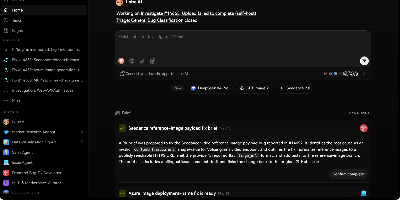
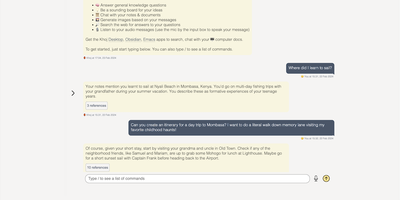
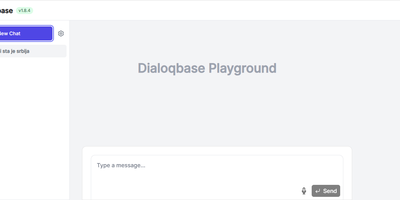
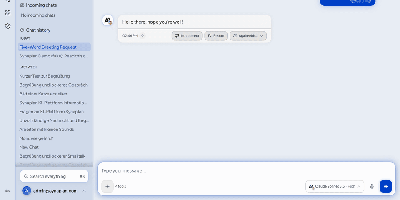
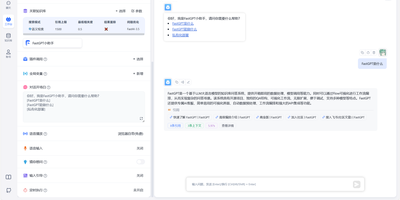
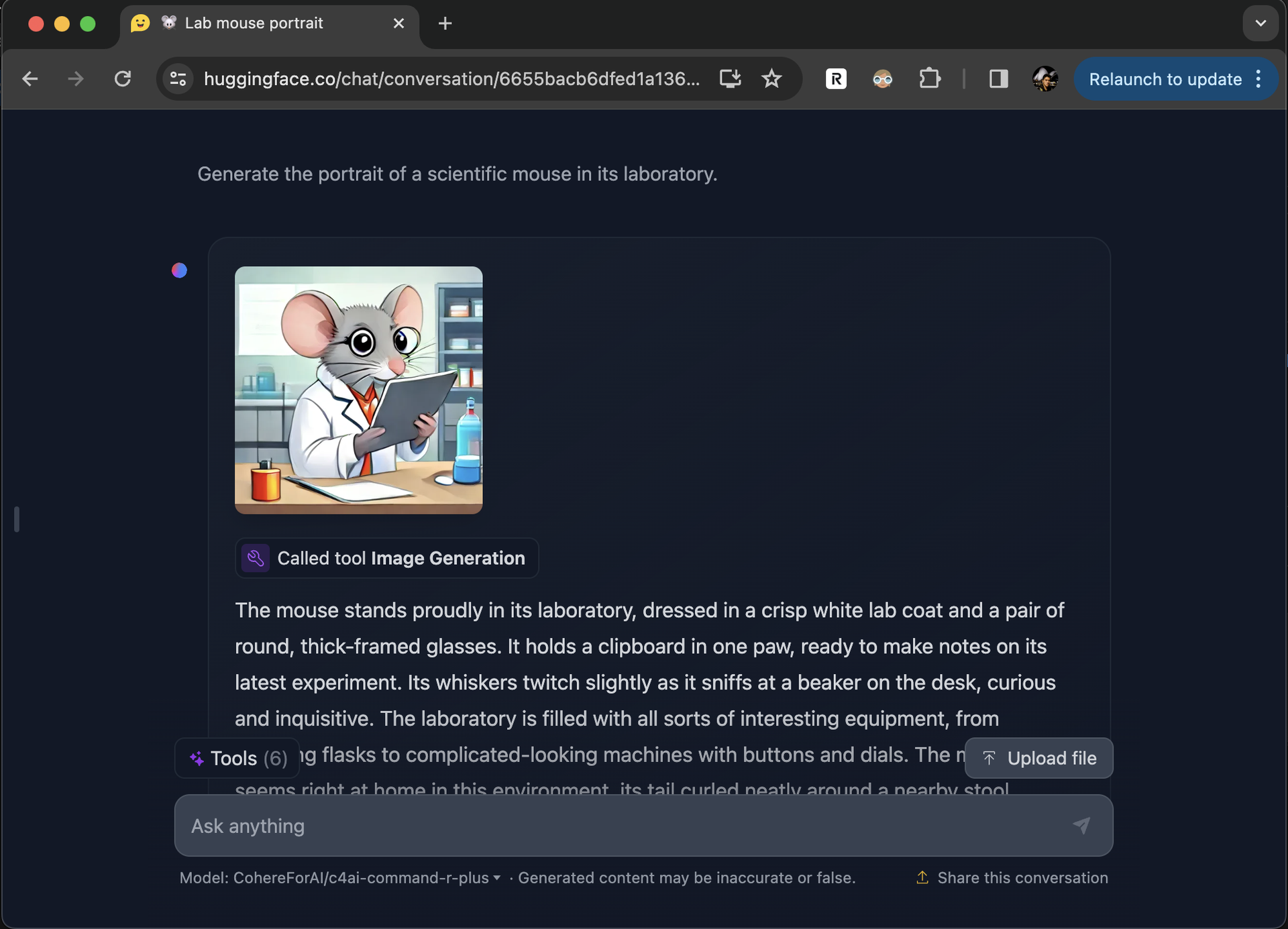
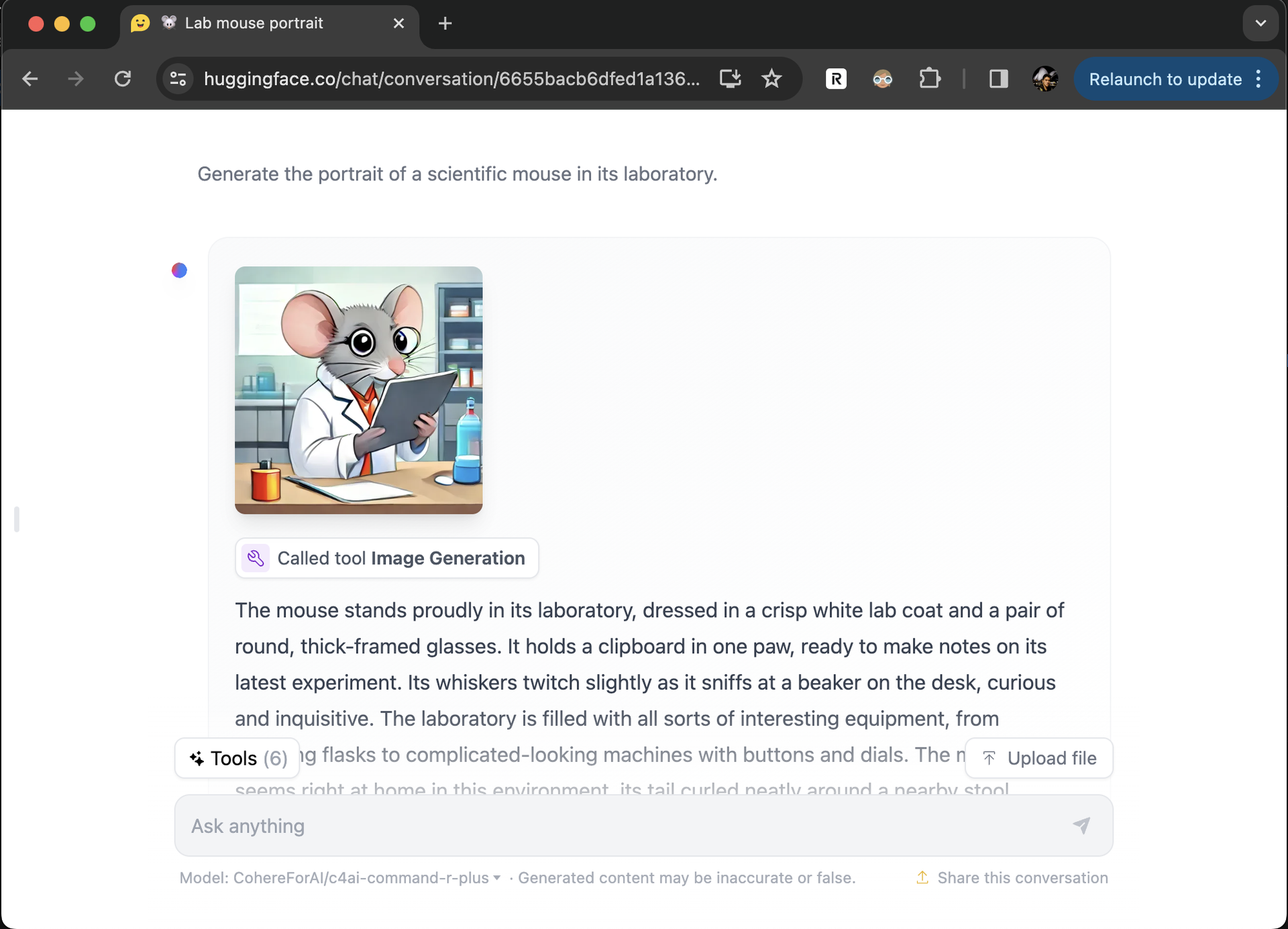
Self-hosting a language model is only half the job; people still need somewhere pleasant to talk to it, and Chat UI is that window, the same interface that powers HuggingChat. Point it at any OpenAI-compatible endpoint, your own Ollama or llama.cpp server, the Hugging Face router, or a hosted gateway like OpenRouter, and the models it serves appear in the picker automatically, with no per-model configuration. Conversations are saved to your database and stay browsable in the sidebar, so a thread from last week can be reopened, continued, and compared against a fresh answer from another model. Multimodal models accept image uploads right in the composer, and models that support it can call MCP tools mid-conversation to fetch data or run actions. For a shared team deployment, OpenID Connect sign-in keeps individual histories and settings separate, and per-user defaults travel with each account. Everything a consumer chatbot would keep on someone else's servers, prompts, uploaded files, and usage history, stays in the MongoDB you control on the same machine. Running on a dedicated VPS on RepoCloud with guaranteed CPU, RAM, and SSD, full root SSH access, and a browser serial console. Apache-2.0 licensed.
Benefits
- Any Endpoint, One Interface
- Connect Ollama, llama.cpp, the Hugging Face router, OpenRouter, or any OpenAI-compatible API, and switch providers without retraining your team on a new chat tool.
- Models Appear Automatically
- Chat UI reads the endpoint's model list and fills the picker for you, so adding or swapping a model on the server needs no configuration change in the interface.
- History Stays Yours
- Every conversation, uploaded file, and user setting is stored in your own MongoDB, keeping prompts and documents off consumer chatbot services and under your retention policy.
- Team Ready Sign-In
- OpenID Connect authentication gives each person their own history and defaults on a shared instance, so one deployment can serve a whole team without mixing conversations.
Features
- Automatic Model Discovery
- Models are read from the endpoint's /models route and listed in the picker, with optional overrides for names, multimodal support, tool calling, and generation parameters.
- Image Uploads In Chat
- Multimodal models accept image uploads directly in the composer, so diagrams, screenshots, and documents can join the conversation alongside text prompts.
- MCP Tool Calling
- Models that support it can invoke MCP tools during a conversation, fetching live data or performing actions instead of answering from memory alone.
- Persistent Conversation History
- Chats, users, settings, files, and statistics are stored in MongoDB, with an embedded database for trials and a bundled-MongoDB Docker image for quick starts.
- OpenID Connect Login
- Shared deployments can require OpenID Connect sign-in, separating each user's conversations and settings behind your existing identity provider.