Categories
Self-Hosted Developer Tools Productivity File Sharing Utilities Cloud Storage File Transfer StorageStars
Forks
Watchers
Developer links
Transfer.sh
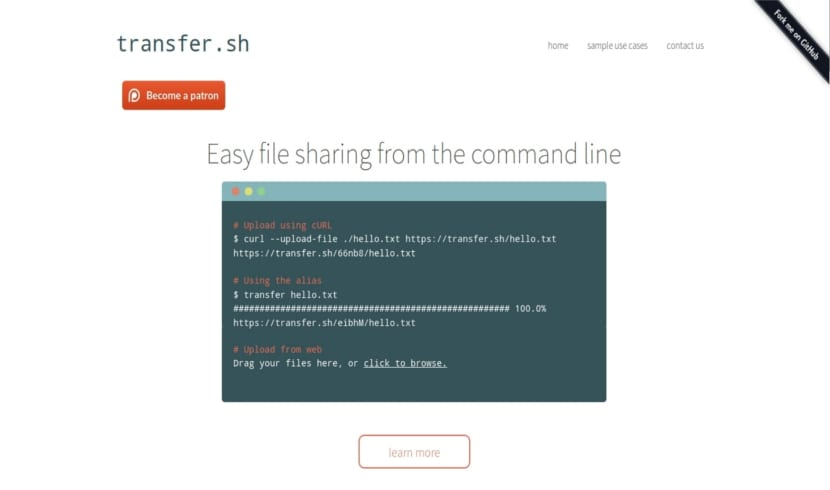
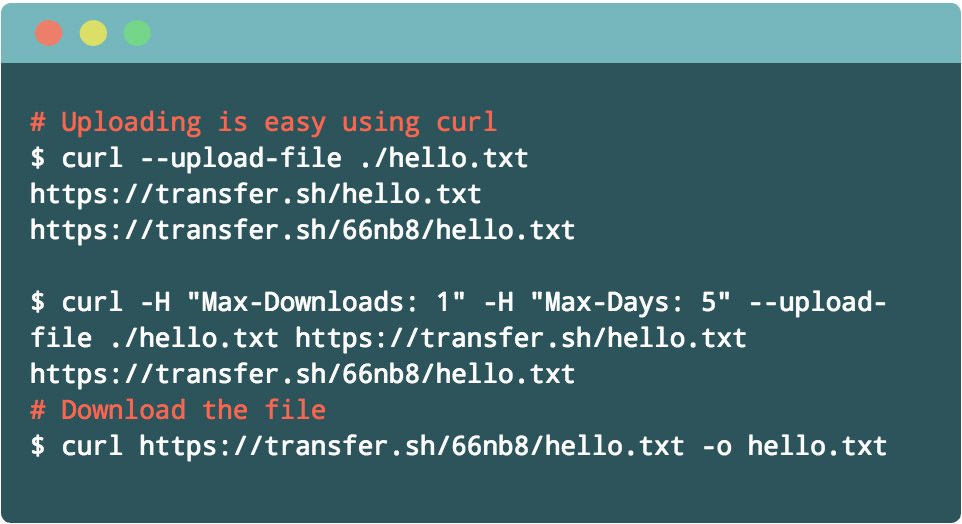
Transfer.sh is a file sharing service you host yourself, where sending a file to anyone is one curl command and receiving it is one link. Upload from the terminal with a plain PUT request or drop files into the web front end, then share the returned address with teammates, clients, or your future self on another machine. Every upload can carry its own expiry rules: cap the number of downloads, set the number of days before deletion, and let the automatic purge clean up what nobody needs anymore. A private delete link travels back with each upload, so the sender can pull a file down early without asking an administrator. Passwords can encrypt content on the server with AES256 before storage, and command line users can encrypt locally with GPG before anything leaves their machine. Uploads can be scanned through VirusTotal or a local ClamAV daemon before they are shared, which suits support desks trading log bundles and installers with people outside the company. Storage is your choice: a folder on the server disk, an S3 bucket including MinIO and other S3 compatible stores, Google Drive, or Storj, picked by configuration rather than code changes. Basic authentication, rate limiting, and automatic HTTPS through Let's Encrypt round out a service that runs as one small container on port 8080. Running on a dedicated VPS on RepoCloud with guaranteed CPU, RAM, and SSD, full root SSH access, and a browser serial console. MIT licensed.
Benefits
- One Command To Share
- A curl PUT uploads the file and prints the link, so scripts, servers, and terminals share artifacts without accounts, sync folders, or email attachment limits getting in the way.
- Files Expire On Schedule
- Download caps, day limits, and automatic purging mean shared files disappear when their job is done instead of accumulating forever on a public link someone forwarded last year.
- Storage Where You Want It
- Keep uploads on the local disk for small teams, or point the same service at S3, MinIO, Google Drive, or Storj when volume grows beyond one server.
- Scans And Encryption Built In
- ClamAV pre-scans and VirusTotal checks vet incoming files, and AES256 password encryption protects content at rest, which helps when bundles cross company boundaries.
Features
- Command Line Uploads
- Upload with curl --upload-file and download with a normal GET, with headers controlling maximum downloads, retention days, and server-side AES256 encryption passwords.
- Web Front End
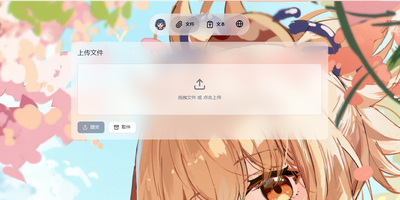
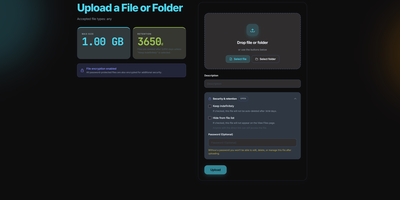
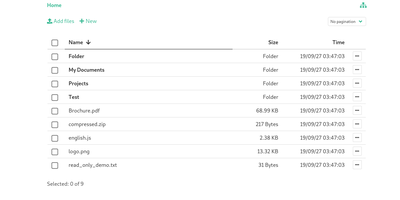
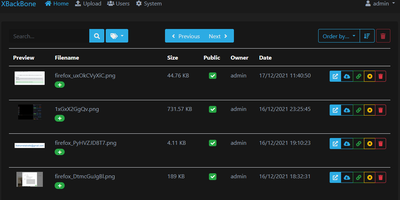
- A browser interface accepts drag and drop uploads for people who never open a terminal, returning the same shareable links and delete tokens.
- Four Storage Providers
- Store files on the local file system, Amazon S3 or compatible stores, Google Drive, or Storj, selected by flags or environment variables at startup.
- Automatic Purge And Limits
- Configure purge days and interval, maximum upload size, and per-minute rate limits, so the service cleans itself and resists abuse unattended.
- Malware Scanning Options
- Send uploads to VirusTotal with an API key or pre-scan locally through a ClamAV daemon socket before files become downloadable by recipients.
- TLS And Access Controls
- Built-in Let's Encrypt certificates, HTTPS redirection, HTTP basic authentication, and IP allow and block lists protect uploads on the public internet.