Categories
Self-Hosted Content Management CMS PHP Website Builder Publishing Blogging Platform Multi-User PublishingStars
Forks
Watchers
Developer links
Textpattern
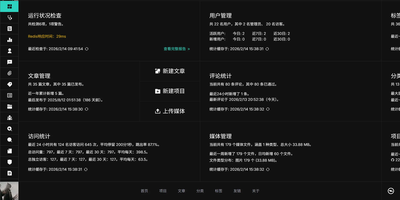
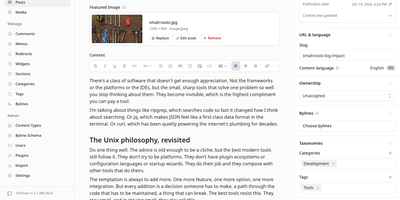
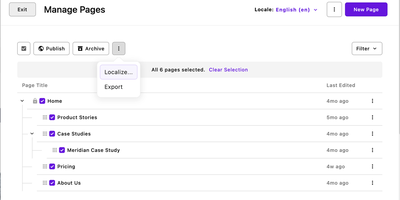
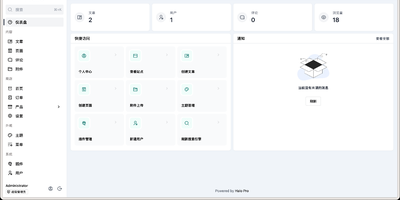
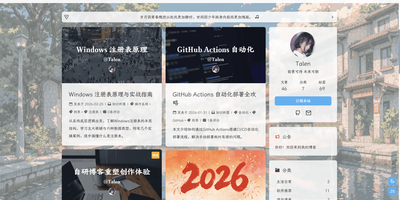
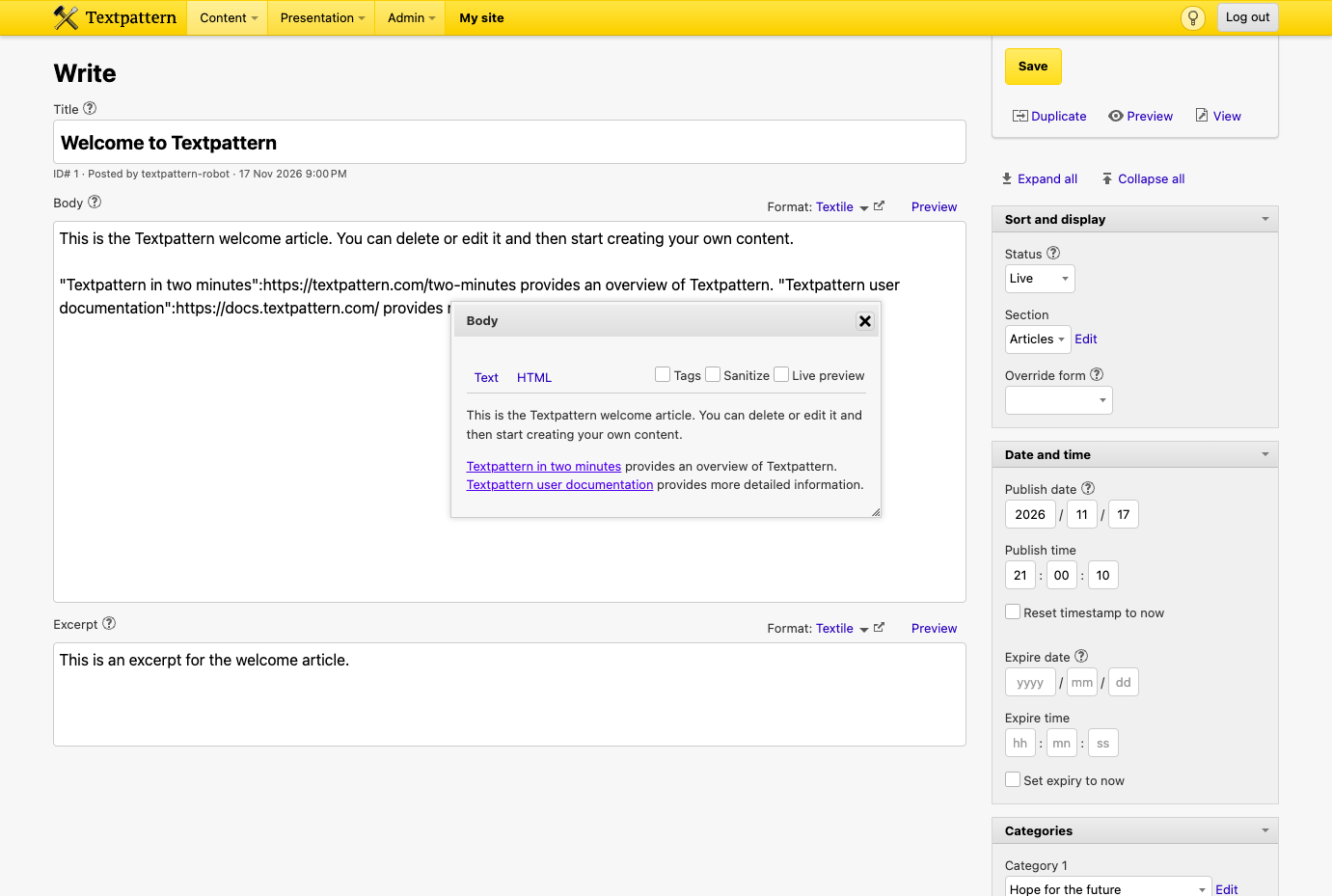
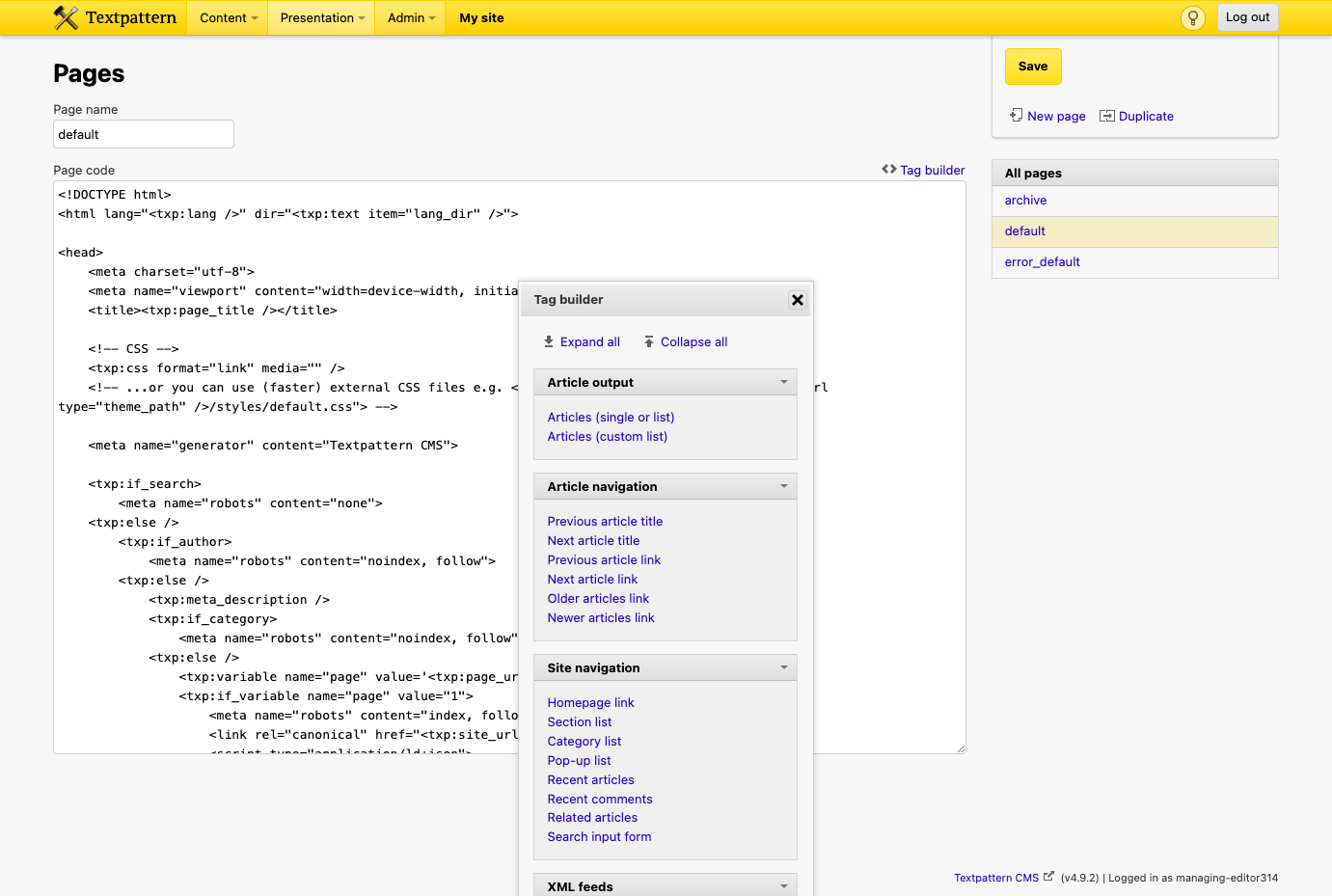
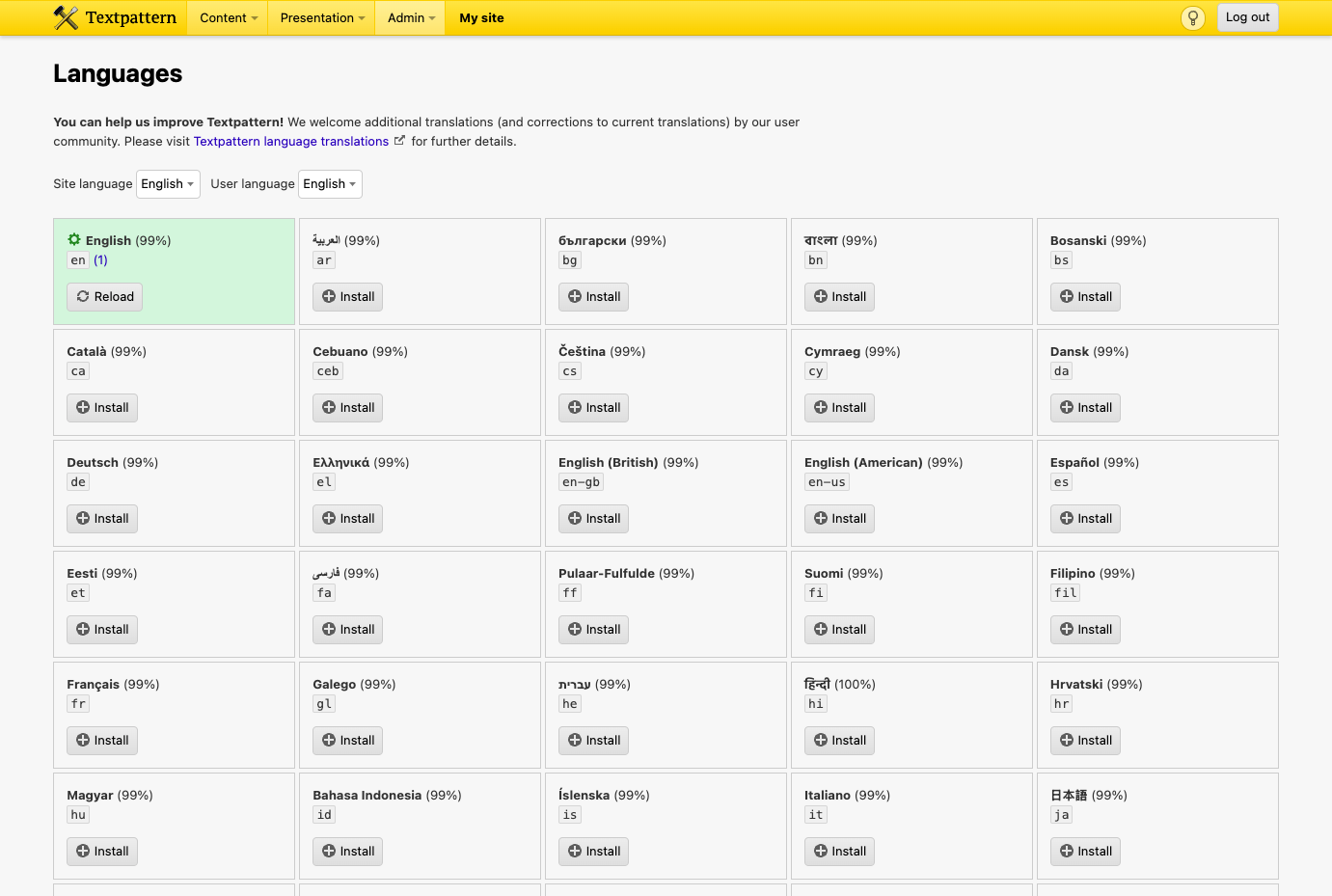
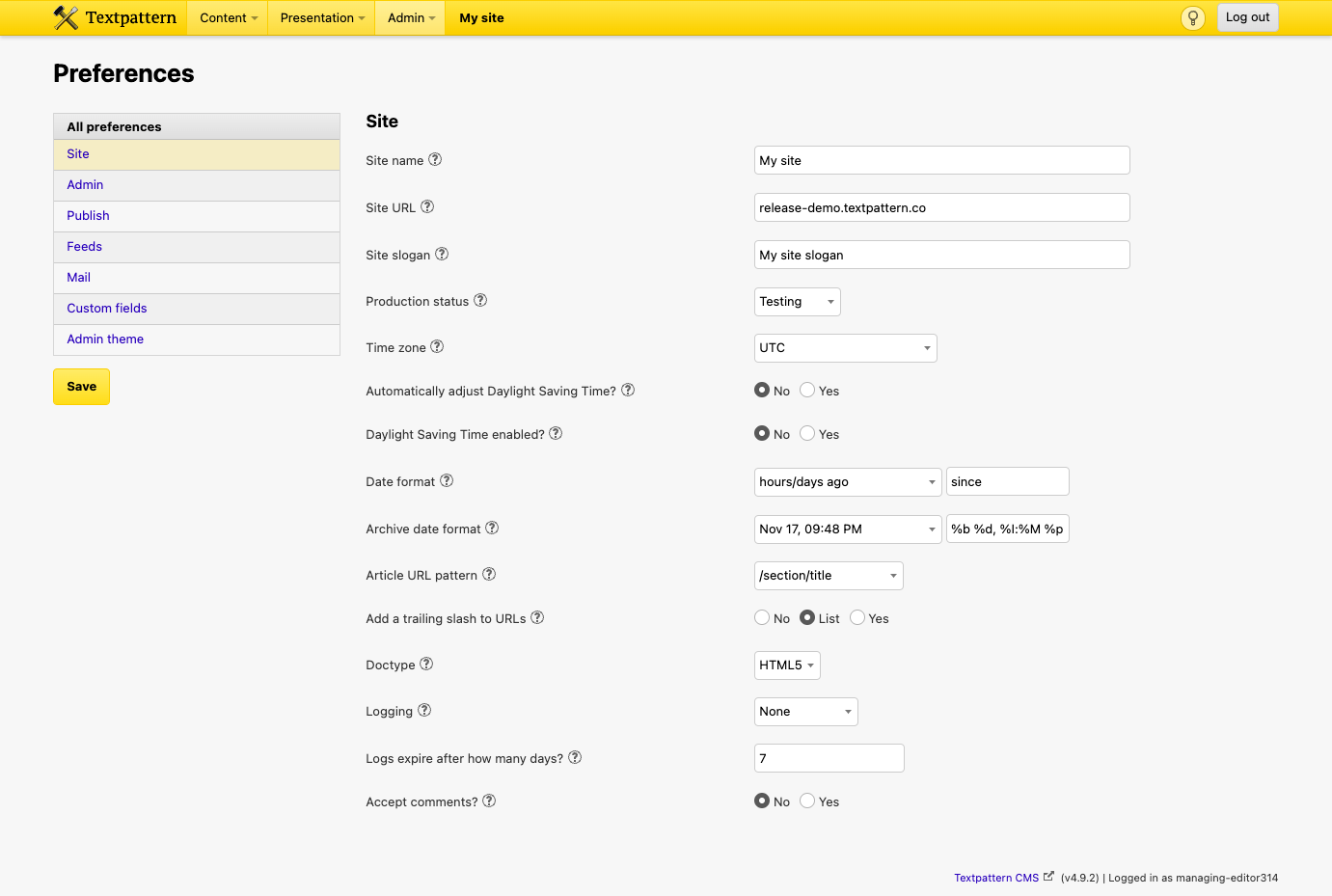
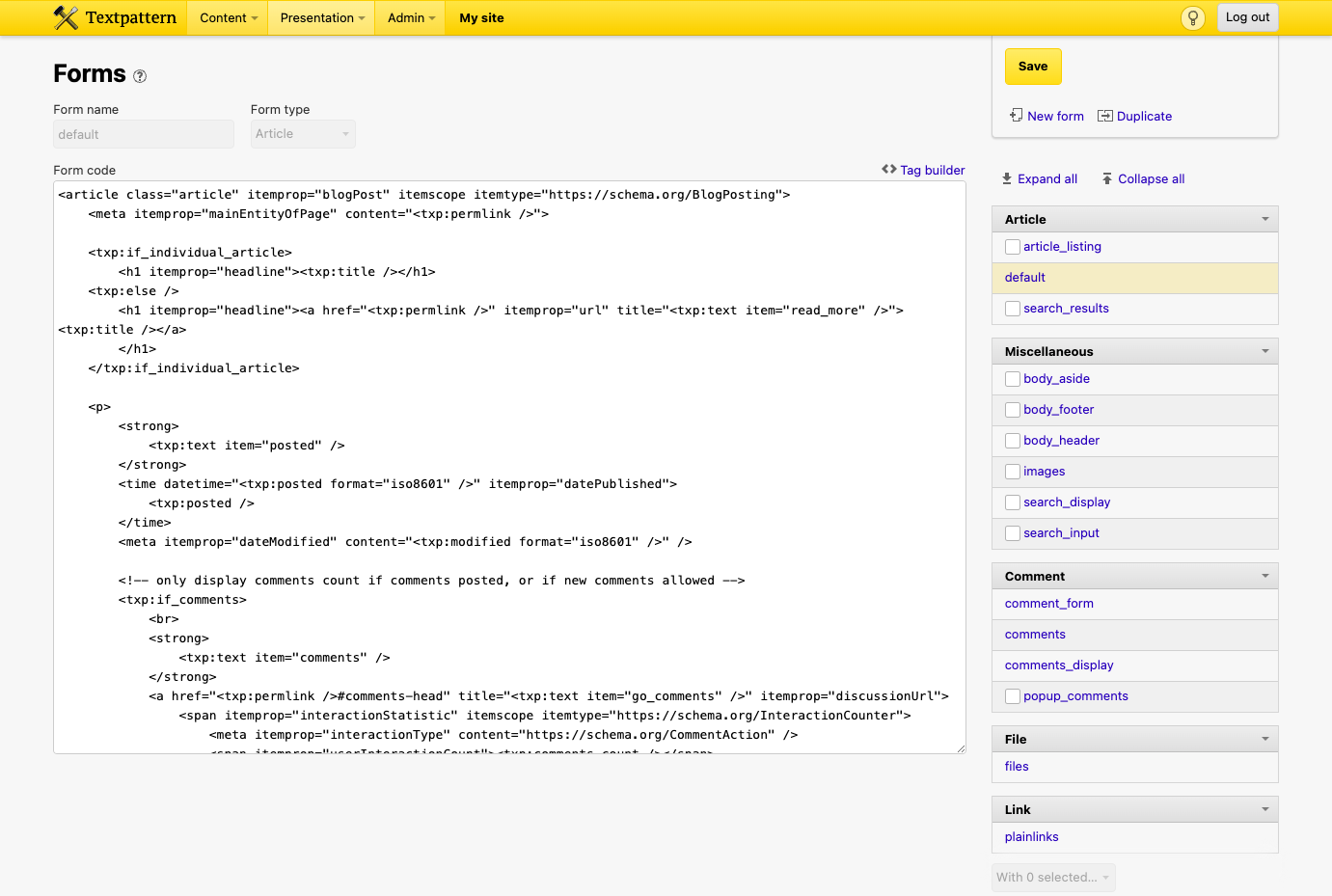
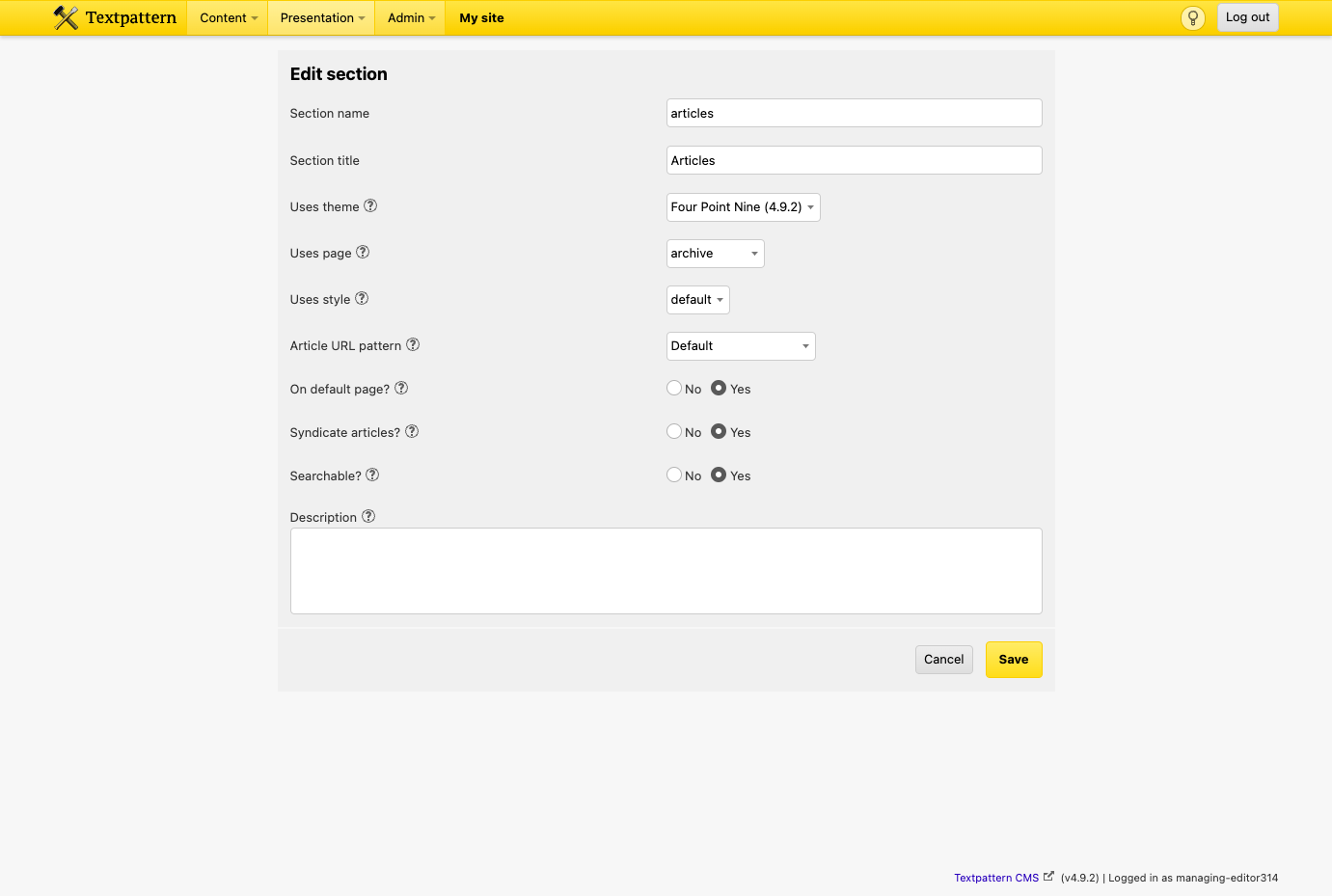
Writers who want to keep their markup in their own hands publish blogs, magazines, portfolios, and company sites with Textpattern, a lightweight open-source CMS driven by a readable tag-based template language. An author fills Title, Body, and Excerpt in the Write panel, flips between Text, HTML, and Preview tabs, formats with Textile or plain HTML, and files each piece under a section with up to two categories and a URL-only title for a clean permalink. Draft, Pending, Hidden, Live, and Sticky statuses track where a piece stands, publish and expire dates schedule its arrival and departure, and freelancers submit work as Pending for review before anything goes live. Six built-in roles (Publisher, Managing Editor, Copy Editor, Staff Writer, Freelancer, and Designer) limit each account to the panels it needs. Designers edit page templates, form templates, and stylesheets in the browser and reshape the markup without touching the server. Custom fields, an article image, and per-article form overrides make one setup work as a photoblog, a portfolio, or a news site. The Images panel creates thumbnails and stores captions and alternate text once for every place a picture appears. Plugins extend the editor and admin area, admin themes restyle the back end, the interface is translated into over 50 languages, and one codebase can power several websites, each with its own theme and admin login. Running on a dedicated VPS on RepoCloud with guaranteed CPU, RAM, and SSD, full root SSH access, and a browser serial console. GPL-2.0 licensed.
Benefits
- Your Markup, Your Rules
- Page and form templates output the HTML you write without adding code dependencies or script libraries of their own, so the front end stays exactly as you designed it.
- Editorial Workflow With Real Roles
- Publisher, Managing Editor, Copy Editor, Staff Writer, Freelancer, and Designer roles limit each account to the panels it needs, and Pending status lets freelancers submit articles for review before anything goes live.
- Schedule and Expire Articles Automatically
- A future publish date releases a live article by itself, and an expire date removes it from the article flow, while expire tags can keep it reachable by permalink or archive.
- Run Several Sites From One Install
- A multi-site installation powers multiple websites from one Textpattern codebase, each with its own theme and separate admin login, so updates and maintenance happen once instead of per site.
Features
- Tag-Based Templates
- Page and form templates use tags such as txp:article, txp:title, txp:body, and txp:excerpt, plus conditional tags like txp:if_article_list, in long or short-form notation.
- Textile and HTML Editing
- The Write panel offers Text, HTML, and Preview tabs with Textile as the default text filter, a leave-text-untouched option, and Markdown support through a plugin.
- Sections, Categories, Custom Fields
- Every article belongs to one section and up to two categories, and can carry custom fields, an article image, and a URL-only title for clean permalinks.
- Image and Thumbnail Management
- The Images panel uploads files, generates thumbnails with optional cropping, stores captions and alternate text centrally, and builds image tags in Textile, Textpattern tag, or HTML form.
- Plugins and Admin Themes
- Hundreds of plugins add features and extension panels, and custom administration themes restyle the back end, with site-specific plugins and themes kept in each site's admin directory.
- Multi-Site Installs
- One installation can power several websites through per-site admin, private, and public directories, subdomains, and symlinks, each site keeping its own theme and admin login.