Categories
Self-Hosted Analytics AI Tools Webhooks Form Builder Data Collection Typeform Alternative Survey PlatformStars
Forks
Watchers
Developer links
TDuck
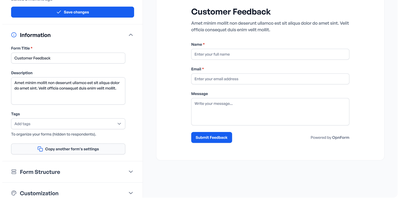
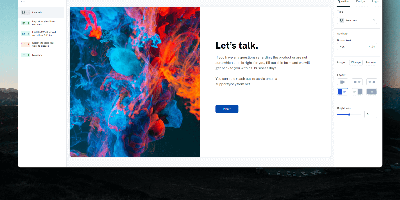
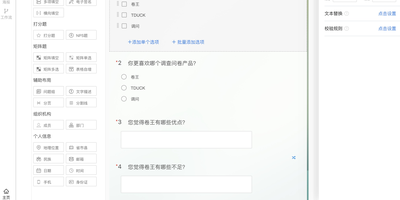
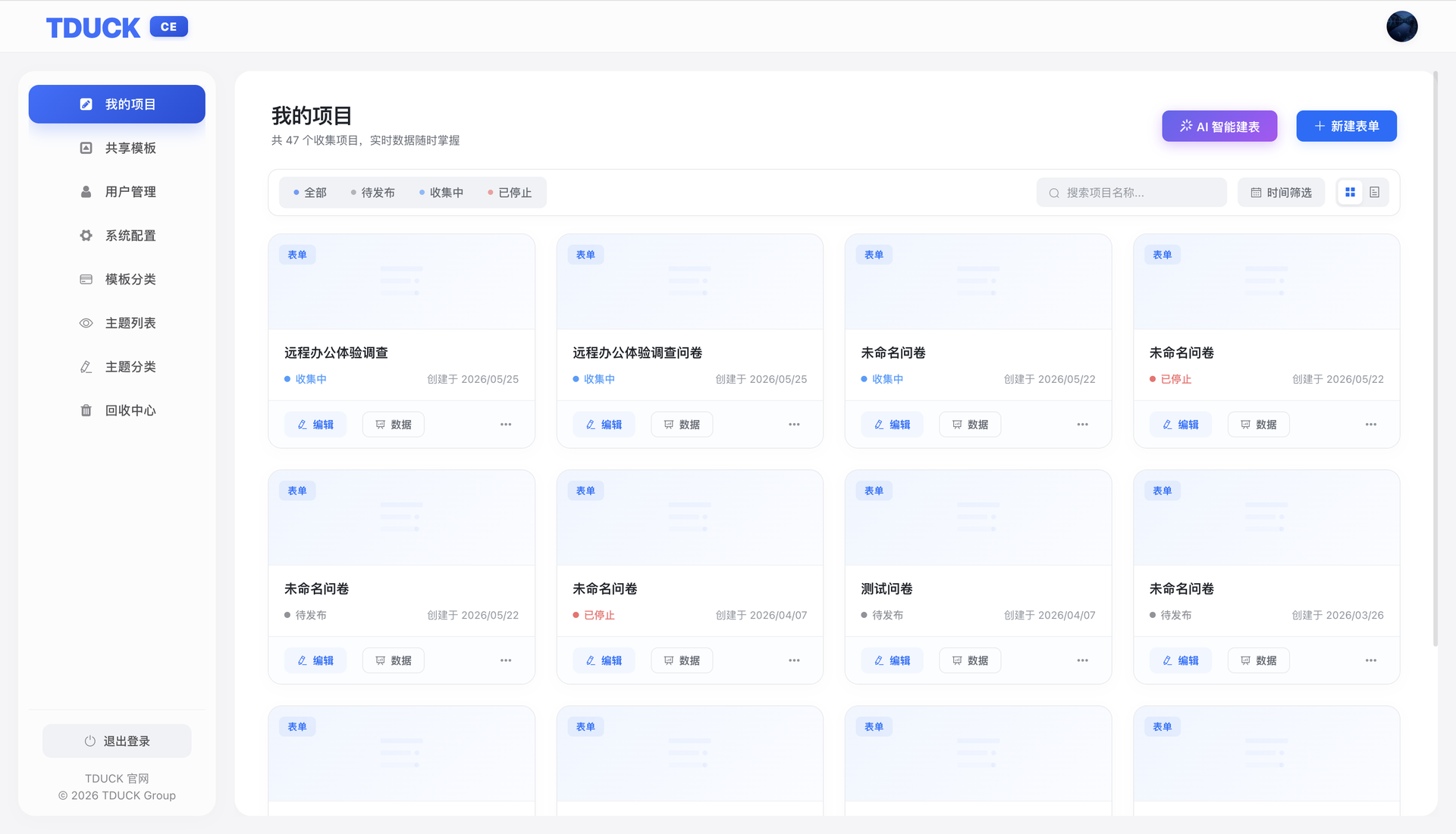
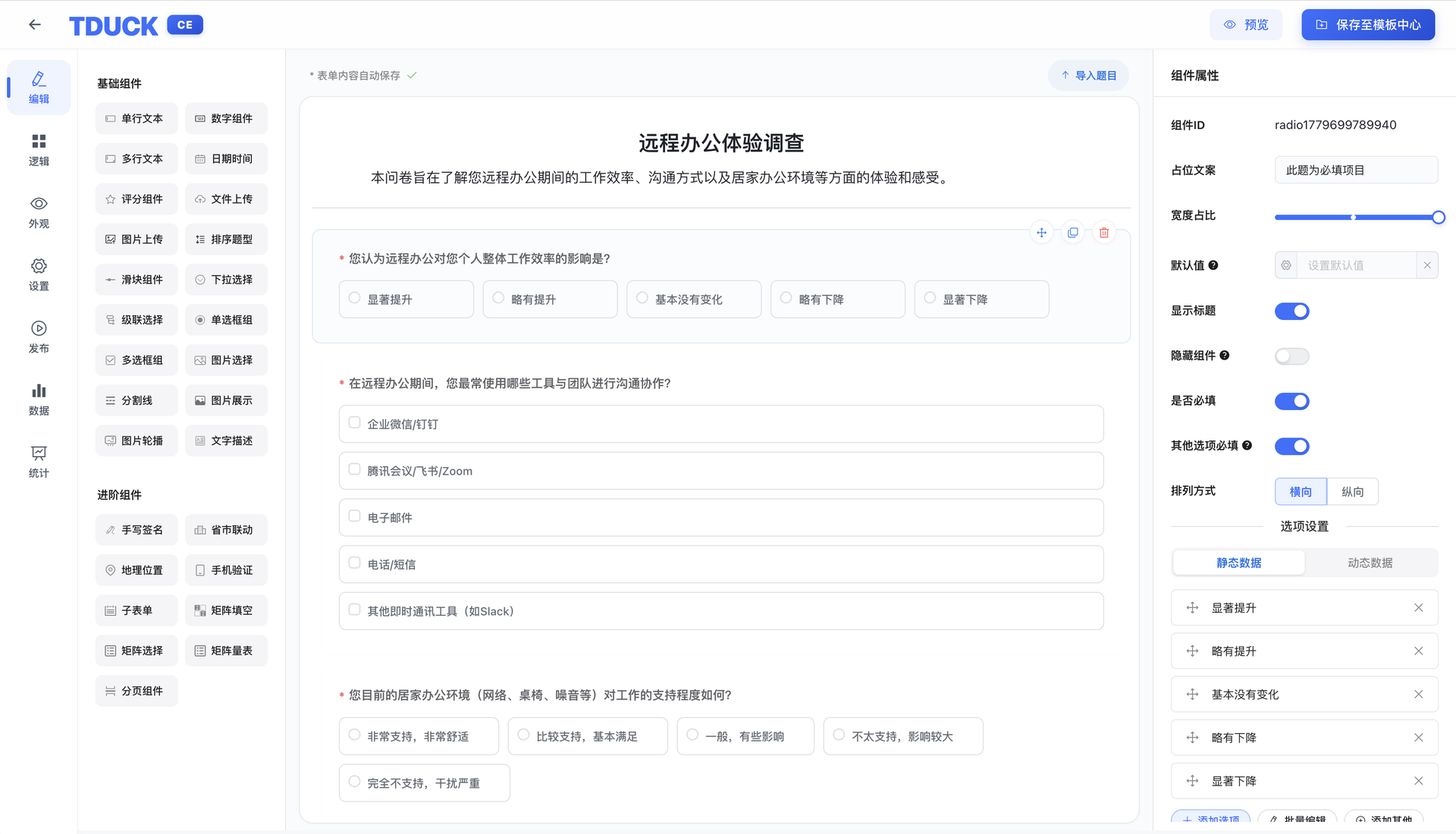
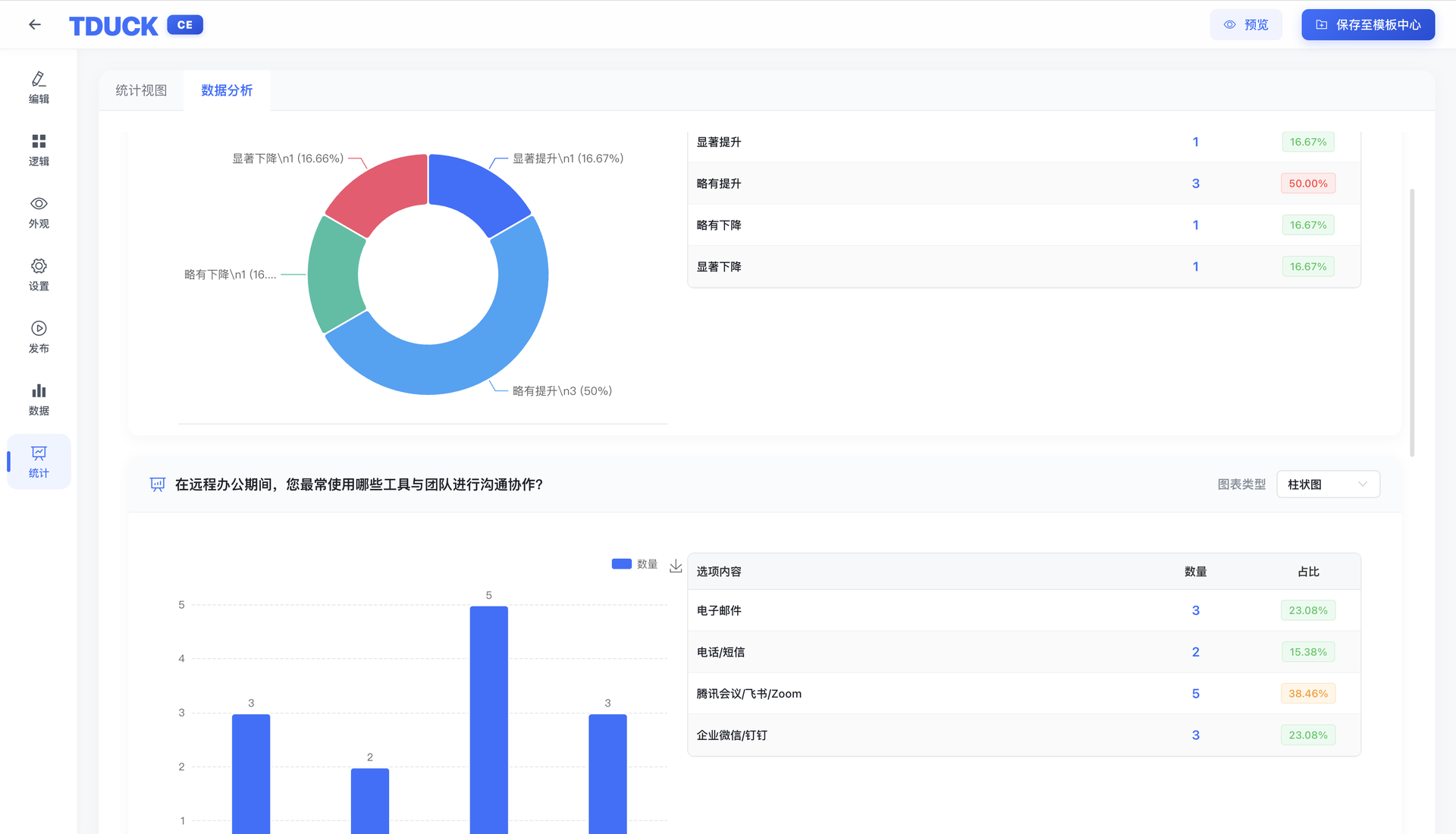
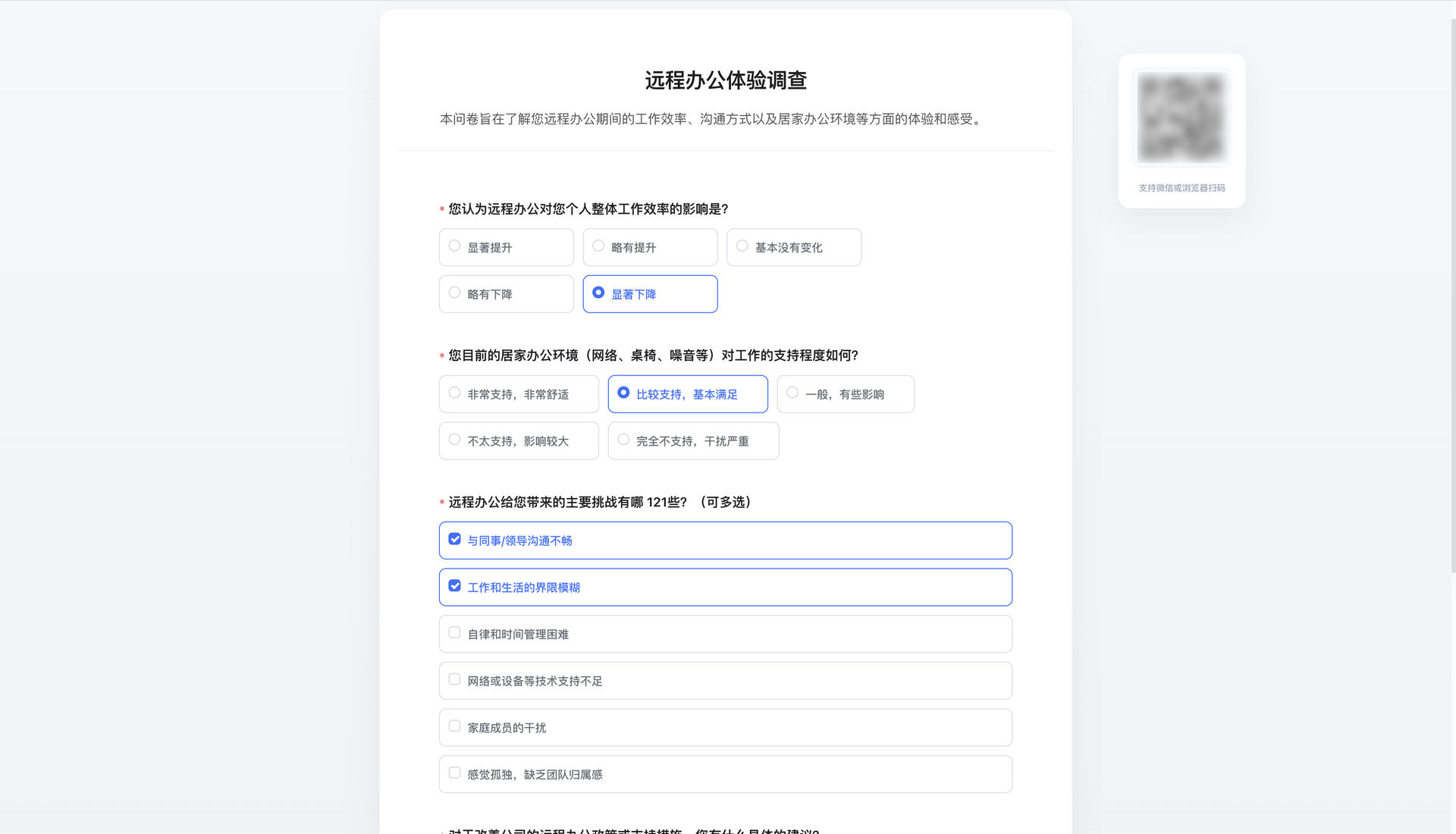
Describe the survey you need in one sentence, and TDuck drafts the questions for you. This open-source form platform replaces hosted tools like Typeform with a version you run on your own server, so responses never leave your hands. The visual designer offers over 27 field types, from text, dates, and ratings to file uploads, signatures, cascading selects, sub-forms, and matrix scales. Logic rules show or hide questions based on earlier answers, and imported question lists save time on long forms. Appearance settings cover header images, backgrounds, colors, and button text. Each form can be limited by device, account, IP, or WeChat identity, with an answer window you set. Finished forms publish as links or QR codes, and a recycle bin recovers deleted ones. Statistics show views, completion rate, weekly trends, submission maps, and per-question pie or bar charts that export as images. Responses can be edited, exported, printed, or zipped with attachments. Webhooks fire on new, changed, or deleted entries, a sync API exposes all data, and email, SMS, and WeChat notices keep owners informed. Running on a dedicated VPS on RepoCloud with guaranteed CPU, RAM, and SSD, full root SSH access, and a browser serial console. MIT licensed.
Benefits
- Keep Survey Data In-House
- Forms, responses, and uploaded files live on your own server, with storage options for local disk or S3-compatible services, so respondent data stays under your control and policies.
- Draft Forms From A Prompt
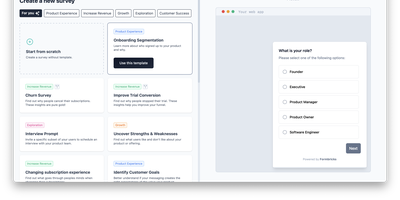
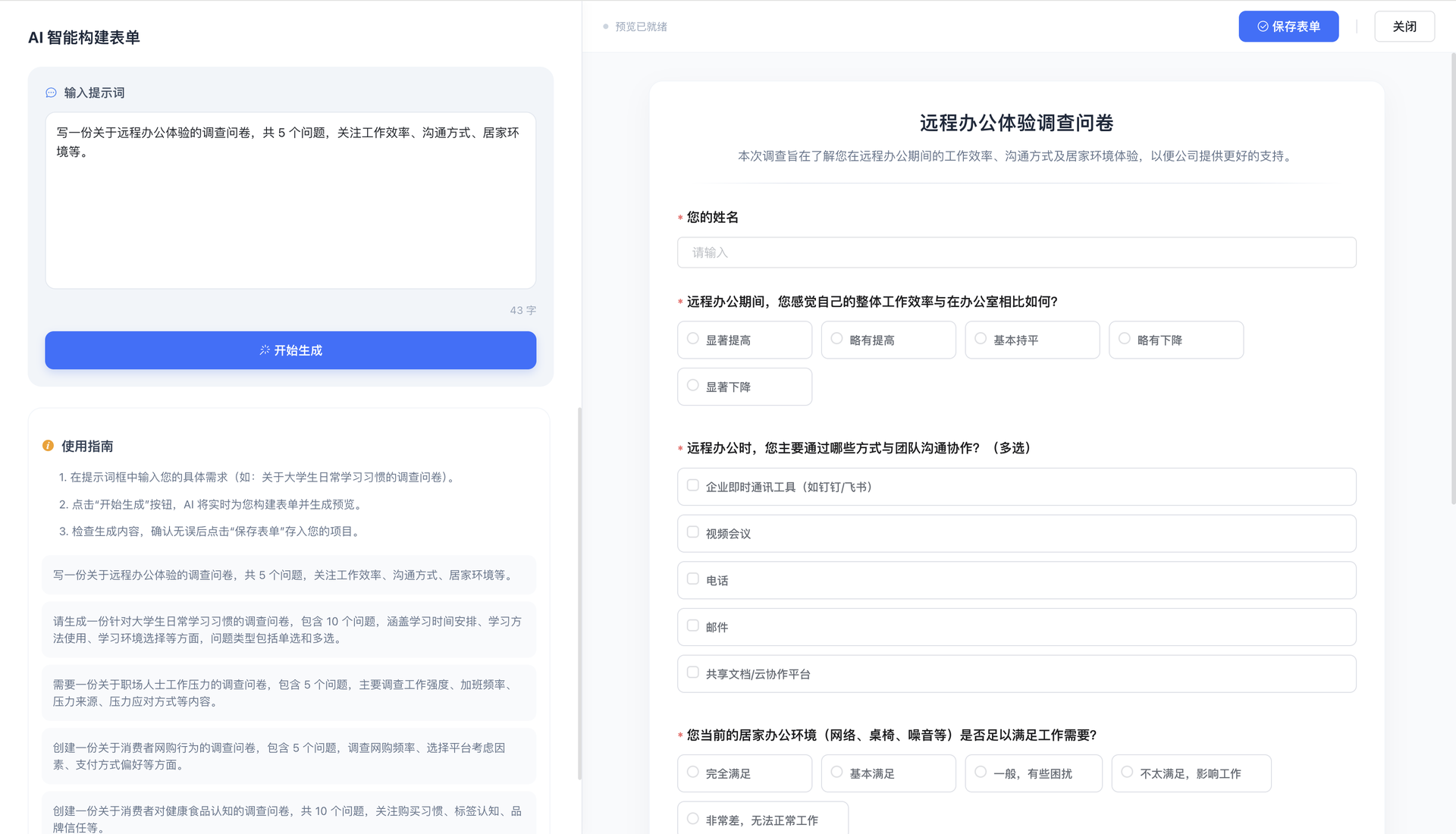
- Type a short description of the survey, and the AI builder generates a titled questionnaire with matching question types, ready to preview, adjust, and save into your projects.
- Build Smarter Branching Surveys
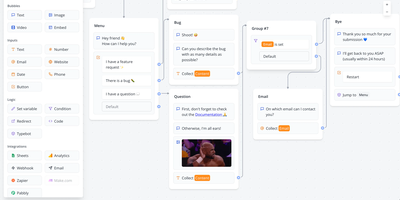
- Show or hide questions depending on earlier answers, add sub-forms and matrix scales, and import question lists, so complex questionnaires stay short for each respondent.
- Understand Results At A Glance
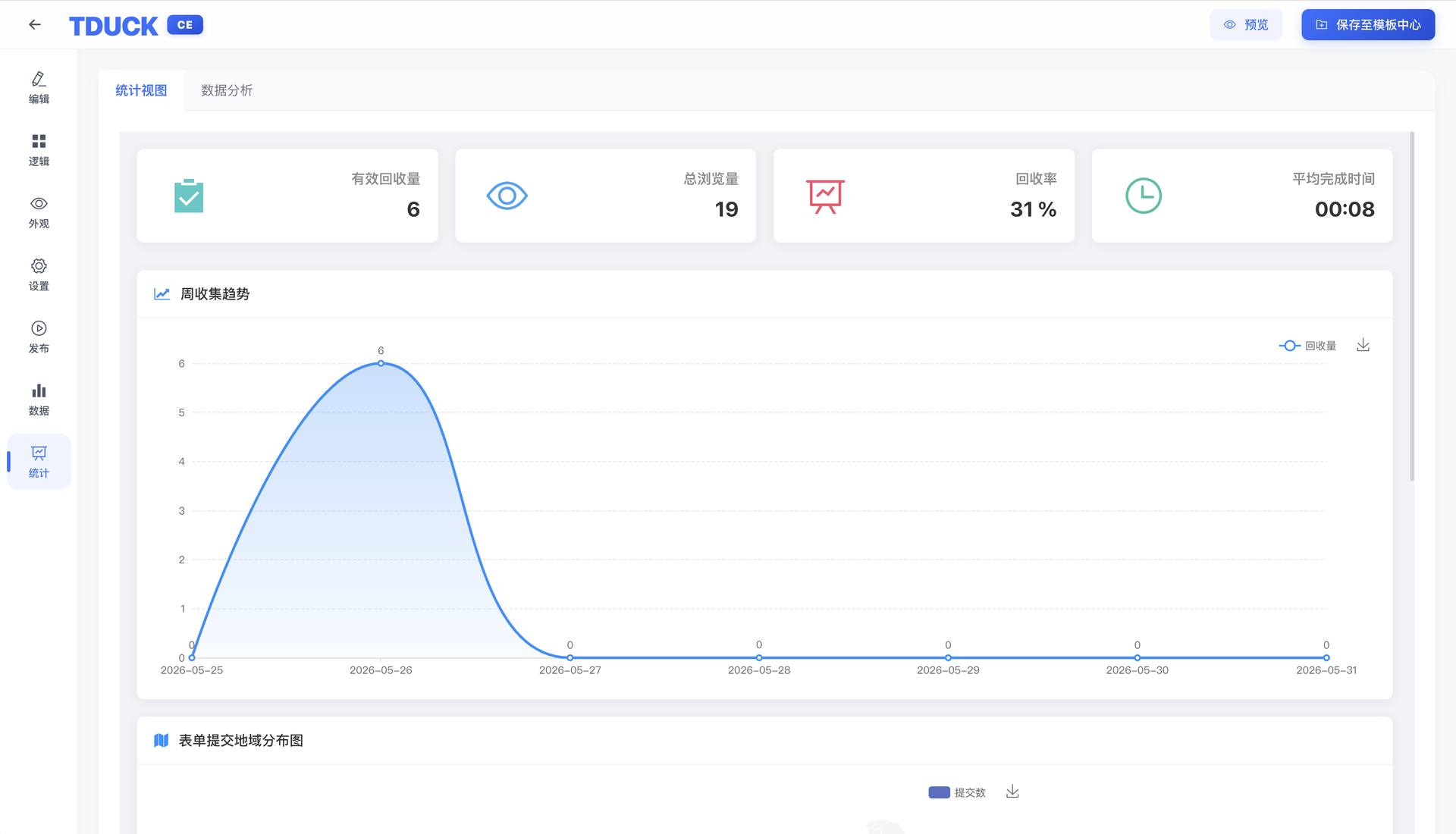
- Dashboards track views, completion rate, and average time, and every question gets a pie or bar chart with counts and percentages that can be exported as images.
Features
- Drag-And-Drop Form Designer
- Place more than 27 components on a canvas, edit placeholder text, width, default values, required flags, and option lists in a properties panel.
- AI Form Generator
- Enter a prompt describing the topic and number of questions, and the assistant builds a complete form that you can save to your project list.
- Response Limits And Publishing
- Restrict submissions by device, account, IP, WeChat, or time window, then share the finished form through a link or QR code.
- Statistics And Data Analysis
- View weekly collection trends, regional submission maps, and per-question charts, with tables of counts and shares for each option.
- Webhooks And Sync API
- Push new, edited, and deleted entries to external URLs, pull full datasets through the sync API, and send email or SMS alerts.