Categories
Self-Hosted MCP Project Management Team Collaboration AI Assistant Calendar Team Chat Video ConferencingStars
Forks
Watchers
Developer links
Nerla
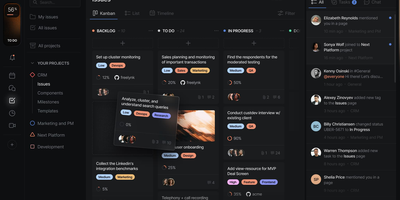
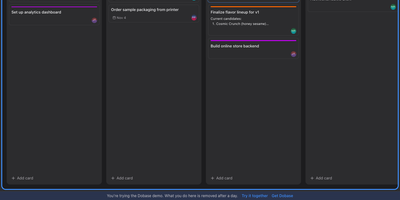
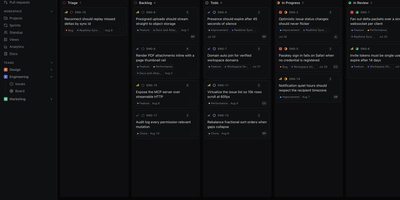
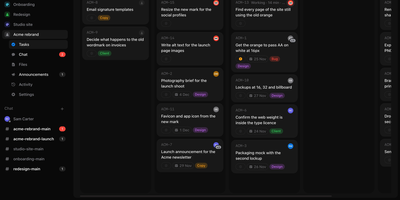
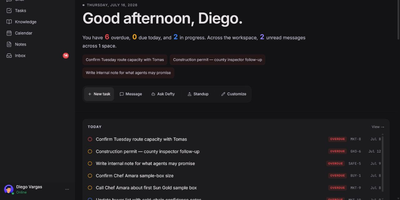
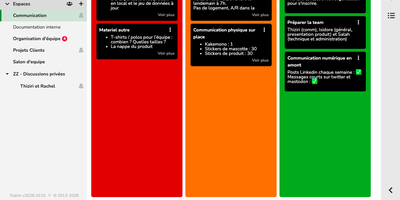
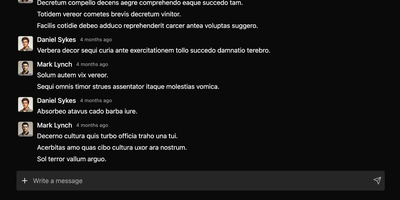
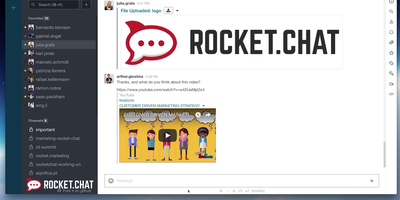
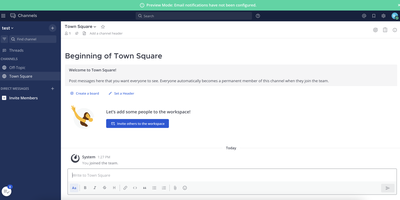
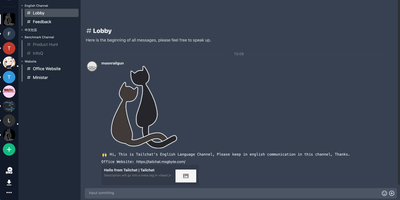
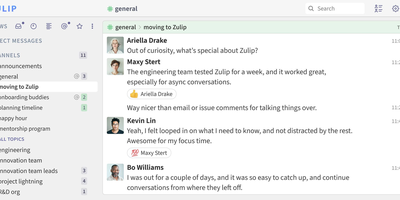
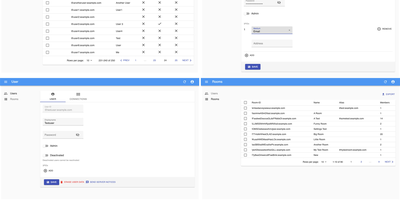
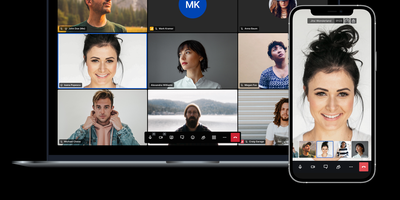
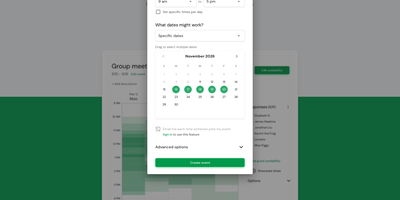
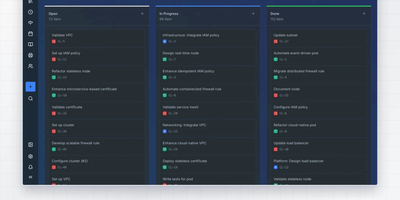
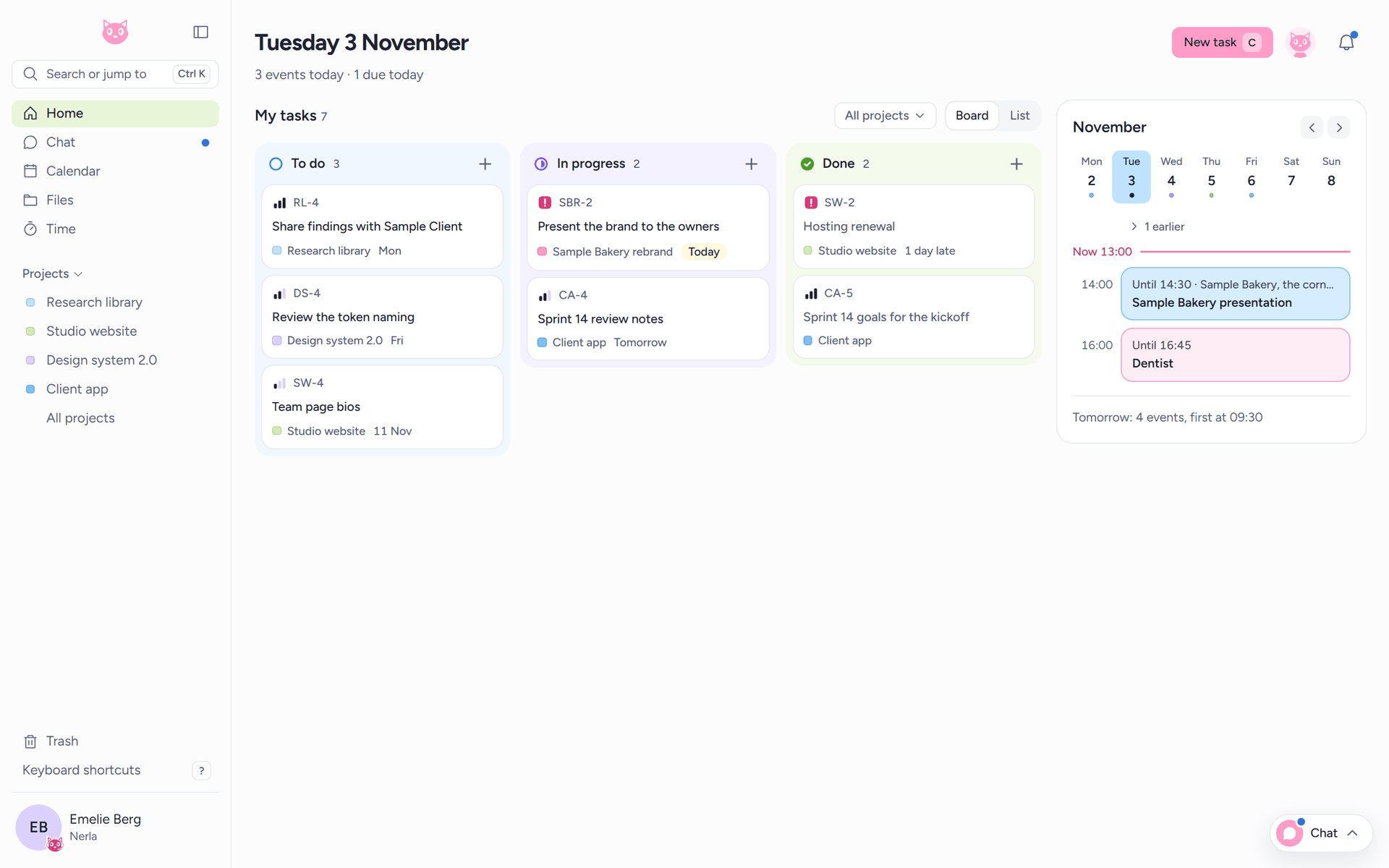
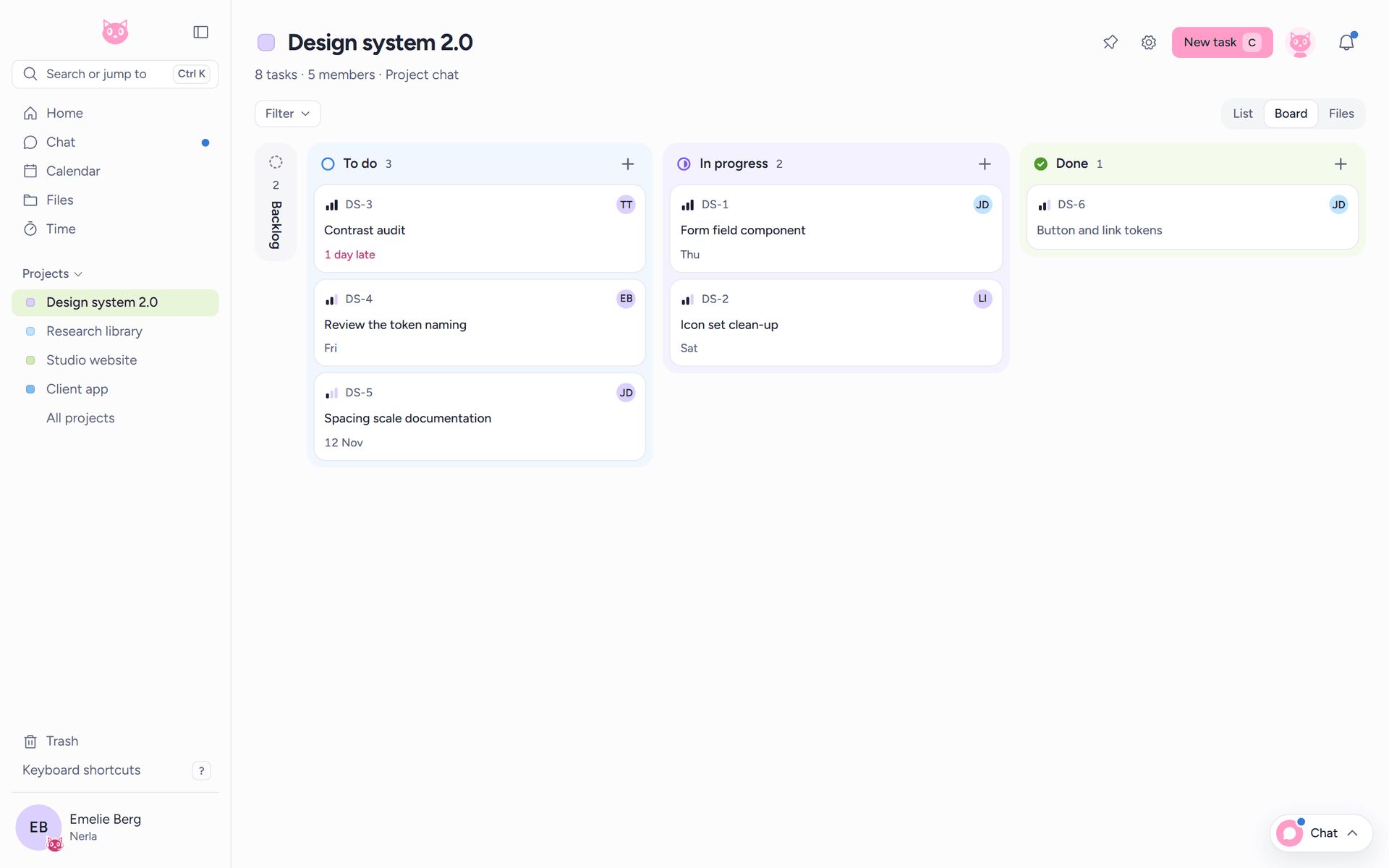
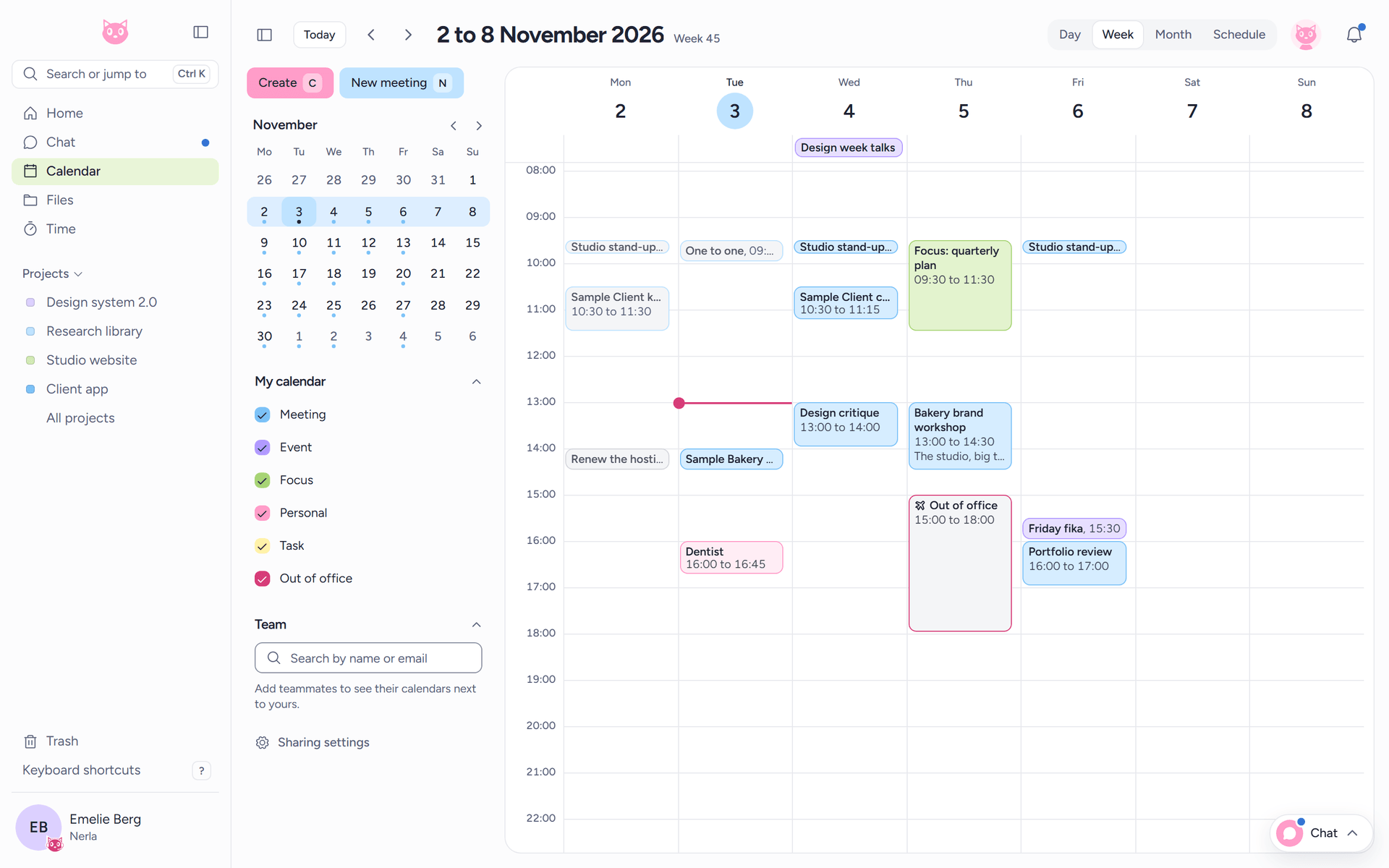
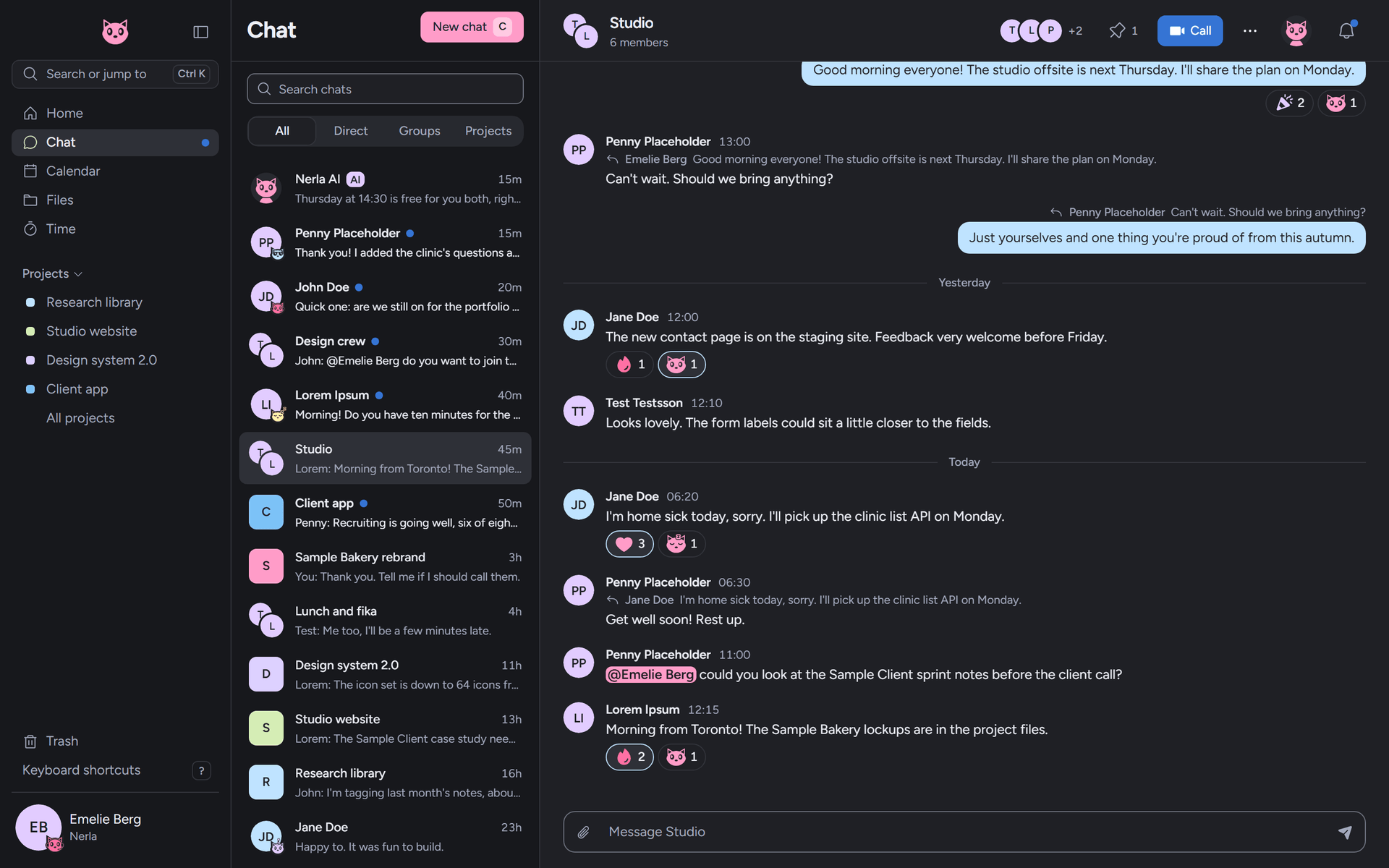
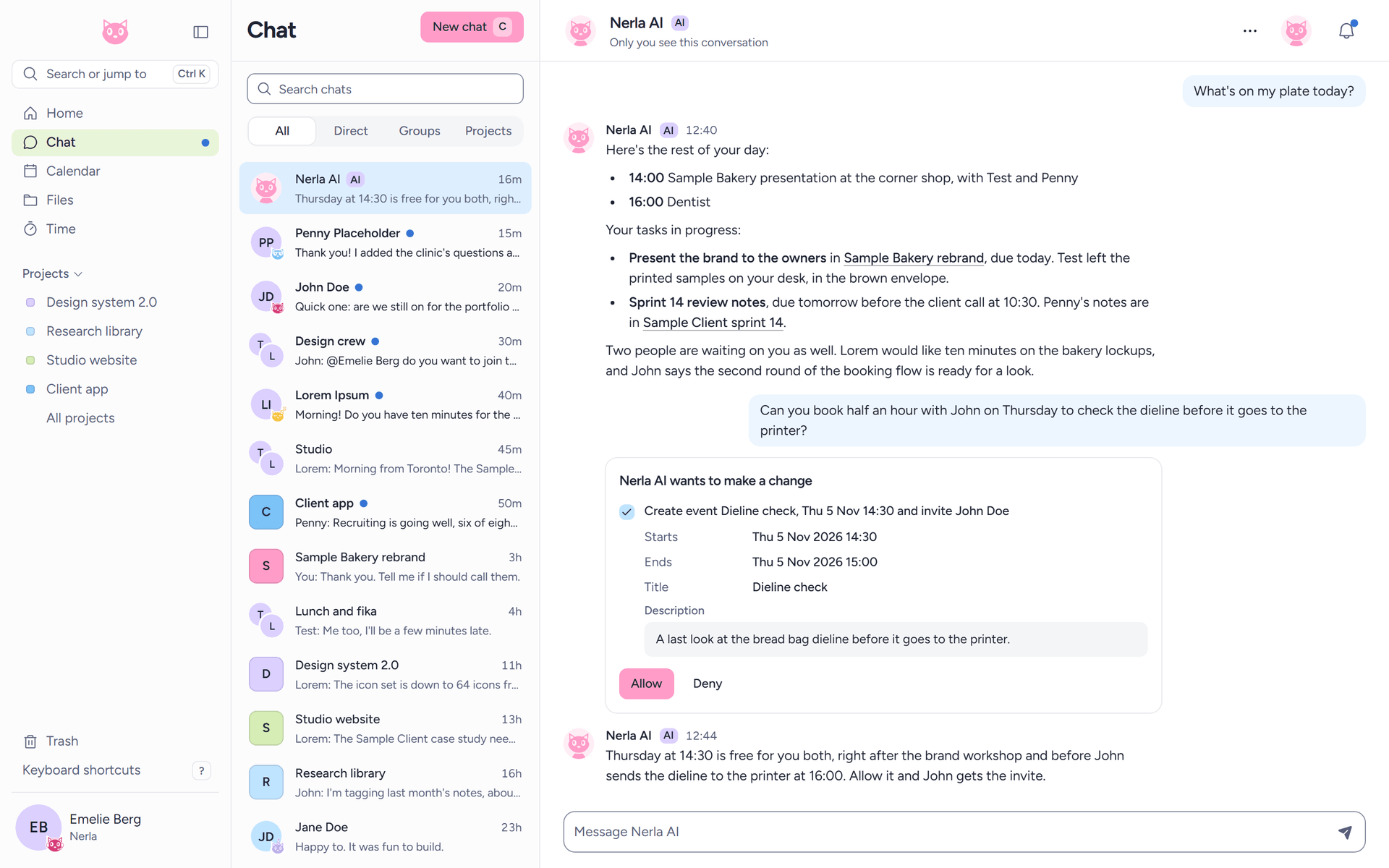
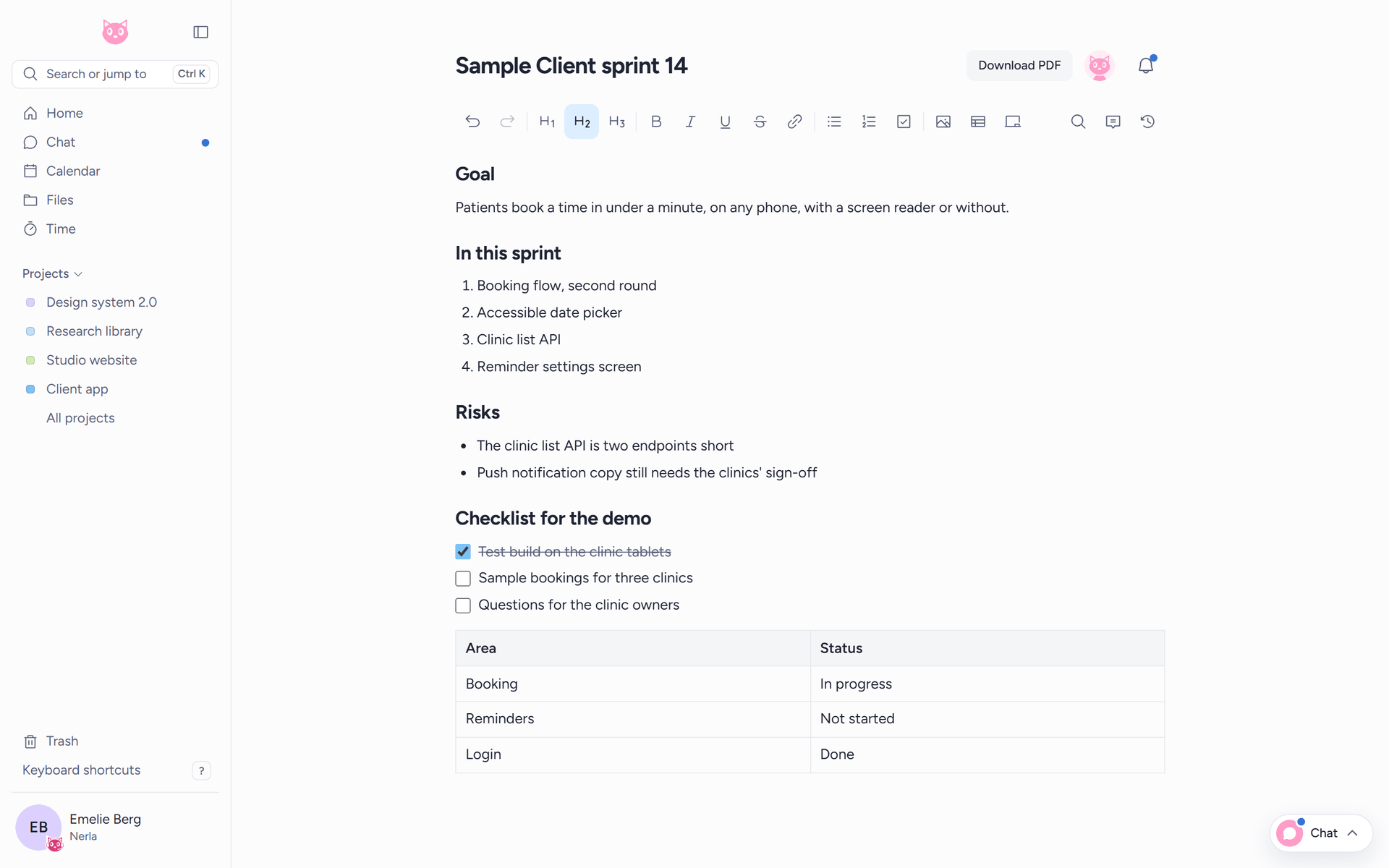
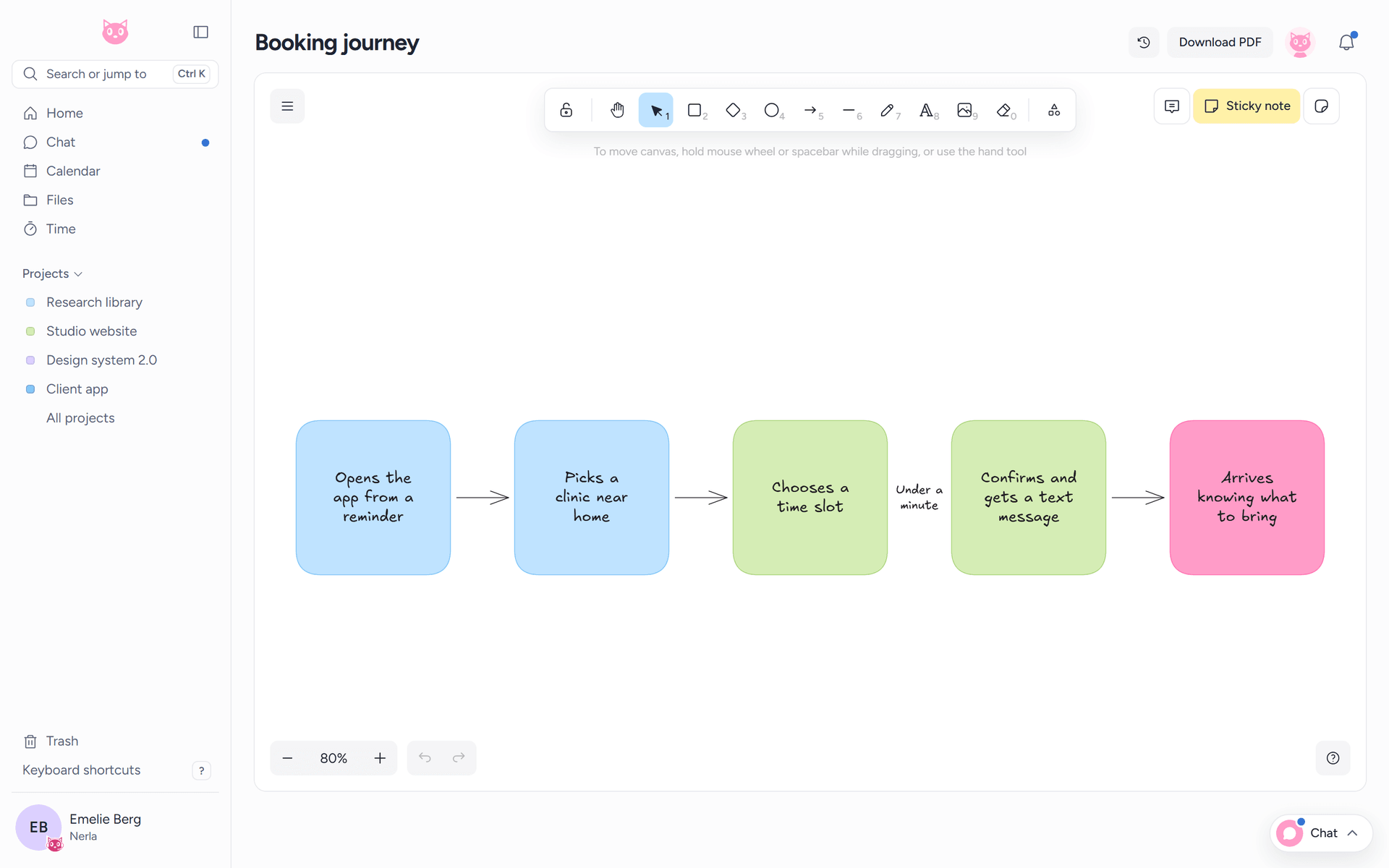
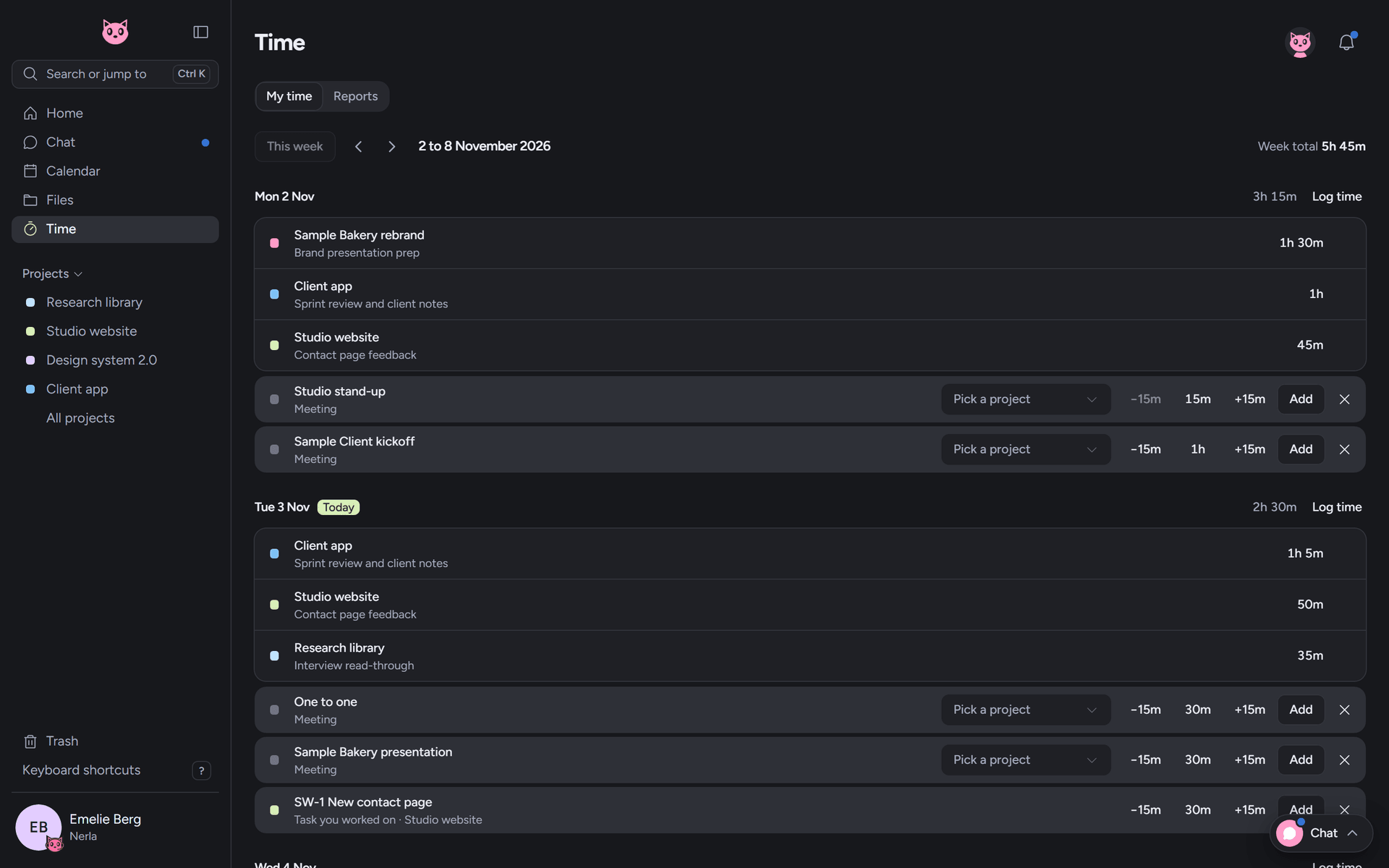
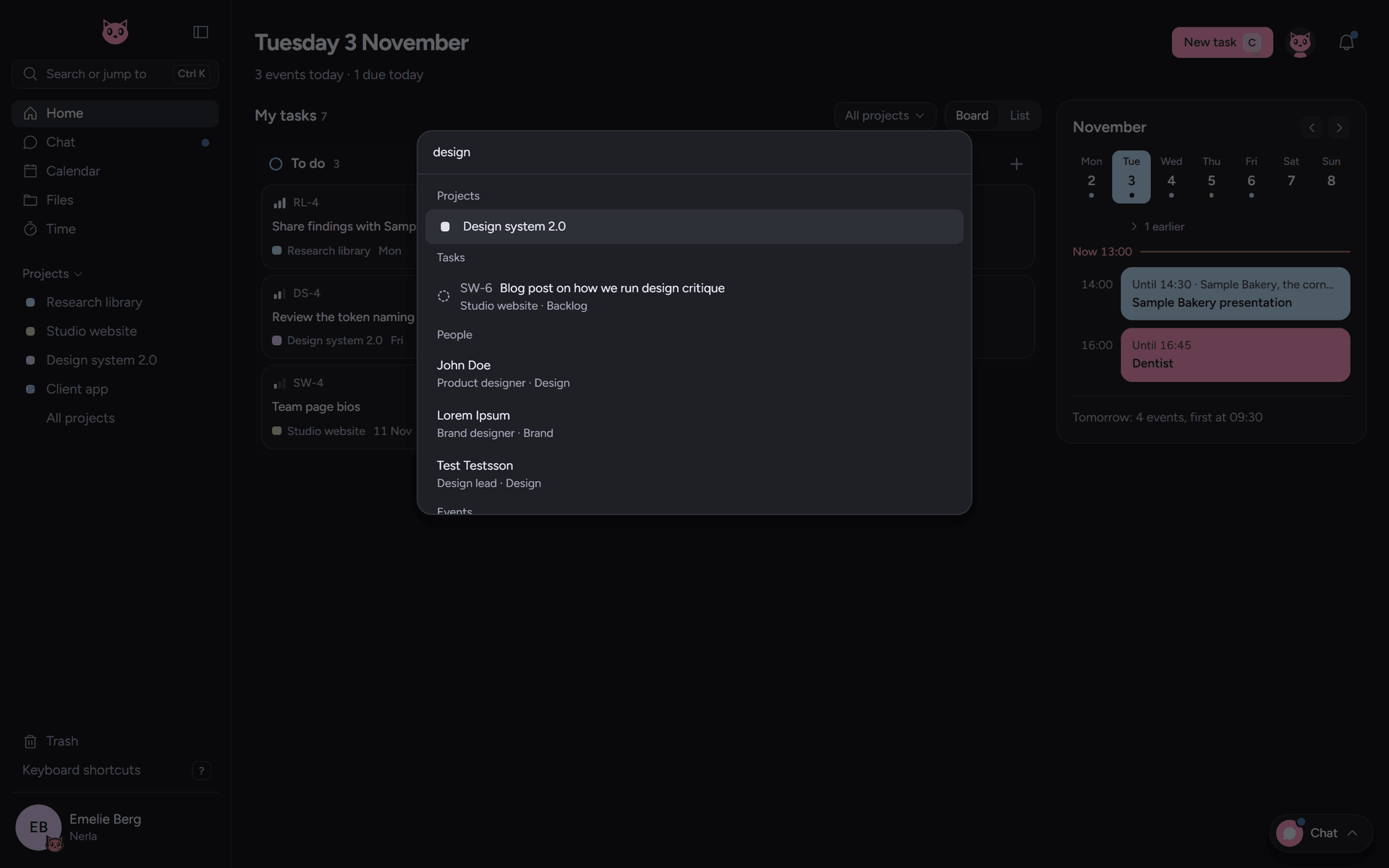
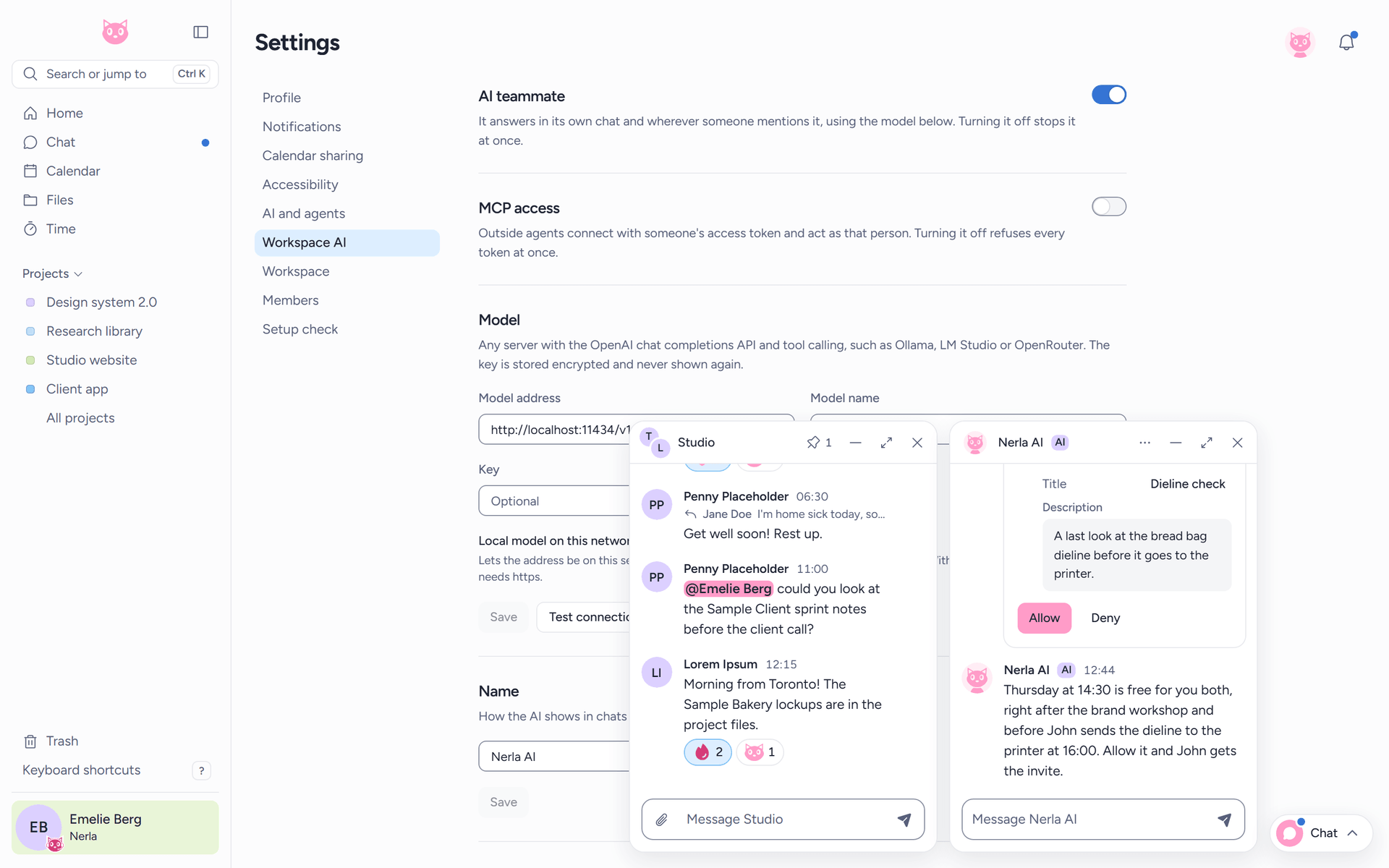
Your team's tasks, calendar, chat, video calls, documents, whiteboards, files, and time sheets all live in Nerla, a workspace with an AI teammate and a pink cat mascot. Home shows tasks from all projects as a board or list beside today's events. Ctrl K jumps to any task, project, file, or teammate. Projects bring their own members, board, chat, and files; tasks carry a status, priority, assignee, due date, and a short number like WEB-12. The calendar handles repeating events, guests, out-of-office days, and working hours, and a team view lines up everyone's week. Chats cover direct messages, groups, and one per project, and any can start a video call with screen sharing and a lobby for outside guests. Papers and whiteboards are edited live by several people and sit in the same folders as files, which can be shared by outside link. The AI teammate acts only as you, answers wherever you mention it, and asks before changing what others see, at a caution level the admin sets. Ollama, OpenRouter, or any model that speaks the OpenAI chat API with tool calling can power it, and outside agents like Claude Desktop connect over MCP. Nothing phones home. A setup script installs the stack and HTTPS, then prints the code that makes your first account the admin. Others join by invite link. Running on a dedicated VPS on RepoCloud with guaranteed CPU, RAM, and SSD, full root SSH access, and a browser serial console. MIT licensed.
Benefits
- Tasks, Chat, Calls, and Files Together
- Projects carry their own members, board, chat, and files, while the calendar, papers, whiteboards, and time tracking share one account. Ctrl K search reaches tasks, projects, files, and teammates.
- Your Data Stays on Your Server
- Nerla has no telemetry, analytics, or error reporting, and serves its own fonts, scripts, and images. It contacts only services you set up, plus a few lookups for certificates and calls.
- AI That Acts Strictly As You
- The AI teammate and MCP agents do only what you could do by clicking, and never see more than you can. Admins set how often they ask, and each has its own off switch.
- Setup Script, HTTPS, Invite-Only Access
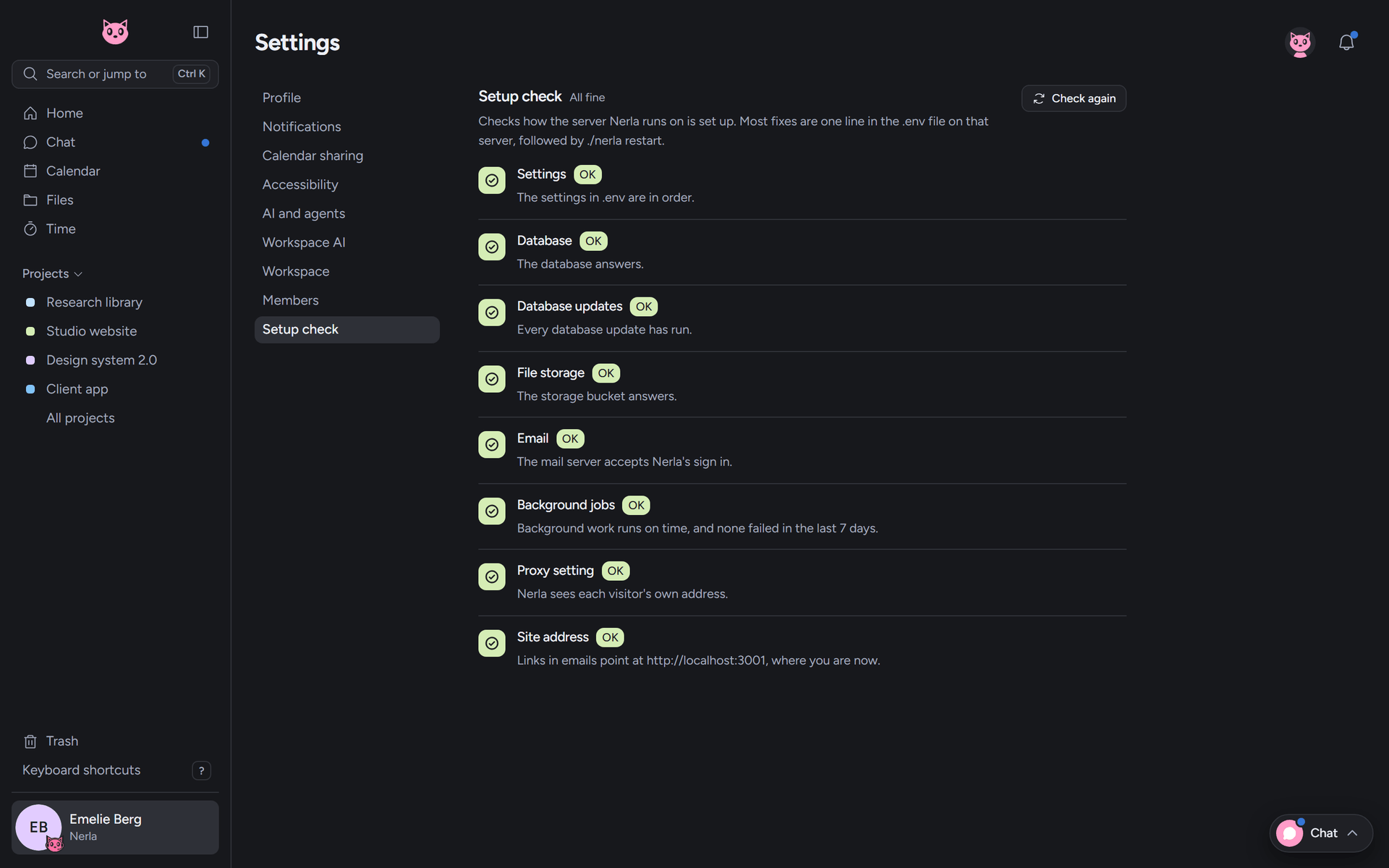
- One setup script installs the stack, requests a free HTTPS certificate, opens the needed UFW ports, and prints the setup code that makes your first account the admin. Everyone else joins by invite.
Features
- Fastify and PostgreSQL Backend
- A TypeScript Fastify API with Drizzle ORM stores data in PostgreSQL 15, serves live updates over WebSocket, runs background jobs, and exposes MCP tools through the official TypeScript SDK.
- LiveKit Video Calls
- A bundled LiveKit server carries call audio, video, and screen sharing over ports 7881/tcp and 7882/udp, with signalling on 7880 behind Caddy's TLS and a lobby for outside guests.
- Live Co-Editing With Yjs
- Hocuspocus and Yjs sync papers and whiteboards between editors in real time, with TipTap for documents and Excalidraw for whiteboards, both stored in the same folders as files.
- Caddy HTTPS Proxy
- Caddy serves the React and Vite site on ports 80 and 443, gets and renews Let's Encrypt certificates, sets security headers, and passes /api, /ws, and /mcp to the server.
- Garage S3 File Storage
- Uploads go to a bundled Garage S3 store by default; local disk or any S3-compatible service like Cloudflare R2 or Backblaze B2 can replace it, with a move-files command.
- Tauri Desktop App
- A Tauri app for macOS, Windows, and Linux connects to your server, adds native notifications, opens calls in their own window, and installs only updates signed with Nerla's release key.