Categories
Self-Hosted Developer Tools AI Agents Agent Orchestration LLM Applications MCP Servers Visual Builder Knowledge PipelinesStars
Forks
Watchers
Developer links
Cuttlely
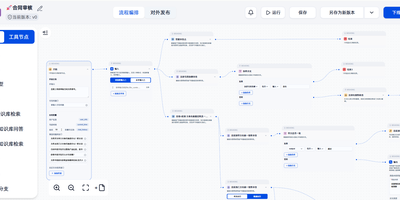
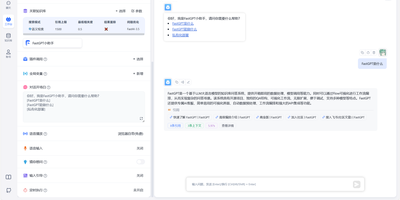
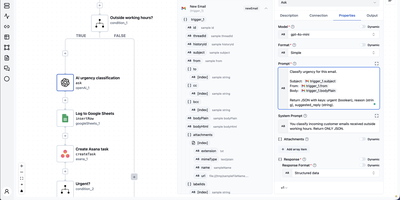
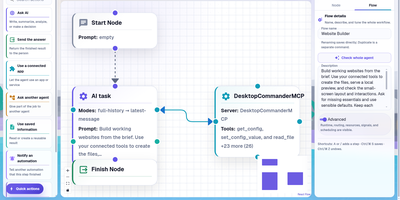
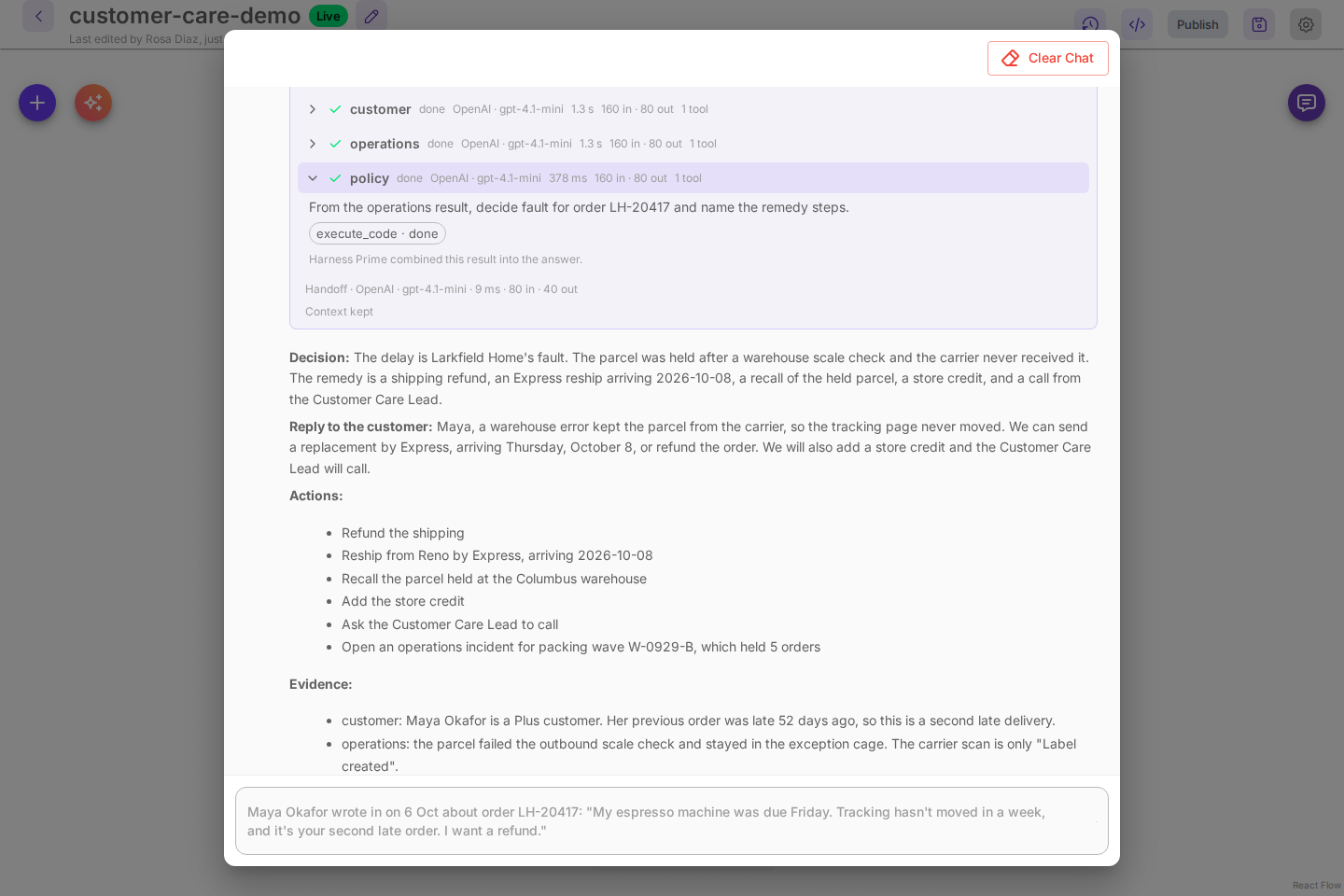
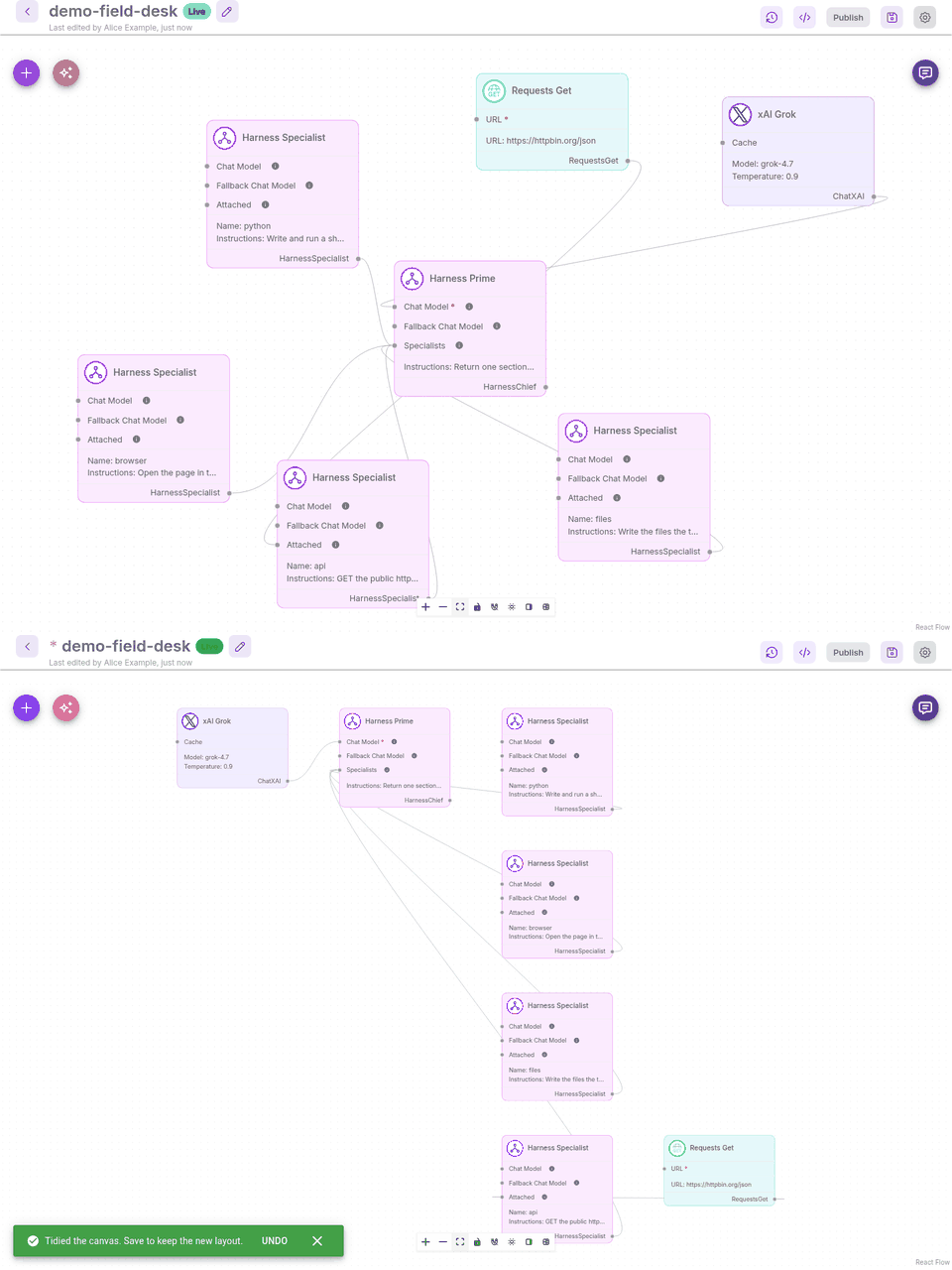
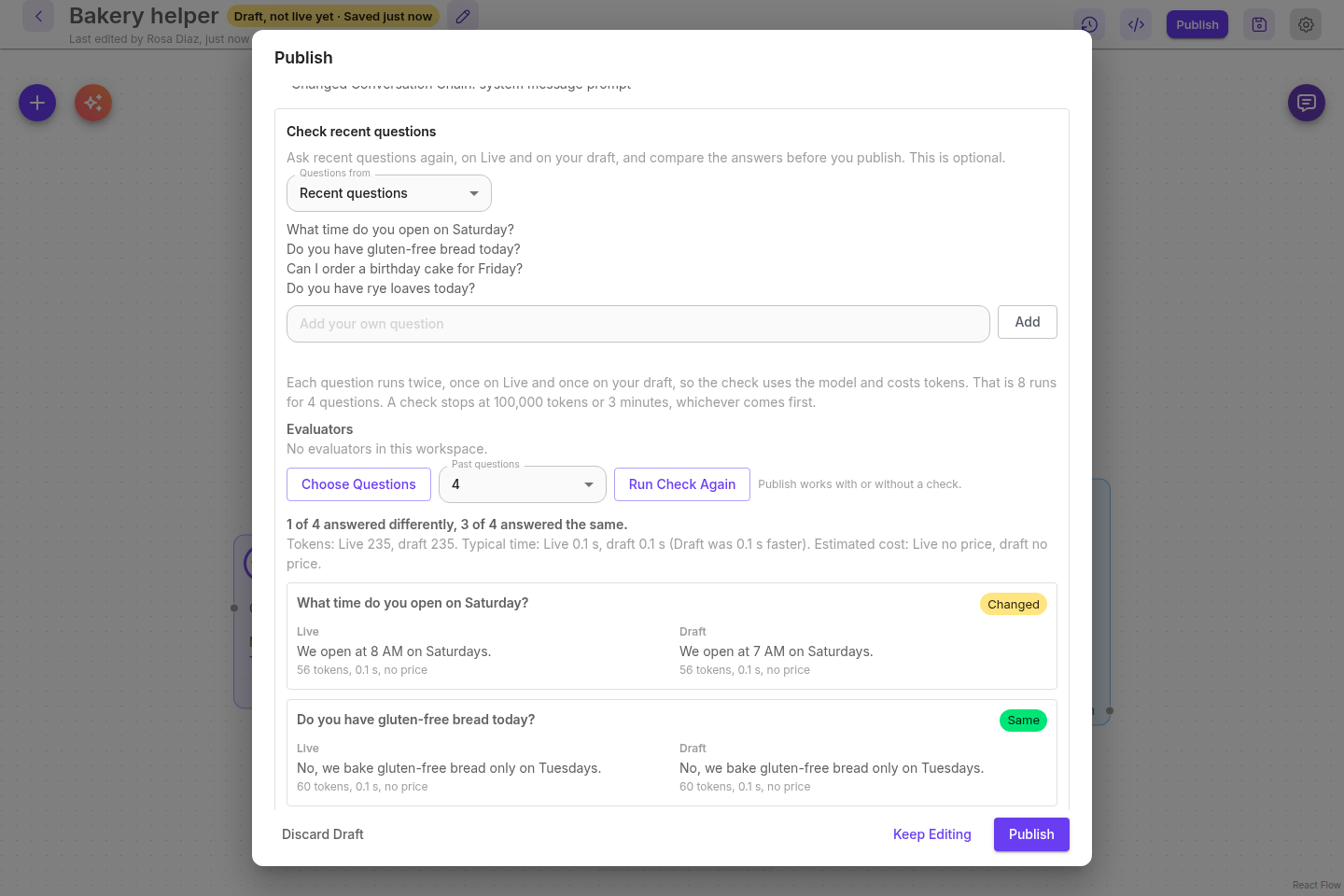
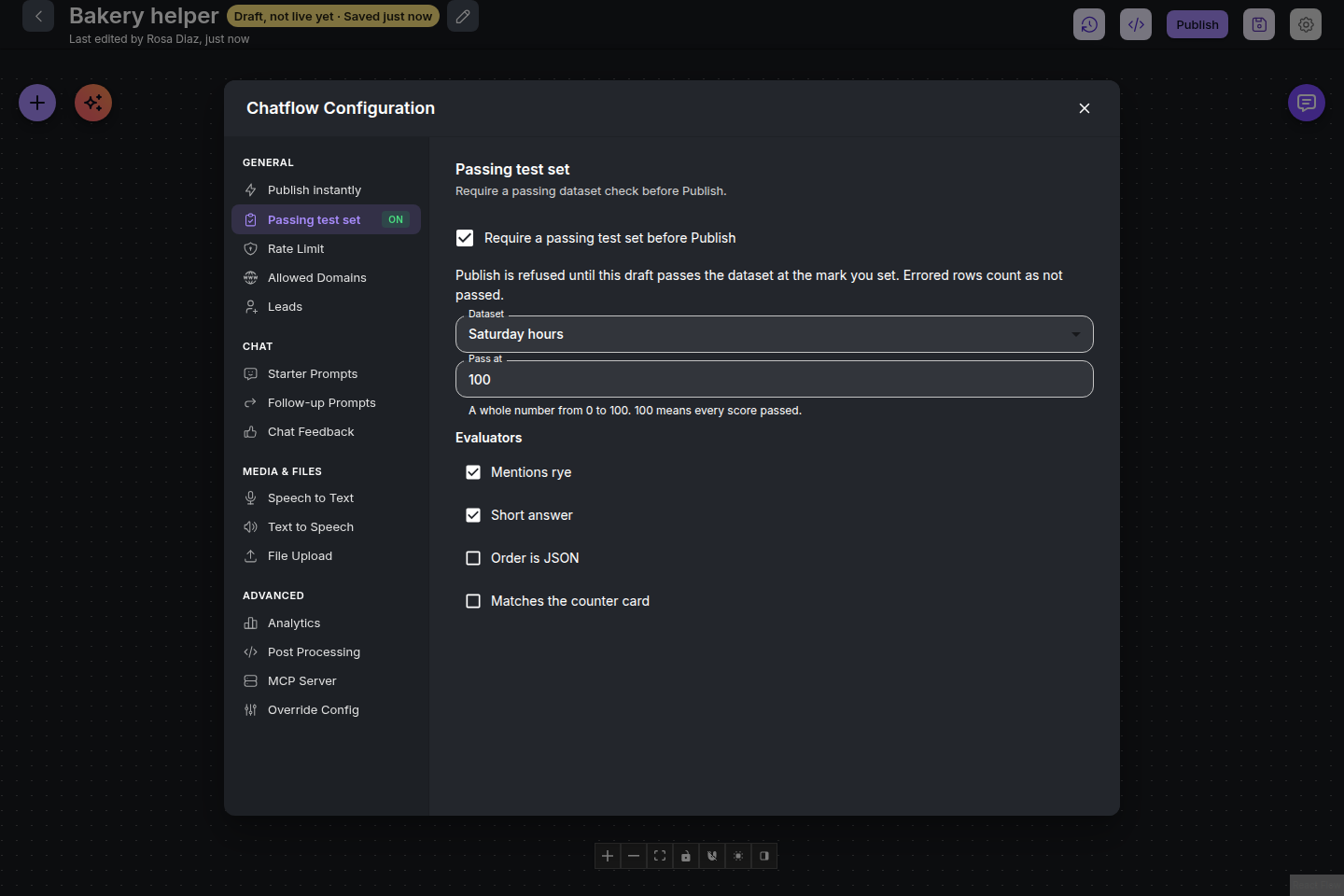
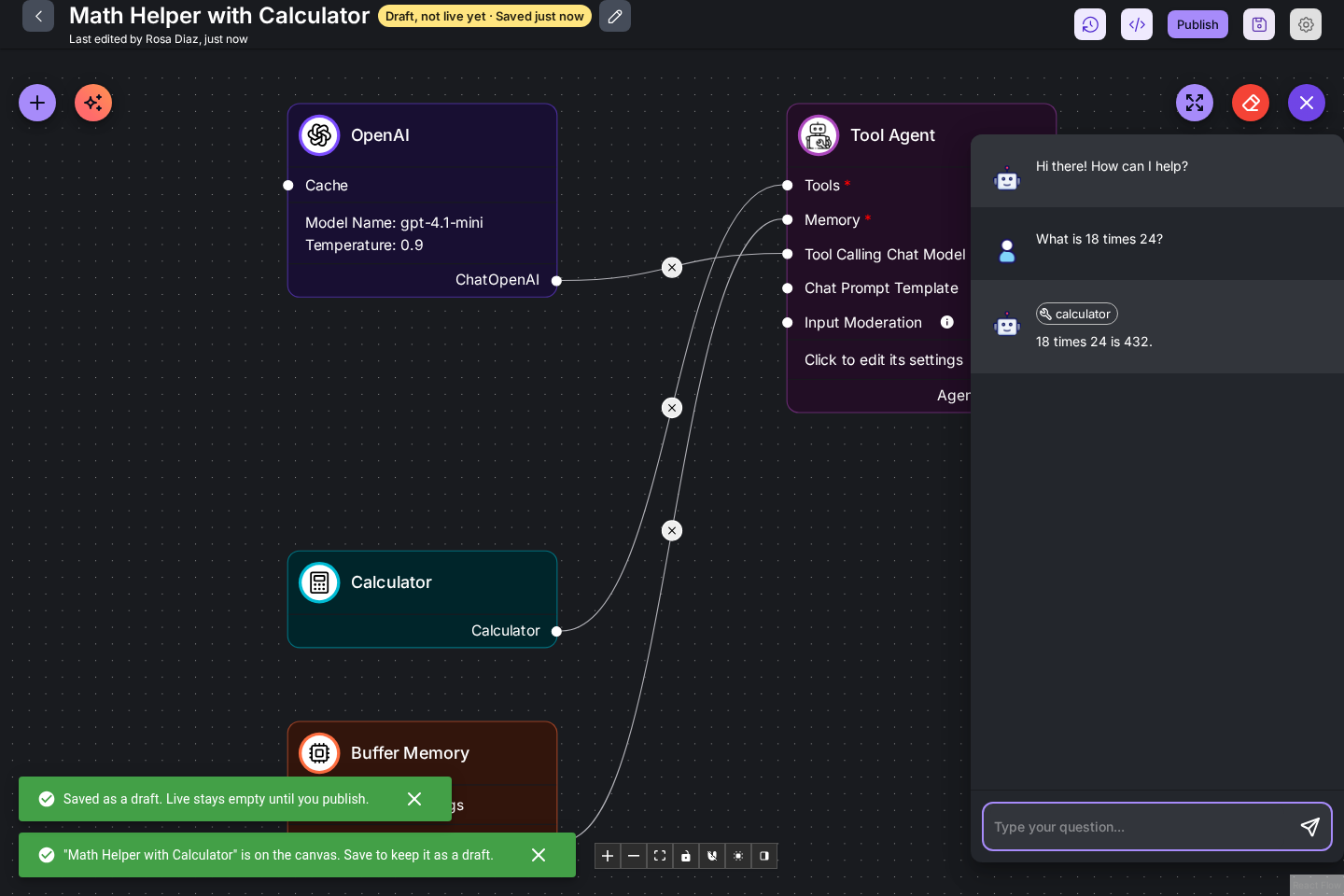
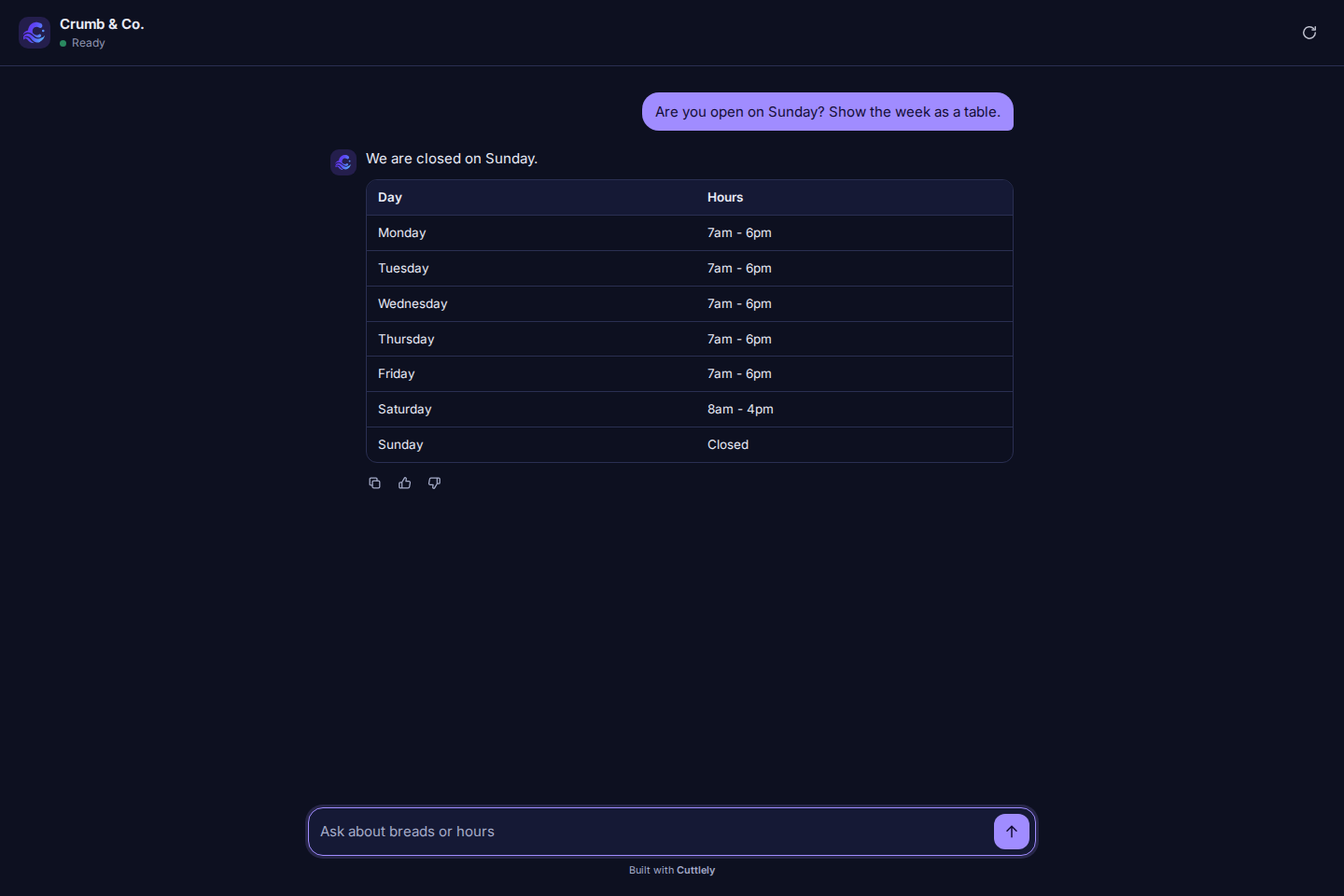
Anyone shipping AI agents inside an app can build the team visually in Cuttlely and replay real questions on Live and a draft, side by side, before anything changes. A lead agent called Harness Prime splits each question among specialists with their own models, tools, and data; the built-in customer care demo sends a late-order complaint to customer, operations, and policy specialists. The Analyst specialist owns a database and returns one page of rows at a time, so earlier pages never re-enter the prompt. Every run card lists input and output tokens, cached tokens when reported, and each step's time. Edits save to a draft while Live keeps serving. Compare in the Publish dialog replays 4 to 100 recent questions on both versions and marks each answer Same, Changed, or Error. On a chatflow, switching on the passing test set keeps Publish disabled until the draft passes, scored by text, JSON, numeric, or model evaluators. Apps call a published team through a prediction API with per-flow keys; people use a share link or a website embed. Switch on MCP Server for a flow and other agents can call it over Streamable HTTP with a bearer token. Build with AI turns a description into a first version on the canvas. Owner, Admin, Builder, and Viewer roles keep a shared server orderly. Running on a dedicated VPS on RepoCloud with guaranteed CPU, RAM, and SSD, full root SSH access, and a browser serial console. Apache-2.0 licensed.
Benefits
- Test changes before they go live
- Every edit saves to a draft while Live keeps serving. Publish can replay up to 100 recent questions on both versions and mark each answer Same, Changed, or Error.
- Agents see only what they need
- Harness Prime hands each specialist a self-contained task, and the analyst's prompt lists only ticked tables; in the project's sample benchmark, ticking 6 of 20 tables cut that prompt from 2,562 to 663 tokens.
- See tokens, time, and cost
- Each run card lists input and output tokens, cached tokens when reported, and each step's time; a Usage page charts daily tokens and estimated cost per flow and model, with owner-editable prices.
- Roles, audit log, and scoped keys
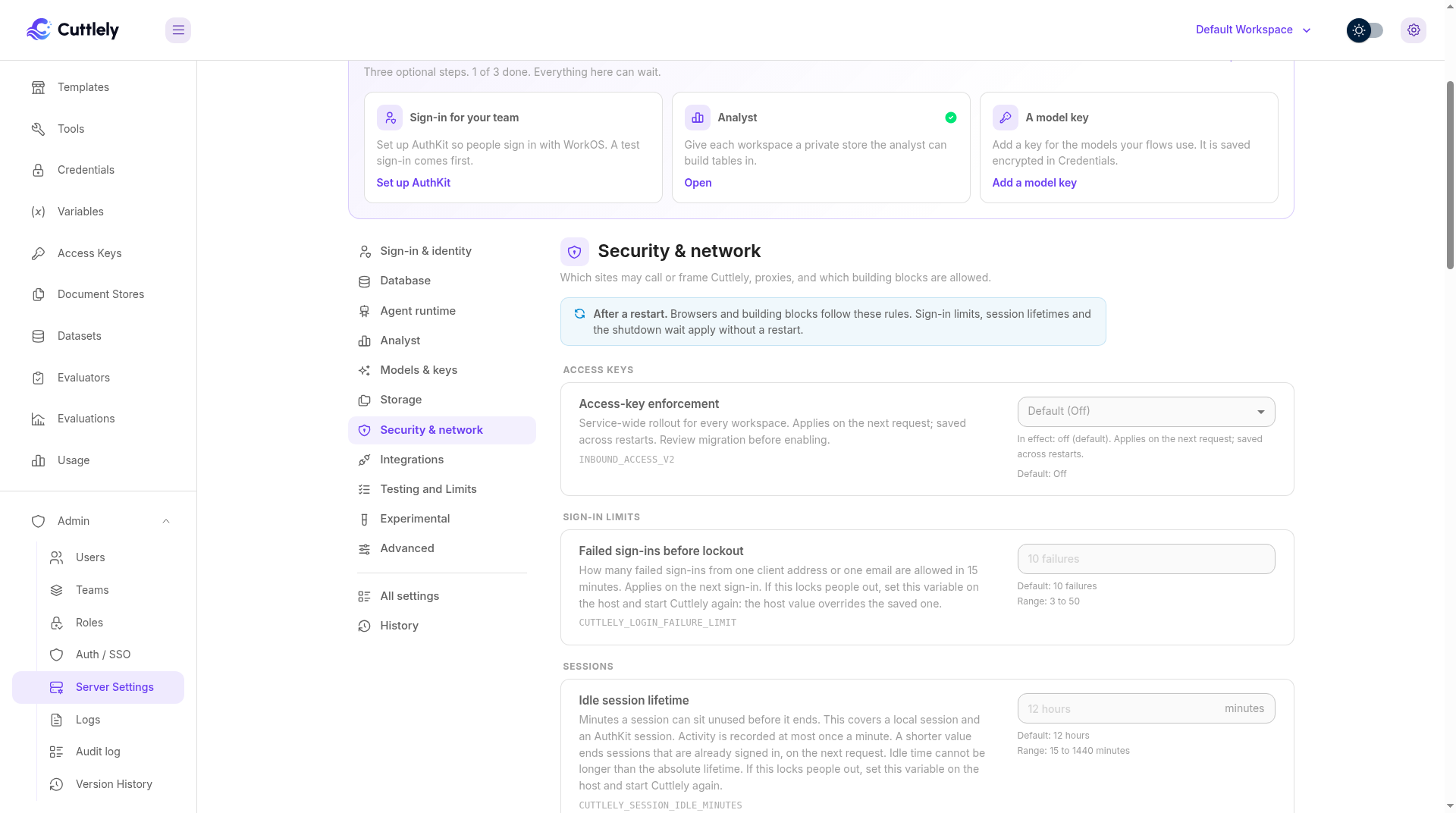
- Owner, Admin, Builder, and Viewer roles, separate teams, and an audit log come with local sign-in; access keys add expiry, rate limits, quotas, and IP allowlists once enforcement is switched on.
Features
- Harness Agent Teams
- Harness Prime routes each question to specialists with their own models, tools, playbooks, and data; the Analyst answers from its own database and returns long results in pages.
- Publish Compare and Gate
- Compare replays recent questions on Live and the draft; text, JSON, numeric, and model evaluators score a dataset, and cuttlely check --gate runs the same check in CI.
- Every Flow an MCP Server
- Switch on MCP Server for a flow to get a Streamable HTTP endpoint and bearer token; a documented path also registers a chatflow with IBM watsonx Orchestrate.
- Knowledge Pipelines (ETL)
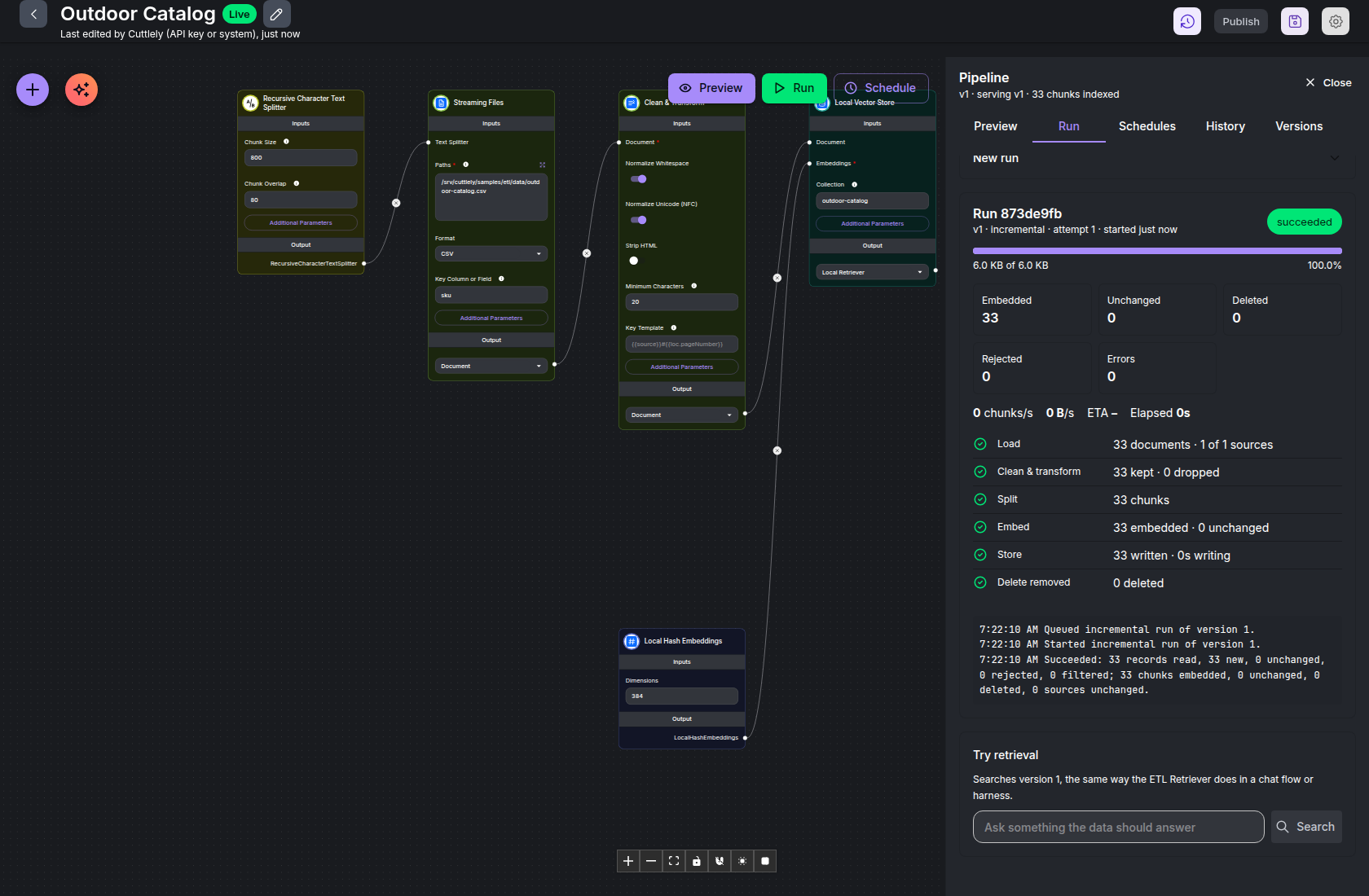
- Load files, a CSV, or a code repository, then clean, split, and embed them; runs embed only what changed, follow a schedule, and support local embeddings without provider keys.
- Build with AI
- Describe a team, chatflow, pipeline, or workflow and a first version lands on the canvas, with every part and connection checked before it appears.
- Flowise JSON Import
- On Chatflows, Import Flowise JSON opens one chatflow or agentflow export on the canvas, carrying over about 300 nodes with their settings; you pick credentials again.