Stars
Forks
Watchers
Developer links
AutoGen Studio
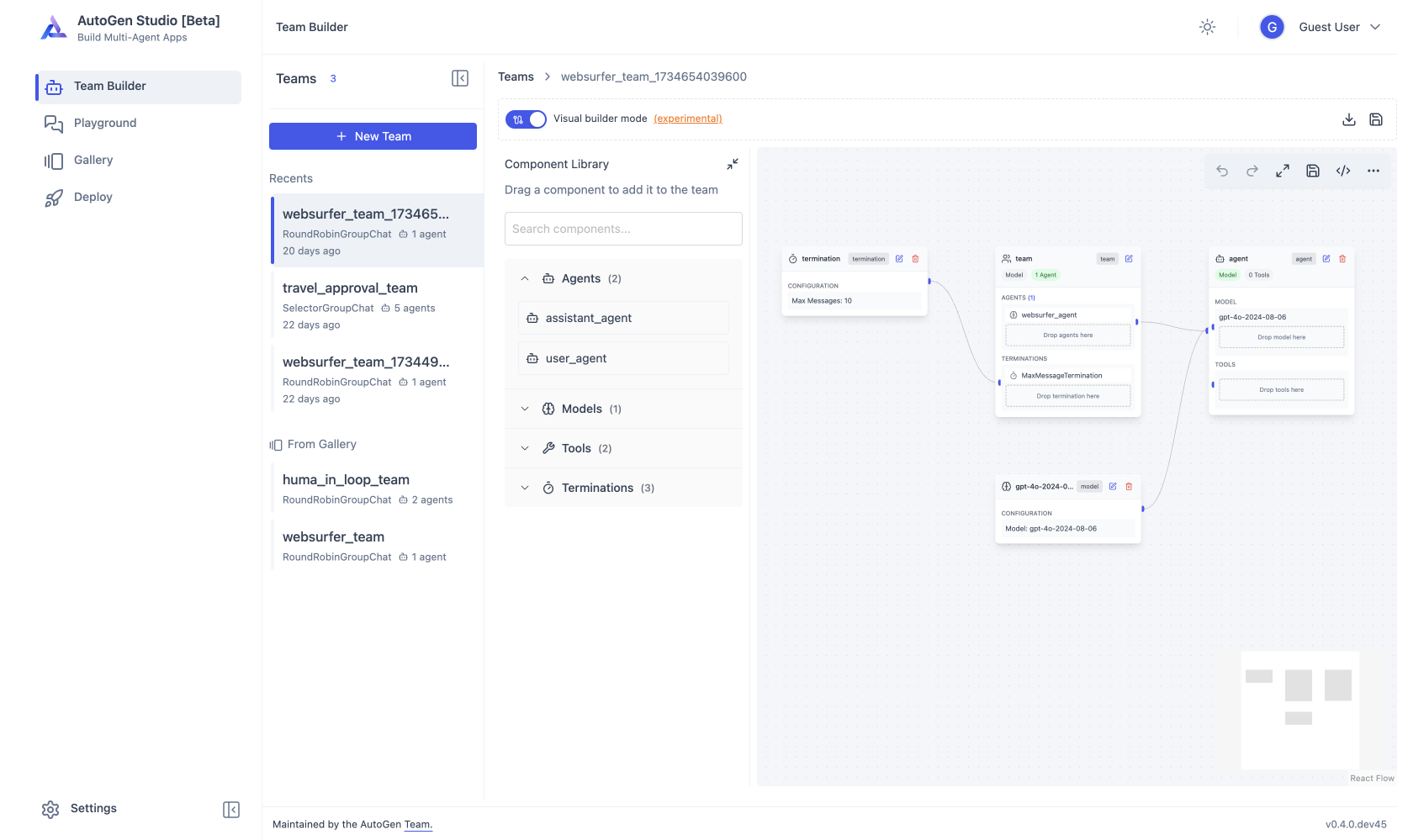
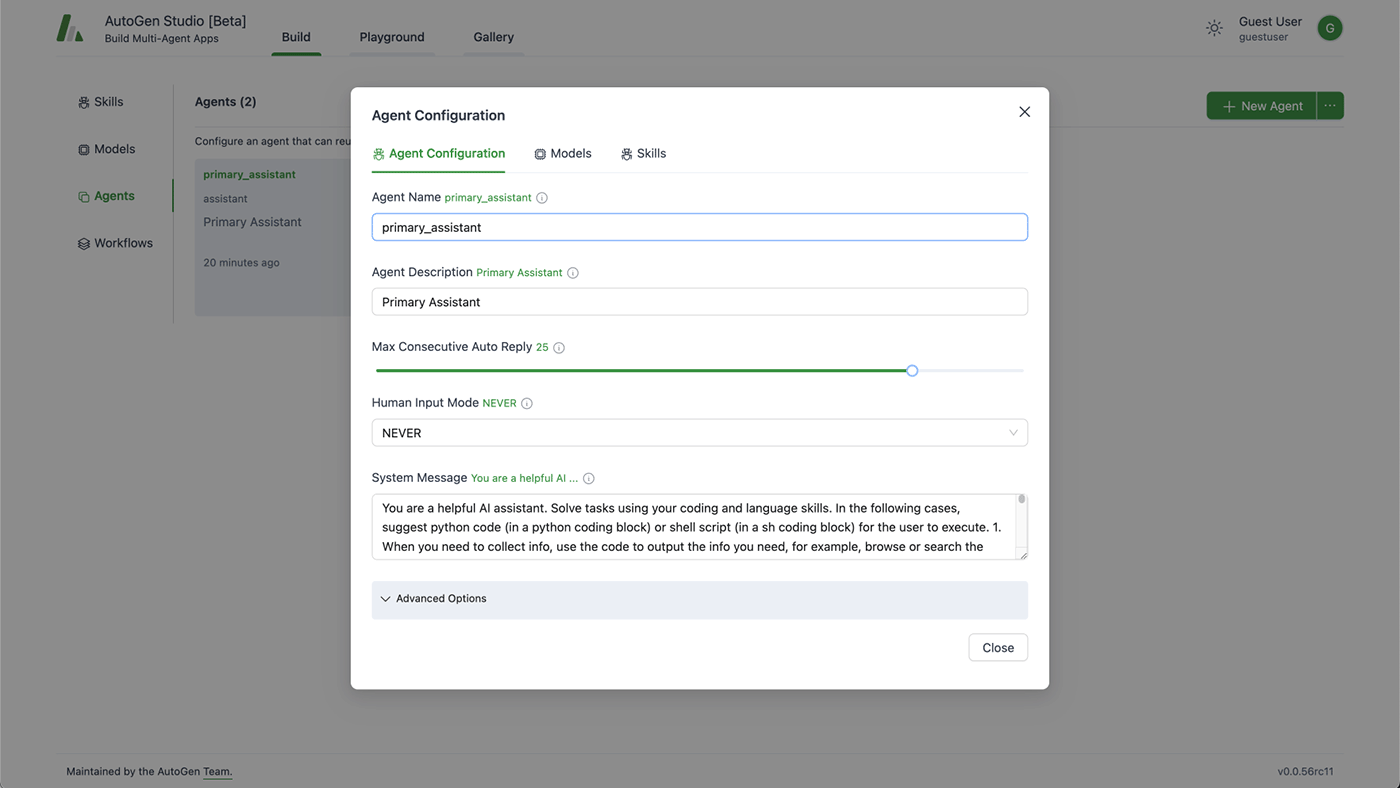
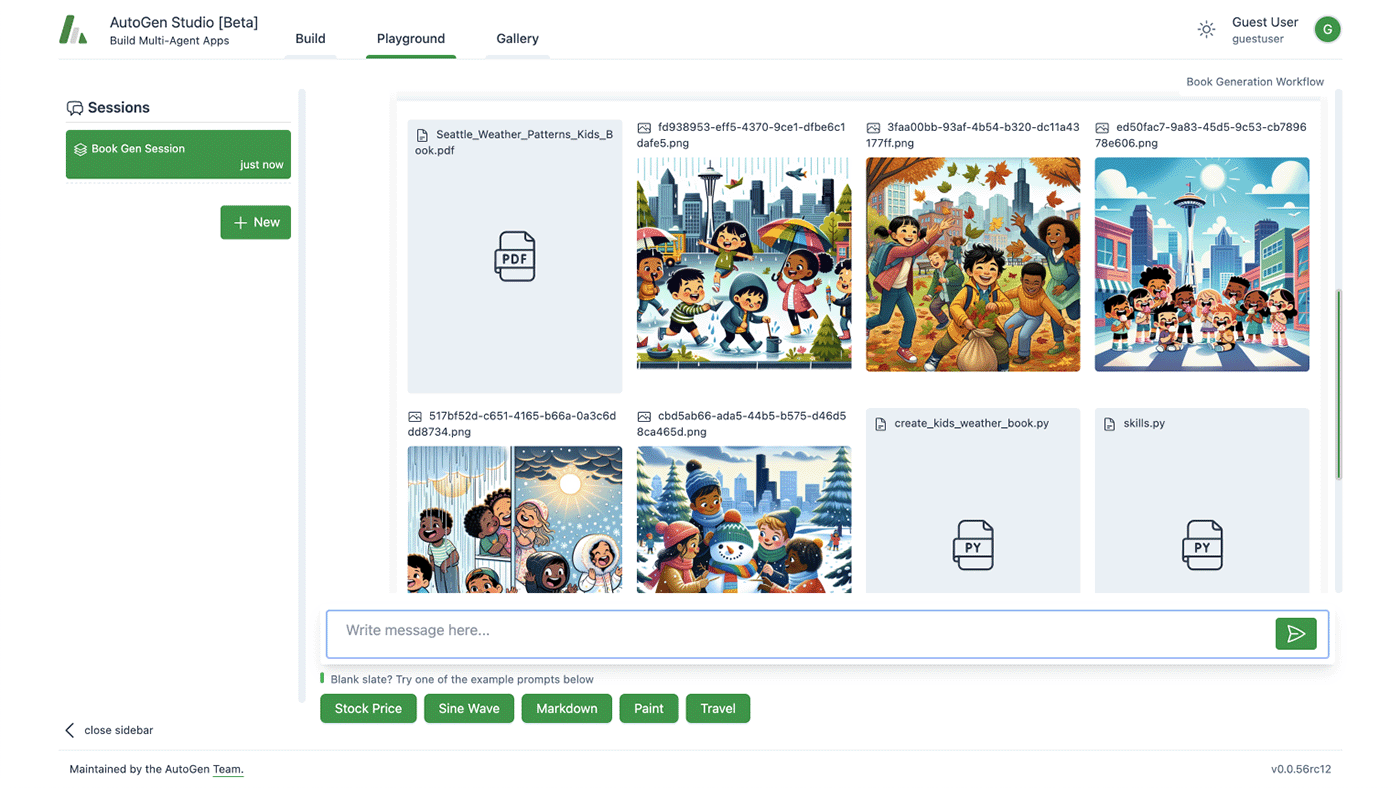
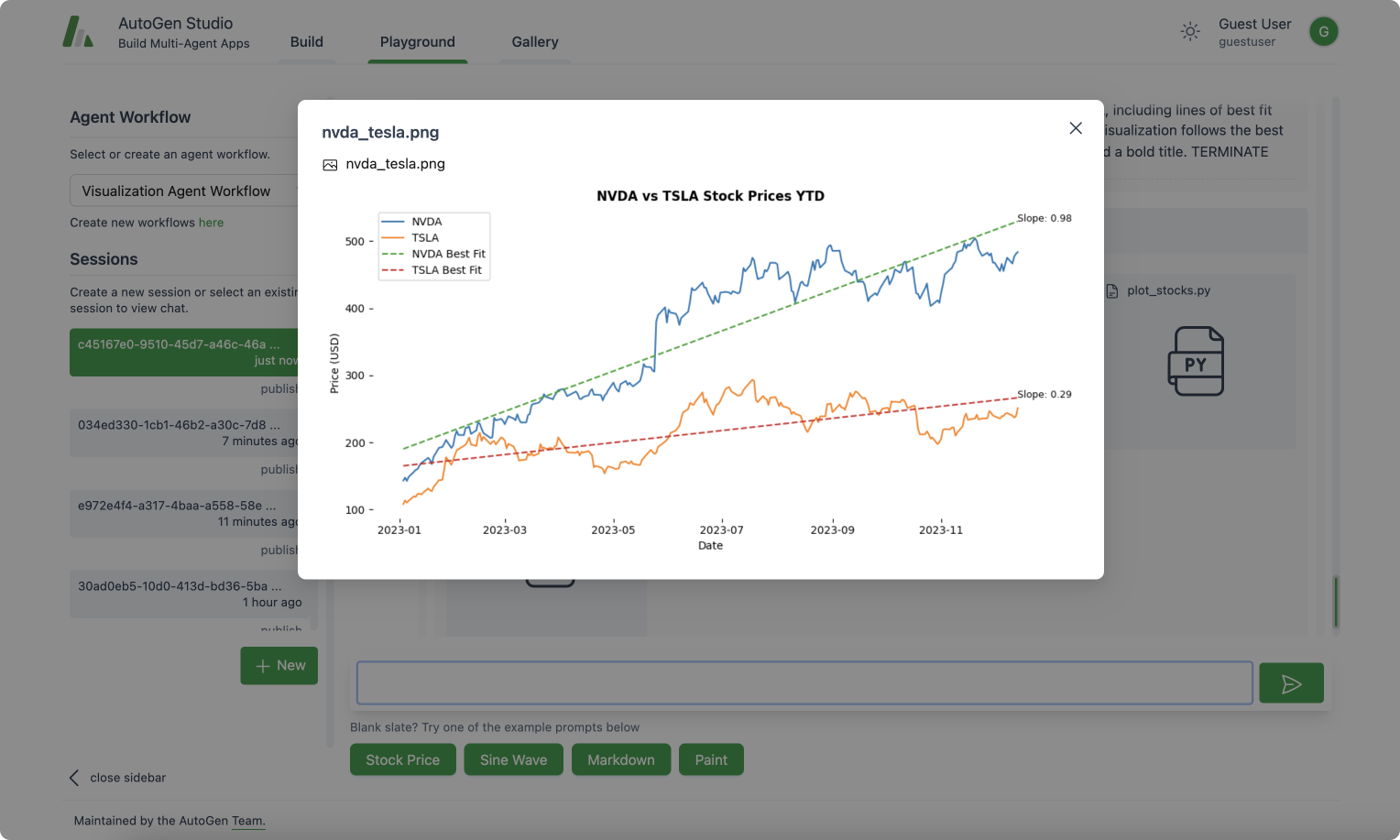
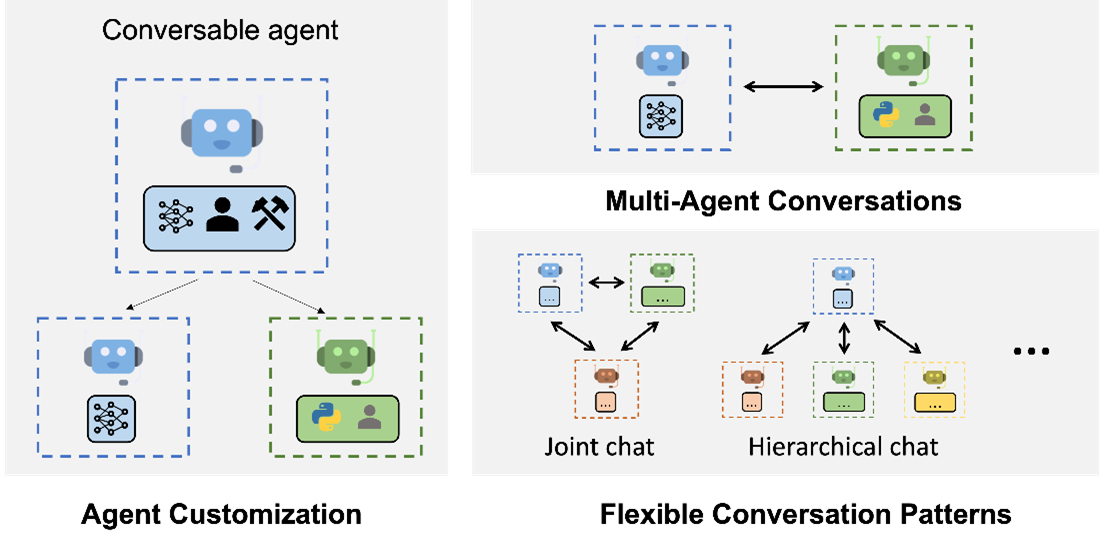
Prototype multi-agent AI systems without writing orchestration code: AutoGen Studio is Microsoft's low-code interface over the AutoGen AgentChat framework. You compose teams of LLM-powered agents in a visual Team Builder, either by drag-and-drop from a component library or by editing the declarative JSON specification directly. Each agent gets a model, a prompt, tools (Python functions), and the team gets termination conditions and an orchestration pattern, sequential or LLM-driven. The Playground runs teams interactively with live message streaming between agents, a visual control-transition graph, tool-call and code-execution tracking, and pause/stop controls, which makes it a practical debugger for agent behavior. Finished teams export as JSON for use in any Python application via the TeamManager class, or serve as an API endpoint. Any OpenAI-compatible model endpoint works, including local servers like Ollama or vLLM. Microsoft labels it a research prototype: use it for prototyping and evaluation, and build production systems on the underlying AutoGen framework.
Benefits
- See Agent Behavior, Not Just Output
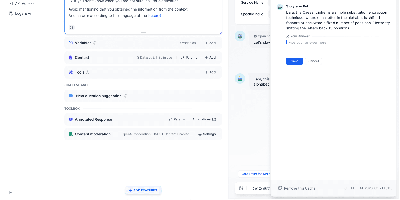
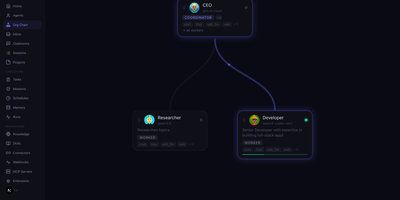
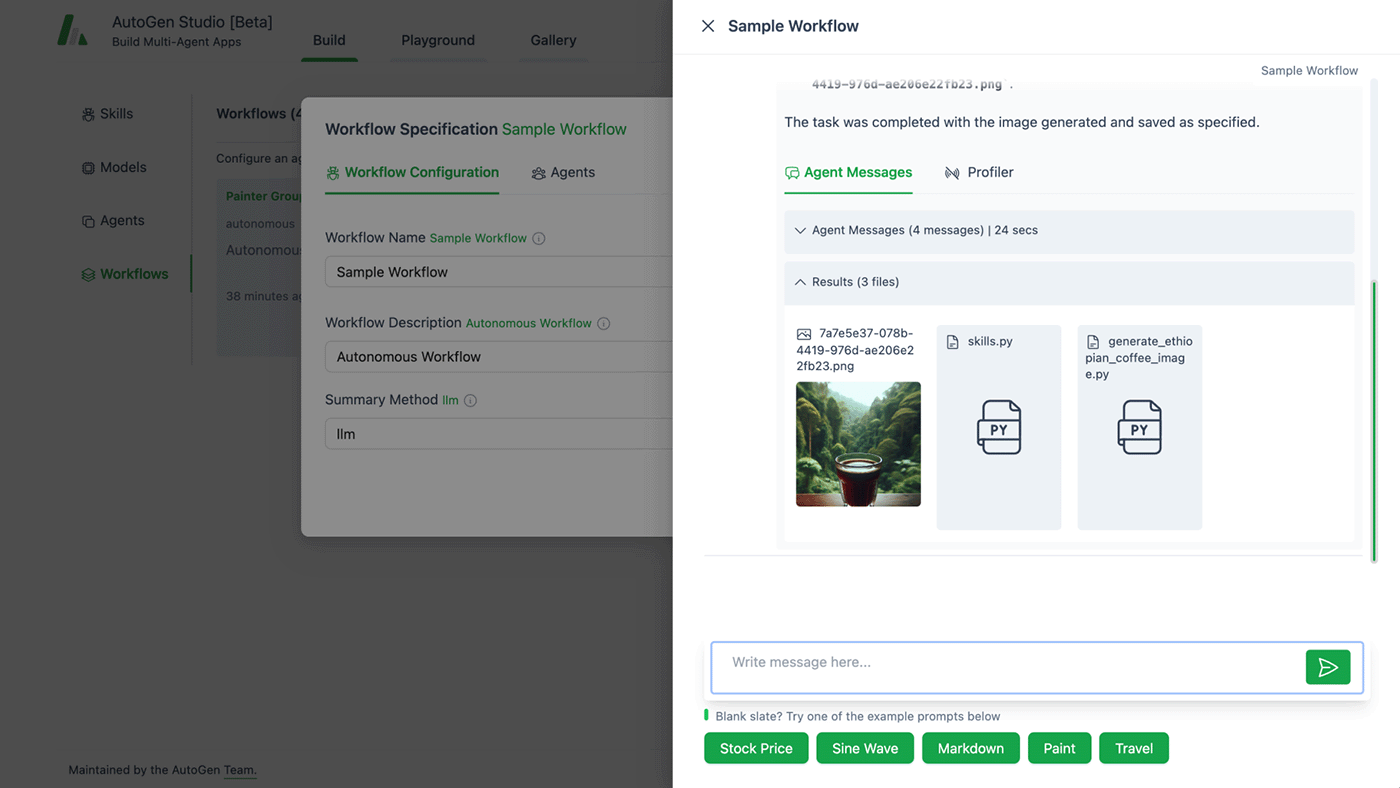
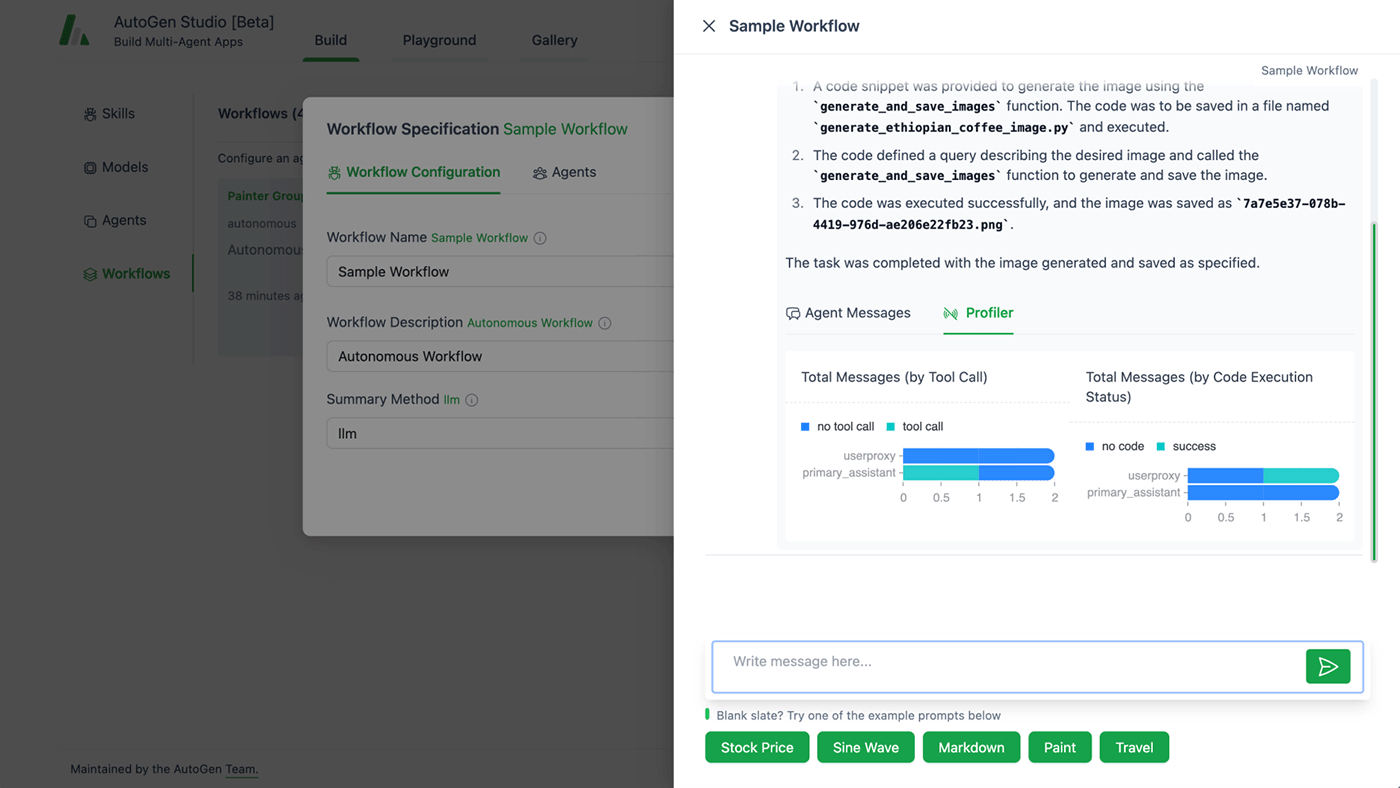
- Multi-agent systems fail in opaque ways. The Playground streams every inter-agent message, tool call, and code execution live, with a graph of control transitions, so you can diagnose why a team went off track.
- Prototype Without Boilerplate
- Composing agents, models, tools, and termination conditions in the visual builder takes minutes, versus writing and rewiring orchestration code for every experiment.
- Clean Path from Prototype to Code
- Everything in the UI is a declarative JSON spec that loads directly into the AutoGen Python framework, so a validated prototype becomes production code without re-implementation.
- Works with Any OpenAI-Compatible Model
- Point agents at OpenAI, Azure OpenAI, or self-hosted endpoints from Ollama, vLLM, or LM Studio, and mix models within a single team.
Features
- Visual Team Builder
- Drag agents, models, tools, and termination conditions onto a canvas, or toggle to raw JSON editing of the same specification. Fully compatible with AgentChat component definitions.
- Interactive Playground
- Run teams against real tasks with live message streaming, human-in-the-loop input via UserProxyAgent, and full run control including pause and stop.
- Component Gallery
- A hub of reusable teams, agents, models, tools, and termination conditions that can be shared across projects and imported from the community.
- Tools as Python Functions
- Attach skills, plain Python functions like fetching data from an API, to agents, and watch their invocation and results during runs.
- Export and Deploy
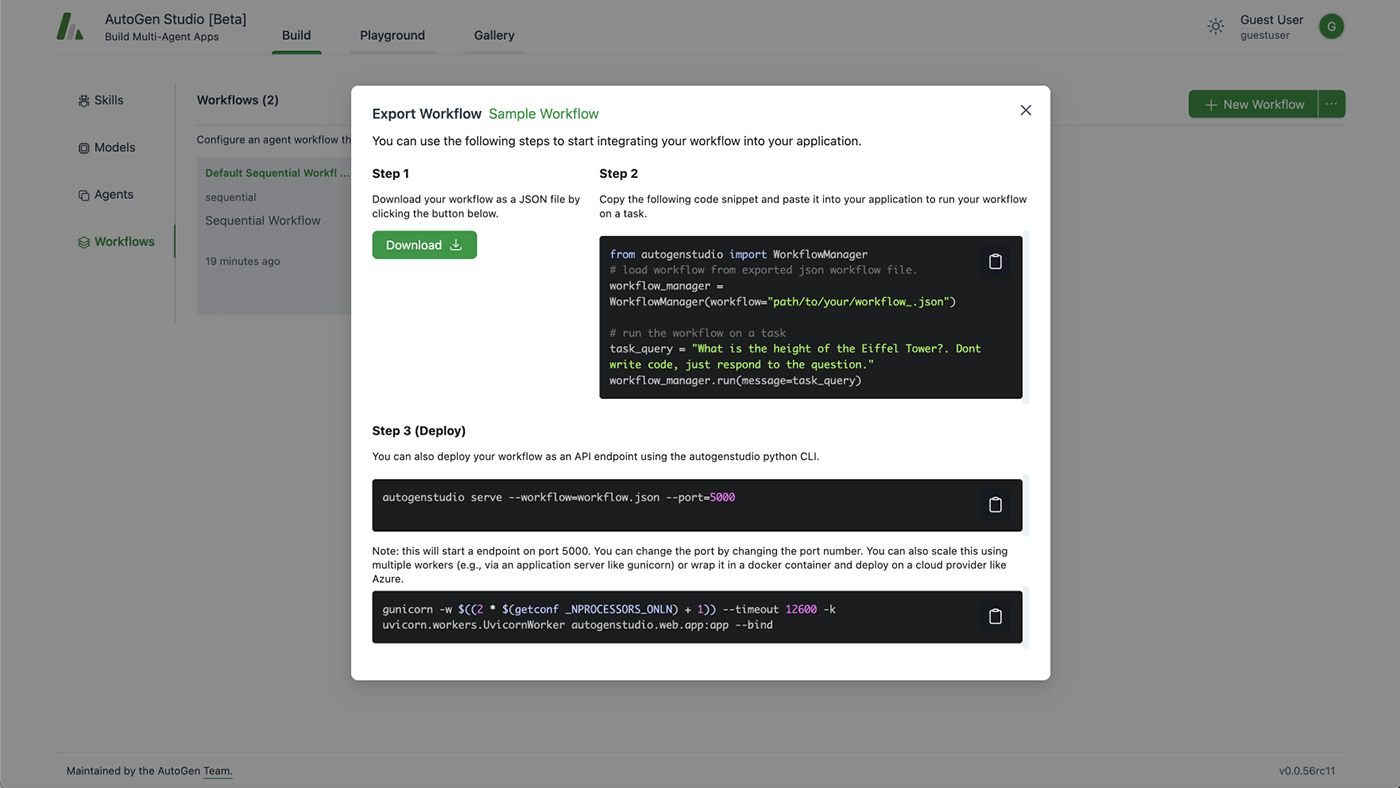
- Download a team as a JSON config, load it in Python with TeamManager, serve it as an API endpoint from the CLI, or containerize it with Docker.
- Pluggable Database Backend
- Uses SQLite by default and supports PostgreSQL or MySQL through SQLModel for persistent sessions and run history.