Stars
Forks
Watchers
Developer links
ControlR
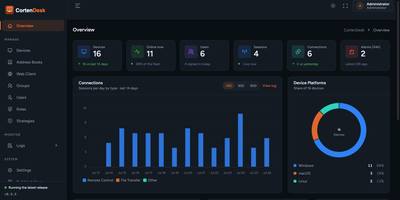
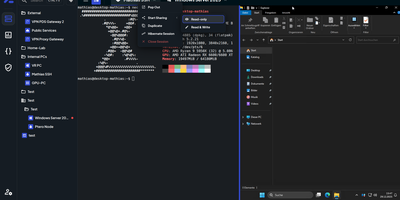
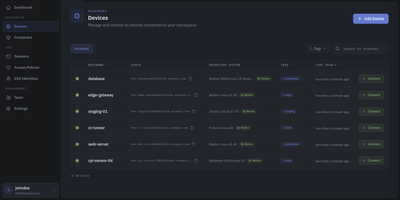
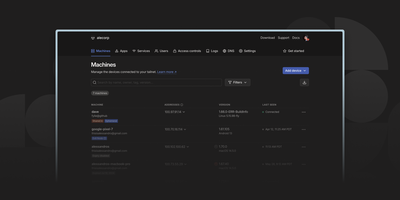
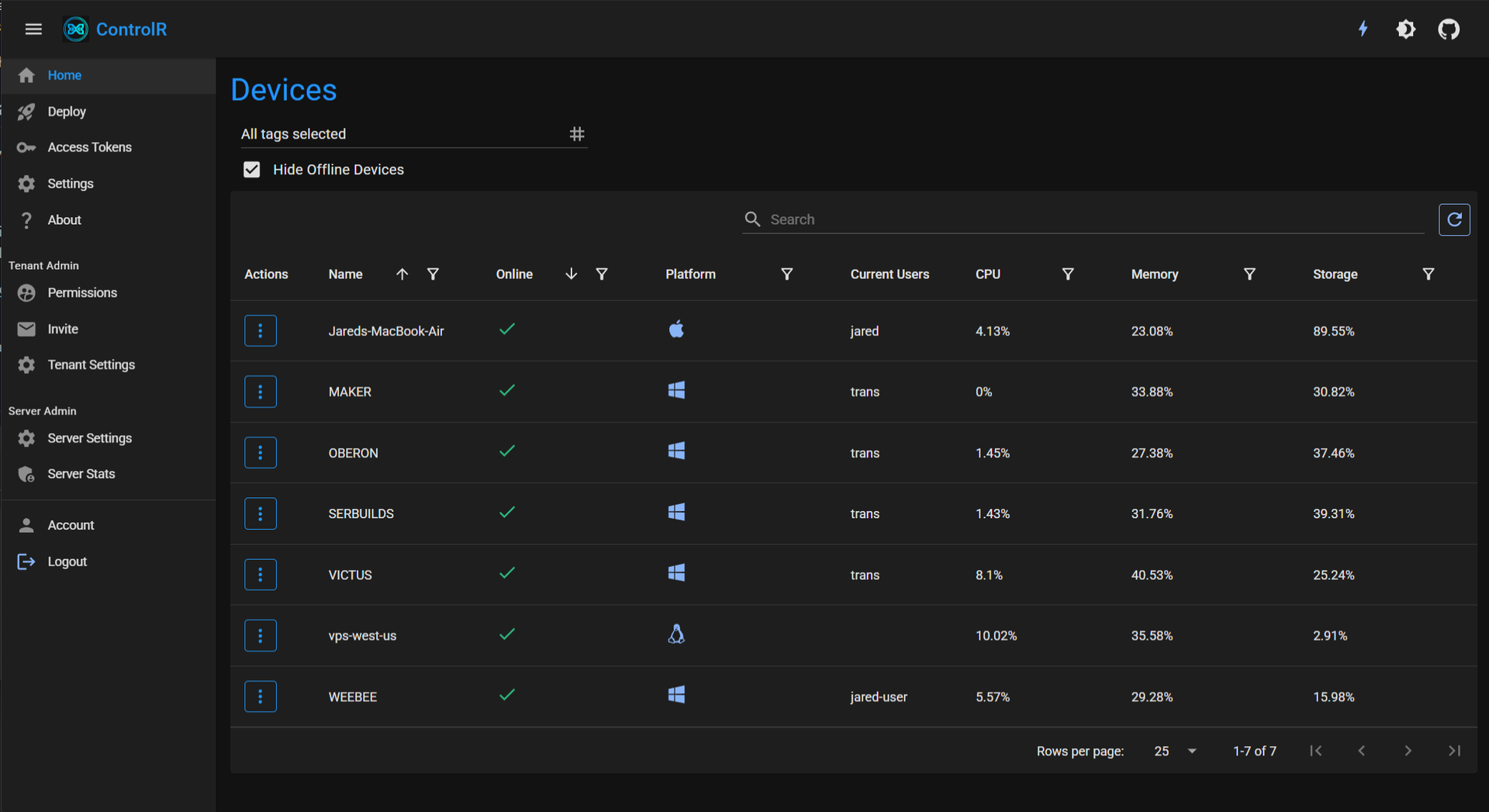
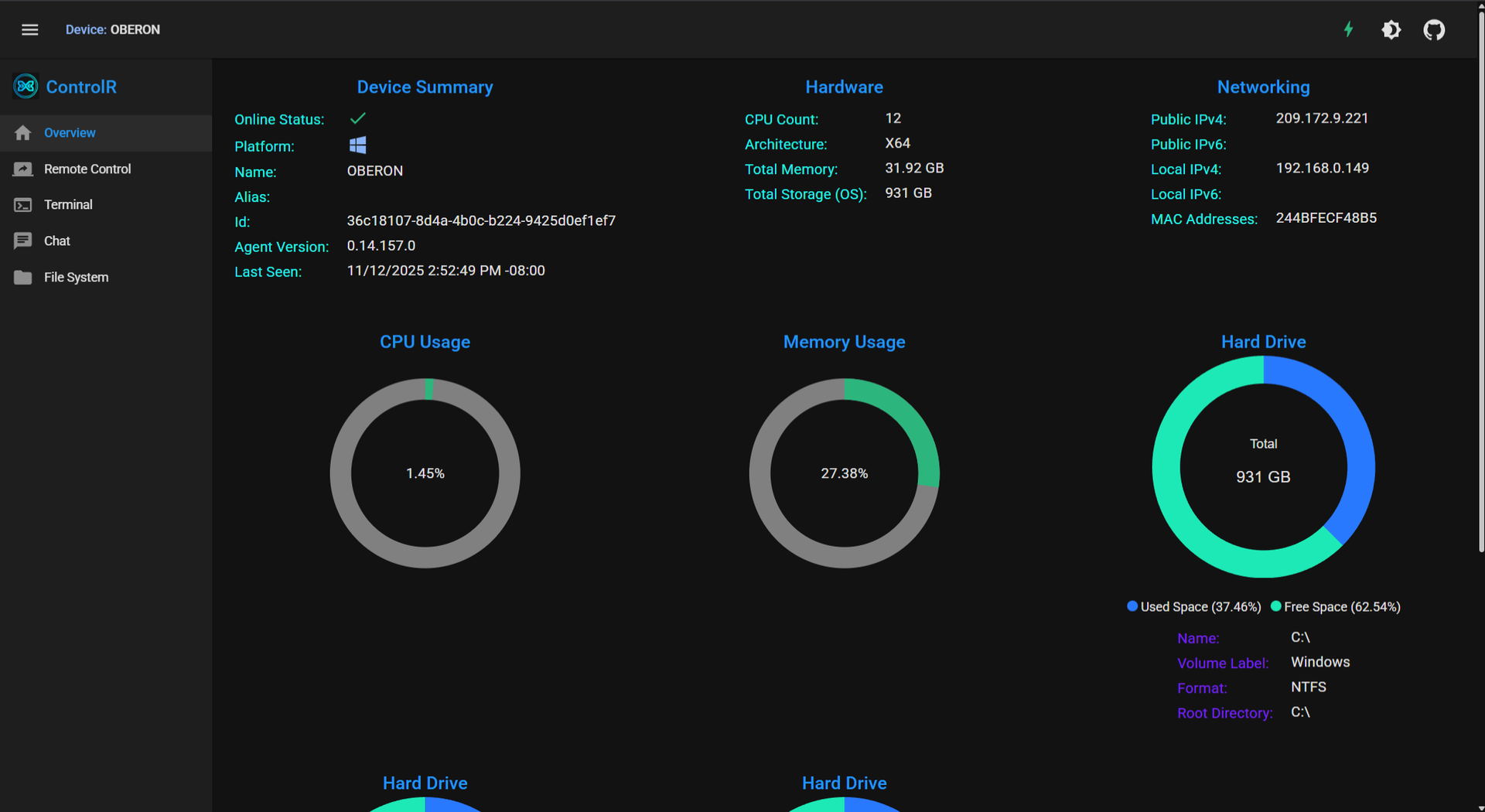
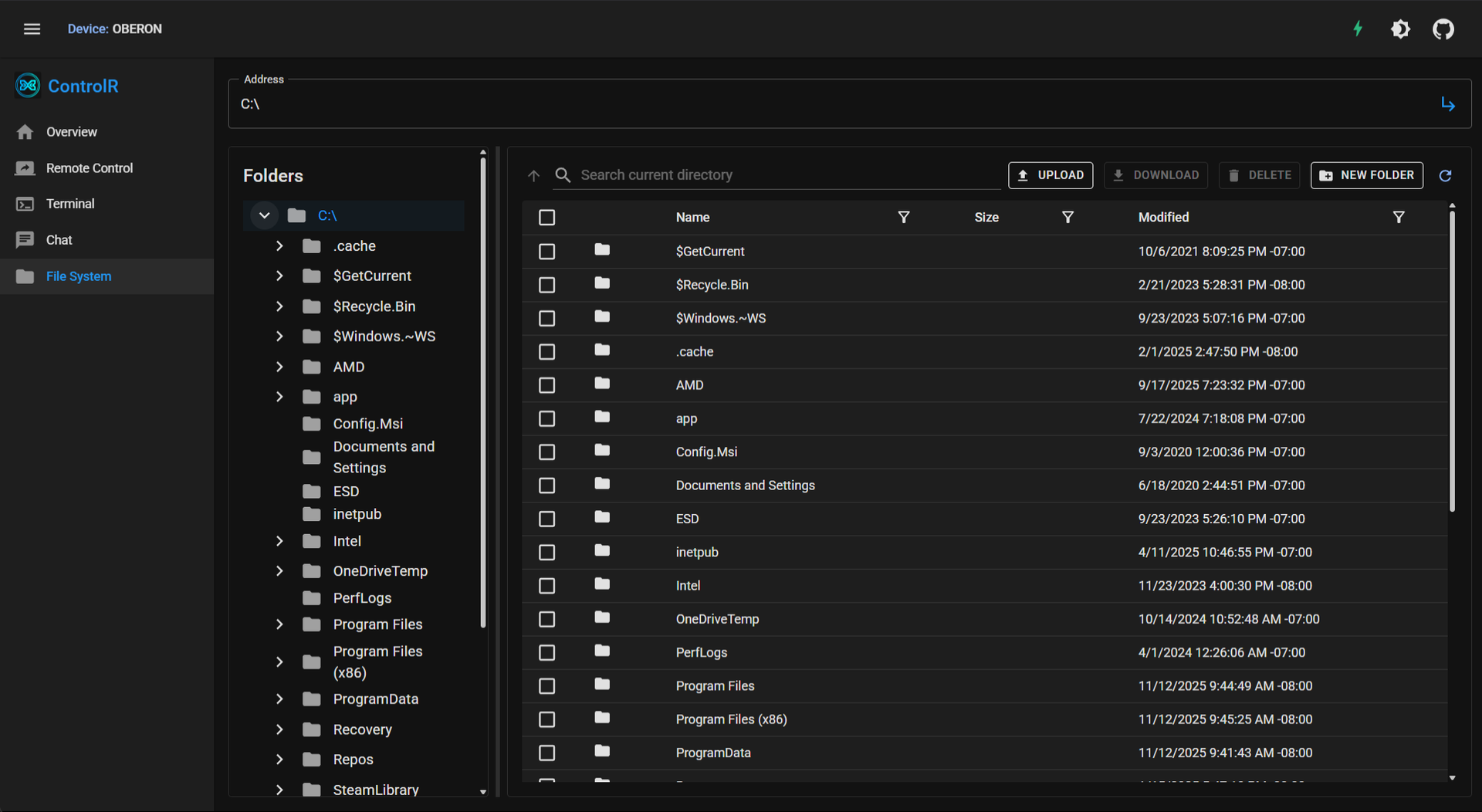
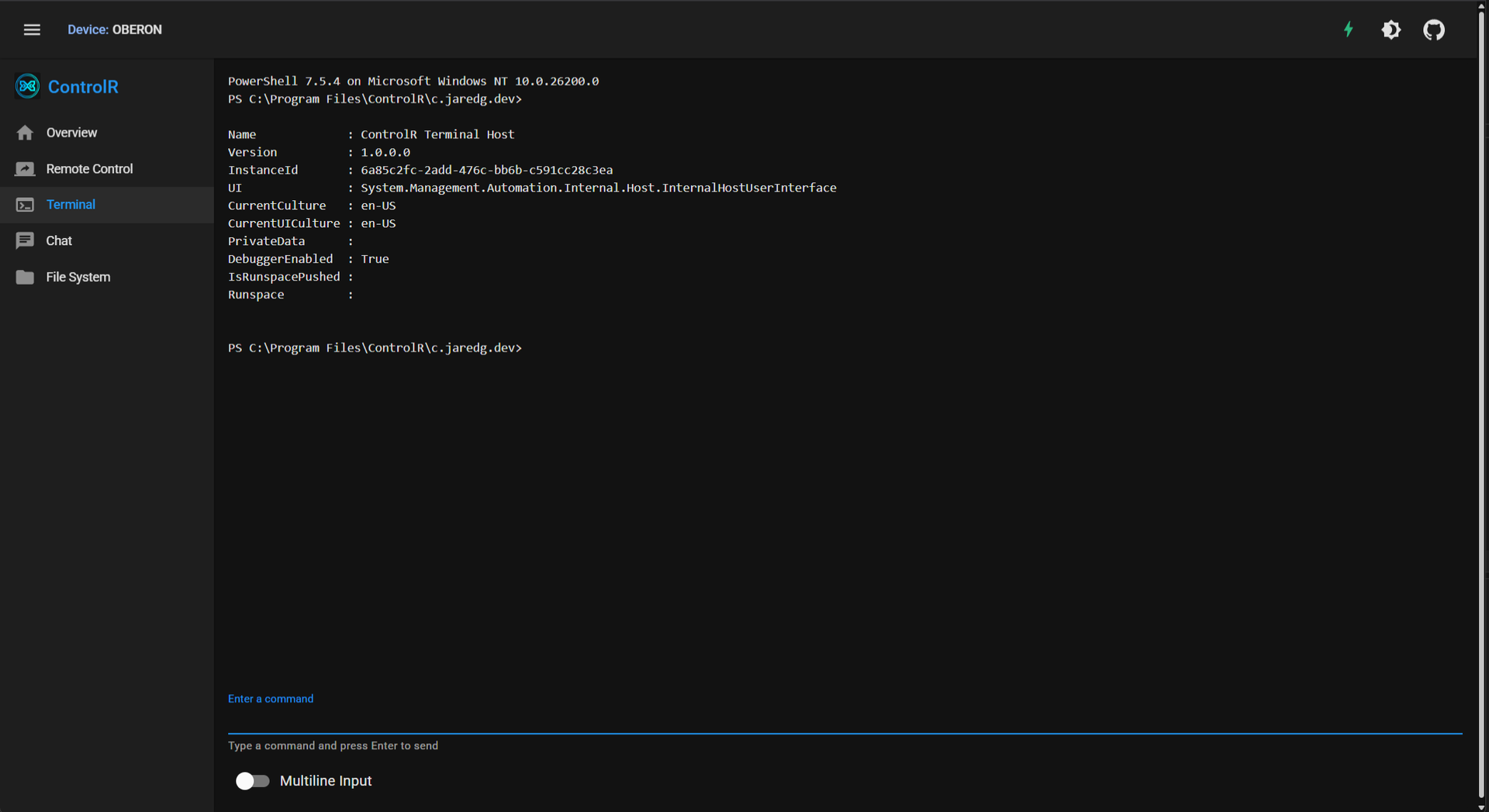
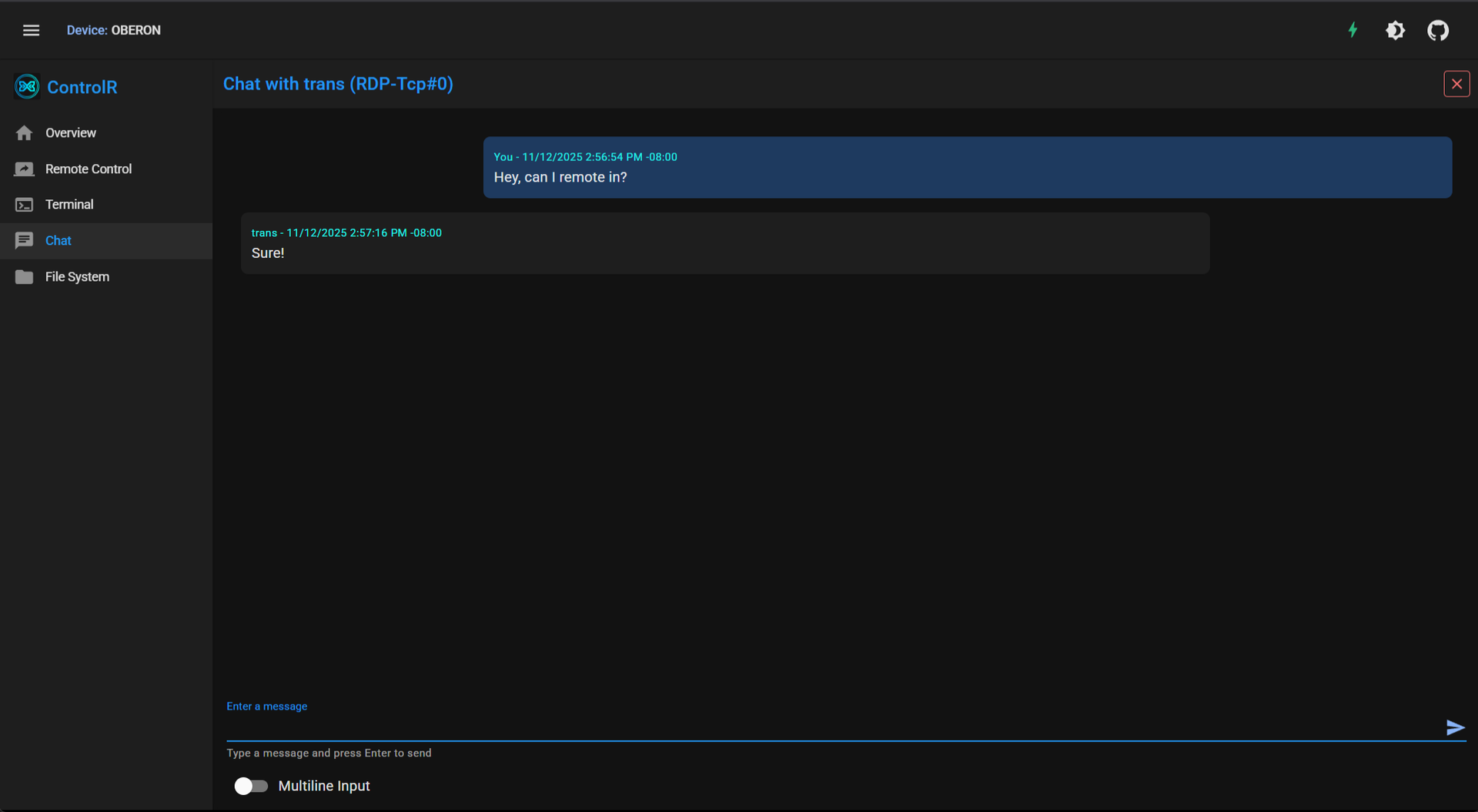
Helping someone fix their computer should not start with a phone call full of instructions nobody can follow: ControlR puts every machine you look after into one browser tab. Install the agent on Windows, Mac, or Linux machines once, and they appear in your device grid with their status ready for action. Open a remote desktop session and see and control the screen as if you were sitting there, drop into a cross-platform PowerShell terminal when a fix is faster typed than clicked, browse the file system to fetch a log or drop off a file, or just open chat when a quick question is all that is needed. Devices are organized with tags, and access follows them: a technician sees the machines their tags cover, while roles decide who can install agents, manage installer keys, administer the tenant, or reach every device. Agent logs stream to the server in real time, which turns bug reports into something you can actually read. Run one tenant for your own fleet, or enable public registration and let each new account become its own isolated tenant, with the database keeping every tenant's devices and users apart. Sensitive settings can arrive through Docker Secrets instead of environment variables, and the whole server runs from a single compose file. Running on a dedicated VPS on RepoCloud with guaranteed CPU, RAM, and SSD, full root SSH access, and a browser serial console. MIT licensed.
Benefits
- Every Device in One Grid
- Windows, Mac, and Linux machines with the agent installed report into a single web console, where tags organize them by customer, team, or location and the grid shows at a glance what is online.
- Hands On Without Travel
- Full remote desktop control, a cross-platform PowerShell terminal, file system browsing, and built-in chat cover the ways support actually happens, from watching a screen to quietly fixing a setting underneath it.
- Permissions That Match Responsibility
- Role-based and tag-based access decide exactly who can reach which devices, deploy agents, or manage installer keys, so a helper gets the machines they support and nothing beyond them.
- Yours to Host and Seal
- The server runs from Docker Compose with secrets supplied as files, optional multi-tenancy isolates each account's fleet, and no device ever needs to phone home to a vendor cloud to be reachable.
Features
- Remote Desktop, Terminal, Files
- Control the screen on Windows, macOS, and Linux, including Wayland through the desktop portal, run commands in an embedded PowerShell host, transfer files, and chat with the person there.
- Agents That Stay Connected
- Agents register with installer keys, keep a SignalR connection to the server for heartbeats and dispatch, self-update from bundles the server serves, and stream logs back in real time.
- Tags and Role-Based Access
- Assign tags to users and devices to grant reach, and hand out roles for agent installation, device superuser access, installer key management, tenant administration, and server administration separately.
- Single or Multi-Tenant Server
- Run one private fleet where the first account administers everything, or enable public registration so each signup becomes an isolated tenant, with database query filters keeping tenants separated.
- Secrets Without Environment Files
- Any sensitive setting can be delivered as a Docker Secret file instead of an environment variable, covering database credentials, OAuth client secrets, SMTP passwords, and certificate passwords.