Categories
Self-Hosted Knowledge Base Project Management Team Collaboration Kanban Issue Tracking AI Assistants AgileStars
Forks
Watchers
Developer links
Bemmoly
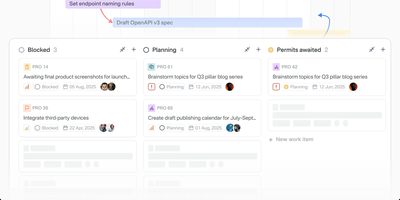
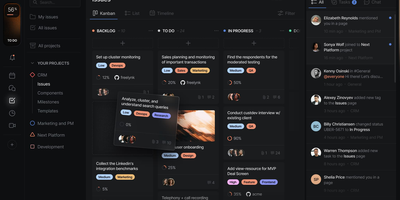
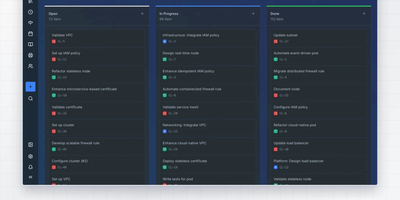
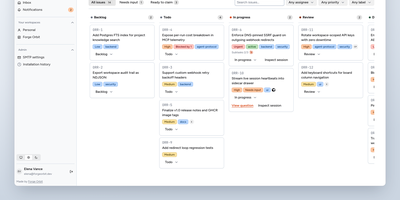
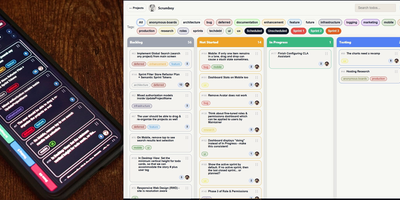
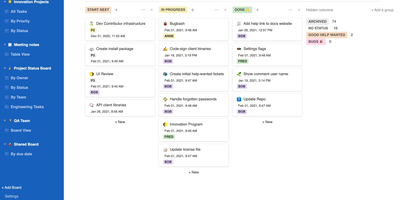
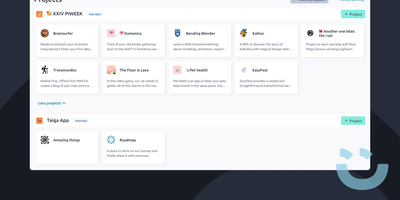
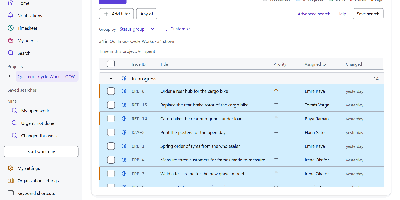
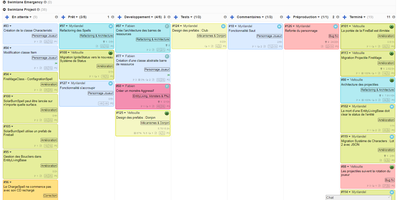
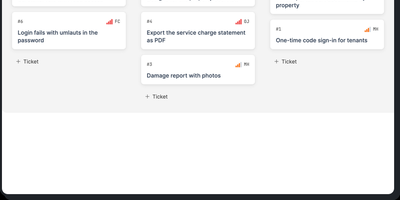
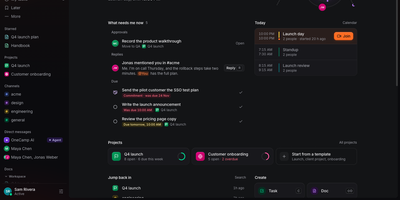
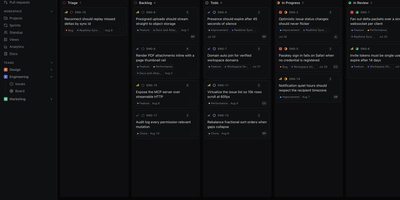
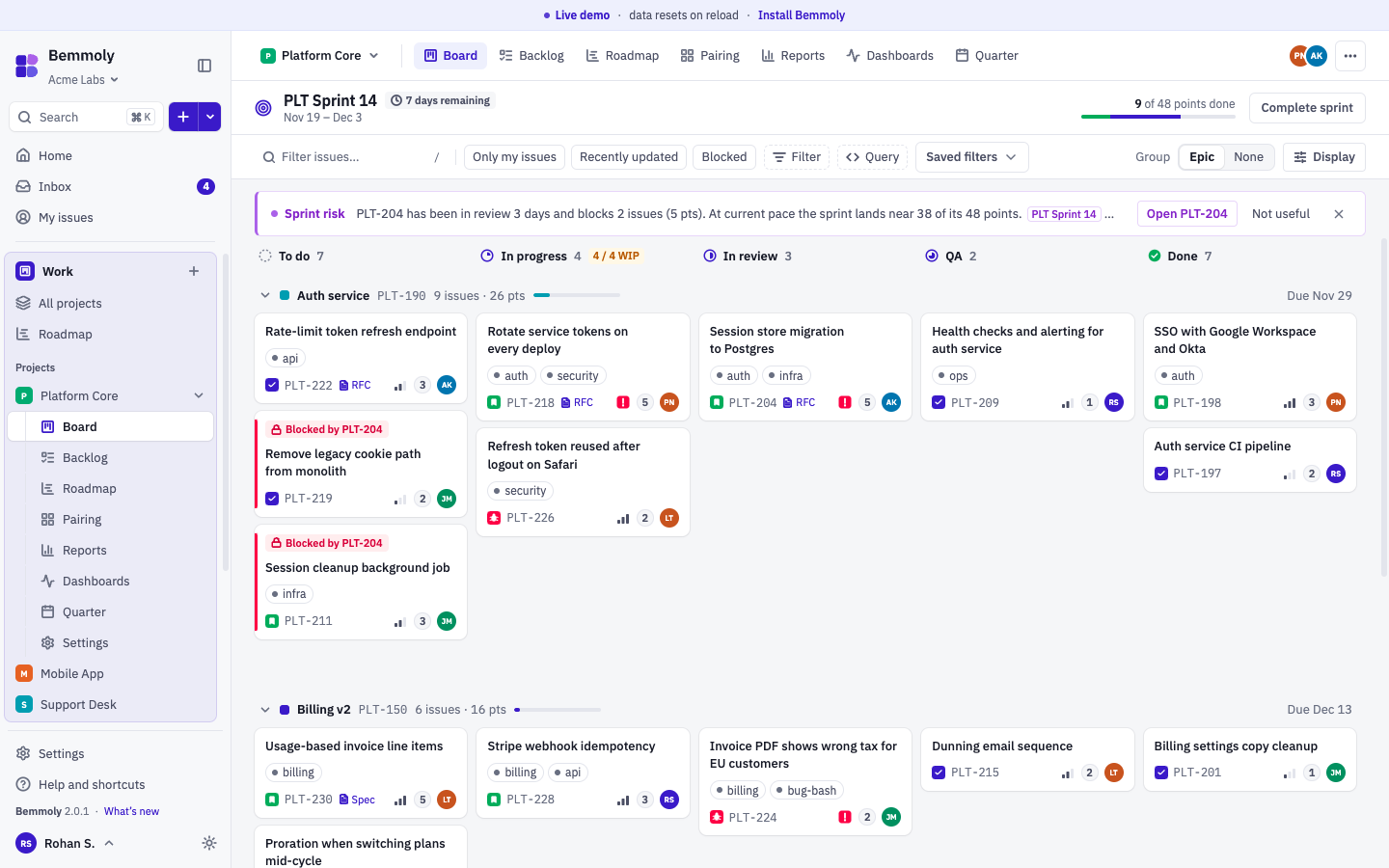
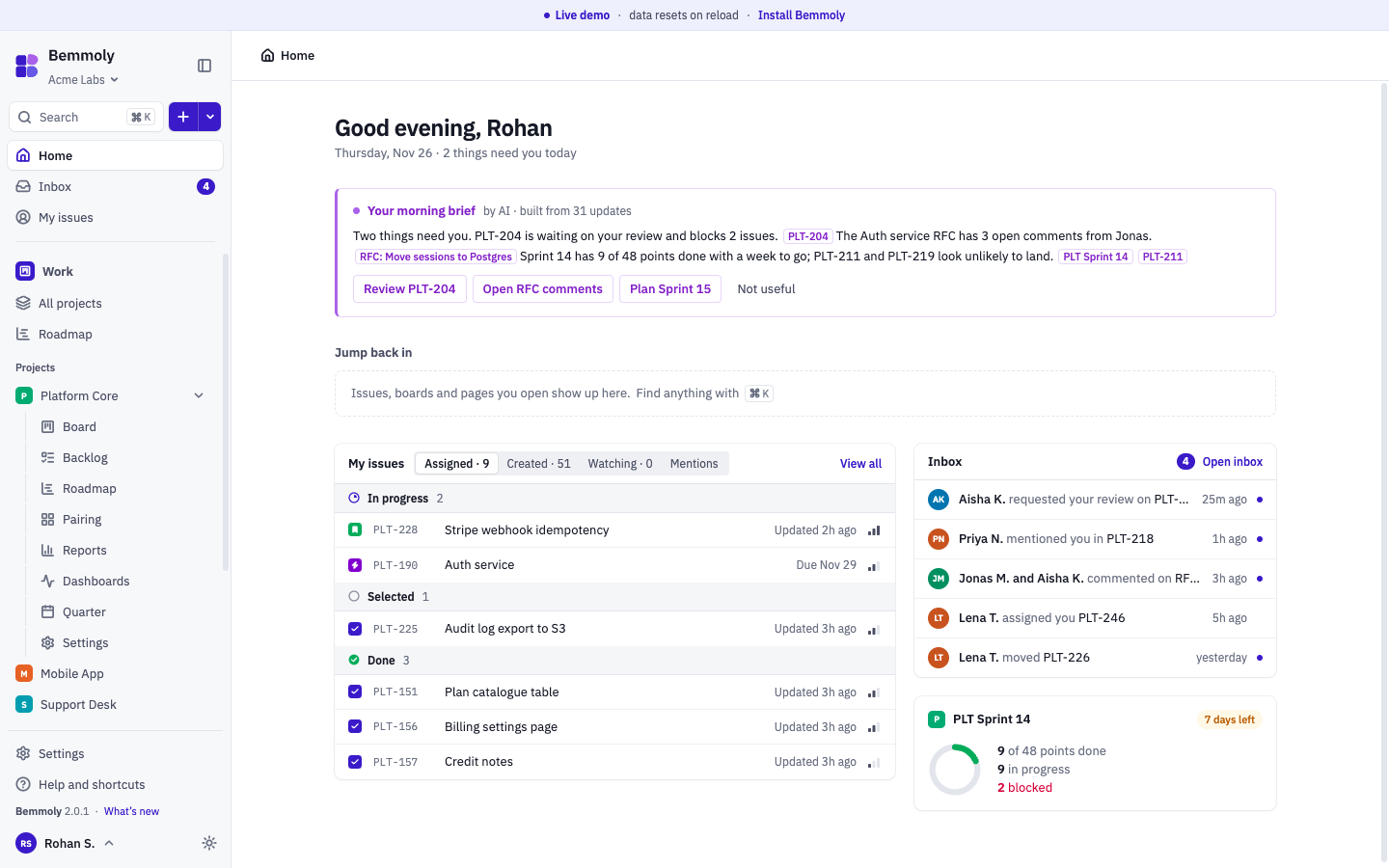
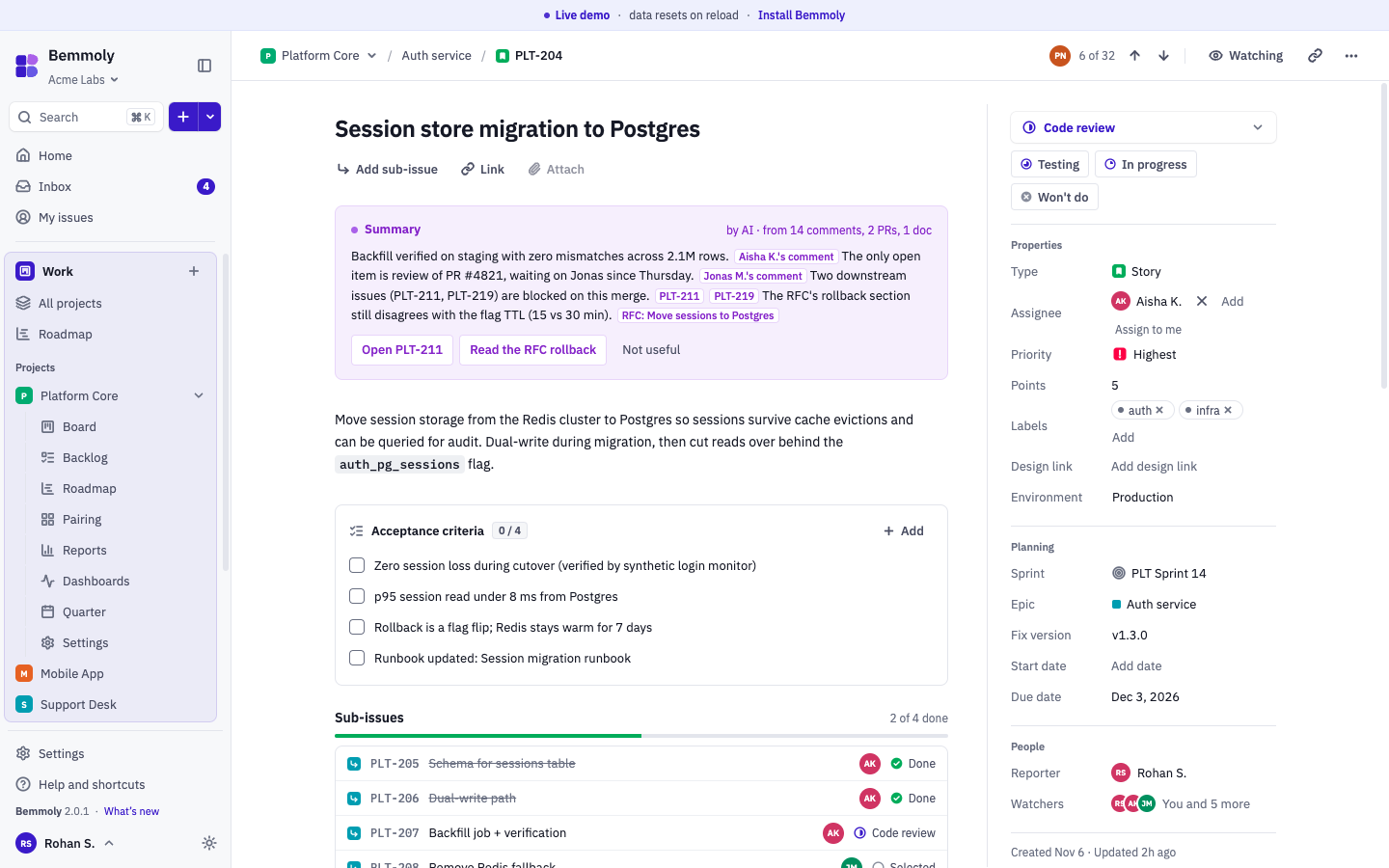
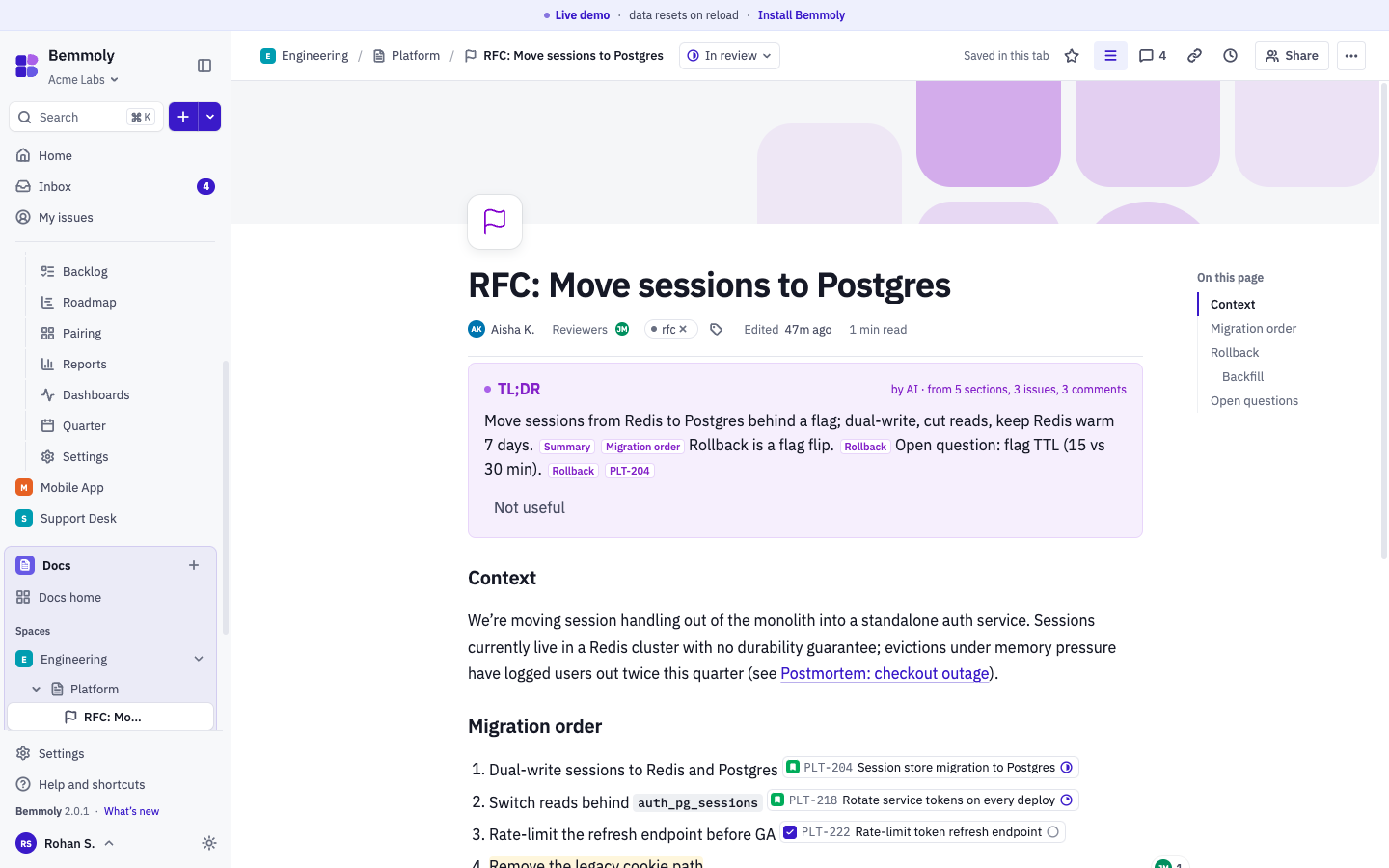
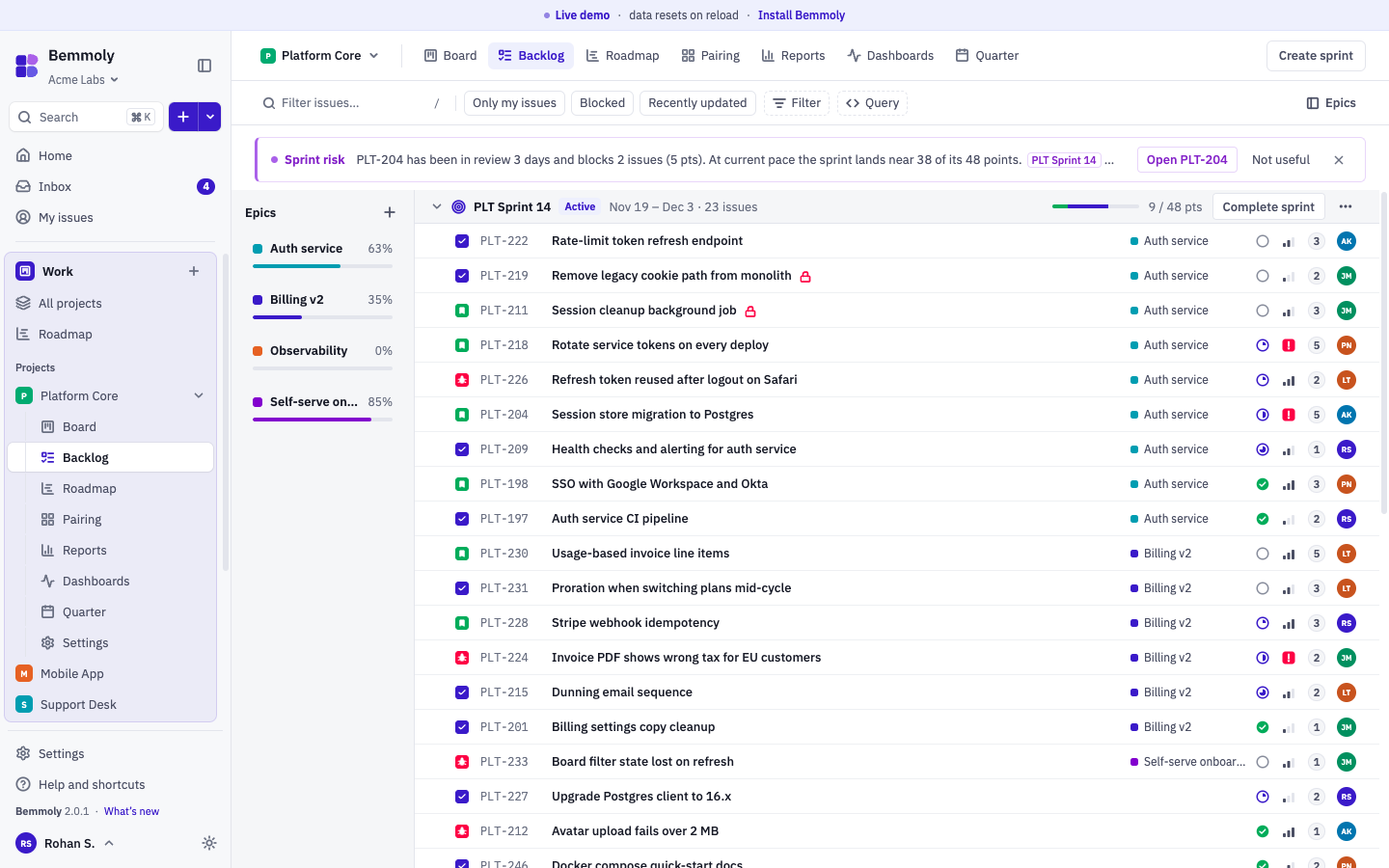
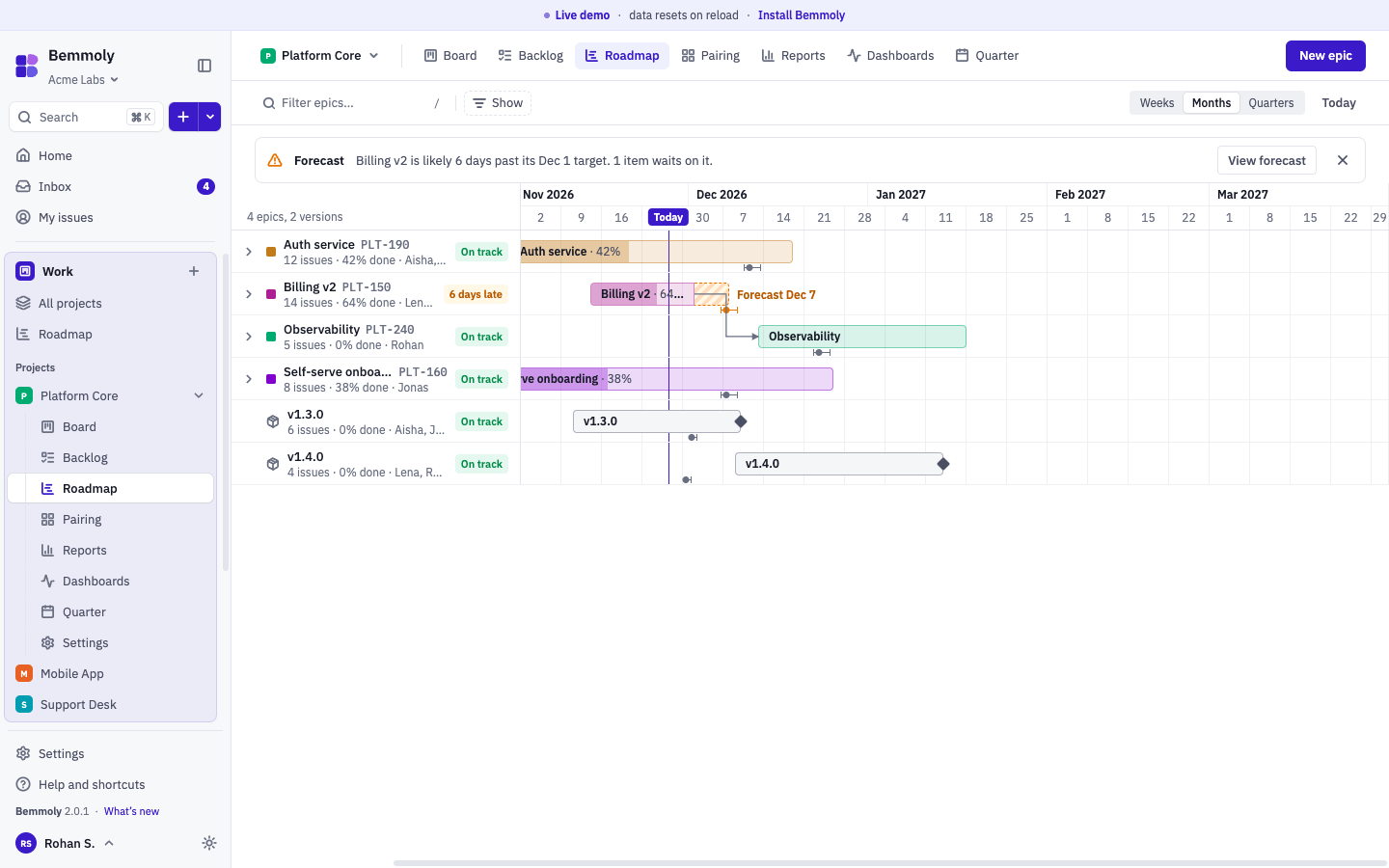
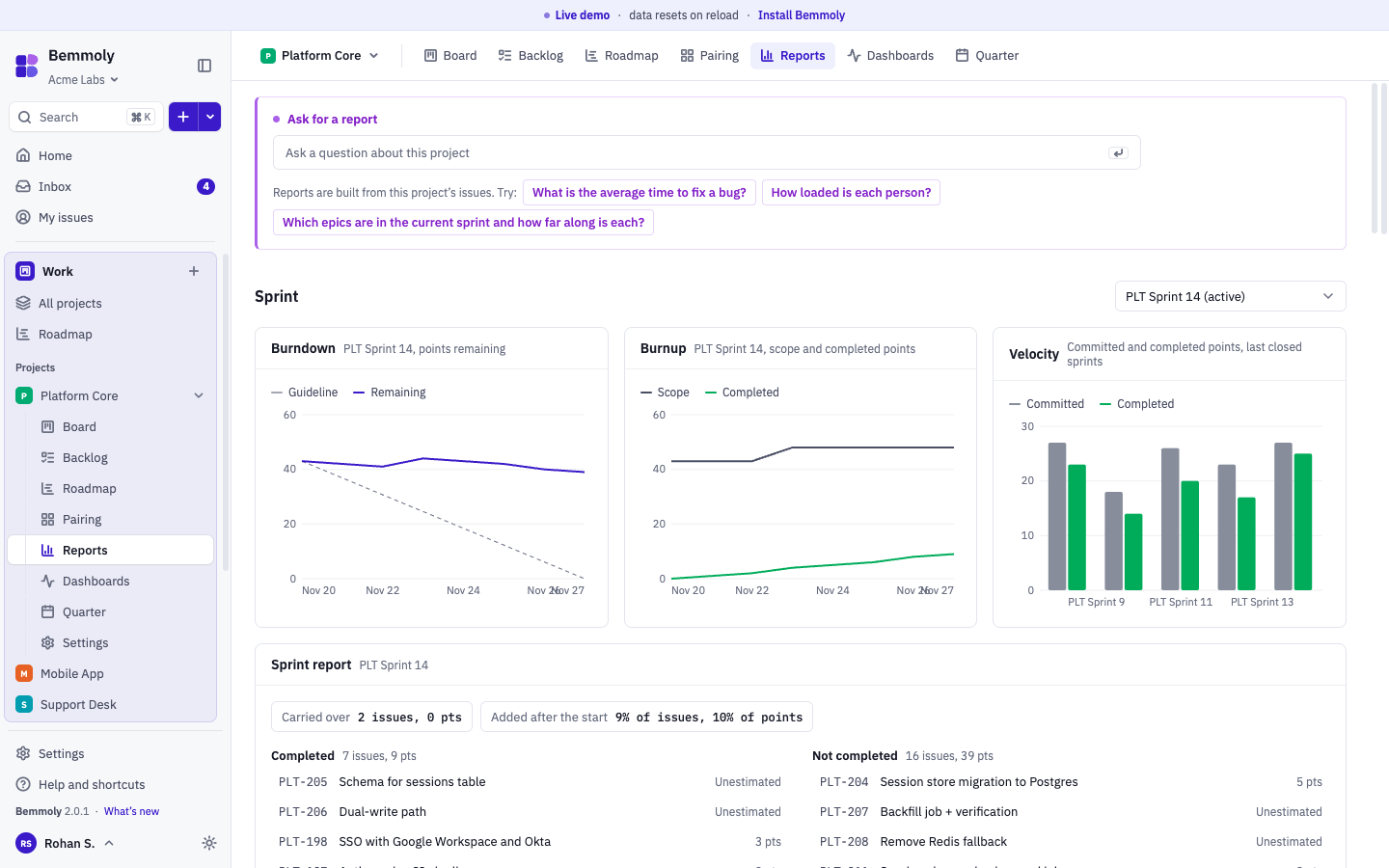
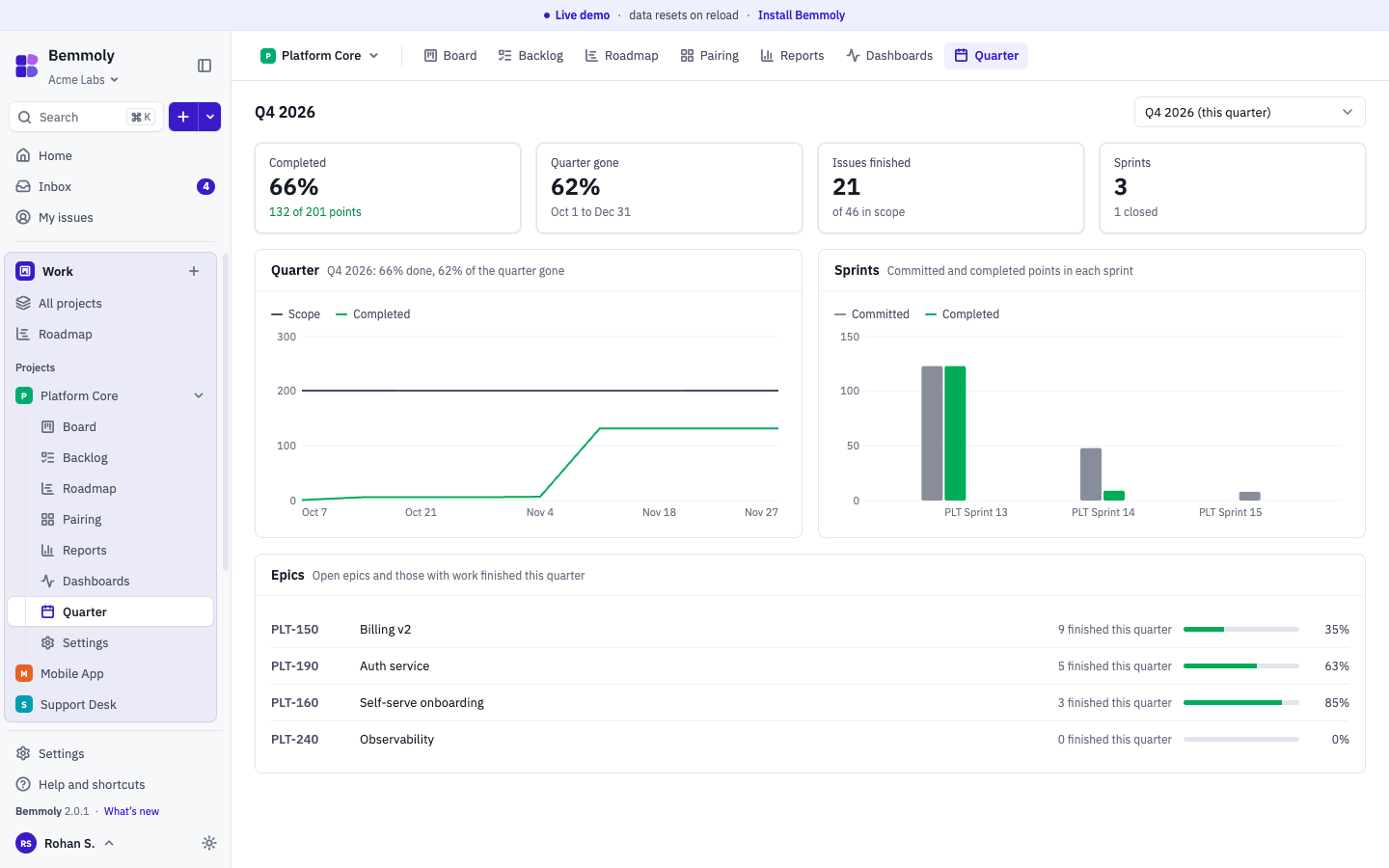
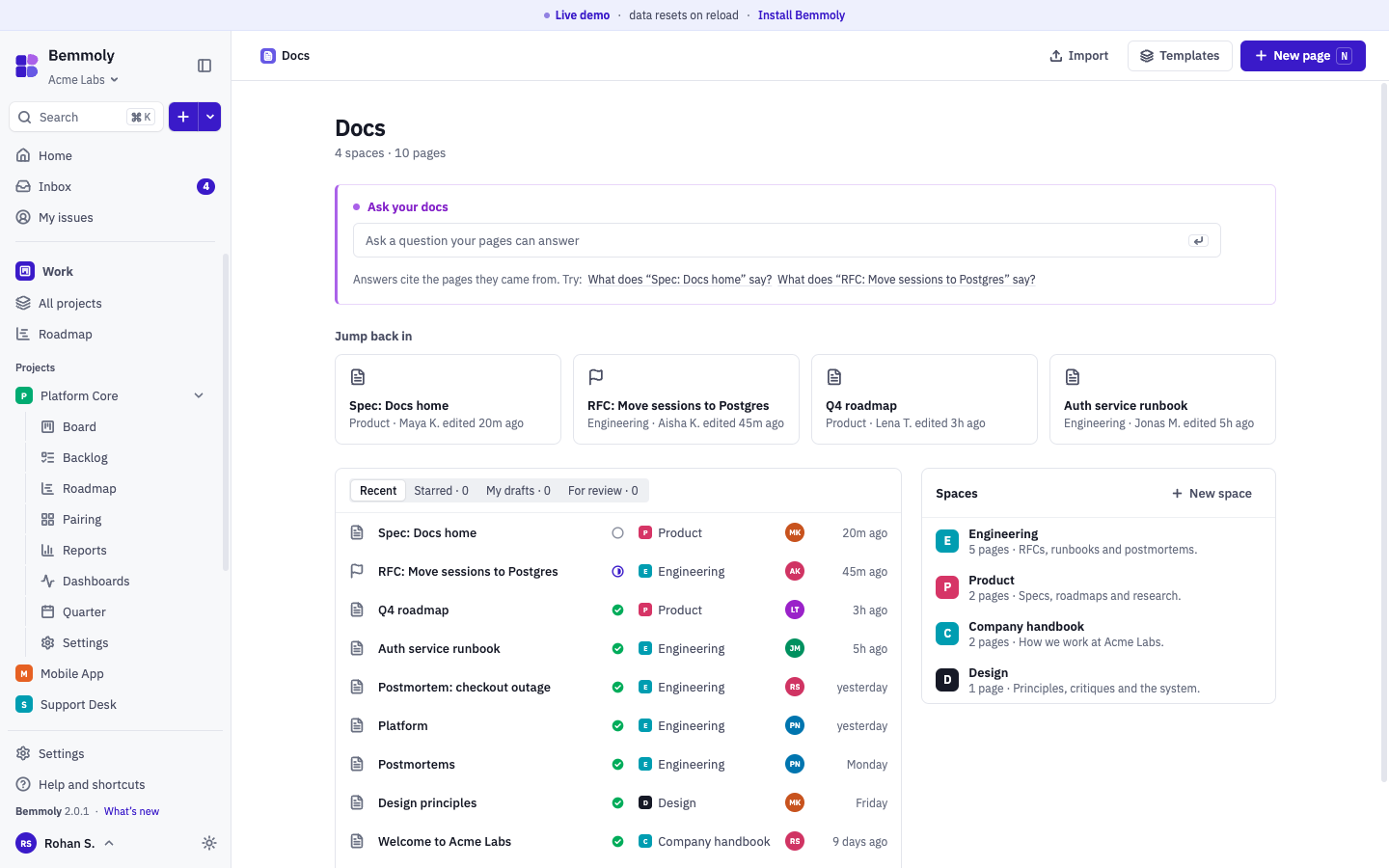
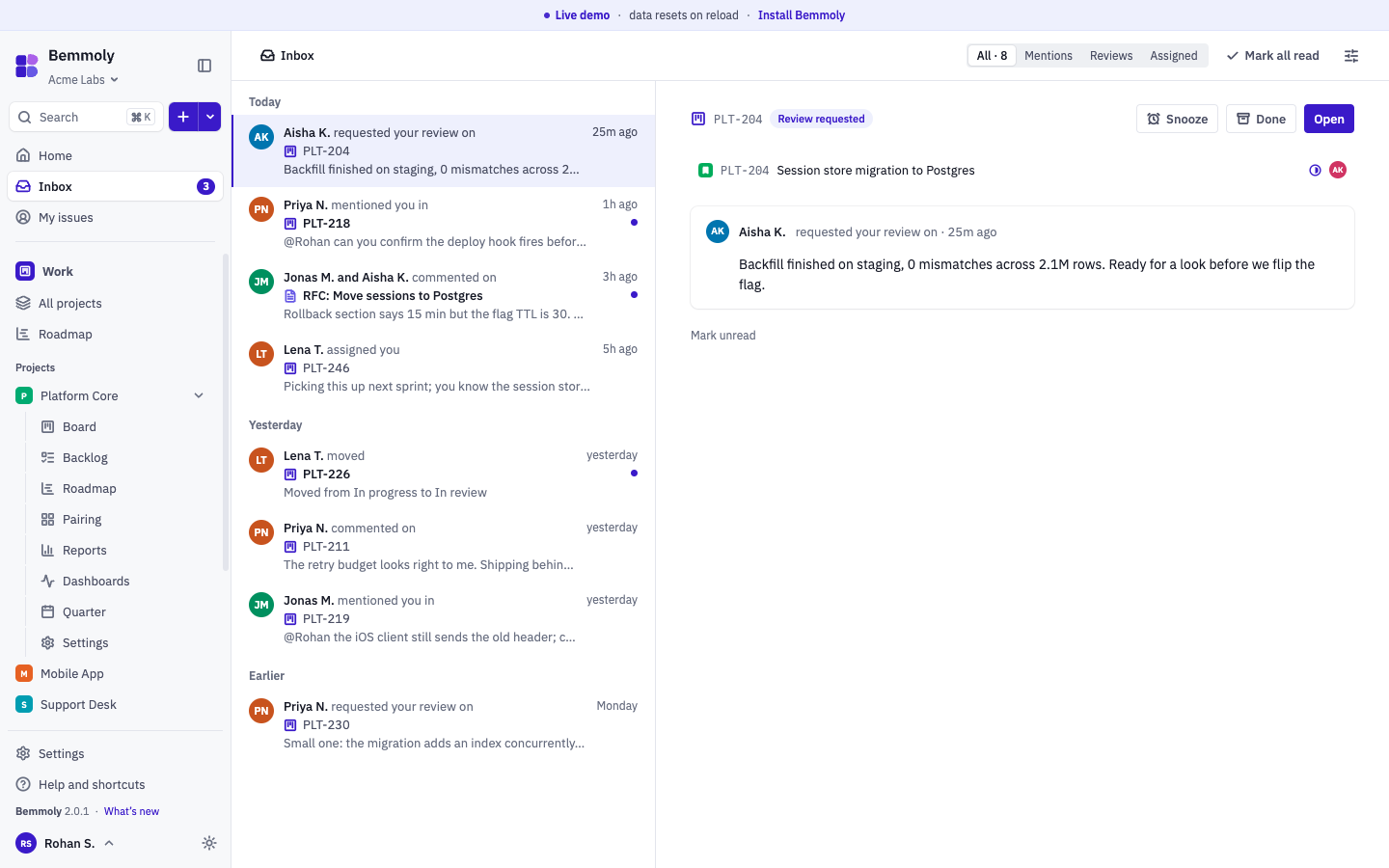
Planning a sprint, writing the spec behind it, and asking an AI what is slipping all happen in one sidebar. The board groups issues into status columns with work-in-progress limits and epic swimlanes, and a banner warns when a blocked issue threatens the sprint. Issues hold acceptance criteria, sub-issues, linked work, custom fields, and threaded comments. A backlog plans sprints against team capacity, while burndown, velocity, and cycle-time charts show how each one went. The roadmap lays epics along a timeline and forecasts which will finish late. Specs and RFCs live in Docs: several people edit a page together, comments stay attached to the words they discuss, and issue chips show current status. Bemmoly ships with AI disabled, and an admin decides if and when to enable it. After that, a morning brief names what needs attention, issue summaries cite the comments behind them, and plain-English questions return answers with numbered citations. Plans typed into the command palette change nothing until someone confirms them. Jira projects and Confluence spaces import with a preview before anything is written. Workflows are drawn in a visual editor, custom roles control who may change what, and sign-in covers OpenID Connect, SAML, and SCIM provisioning. Automation runs on events or schedules, signed webhooks announce them, and GitHub or GitLab pull requests link back to their issues. Running on a dedicated VPS on RepoCloud with guaranteed CPU, RAM, and SSD, full root SSH access, and a browser serial console. MIT licensed.
Benefits
- Specs live beside their issues
- Doc pages embed issue chips and tables that show each issue's live status, and one sidebar, one search, and one permission set cover both the work and the writing about it.
- You decide what AI can see
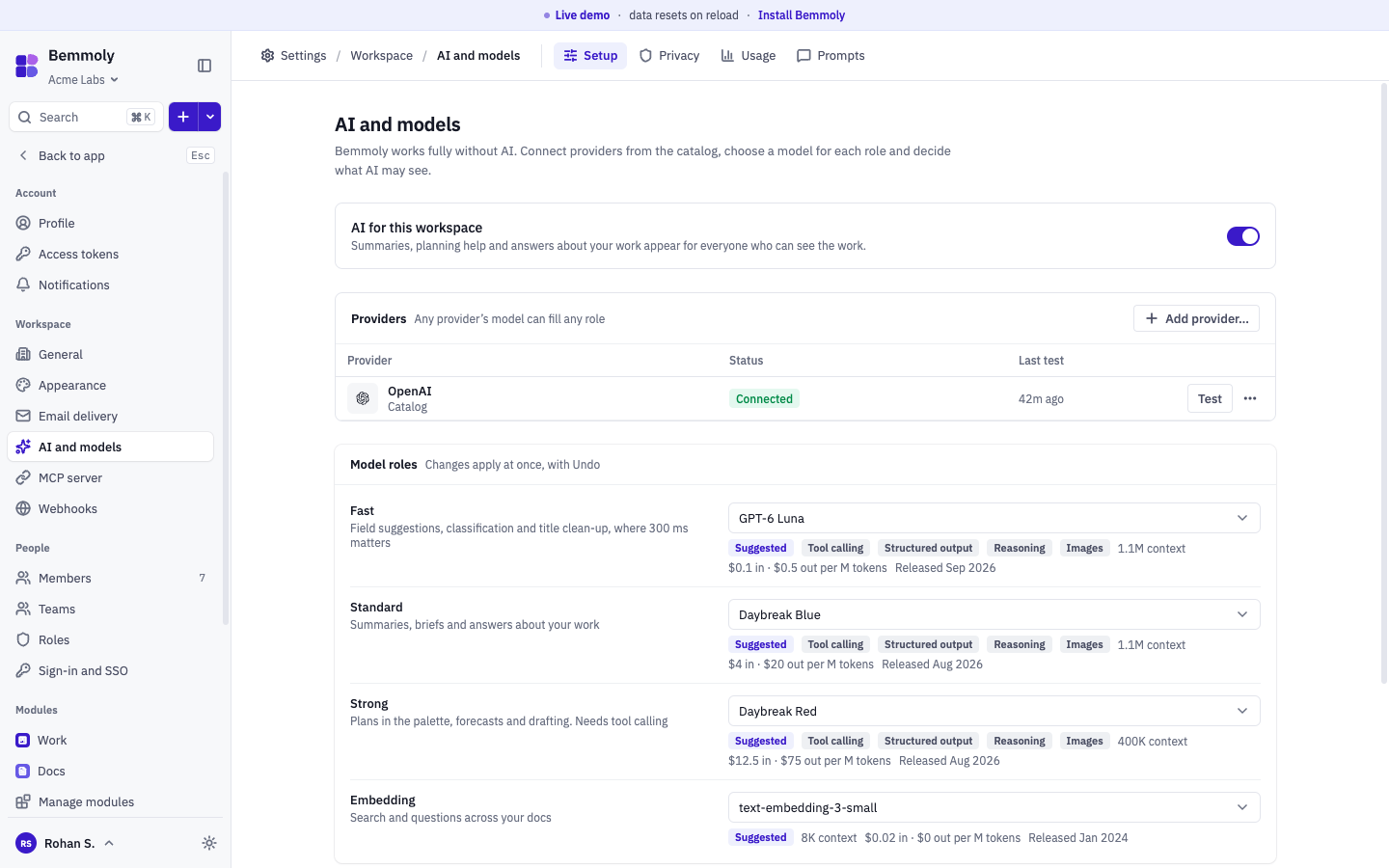
- Admins pick the provider, whether page and issue content is sent, which spaces and projects are excluded, whether AI may change data, and a monthly budget; switching AI off removes every AI screen.
- No subscription, seats, or license key
- MIT licensed with every feature in the public repository: no open core, no enterprise edition, no seat limit. Your only cost is the Linux server; the installer needs just 1 vCPU and 2 GB.
- Backups and rollback built in
- Nightly backups are kept for 7 days, 4 weeks, and 3 months with a weekly test restore; an update backs up first and rolls itself back if the app is unhealthy within three minutes.
Features
- Boards, Backlog, and Sprints
- Kanban or Scrum per project with WIP limits, epic swimlanes, capacity-based sprint planning, burndown, burnup, velocity, and cycle-time charts, plus a roadmap that forecasts which epics will slip.
- Issues and Workflows
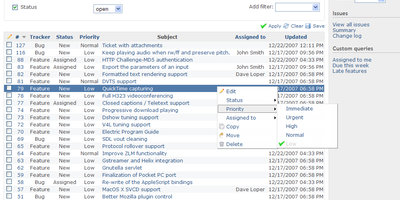
- Epics, stories, bugs, tasks, and incidents with custom fields, acceptance criteria, sub-issues, and linked work; statuses and transitions drawn in a visual editor and searched with a query language.
- Docs With Live Editing
- Spaces of pages edited together with named cursors, comments anchored to text, block-by-block version compare, issue chips, and Markdown or HTML export; Confluence spaces and Markdown folders import.
- AI Briefs, Answers, and Plans
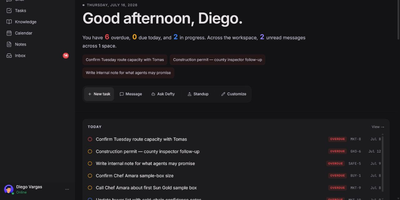
- A morning brief, sprint-risk alerts, cited summaries, doc questions with numbered citations, editor help, and command-palette plans that run only when confirmed; any models.dev provider or local model works.
- Sign-In, Roles, and SCIM
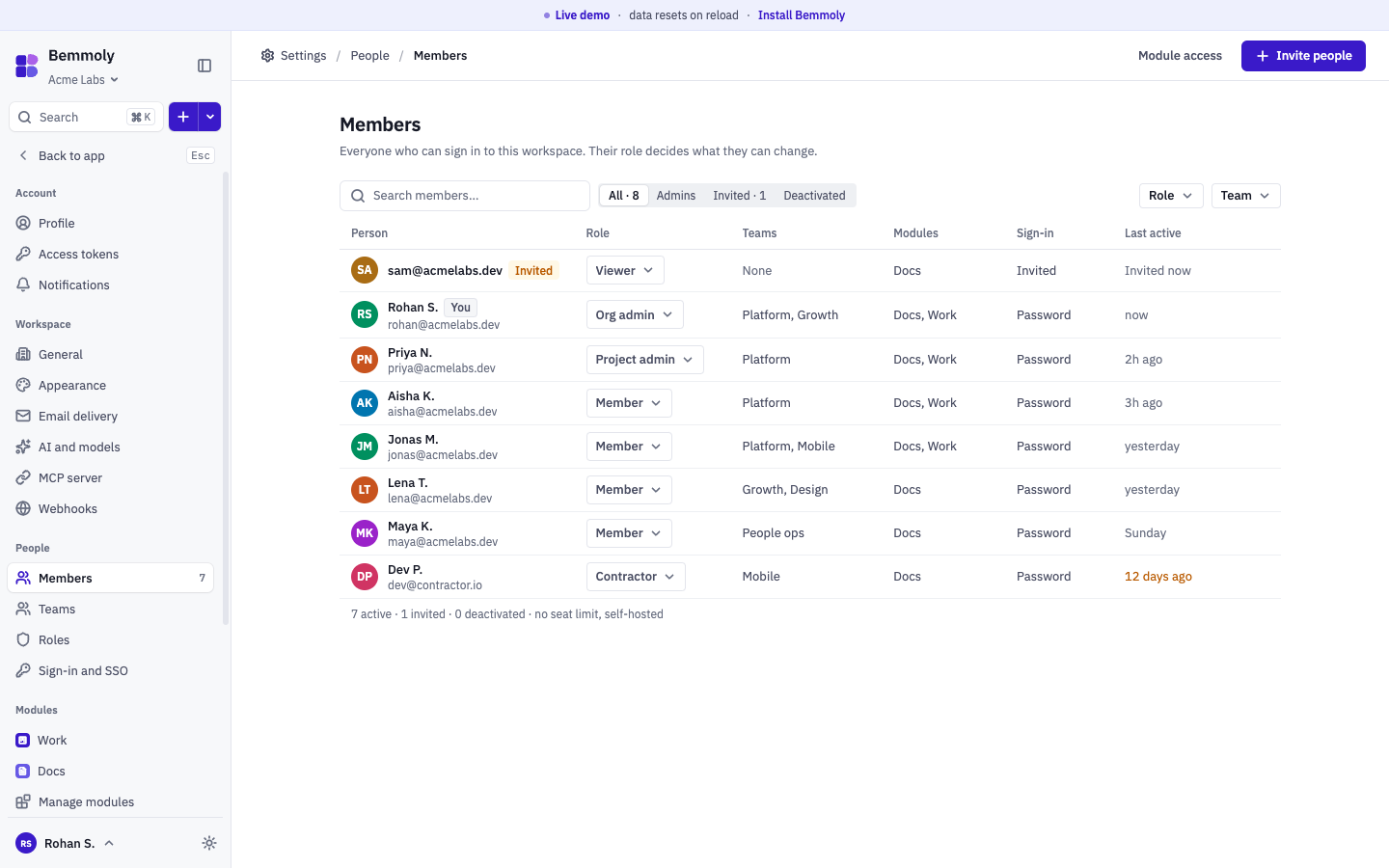
- OpenID Connect and SAML single sign-on, SCIM 2.0 provisioning, five built-in roles plus custom ones with organization-wide locks, teams, and an audit log of every change.
- Imports, Webhooks, and MCP
- Jira (Cloud or Data Center) and CSV import, GitHub and GitLab pull request links, HMAC-signed webhooks, automation rules, and an MCP server so AI clients work with your permissions.