Stars
Forks
Watchers
Developer links
xEdit
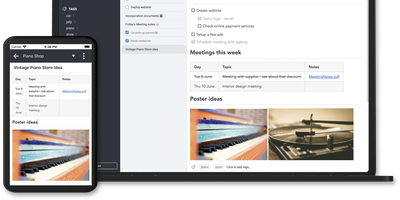
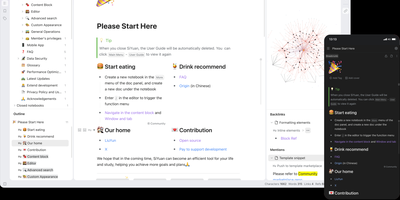
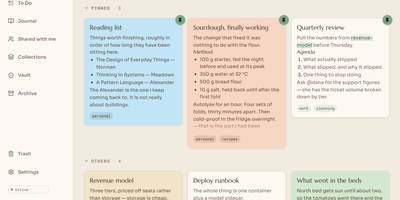
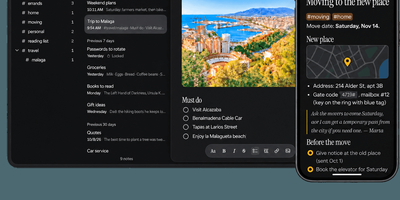
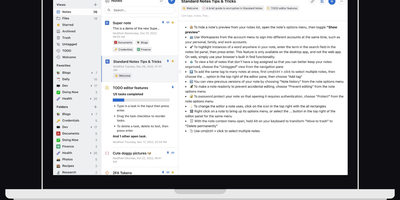
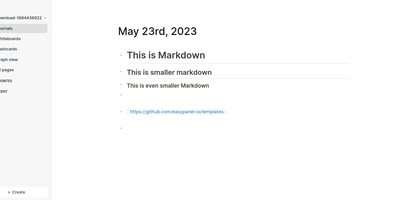
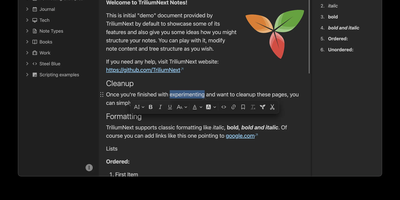
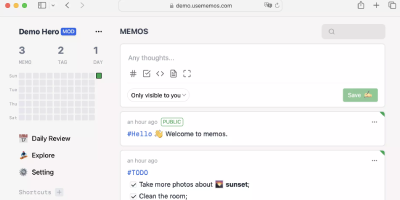
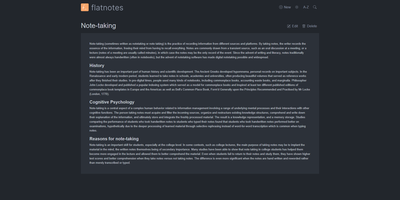
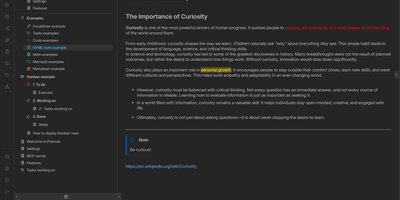
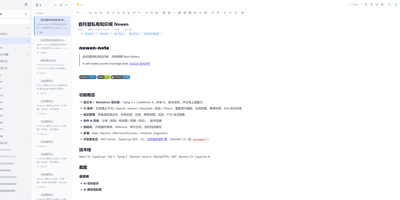
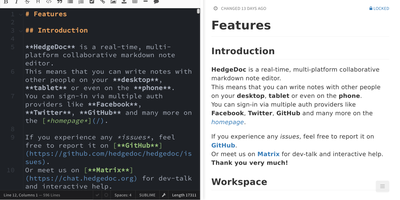
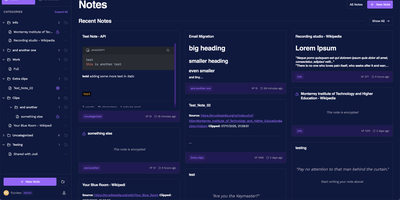
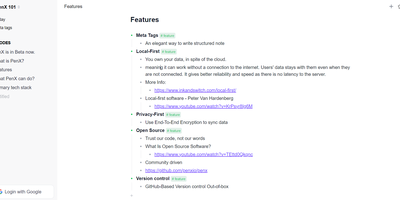
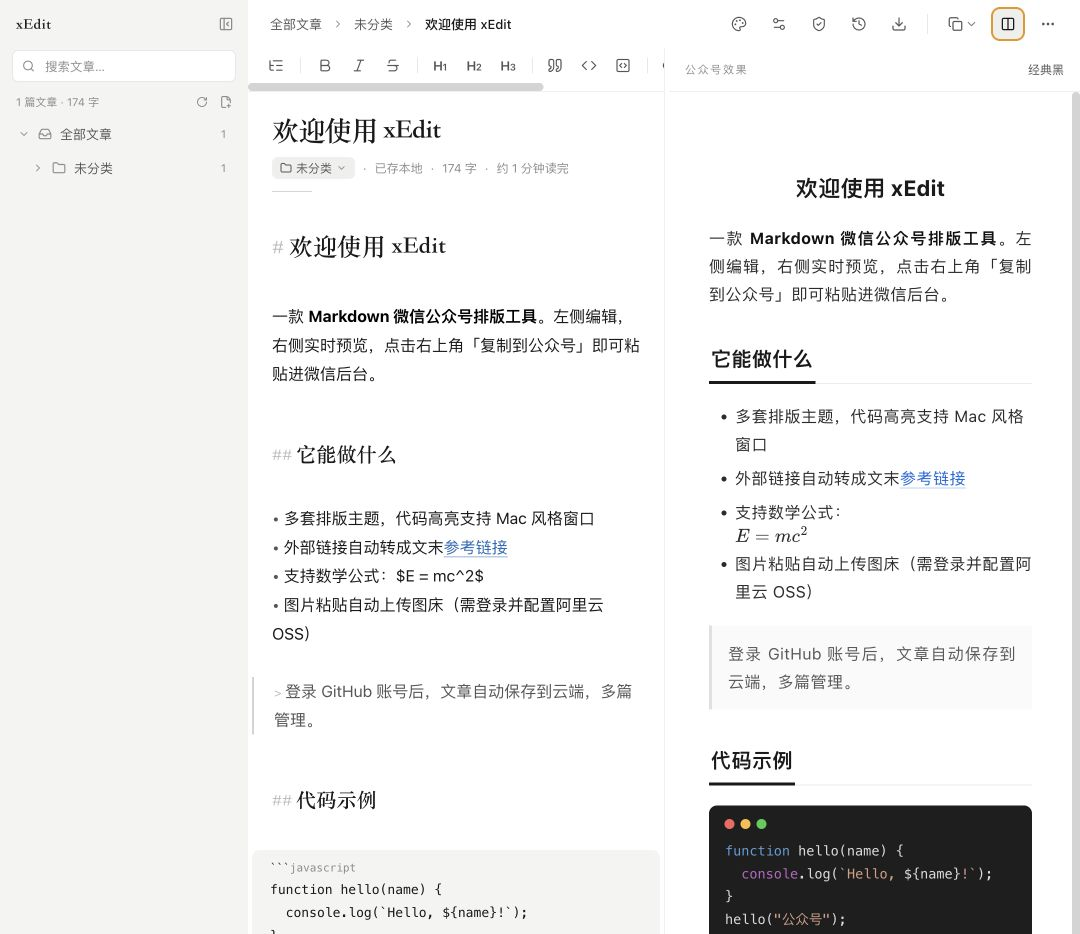
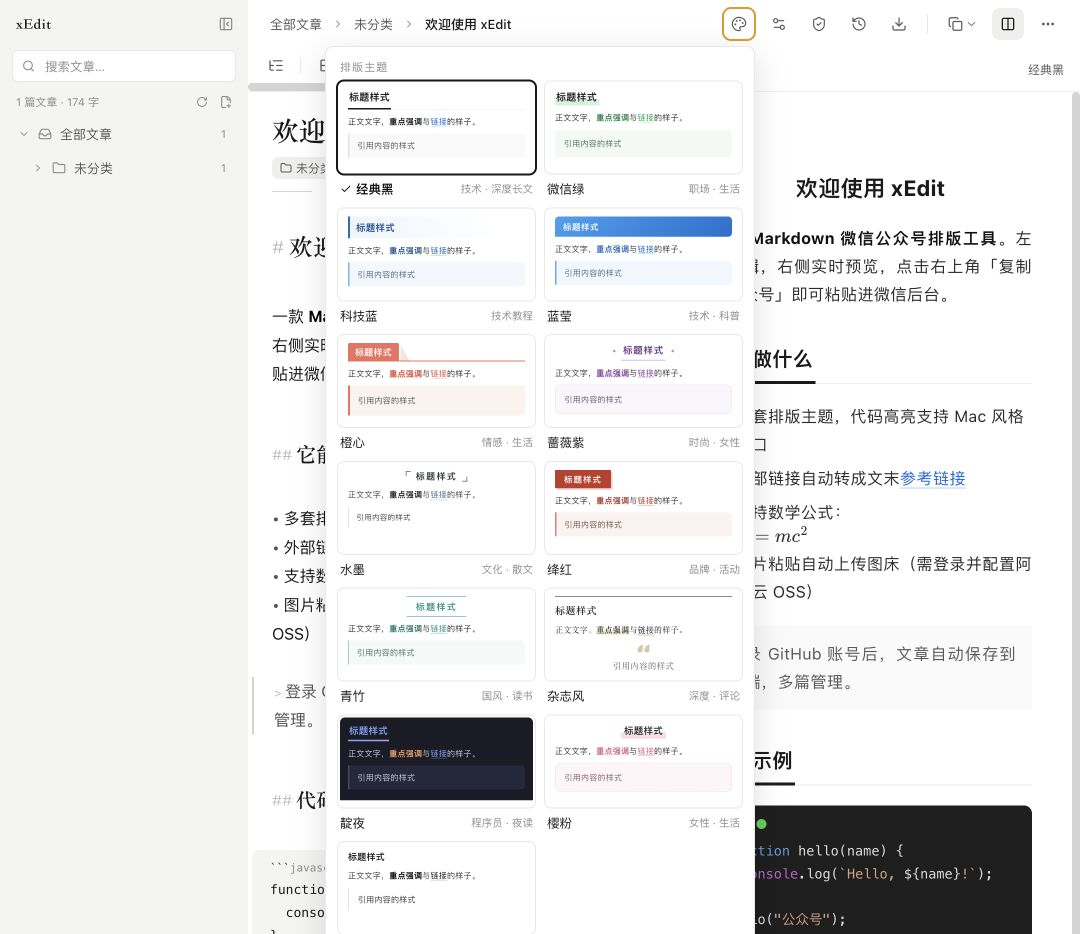
xEdit is a free, open-source Markdown editor that keeps your notes as plain text, on your device or on your own server, and hands AI clients a proper door instead of a scrape. Write in live preview, where headings, code and images render in place and only the line under your cursor shows its source, or flip to a split view when you want both sides visible. Slash commands insert headings, callouts, tables, to-dos, code blocks and media, and wiki links tie notes together by title, with renames updating every link that points at the note. Any checkbox in any note with a date rolls up into a Today view, and nested folders, global search and a recoverable trash keep a growing library tidy. Choose where notes live: browser storage, a local folder of Markdown files, or cloud sync with an offline mirror on every device. Cloud notes gain version history with line-by-line diffs and one-click rollback, share links that collect comments on selected passages, and exports to Markdown, HTML, PDF, PNG and Word. Pick one of thirteen layout themes and copy straight into WeChat or Zhihu with styles inlined and math intact, then connect Claude or Cursor through the built-in MCP server to search, organize and edit the whole library. Running on a dedicated VPS on RepoCloud with guaranteed CPU, RAM, and SSD, full root SSH access, and a browser serial console. MIT licensed.
Benefits
- Your Words Stay Plain Text
- Every note is a standard Markdown file in browser storage, a local folder, or a synced account, so the library outlives the app and opens in any editor you already own.
- To-Dos Collect Themselves
- Checkboxes written anywhere, with a date, tomorrow or a daily repeat, roll up into one Today view, and ticking an item there edits the original line in its note.
- Publishing Without The Paste Tax
- Thirteen layout themes, six code schemes, links converted to footnotes, and math rendered safely mean an article copied into WeChat or Zhihu keeps the formatting you wrote.
- AI Gets A Proper Door
- The built-in MCP server uses OAuth sign-in with revocable access, so Claude, Cursor and other clients can search, create and edit documents without scraping a browser.
Features
- Live Preview Editing
- Headings, bold, code and images render in place as you type, the current line reveals its Markdown source, and a split view is one switch away.
- Wiki Links
- Link notes by title with autocomplete and aliases, and renaming a note rewrites every link that references it across the library.
- Version History
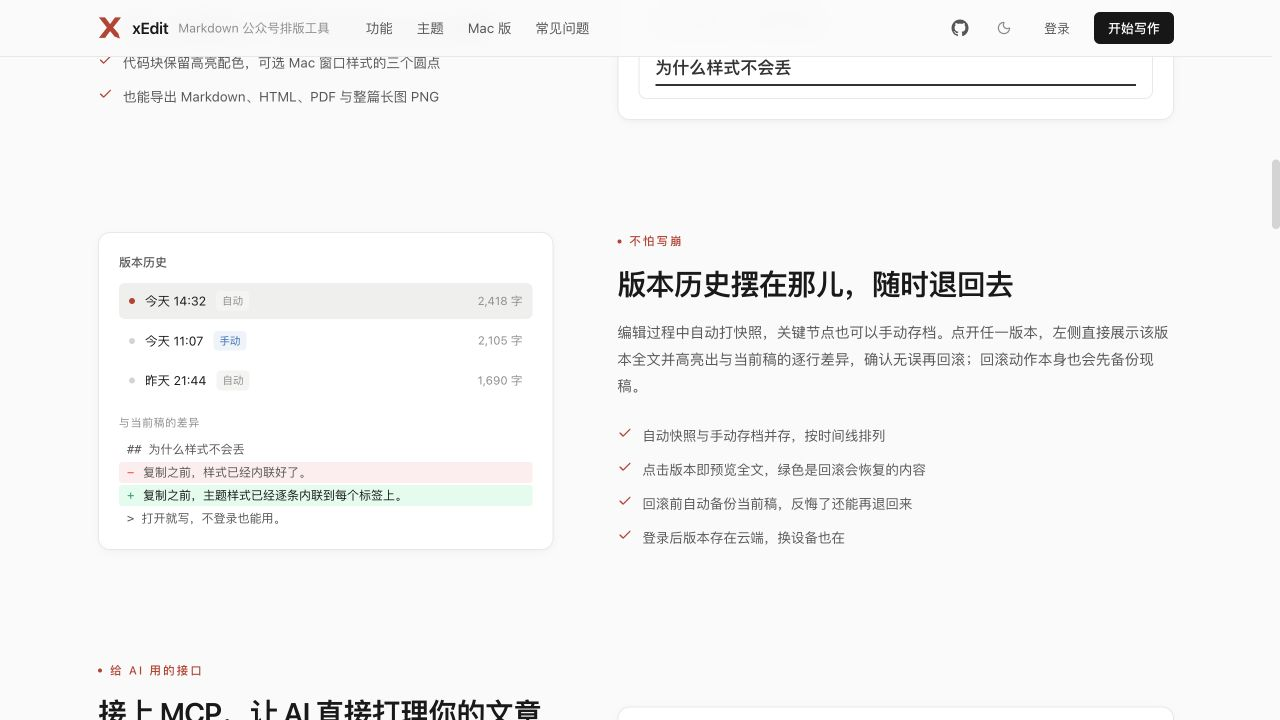
- Automatic snapshots plus manual saves keep the latest hundred versions per note, with line-by-line diffs and rollback that backs up the current draft first.
- Three Storage Modes
- Keep notes in browser storage, edit a local Markdown folder directly, or sign in for cloud sync with an offline mirror, media library and share links.
- MCP Server Built In
- A self-hosted OAuth 2.1 server lets authorized AI clients list, search, create and edit your documents and images, and access can be revoked at any time.