Stars
Forks
Watchers
Flatnotes
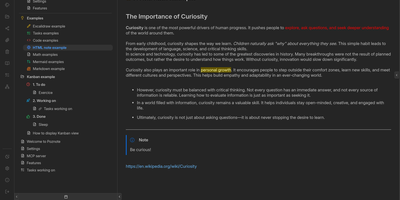
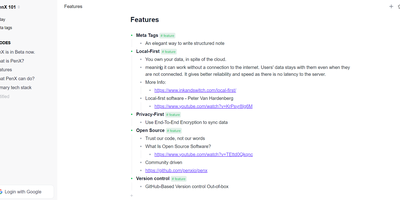
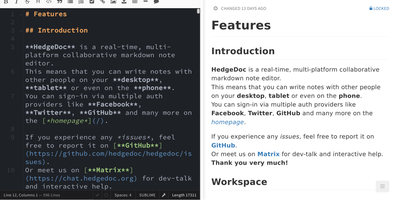
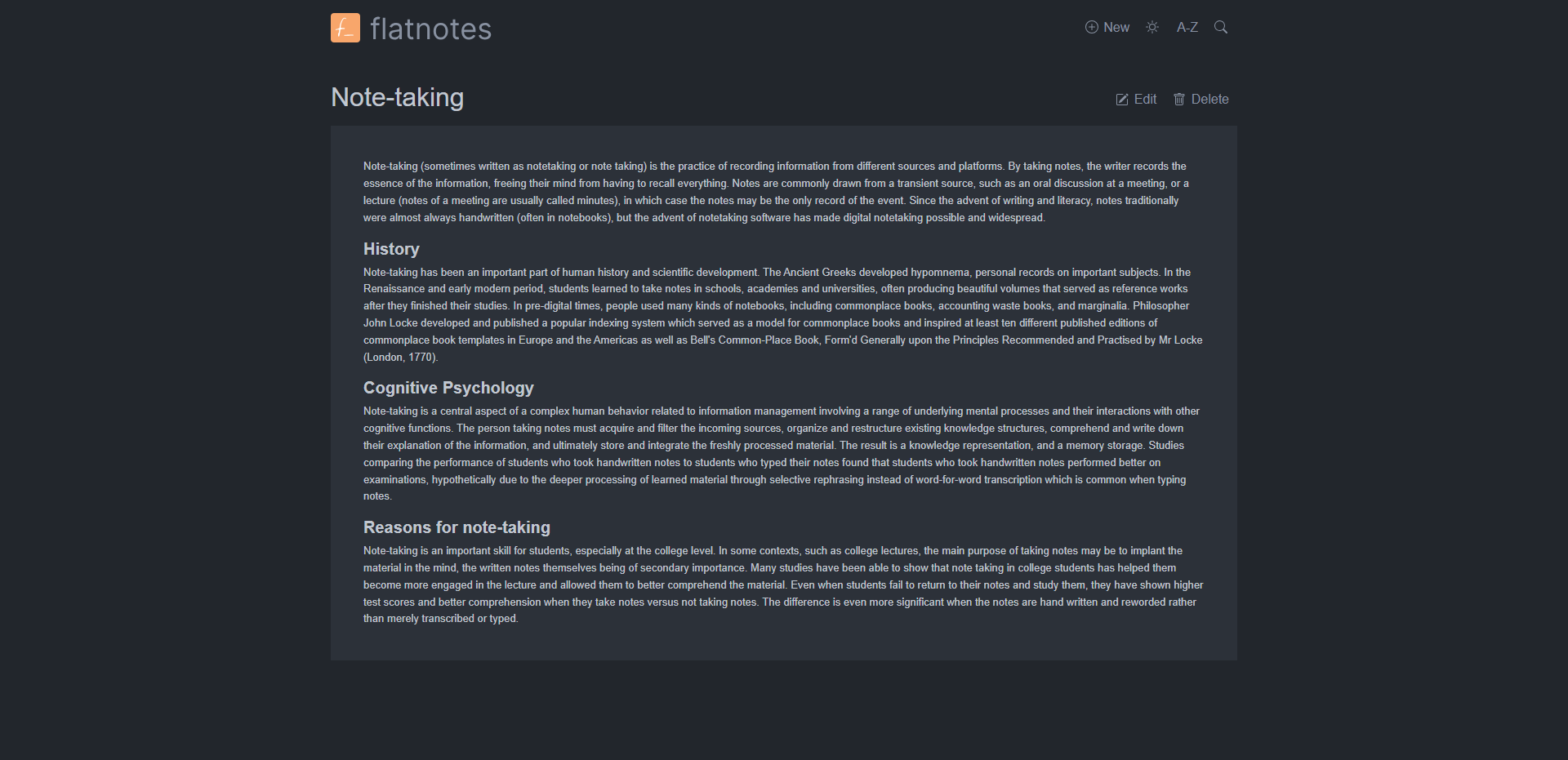
A web interface for a folder of Markdown files - Flatnotes is exactly that, and the discipline of that design is why people love it. Every note is a plain .md file in a single flat directory: no database, no proprietary format, no hierarchy to maintain, no export step if you ever leave. Edit notes in the browser or open the same files in VS Code or Obsidian, sync them with Syncthing or rsync while the app is running - the Whoosh-powered search index synchronizes incrementally, so external edits just show up. The interface is a clean Vue.js app with both WYSIWYG and raw Markdown editing modes (TOAST UI Editor), instant full-text search behind the "/" shortcut with partial-match support, wikilinks for cross-note references, and automatic tag extraction from #hashtags in note bodies. Light and dark themes and a mobile-responsive layout make it pleasant everywhere. Authentication is flexible for a personal tool: none, read-only, username/password, or TOTP two-factor. A documented REST API covers create/read/update/delete for automation. The operational story is the quiet selling point - the only state is the notes folder and a rebuildable index, so backup is copying a directory. For a personal notepad that respects your data, Flatnotes nails minimal.
Benefits
- Zero Lock-In
- Notes are plain .md files - open them in any editor, sync them with any tool, leave without an export.
- Nothing to Maintain
- No database, no Redis, no search service - the only state is a folder and a rebuildable index.
- Edit Inside or Outside
- External file changes are picked up automatically by the incremental search index.
- Backup Is a Copy
- Protecting years of notes means copying one directory.
Features
- Flat Markdown Storage
- Every note is an individual .md file in a single folder with direct filesystem access.
- Full-Text Search
- Whoosh-powered instant search with partial matches, tag filtering, and a '/' shortcut.
- WYSIWYG and Raw Editing
- TOAST UI Editor with both rich and plain Markdown modes.
- Wikilinks and Tags
- Cross-note linking plus automatic tag extraction from hashtags in note text.
- Flexible Authentication
- None, read-only, username/password, or TOTP two-factor.
- REST API
- Documented HTTP API for programmatic note automation.