Stars
Forks
Watchers
Developer links
ZenNotes
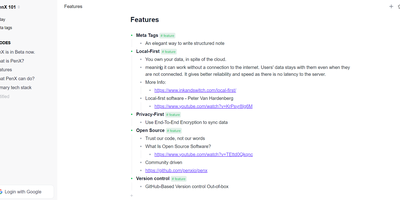
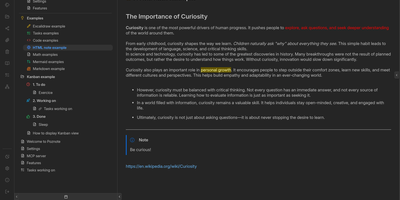
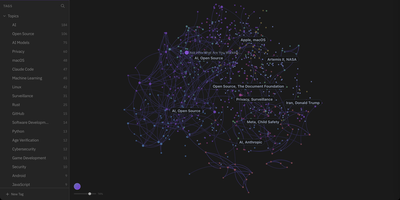
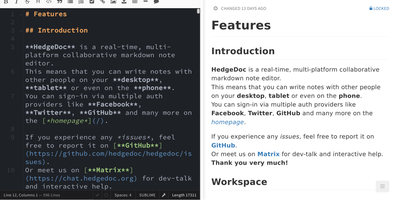
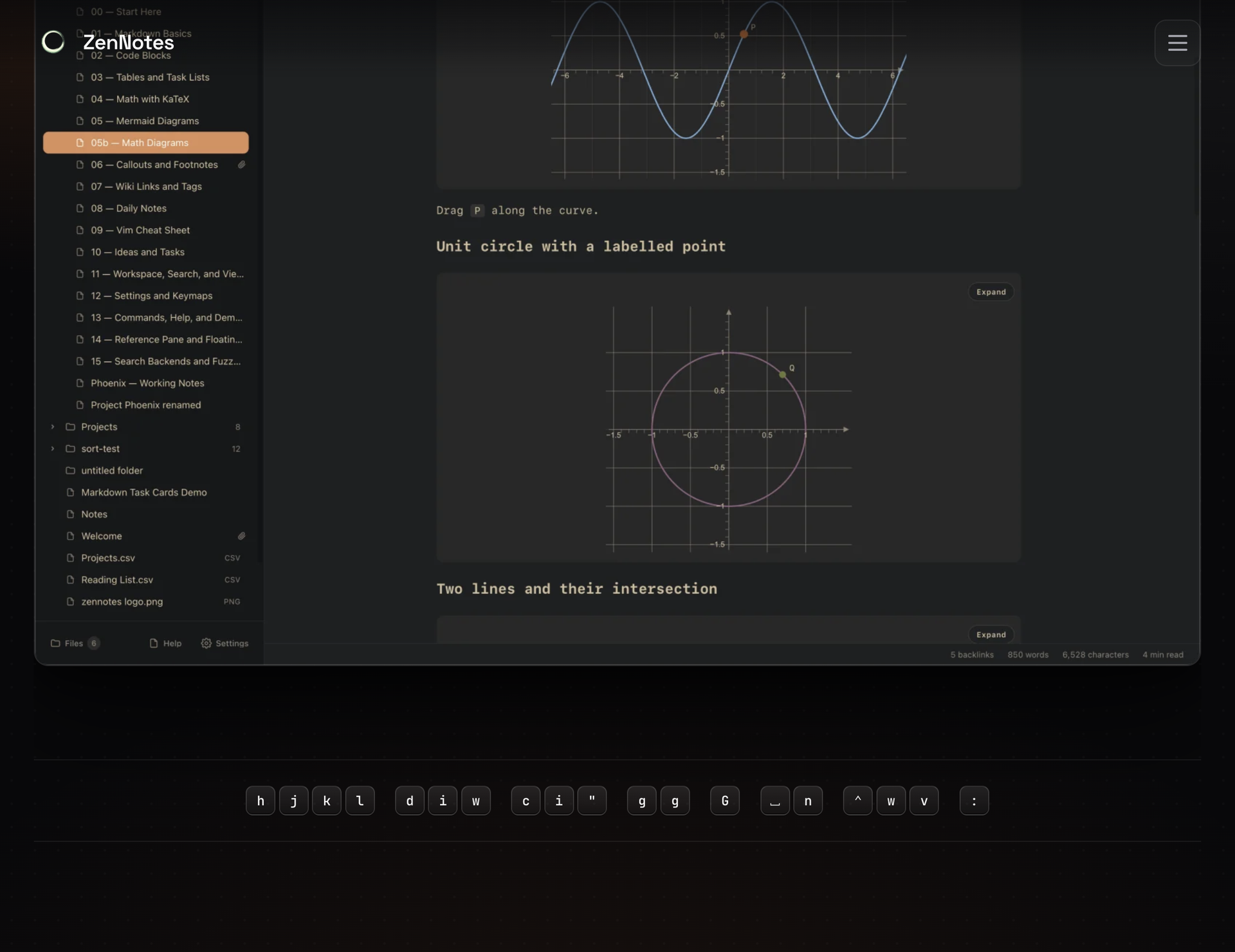
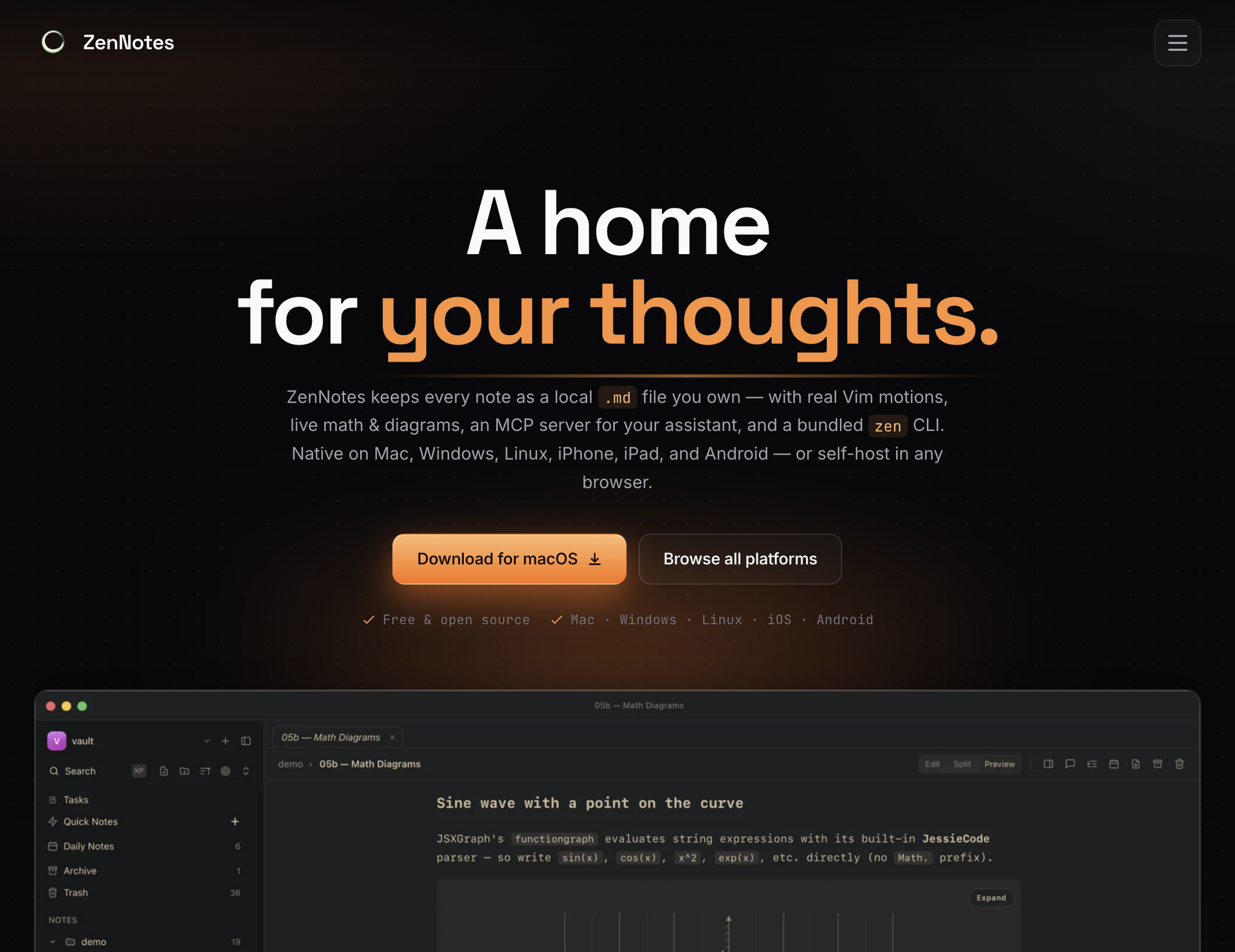
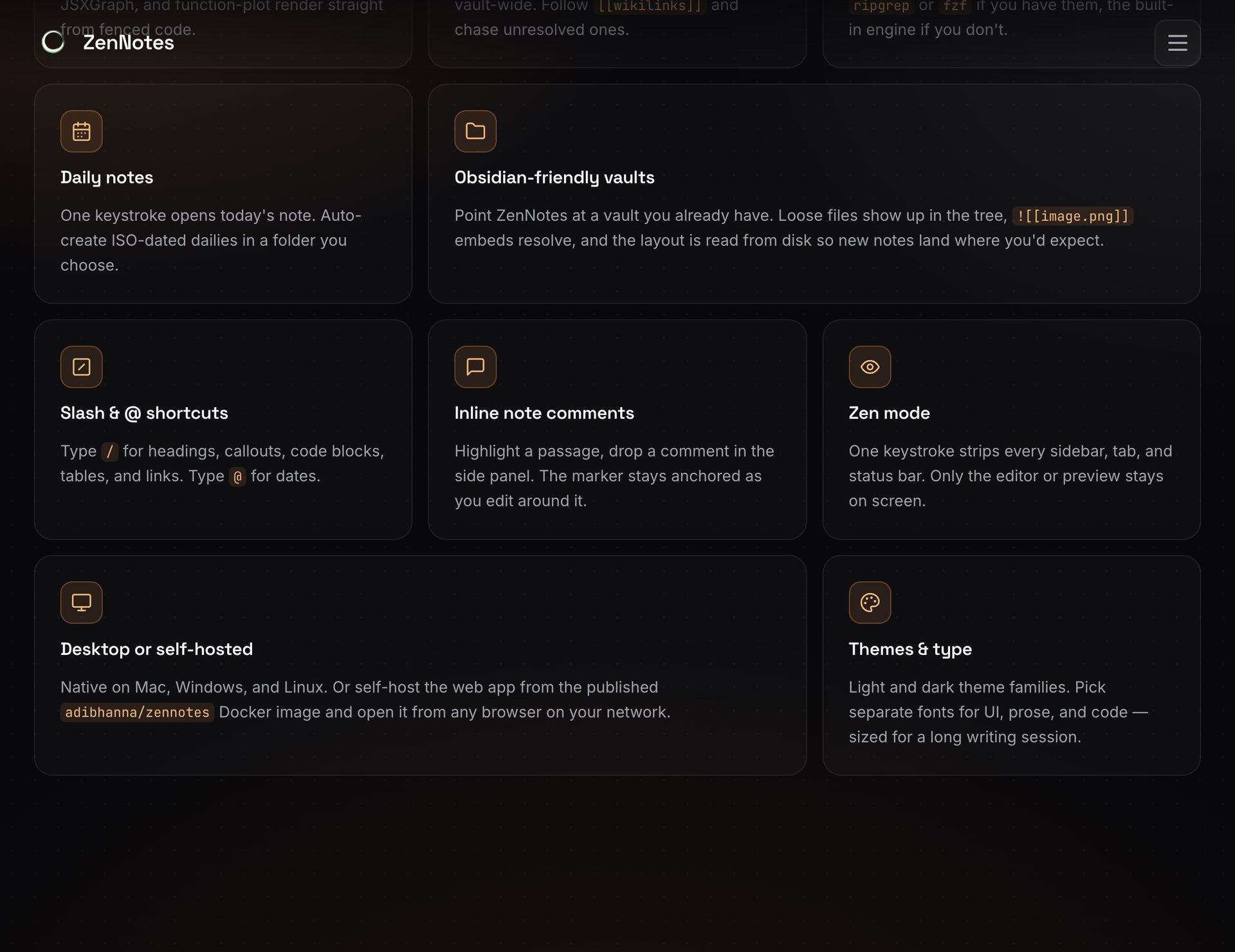
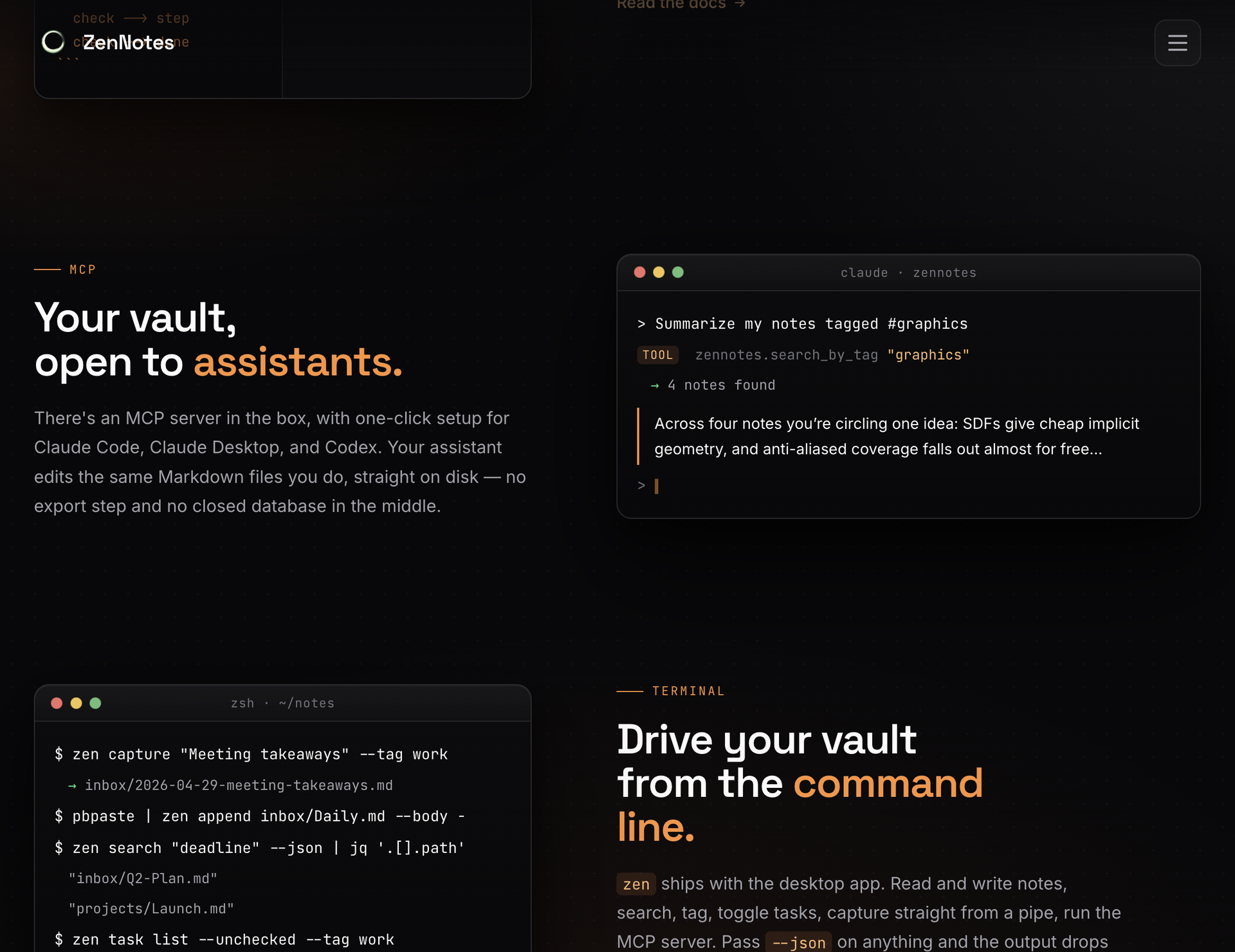
With over 2,200 GitHub stars and a philosophy that your notes should be files you own rather than rows in a database, ZenNotes is the keyboard-first Markdown editor that runs as a self-hosted web app backed by a Go server accessible from any browser on your network. Every note is a plain .md file in a vault directory you mount, with zero proprietary lock-in. Modal editing with real Vim motions, leader-key flows, and a command palette keeps your hands on the keyboard through edit, split, and preview modes. The rendering engine handles KaTeX math, Mermaid diagrams, TikZ graphics, and JSXGraph plots directly from Markdown syntax alongside wiki links and callout blocks. A first-party MCP server ships in the box with one-click integration for Claude Desktop and Cursor, letting AI assistants read and write the same Markdown files on disk without sync layers or duplicate copies. The bundled zen CLI provides note creation, search, tagging, task toggling, and piped capture with JSON output for shell scripting. Board views render plain CSV files as Kanban columns. Daily notes, quick capture, archive, and trash round out the vault workflow. The Go backend serves the browser frontend on port 7878 with token-based authentication, configurable browse roots, TLS proxy support, and file permission hardening at 0600/0700 defaults. Deploy via the multi-arch Docker image for linux/amd64 and linux/arm64. Running on a dedicated VPS on RepoCloud with guaranteed CPU, RAM, and SSD, full root SSH access, and a browser serial console. MIT licensed.
Benefits
- Plain File Markdown Ownership
- Every note is an ordinary .md file on disk in a mounted vault directory. No proprietary database, no vendor lock-in, and files remain accessible to any text editor or script.
- Keyboard First Vim Editing
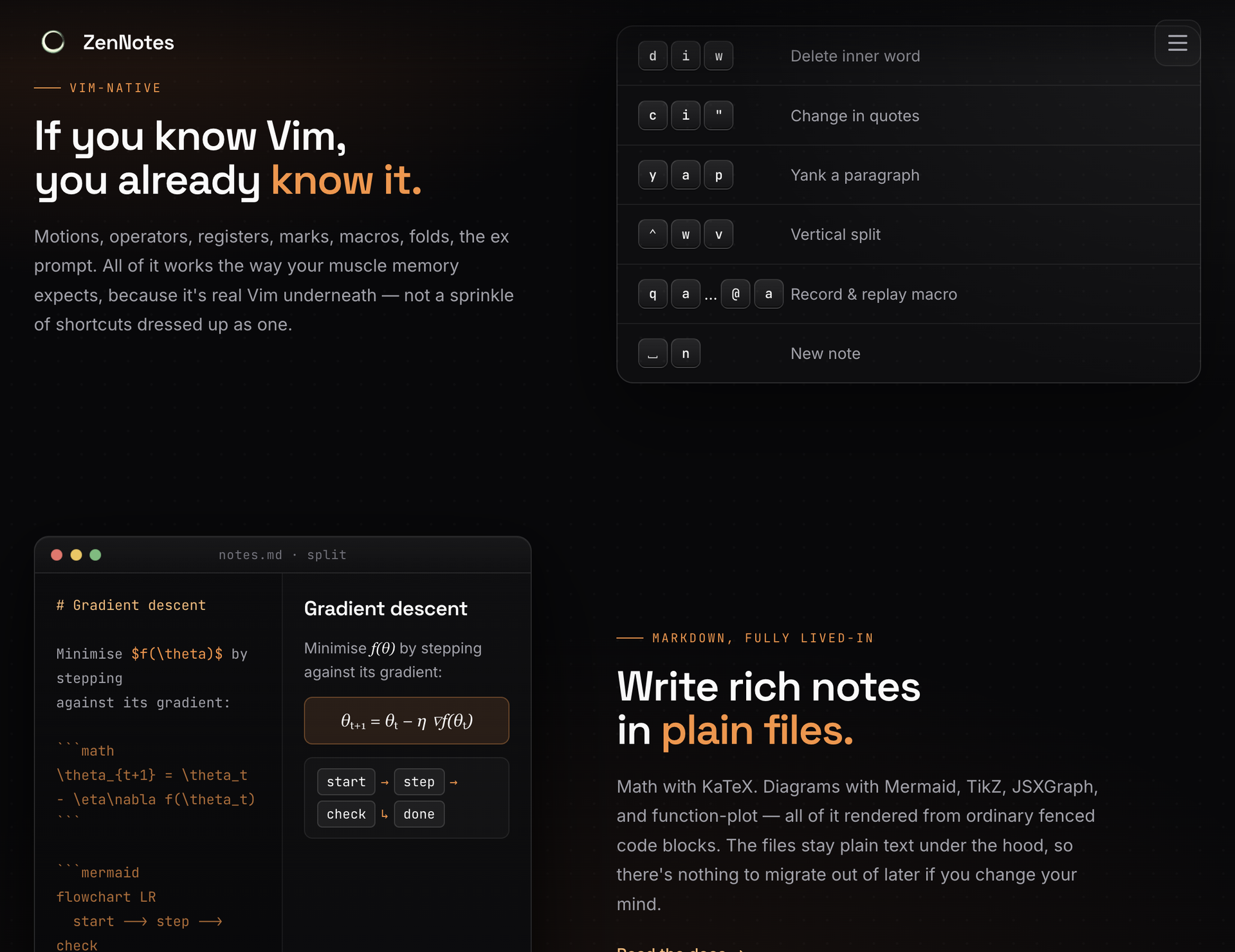
- Real Vim motions, leader-key flows, modal editing, and a command palette keep navigation entirely keyboard-driven across edit, split, and preview modes.
- Built In MCP Server
- A first-party MCP server ships with one-click Claude Desktop and Cursor integration, letting AI assistants edit the same Markdown files directly on disk.
- Self Hosted Go Backend
- The Go server on port 7878 provides token-based authentication, configurable browse roots, TLS proxy support, and 0600/0700 file permission defaults for secure deployment.
Features
- Live Math Diagrams
- Render KaTeX math expressions, Mermaid flowcharts, TikZ graphics, and JSXGraph interactive plots directly from Markdown syntax without external tools.
- Vault Workflow System
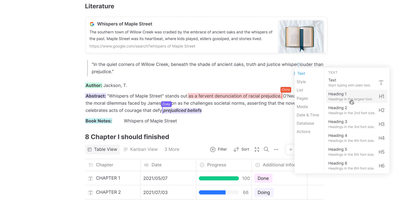
- Manage tasks, tags, search, archive, trash, daily notes, and quick capture within a single vault with board views rendered from plain CSV files.
- Bundled Zen CLI
- Create, search, tag, and toggle tasks from the terminal with JSON output for shell scripting, piped capture, and programmatic vault access.
- Docker Deployment
- Multi-arch Docker image for linux/amd64 and linux/arm64 with host-mounted vault, environment-based configuration, and Docker Compose support.
- Wiki Links and Callouts
- Internal wiki-style linking between notes and styled callout blocks provide structured knowledge organization within plain Markdown files.