Stars
Forks
Watchers
Developer links
Swagger UI
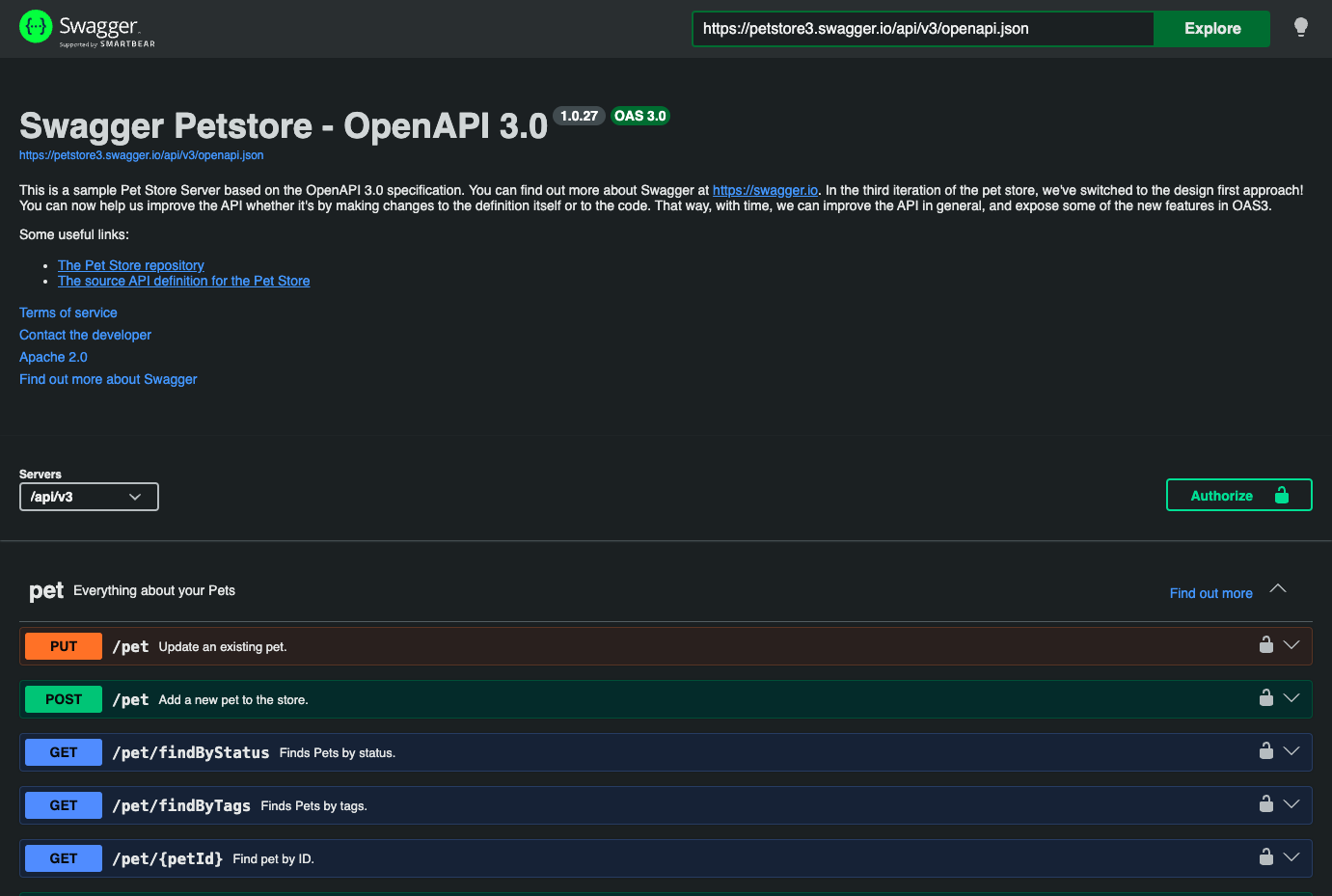
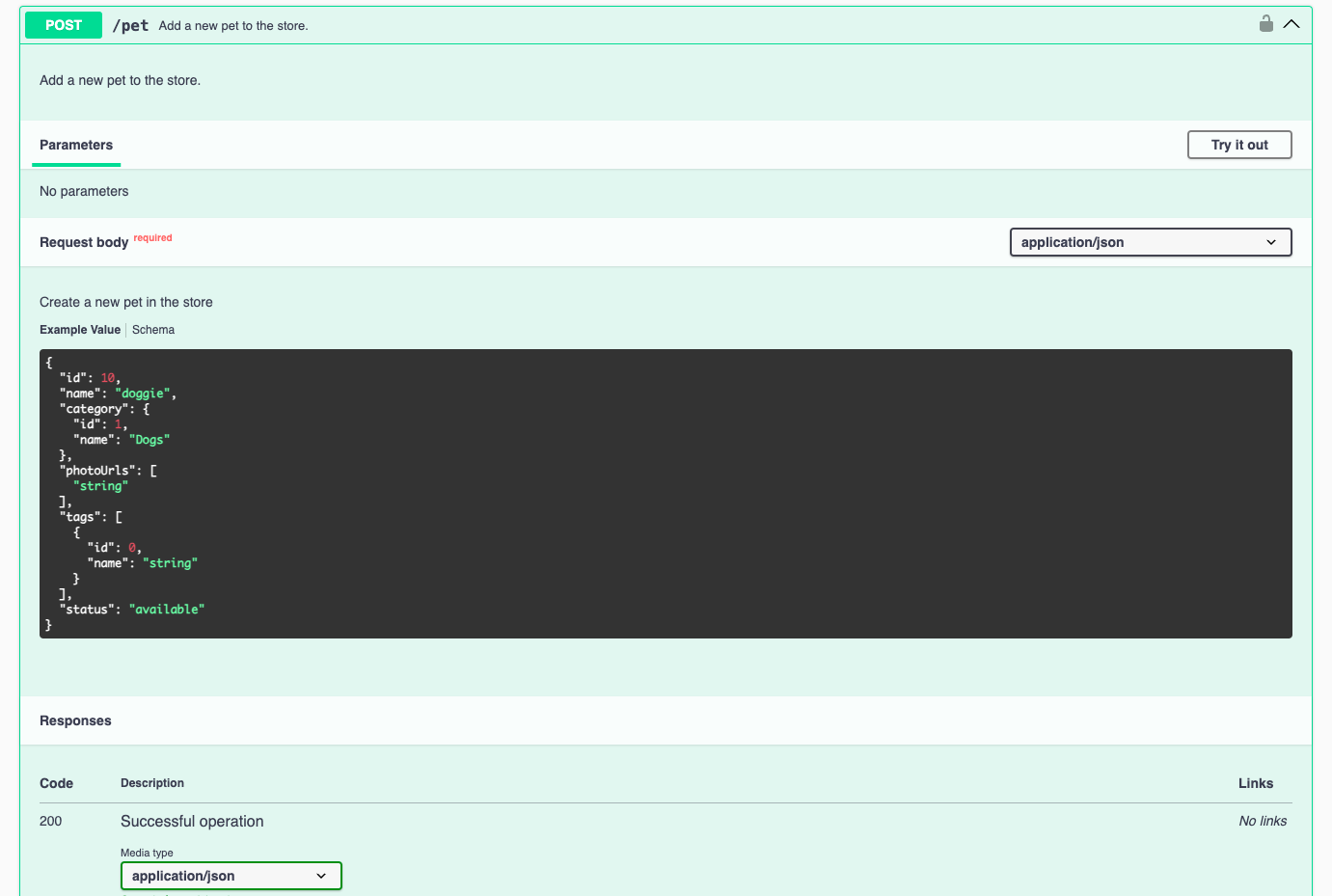
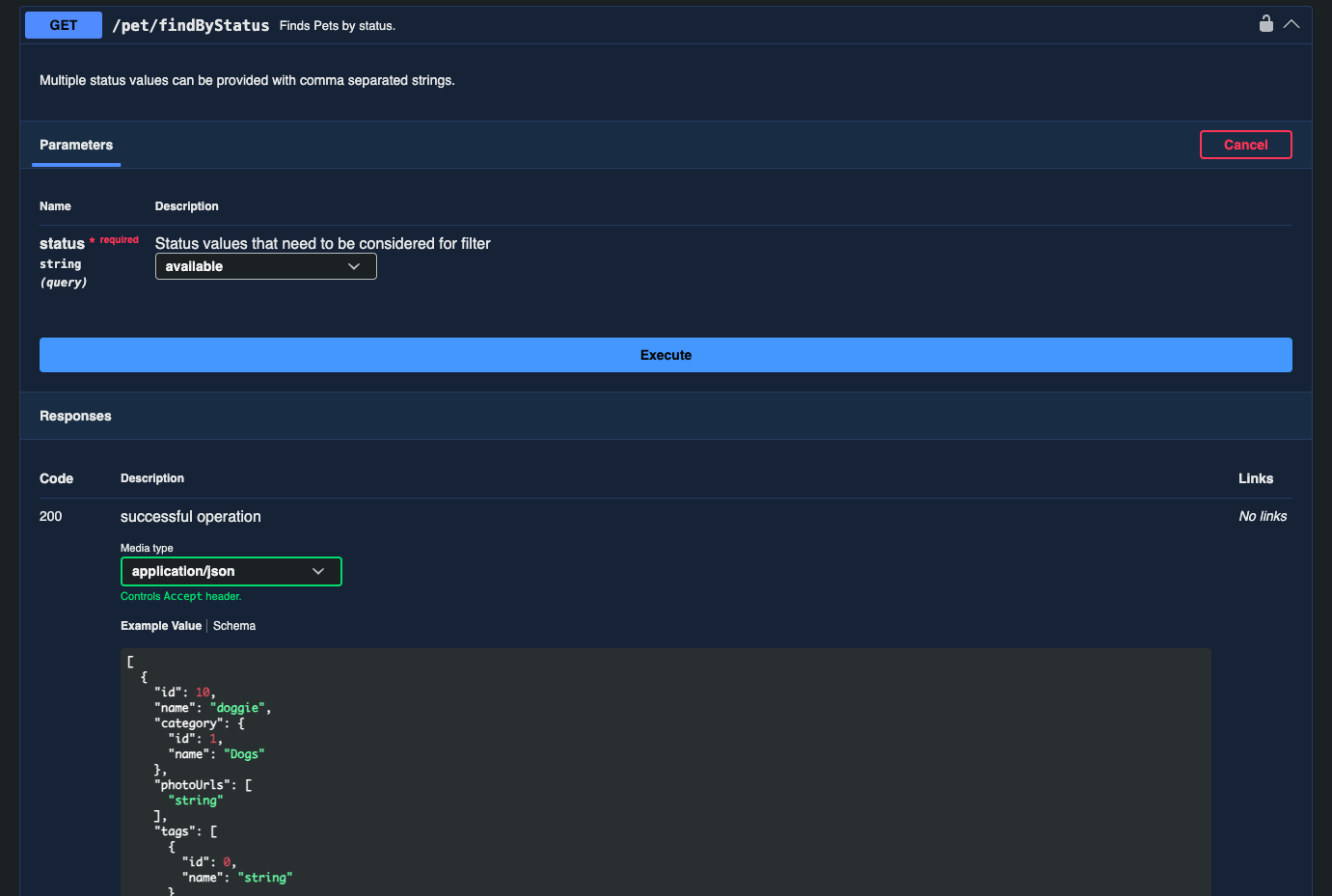
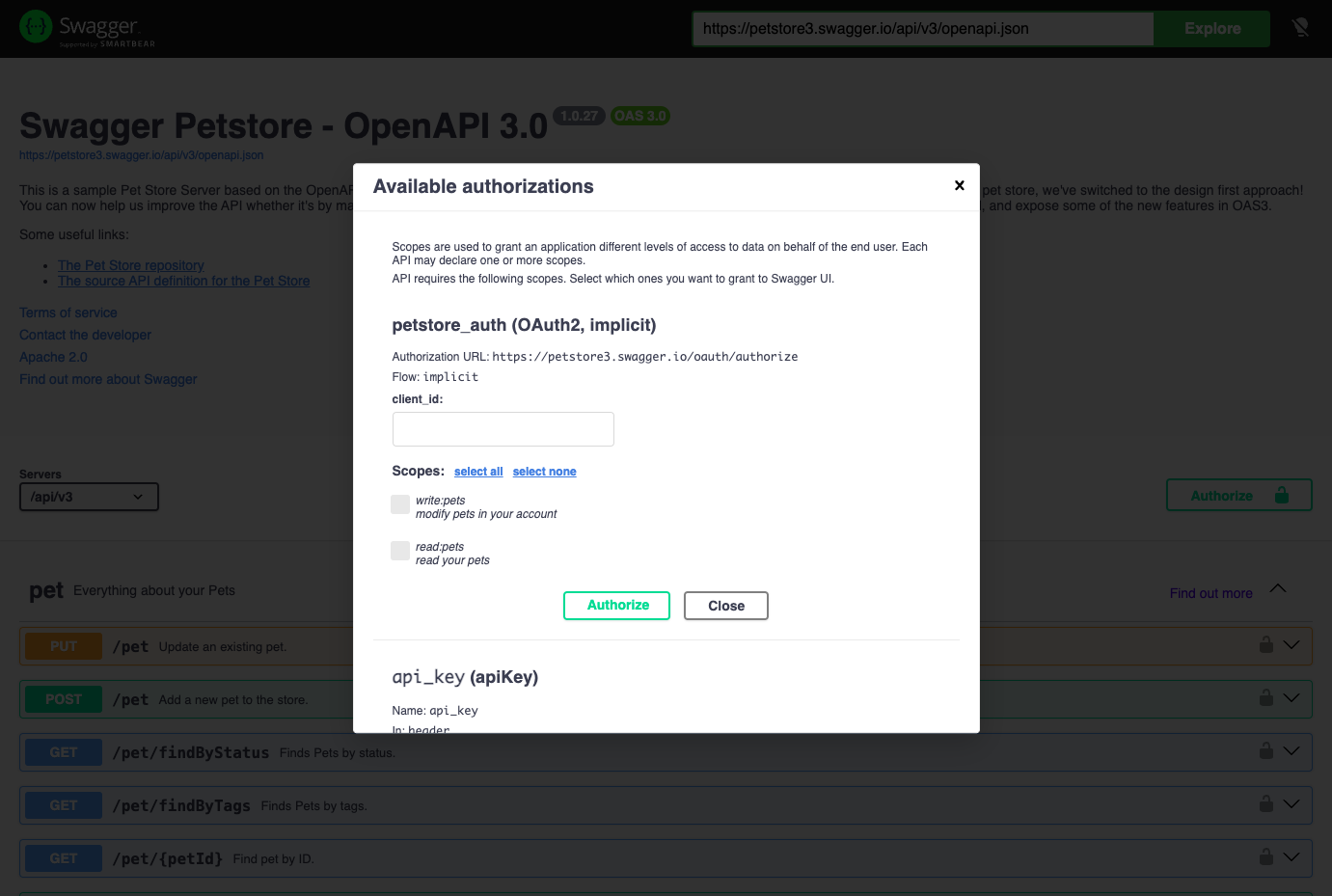
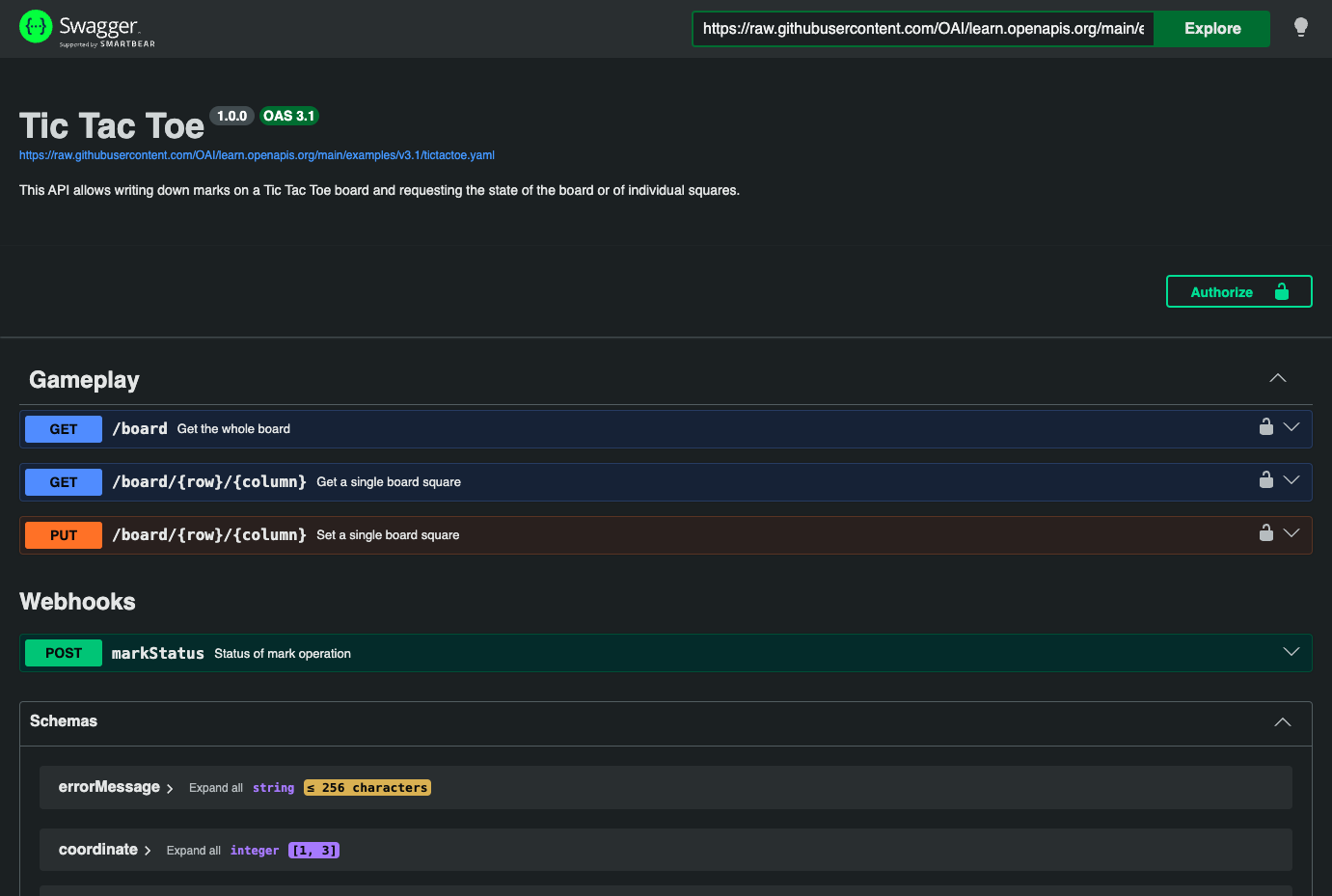
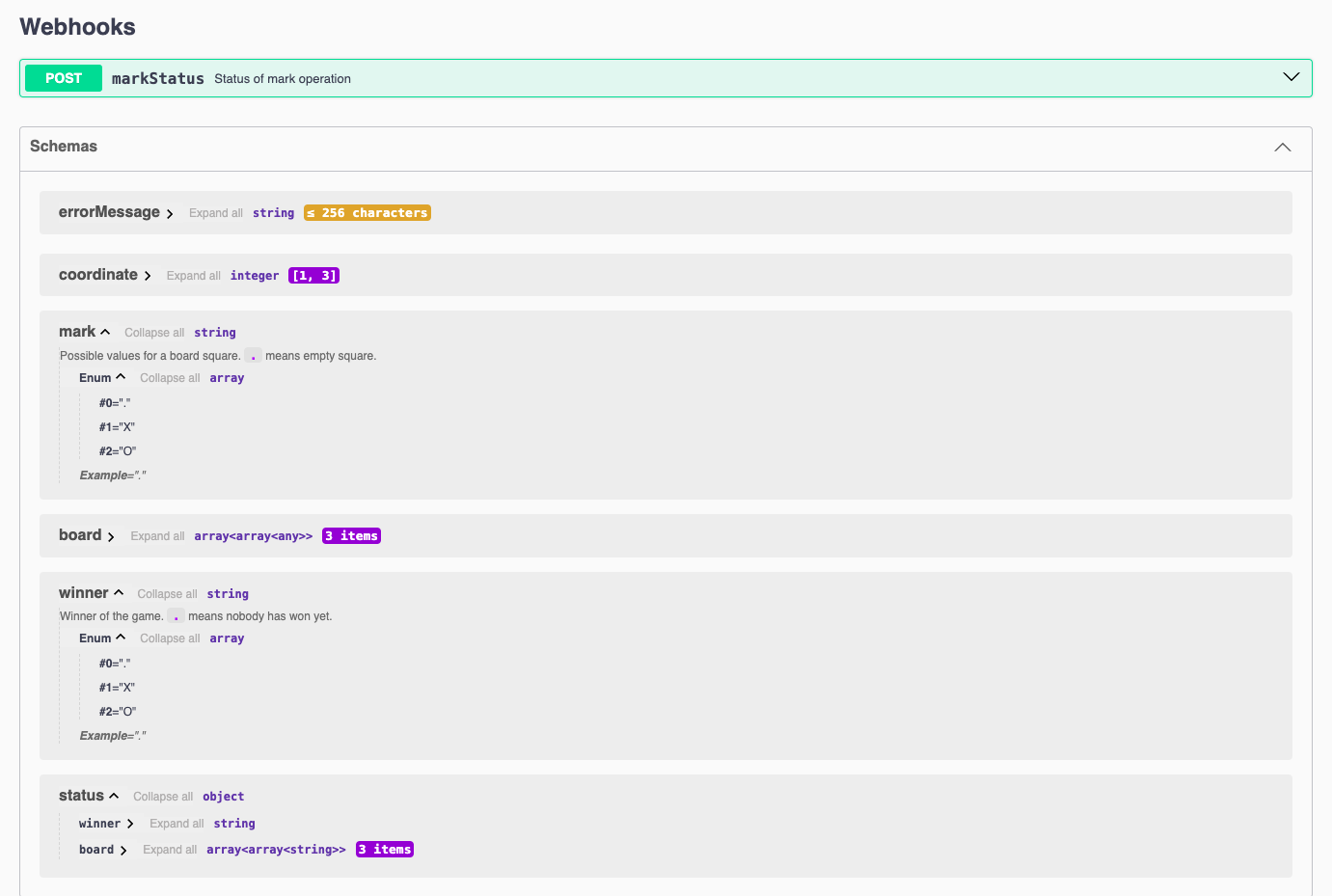
An OpenAPI file is precise but unfriendly to anyone who did not write it, and Swagger UI turns that file into a browsable page where every endpoint is documented and can be called on the spot. Operations are grouped by tag and color coded by HTTP method, and each one lists its parameters, request bodies, example payloads, response codes, and the schemas behind its models. Pressing Try it out unlocks the parameter fields and an Execute button that sends a real request from the browser and shows the response, so front-end developers, testers, and partners can explore an API before writing any client code. The Authorize dialog accepts API keys, HTTP basic credentials, bearer tokens, and OAuth2 flows including PKCE, an optional filter box narrows the page by tag name or path, deep links open a specific tag or operation, and a dropdown switches between several definitions. OpenAPI 2.0, 3.0, 3.1, and 3.2 files are all understood, including 3.1 webhooks, and the page follows the browser's light or dark color scheme with a toggle in the top bar. The Docker image loads a definition from a mounted file or a remote URL, serves it under a custom base path, and exposes most display options as environment variables, which suits an internal developer portal, a public API reference, or a staging sandbox for partners. Running on a dedicated VPS on RepoCloud with guaranteed CPU, RAM, and SSD, full root SSH access, and a browser serial console. Apache-2.0 licensed.
Benefits
- Try Endpoints Before Writing Code
- Try it out sends real requests from the browser with editable parameters and bodies, so front-end developers and partners can see actual responses without writing a client or opening a separate tool.
- Documentation That Matches The Spec
- The page is generated in the browser from the OpenAPI file, so operations, parameters, and schemas follow the definition each time it loads and no hand-written reference can drift out of date.
- Authorize Once, Test Protected Calls
- The Authorize dialog holds API keys, basic logins, bearer tokens, or OAuth2 credentials so every secured operation in a session carries them, and persistence can keep them across browser refreshes.
- Point It At Any Definition
- The Docker image reads a definition from SWAGGER_JSON_URL for a remote file or SWAGGER_JSON for a mounted one, and BASE_URL places the interface under any path.
Features
- Interactive Try It Out
- Editable parameters, request bodies, and media type selection sit above an Execute button that sends the call from the browser and shows the live server response.
- Spec Driven Rendering
- Renders OpenAPI 2.0, 3.0, 3.1, and 3.2 definitions with tag groups, method colors, example values, response tables, webhooks, and a Schemas section listing every model.
- Authorization Dialog
- Authorize accepts API keys, HTTP basic credentials, bearer tokens, and OAuth2 flows with scope selection and PKCE, and persistAuthorization keeps them across browser refreshes.
- Light And Dark Themes
- The interface follows the browser's color scheme, a lightbulb button in the top bar switches themes, and syntaxHighlight themes restyle the code samples.
- Configurable Display Options
- Options such as filter, deepLinking, docExpansion, displayRequestDuration, and syntaxHighlight shape the interface, and most can be set through environment variables in the Docker image.
- Official Docker Image
- docker.swagger.io/swaggerapi/swagger-ui runs nginx on port 8080 by default, with PORT, BASE_URL, SWAGGER_JSON, SWAGGER_JSON_URL, and EMBEDDING variables for deployment control.