Stars
Forks
Watchers
Developer links
SignaturePDF
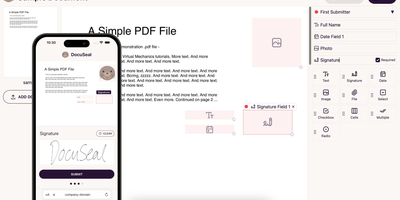
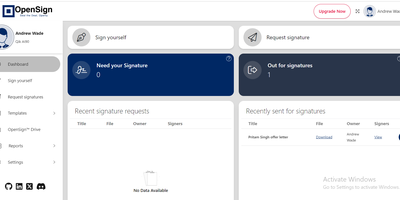
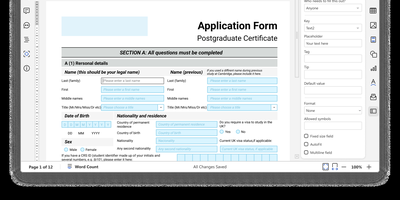
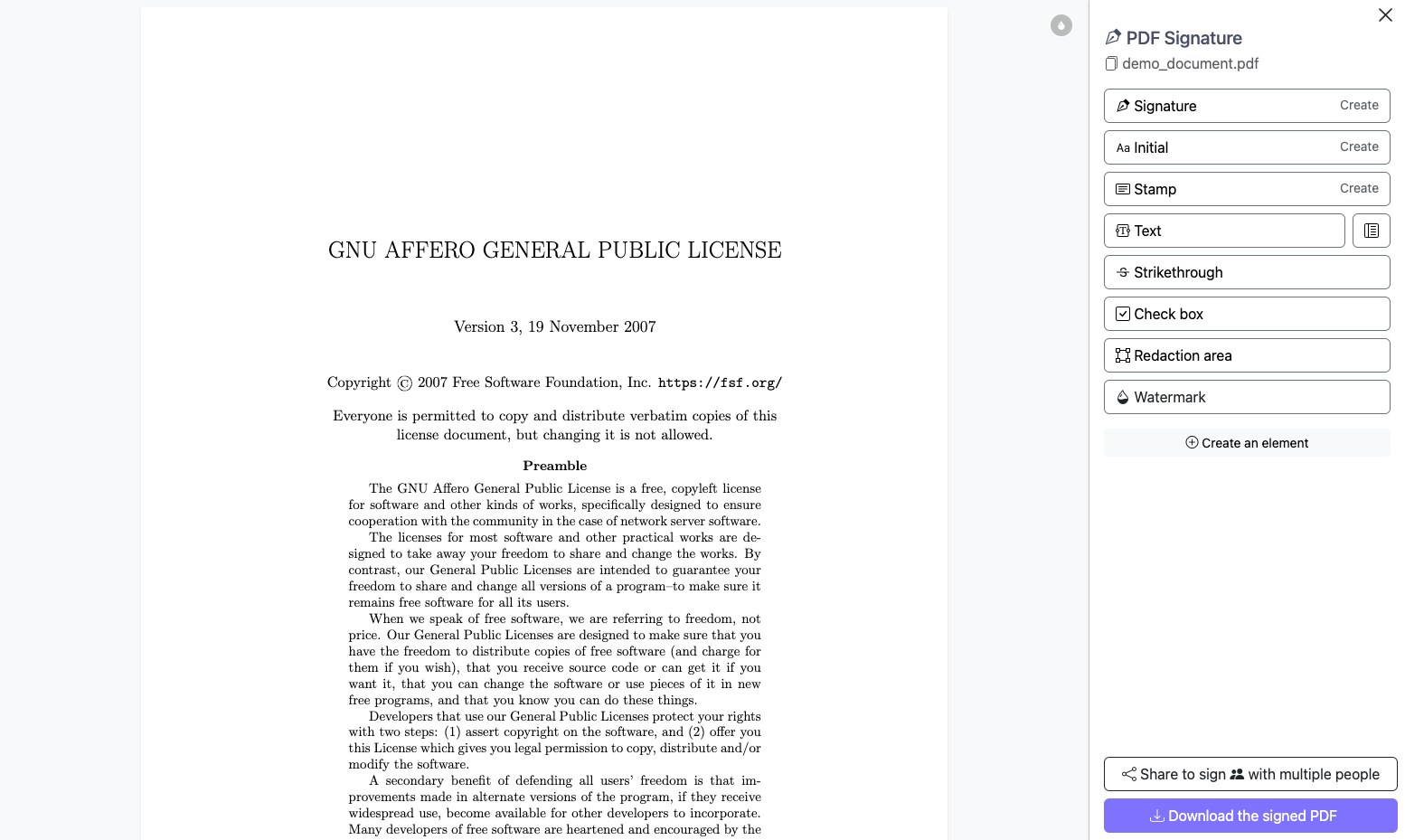
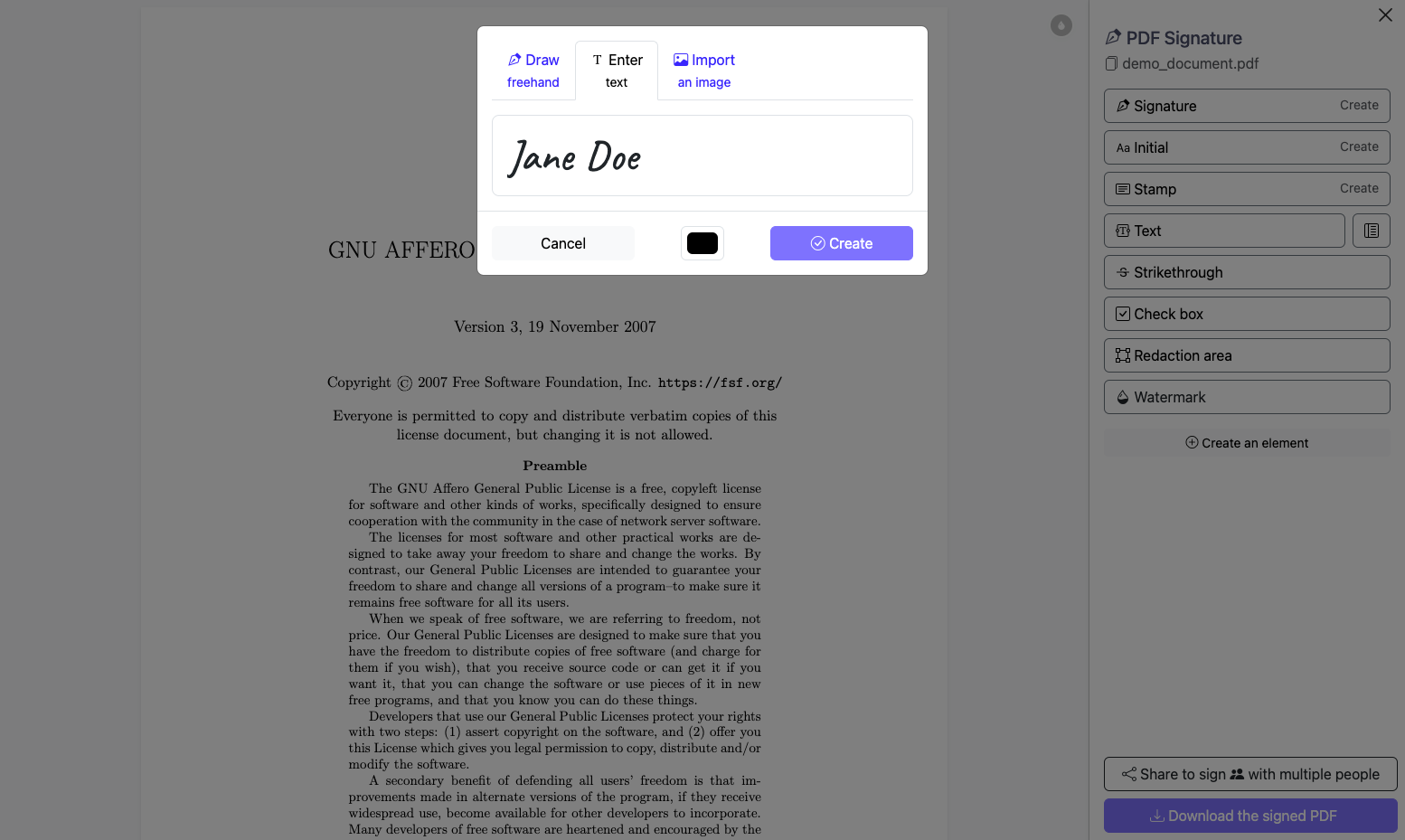
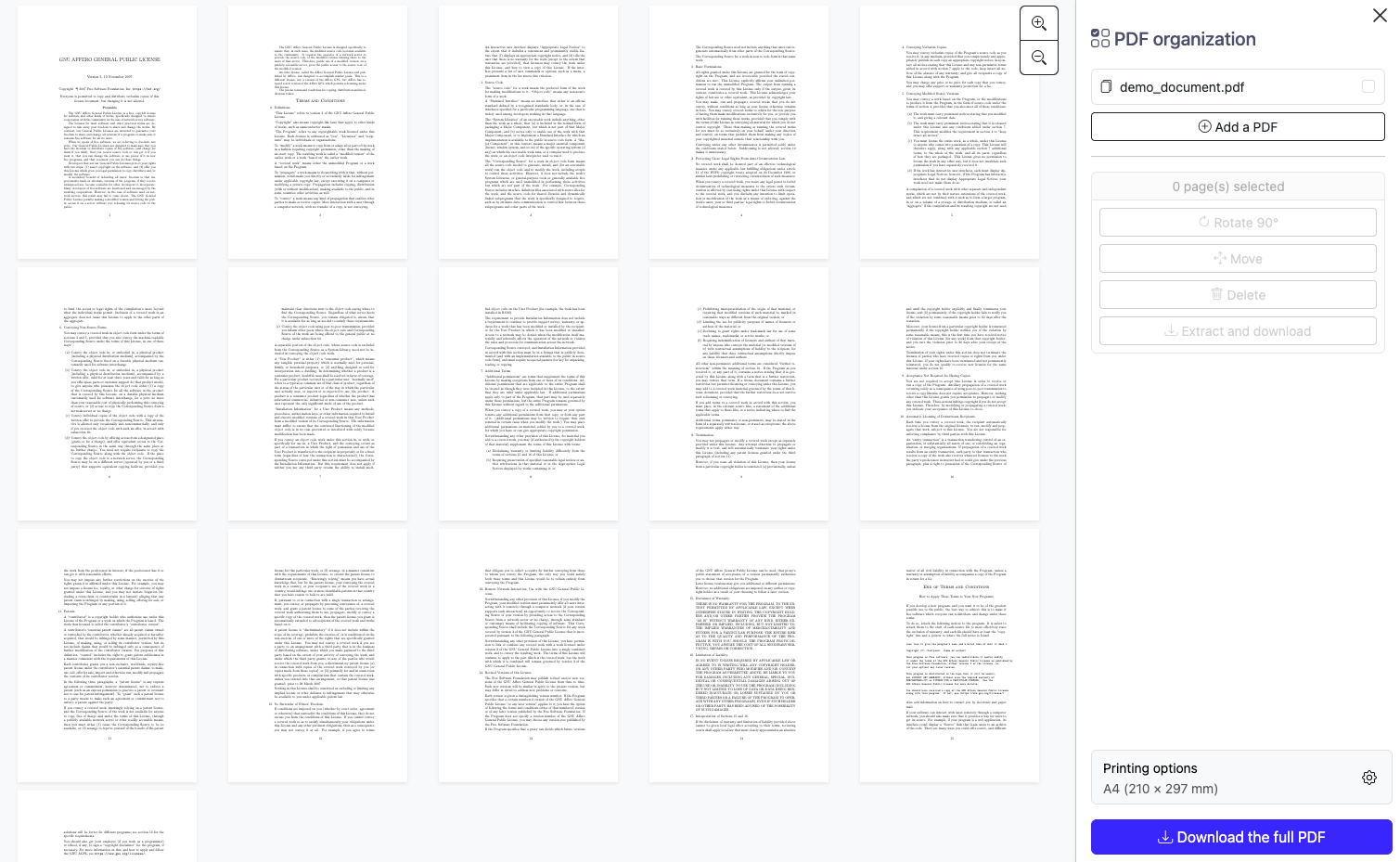
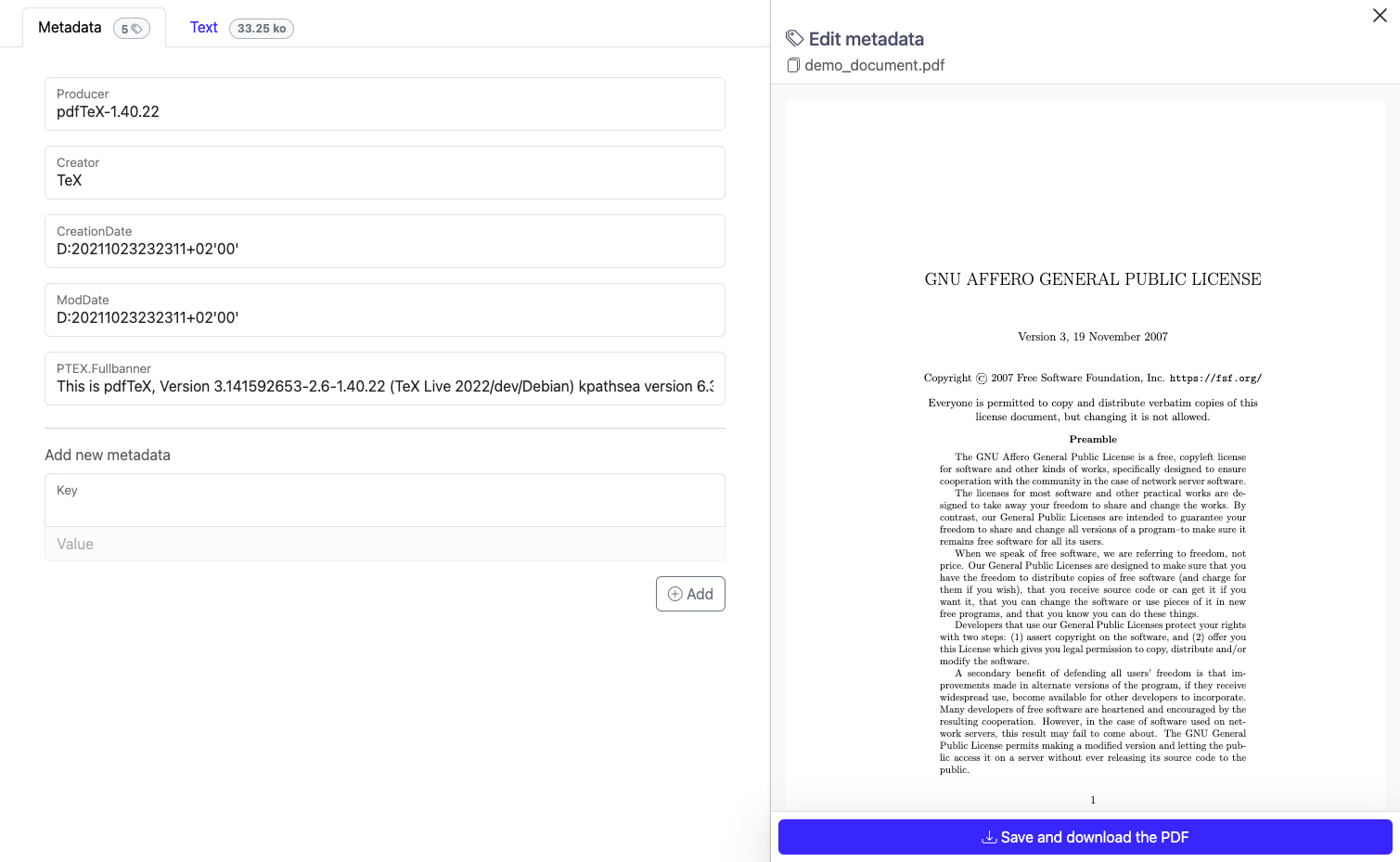
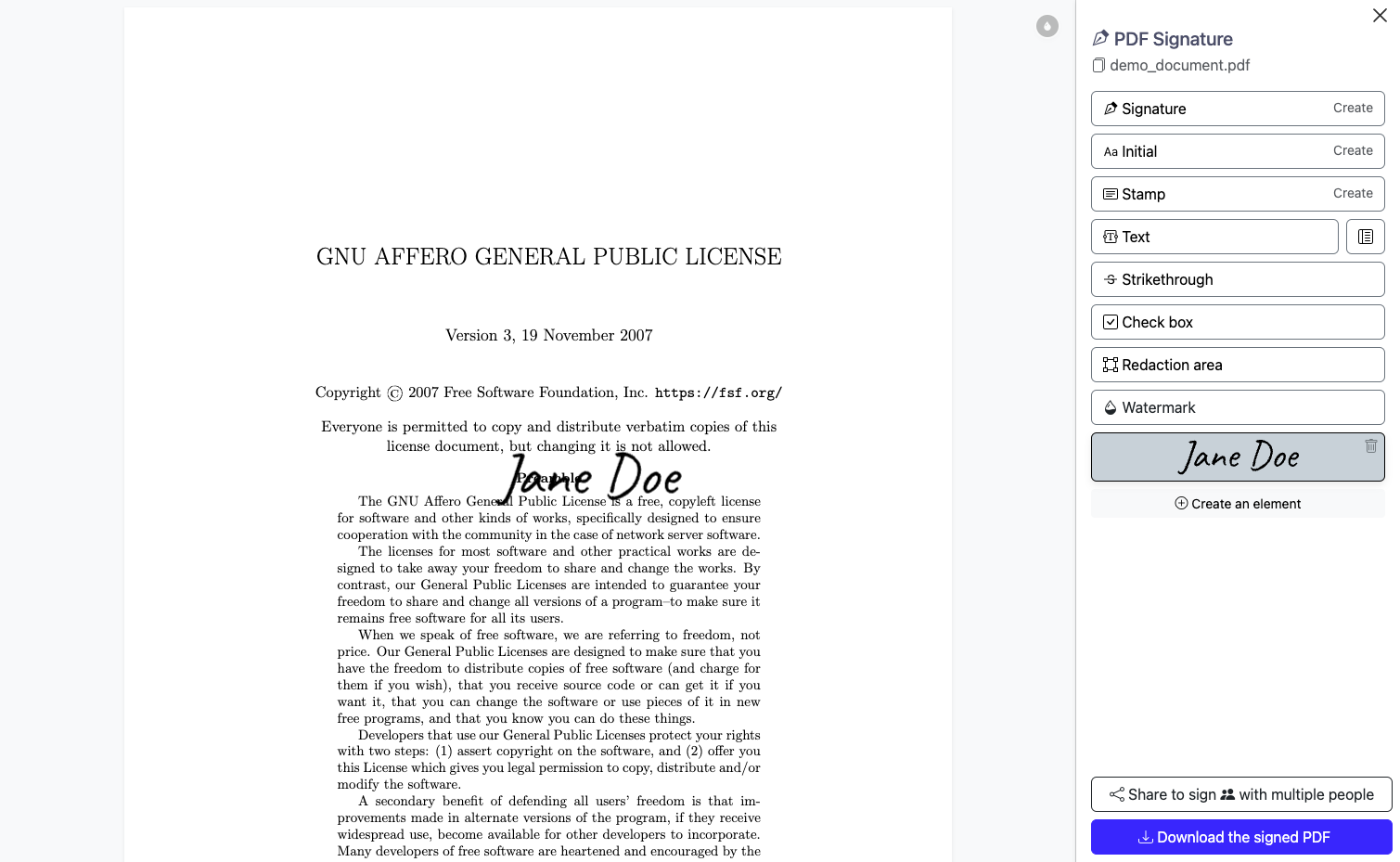
Signature PDF turns the print, sign, scan, email routine into a browser tab: upload a contract, place your signature on the page, and send the finished document back without paper ever entering the loop. Sign alone in seconds, or share a link and let partners, clients, and colleagues add their signatures to the same document in turn. Draw your signature with the mouse or trackpad, type it in a handwriting style, or stamp a scanned image of your handwriting onto any page. Drop the signature exactly where it belongs, resize it, and apply it across selected pages before downloading the signed file. Organize mode lays every page out as thumbnails you can reorder, rotate, delete, extract, and merge with pages from other PDFs. The metadata editor rewrites title, author, and custom fields, and compression shrinks bulky scans to a size email can carry. For shared signing, PDFs rest on the server only for the retention window you choose, and optional storage encryption keeps their contents unreadable to anyone missing the key. Where cryptographic proof is required, certificate-backed digital signing proves who signed and exposes any later edit to the file. A built-in demo document lets anyone test the full flow first, and the translated interface serves signers in many languages. Running on a dedicated VPS on RepoCloud with guaranteed CPU, RAM, and SSD, full root SSH access, and a browser serial console. AGPL-3.0 licensed.
Benefits
- Sign Without Printing Anything
- Upload a PDF, place your signature on the page in your browser, and download the signed document. Contracts, forms, and approvals skip the printer, the scanner, and the courier entirely.
- Several Signers, One Link
- Share a signature link and each invited person signs the same document in turn. Shared PDFs stay on your server for a retention period you set, then disappear on schedule.
- Every Page Under Control
- Reorder, rotate, delete, and extract pages with thumbnail previews, then merge pages from other files. Fix the document structure before anyone signs, instead of resending corrected copies.
- Smaller Files, Correct Metadata
- Compress bulky scans until they fit email limits, and rewrite title, author, and custom metadata fields so archived documents stay searchable and correctly attributed for years ahead.
Features
- Multi-Signer Shared Sessions
- Shared mode stores the PDF on your server and gives every invited signer a link to sign in turn, with configurable retention before automatic deletion.
- Draw, Type, Stamp
- Create a signature by drawing it, typing your name in a handwriting font, or uploading a photo or scan of your handwritten signature.
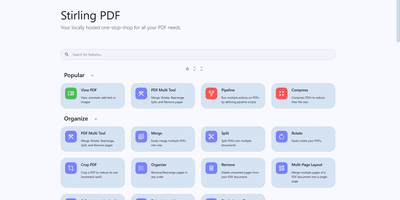
- Page Organization Tools
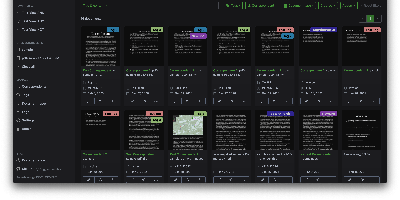
- Thumbnail grid for merging files and reordering, rotating, deleting, or extracting pages, processed in the browser before the new PDF is assembled.
- Metadata And Compression
- Edit document properties including configurable custom fields, and run compression that reduces scanned PDFs to a fraction of their original size.
- Certificate Digital Signatures
- Optional certificate-backed digital signatures, created with server-held NSS certificates, prove signer identity and reveal any change made after signing.
- Encrypted Shared Storage
- Shared PDFs can rest encrypted on the server with a symmetric key, so stored documents stay unreadable without the signers' secret.