Categories
Self-Hosted Document Management Reading PDF Management Document Sharing PDF Viewer PDF EditorStars
Forks
Watchers
Developer links
PdfDing
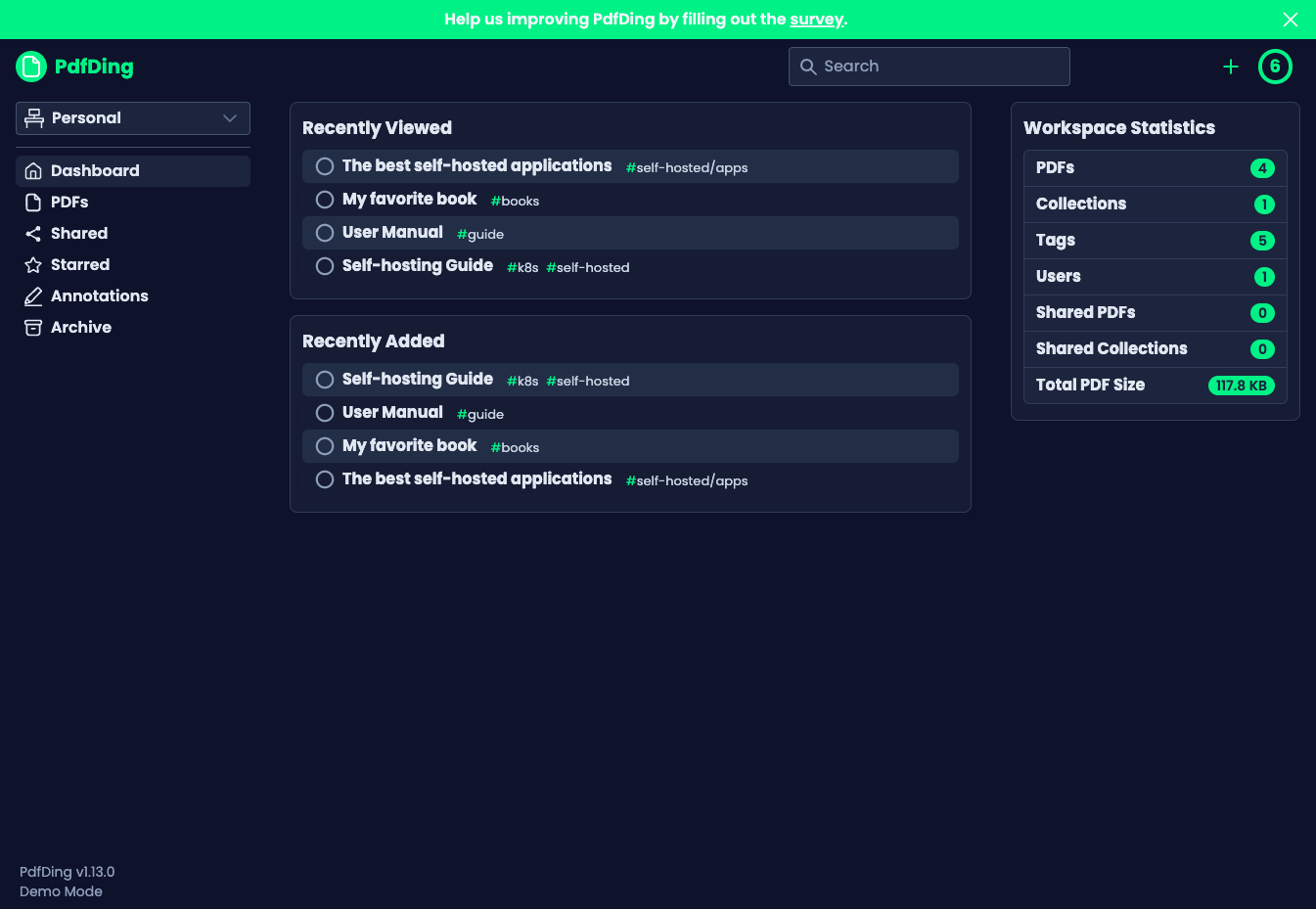
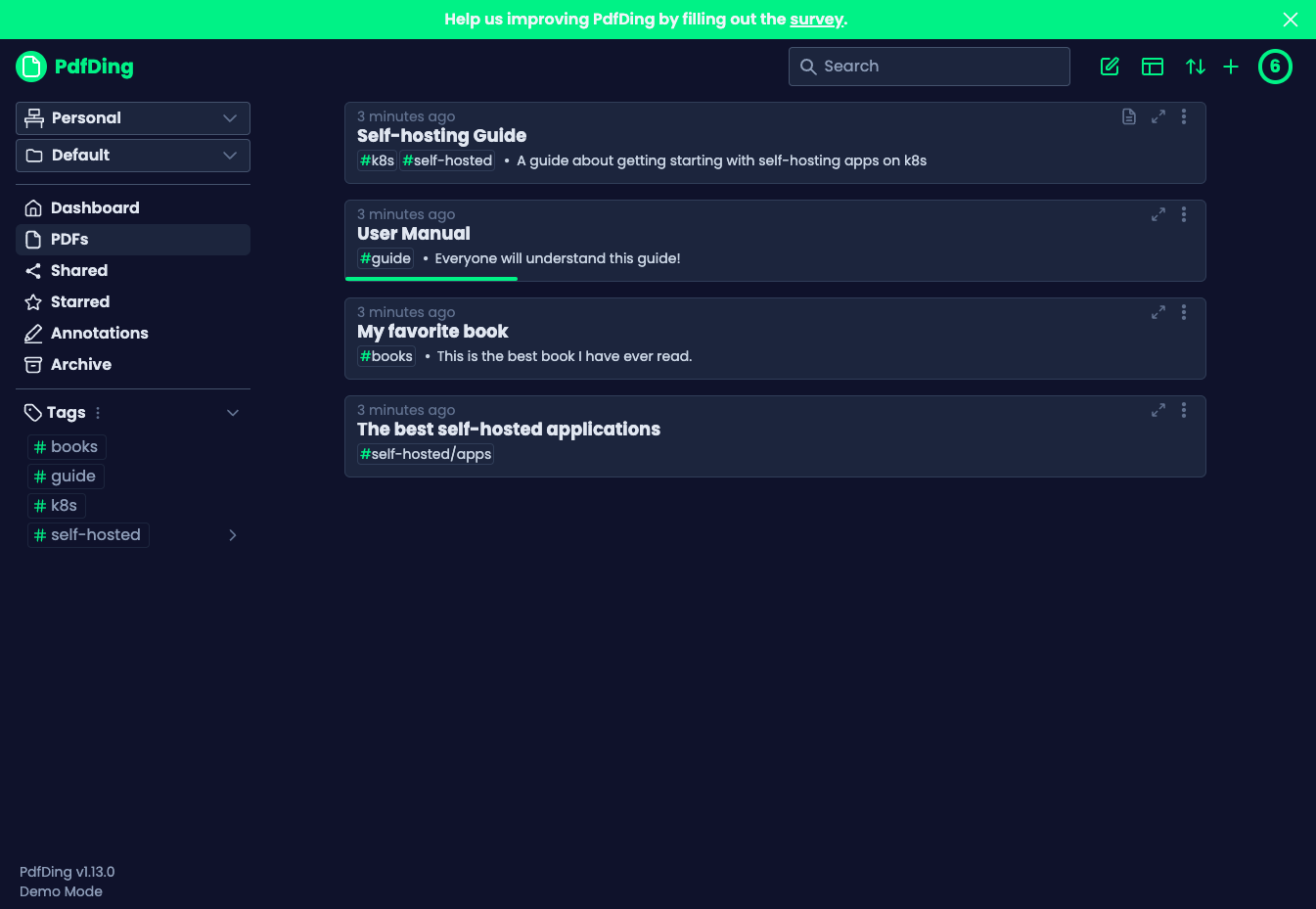
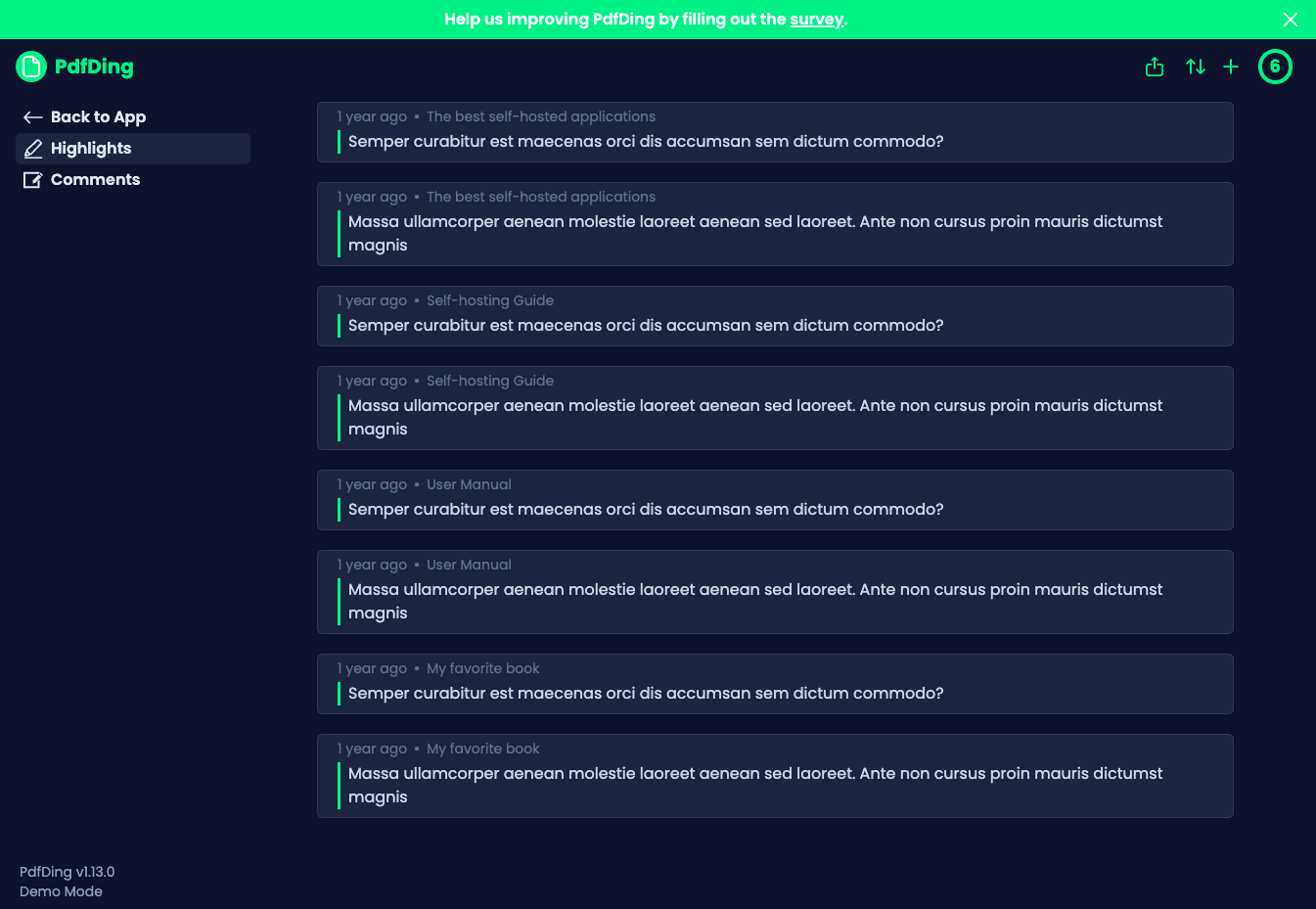
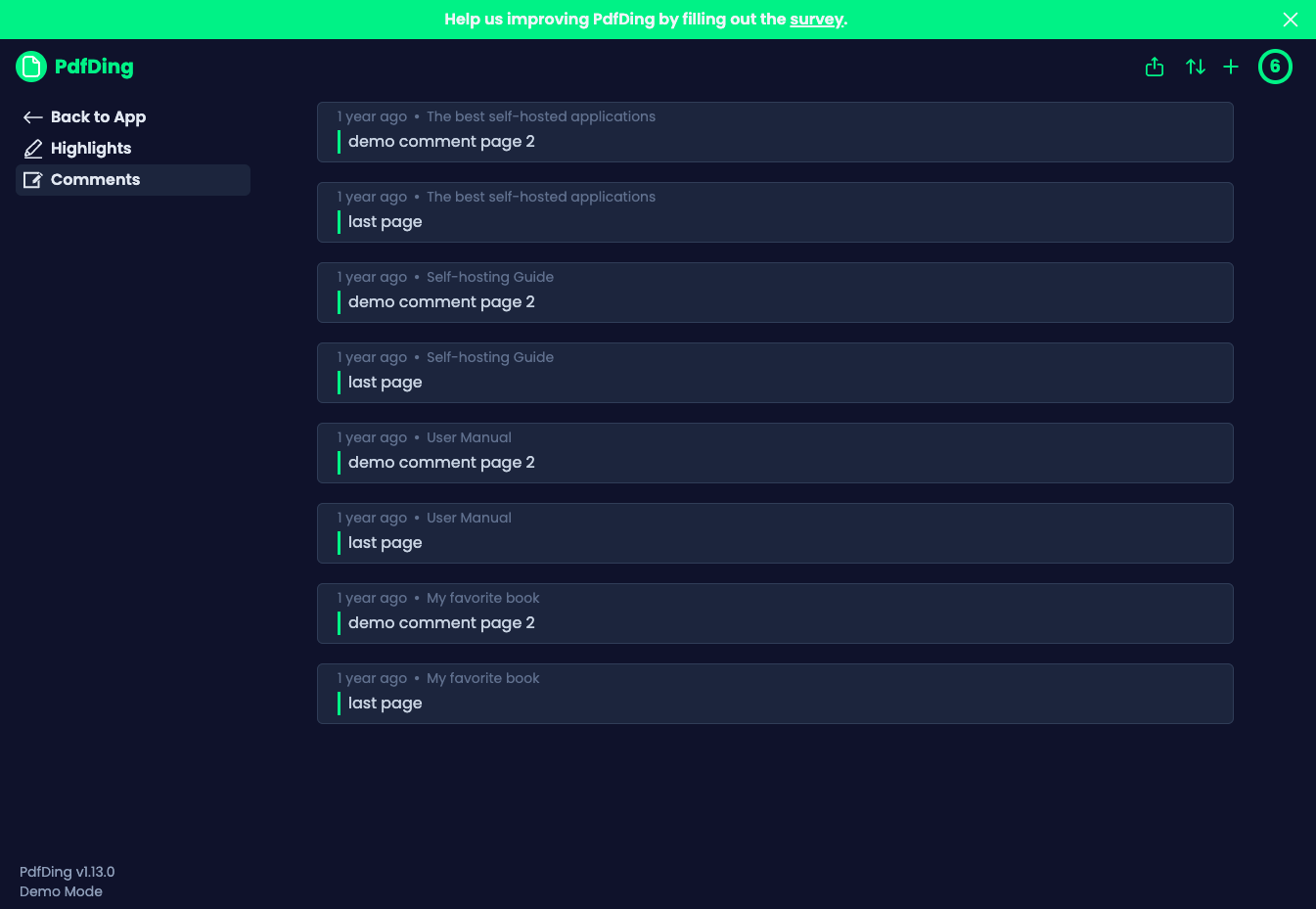
PdfDing turns a scattered folder of PDFs into a proper library you can read, annotate, sign, and share from any browser. The viewer remembers exactly where you stopped in every document, so a manual opened on your desktop resumes mid-page on your phone, and progress bars in the library show how far you have read at a glance. Workspaces and collections group related documents, multi-level tags classify them, and starring, archiving, and bulk actions keep even a large archive tidy. Inside the viewer you can add text, highlights, and freehand drawings, then review and export your highlights and comments from dedicated sections and attach Markdown notes to a document. A signature you create once is stored on your server and waits for you on every device, ready to drop onto contracts and forms. Sharing a collection or a single PDF takes a link or a QR code, with optional access control over who can open it and for how long. Accounts are protected by OIDC single sign-on and two-factor authentication with TOTP or WebAuthn, and dark mode, an inverted color mode, and multiple layouts keep long reading sessions comfortable. Running on a dedicated VPS on RepoCloud with guaranteed CPU, RAM, and SSD, full root SSH access, and a browser serial console. AGPL-3.0 licensed.
Benefits
- Continue Reading Anywhere
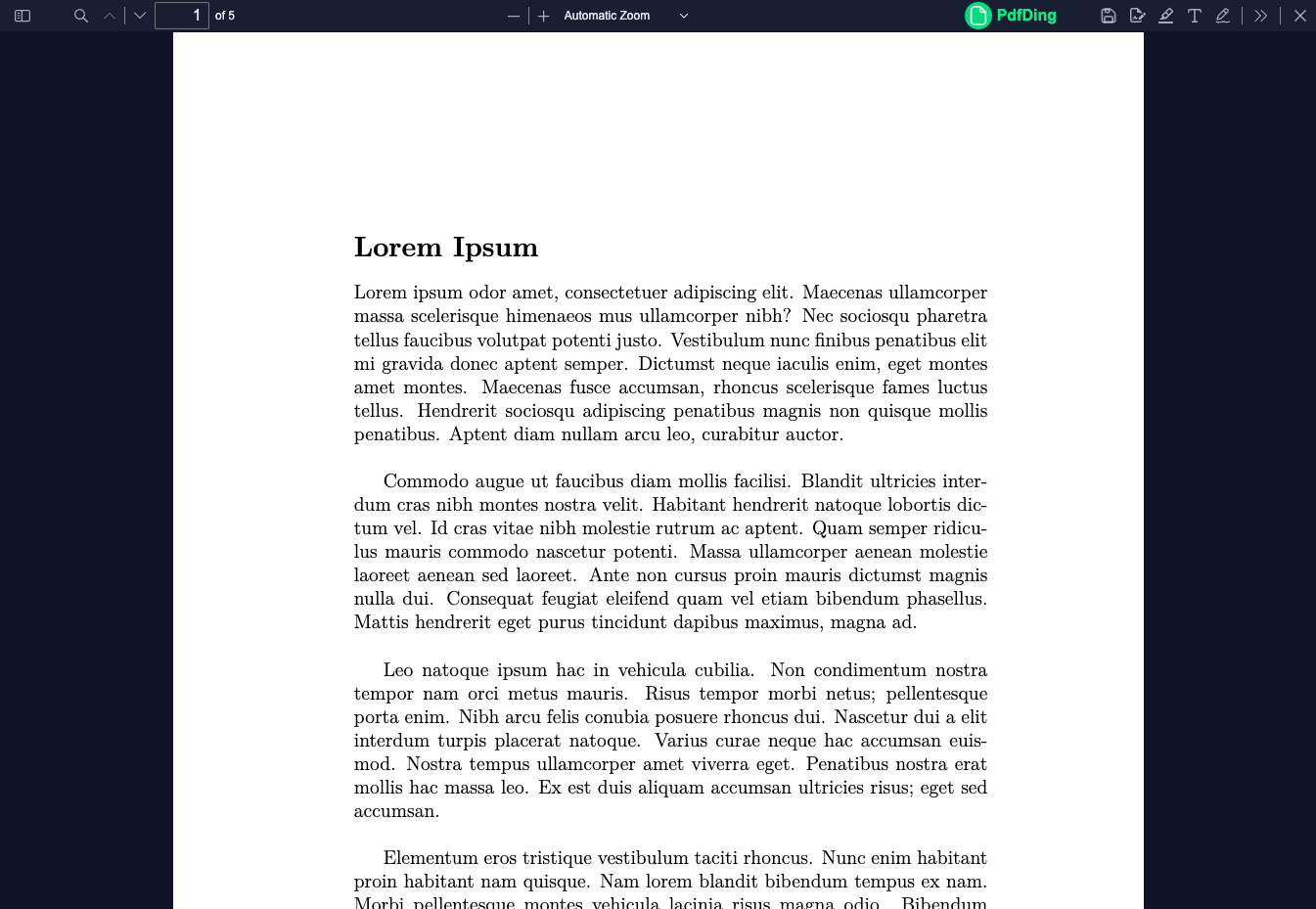
- PdfDing remembers the exact page and position for every PDF, so a manual started on your desktop resumes mid-paragraph on your phone, tablet, or laptop browser without hunting.
- A Library, Not A Folder
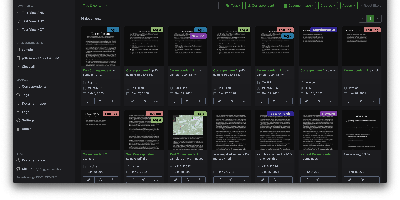
- Workspaces and collections group related documents, multi-level tags classify them, and starring, archiving, progress bars, and bulk actions keep hundreds of PDFs manageable without renaming a single file.
- Sign Once, Use Everywhere
- Create your signature once and it is stored on your server, ready to place on contracts and forms from any device, instead of being trapped inside one phone app.
- Share With Control, Secure Accounts
- Send a collection or single PDF as a link or QR code with optional access limits, while OIDC single sign-on and TOTP plus WebAuthn two-factor authentication protect the library itself.
Features
- Position-Synced Browser Viewer
- The browser viewer records reading position per document and shows progress bars in the library, so long manuals and papers resume exactly where you stopped on any device.
- Workspaces And Collections
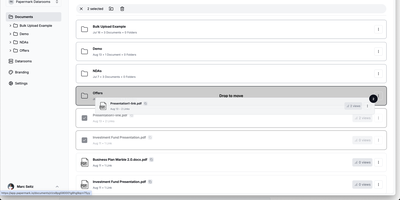
- Group PDFs into workspaces and collections, classify them with multi-level tags, and use starring, archiving, and bulk actions to manage large libraries.
- In-Browser PDF Editing
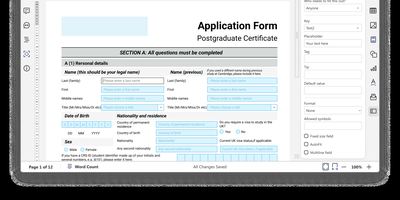
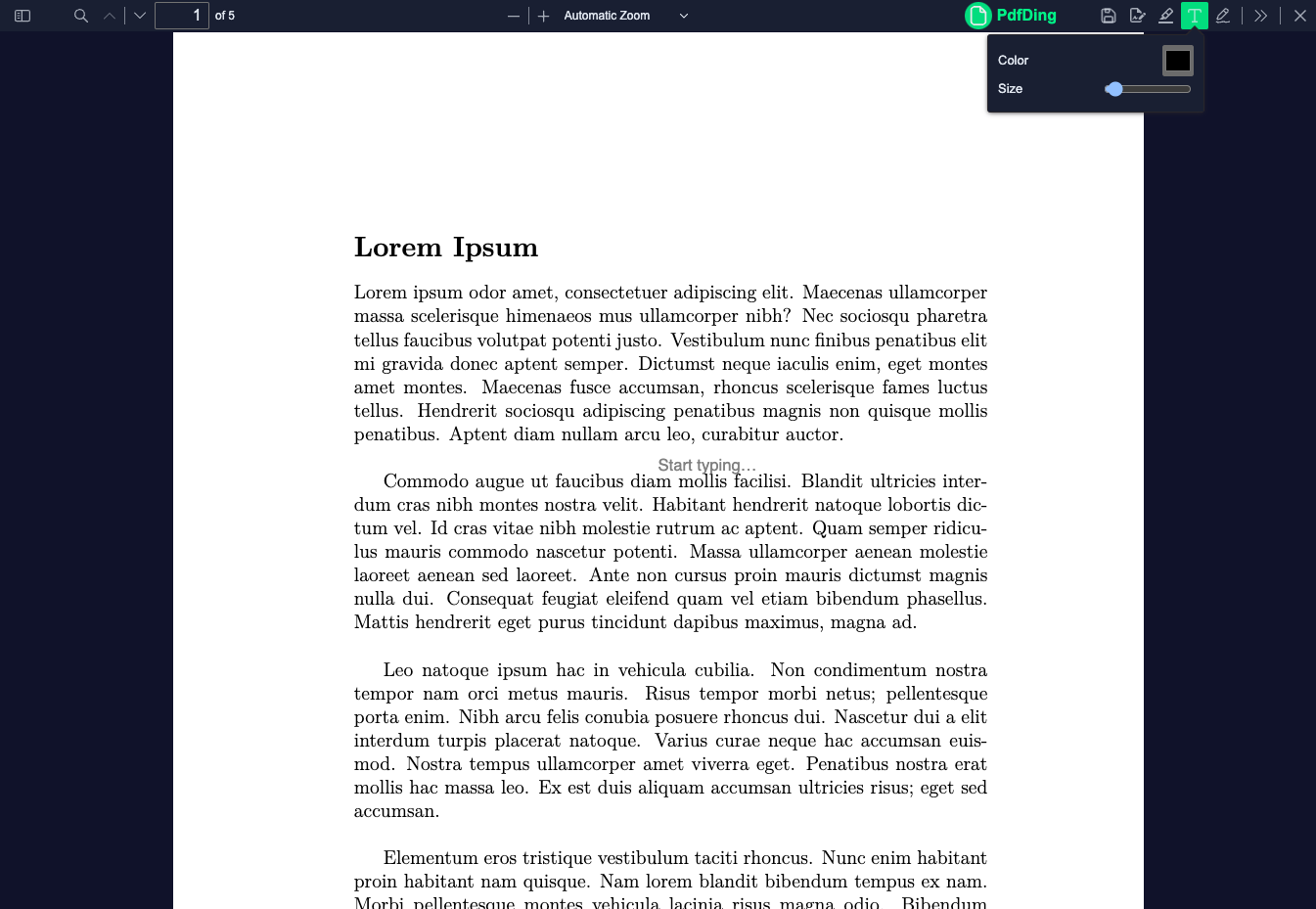
- Add text, highlights, and freehand drawings inside the viewer, then manage and export collected highlights and comments from dedicated overview sections.
- Server-Stored Signatures
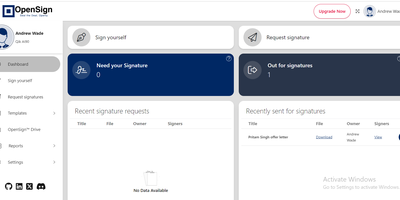
- Signatures are saved on the server and available on every device, so you can sign a document from whichever screen is in front of you.
- Links, QR Codes, SSO
- Share PDFs or collections through links and QR codes with optional access control, and secure accounts with OIDC single sign-on and TOTP or WebAuthn two-factor authentication.