Categories
Self-Hosted WebRTC Live Streaming Screen Sharing Peer-to-Peer Watch Together Private Streaming Game StreamingStars
Forks
Watchers
Developer links
Piik
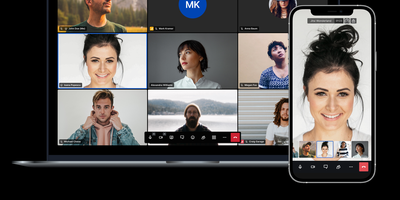
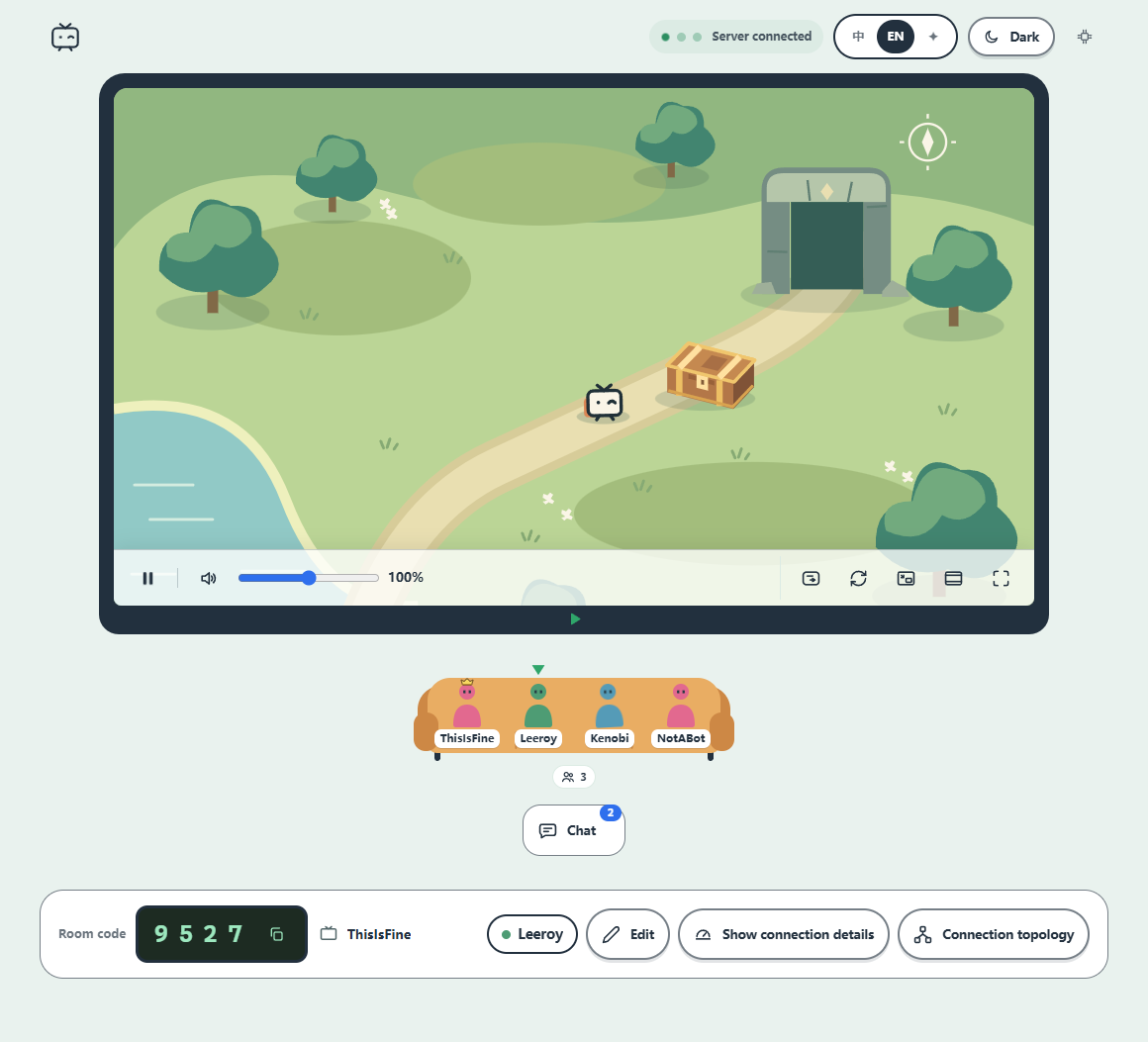
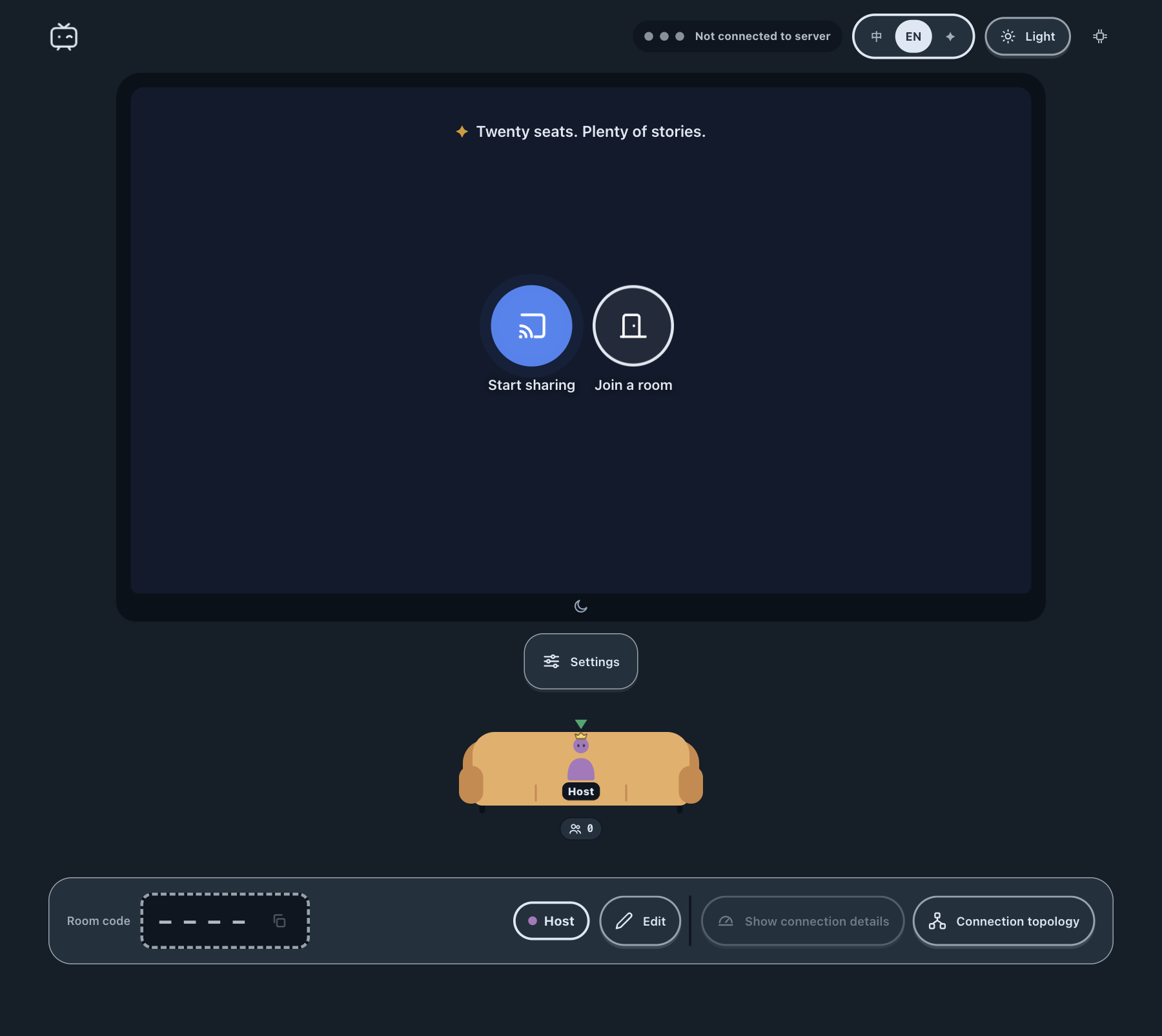
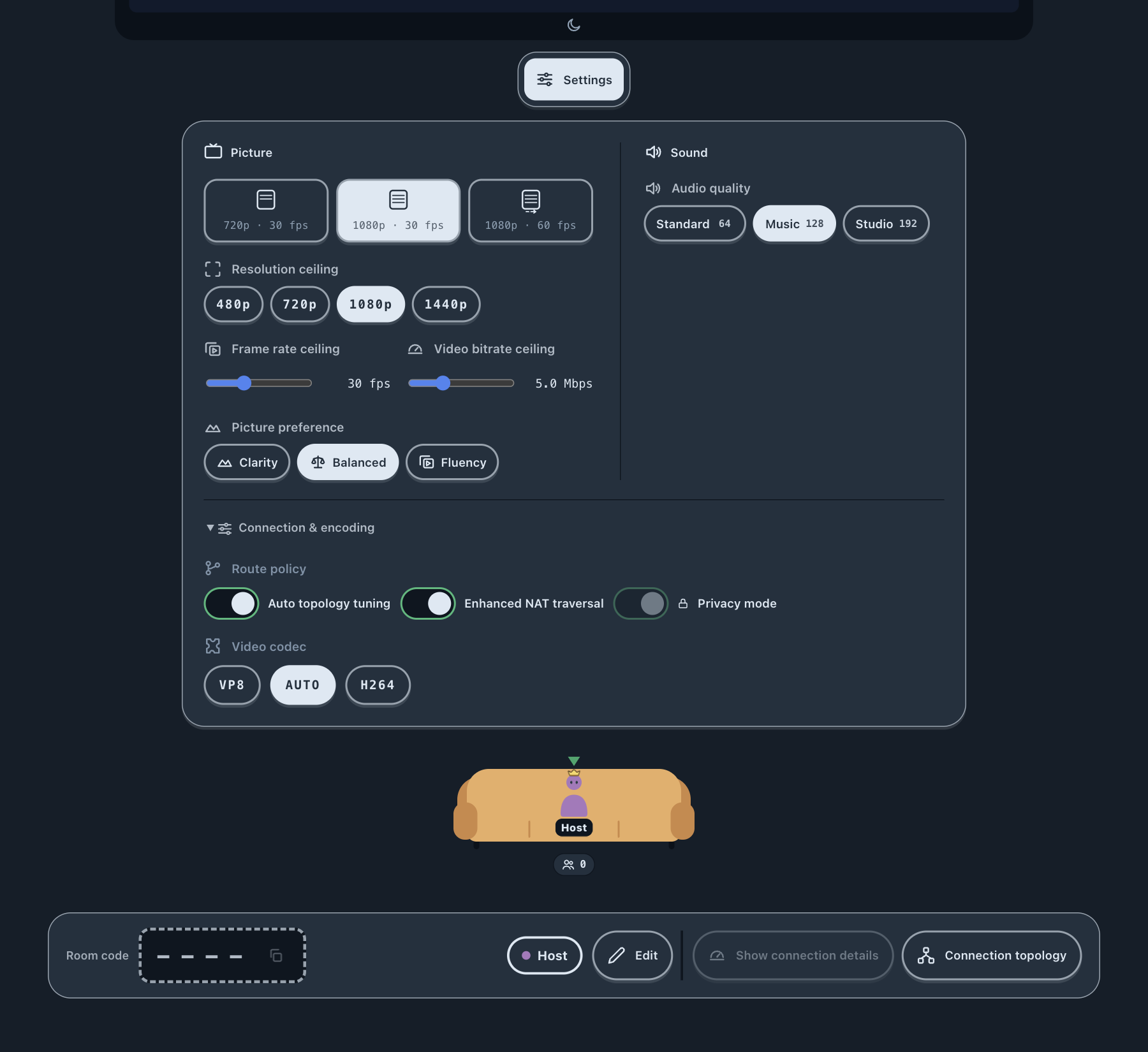
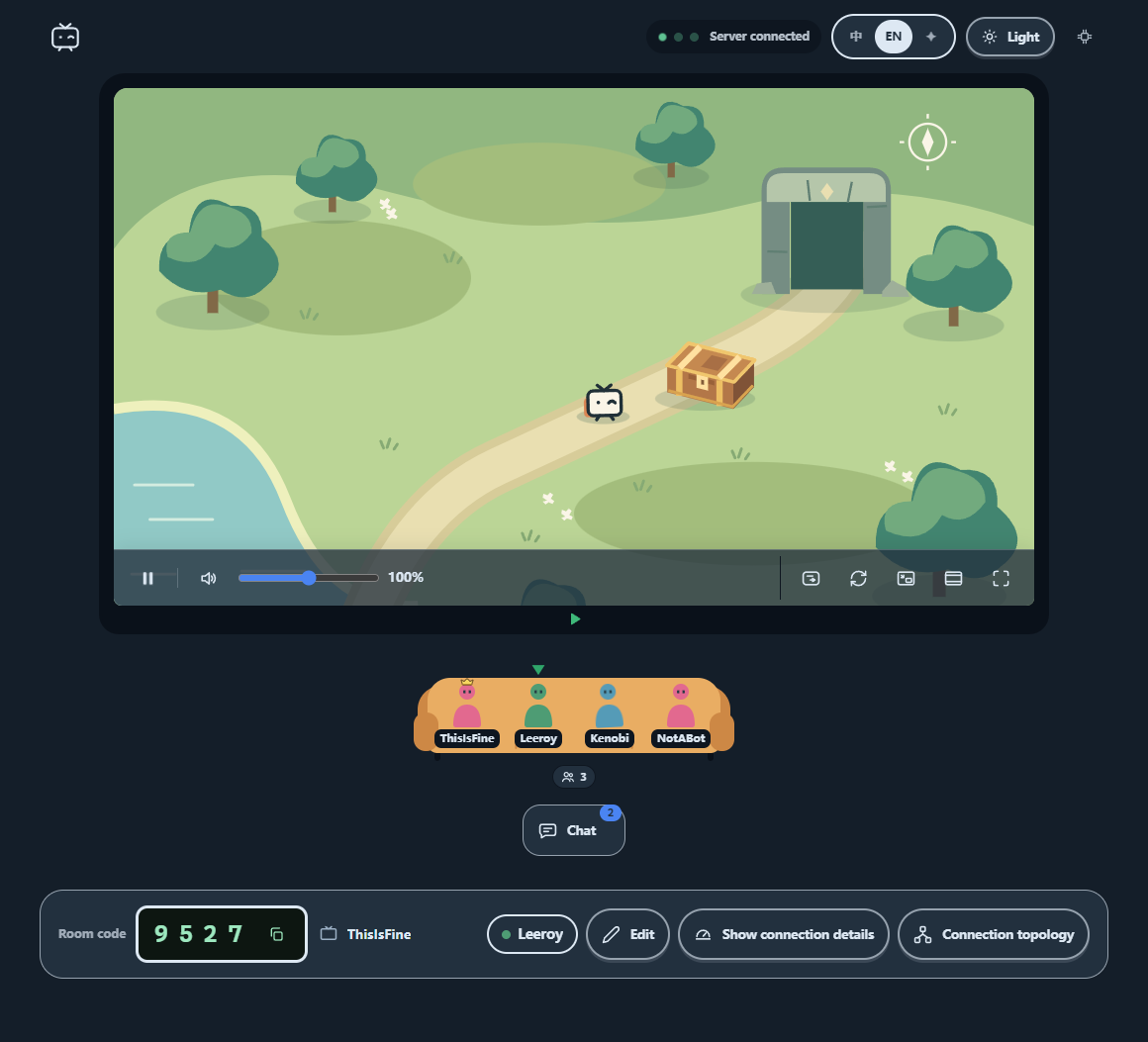
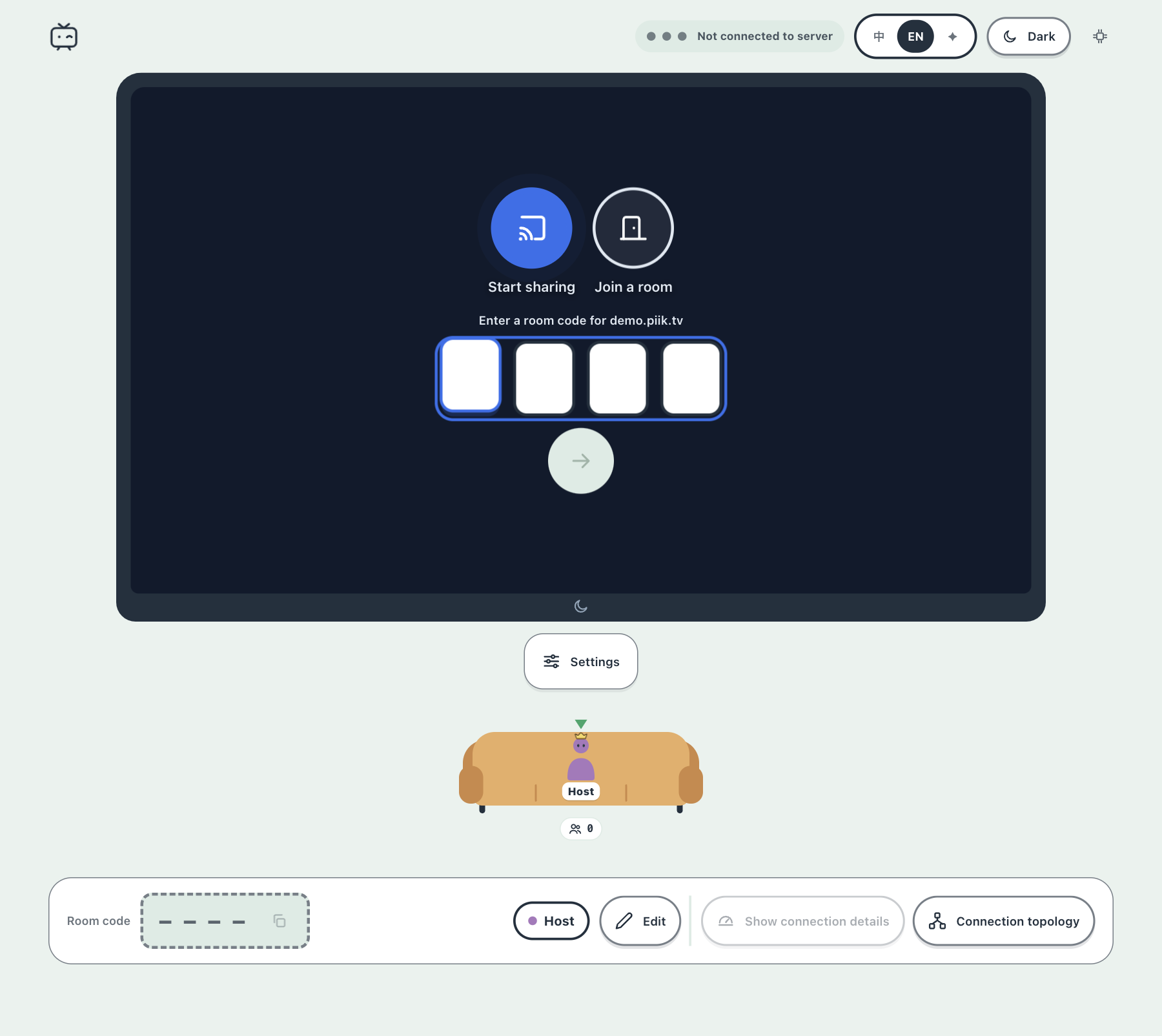
Share a game, a film, or your holiday photos with up to 20 friends, and let them watch from a browser tab with nothing to install. The host picks a screen, window, browser tab, or camera, then sends an invite link or a four-digit room code, with an optional room password. Friends open it on a desktop or phone, press Play, and chat or react while it runs, with optional on-screen chat. A microphone switch adds spoken commentary, with a choice of input device and voice volume. Video travels directly between participants where possible, and a self-hosted server can add automatic forwarding for networks that block direct links. Sharing settings cap resolution from 480p to 1440p, frame rate up to 60 fps, and audio at 64, 128, or 192 kbps, with Clarity, Balanced, and Fluency presets and a choice of VP8, H264, or automatic codecs. Viewers get playback controls, picture-in-picture, fullscreen, light and dark themes, and a connection topology view. The interface follows the system language in Chinese or English, with a visual-only mode for a text-free look. Piik App adds native capture on Windows, macOS, and Linux, while a hosted site works from any desktop browser. A self-hosted site can set a site passphrase, a viewer limit per room, and automatic cleanup of empty rooms. Running on a dedicated VPS on RepoCloud with guaranteed CPU, RAM, and SSD, full root SSH access, and a browser serial console. MIT licensed.
Benefits
- Friends watch with zero installs
- Viewers open an invitation link in a desktop or mobile browser and press Play, so friends can join a live stream in seconds without installing anything.
- Direct connections keep video private
- Media travels directly between participants where possible instead of through a central server; a self-hosted site can add automatic forwarding as a fallback when direct links fail.
- Quality controls for every connection
- Set resolution from 480p to 1440p, frame rate up to 60 fps, and audio at 64, 128, or 192 kbps, with Clarity, Balanced, and Fluency presets to match your upload speed.
- Your own site in one container
- Piik Server bundles the web interface, room management, and optional media forwarding in one binary or Docker image, storing rooms in SQLite behind your HTTPS proxy on port 8787.
Features
- Rooms and Invitations
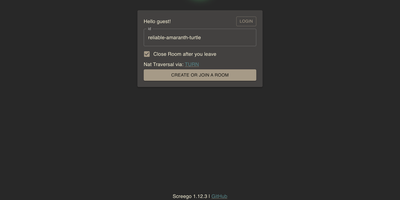
- Create a room with an invite link or four-digit code, add an optional room password, and host one sharer with up to 20 viewers per room.
- Flexible Capture Sources
- Share a screen, window, browser tab, or camera, with source and audio options that depend on the platform, from Piik App or a desktop browser.
- Chat, Reactions, and Voice
- Viewers send chat messages and reactions with optional on-screen chat, while the host can switch on a microphone with a chosen input device and voice volume.
- Playback and Viewing Tools
- Play and pause, volume, picture-in-picture, fullscreen, light and dark themes, and a connection topology view help viewers watch comfortably and spot network problems.
- Sharing Quality Settings
- Resolution ceiling from 480p to 1440p, frame rate and bitrate ceilings, Clarity, Balanced, or Fluency preference, three audio tiers, and VP8, H264, or automatic video codecs.
- Self-Hosted Server
- A Linux x64 or ARM64 binary or Docker image runs the web UI, signaling, and STUN, with optional SFU fallback on UDP 7882, SQLite rooms, and a health endpoint.