Stars
Forks
Watchers
Developer links
KeeWeb
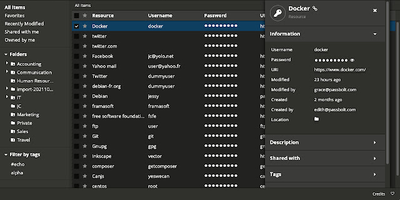
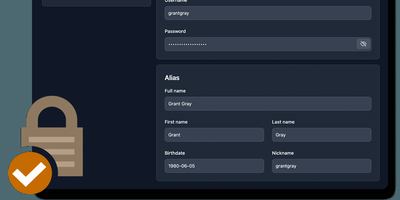
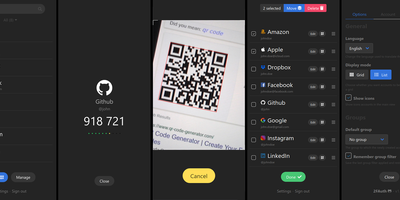
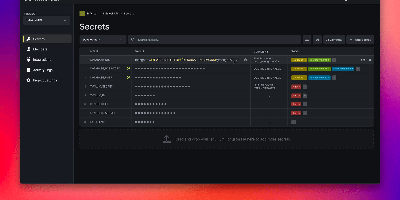
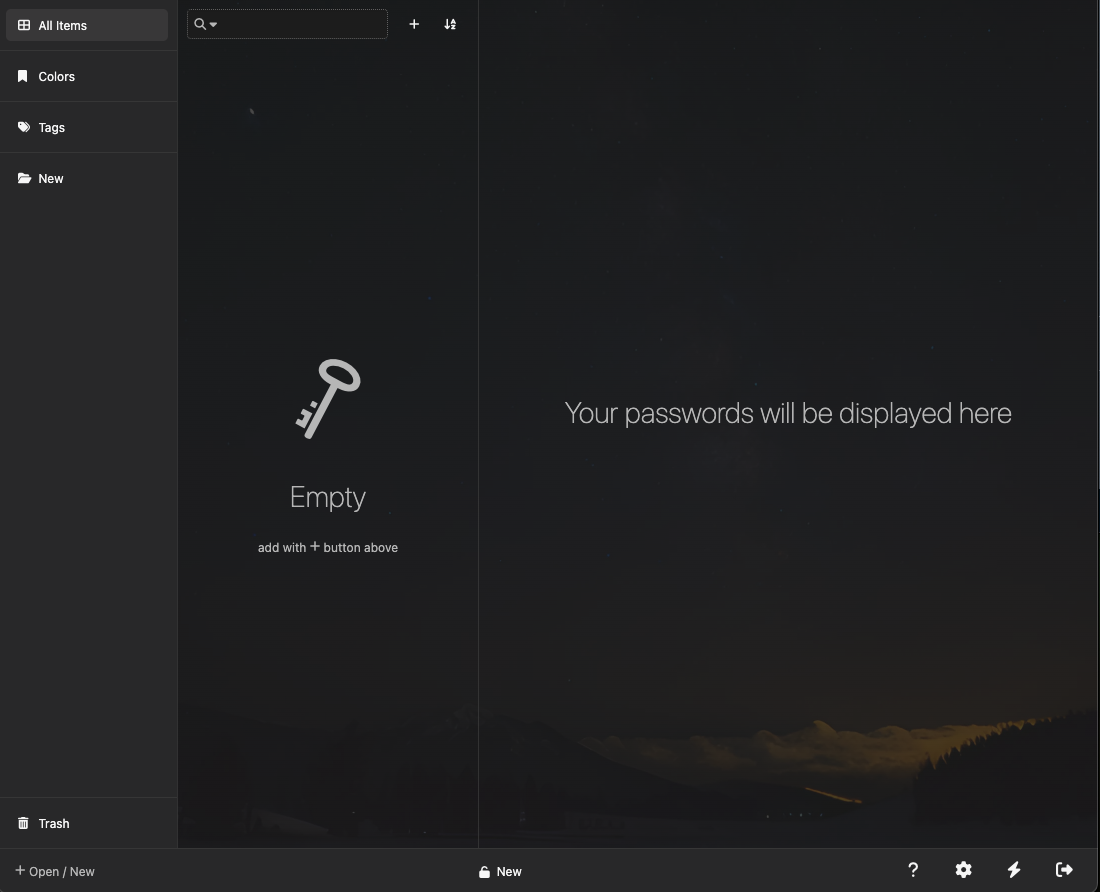
Your KeePass vaults, opened from any browser: KeeWeb reads, edits, and creates standard KDBX files, so it works with the same databases as KeePass and KeePassXC without conversion or lock-in. Self-hosting the web app gives you a password manager reachable from any modern browser, including mobile, with no client installation and no third-party cloud in the loop. All KDBX cryptography runs client-side; the server just serves the static app. Open multiple vault files simultaneously and search them all from one box, with advanced options covering specific fields, password history, and regular expressions. Vaults load from local files, your own server (WebDAV), or Dropbox, Google Drive, and OneDrive, with automatic sync - and files are cached for offline use, so a dropped connection never locks you out; changes resync once you're back online. Day-to-day niceties include a configurable password generator, protected fields that stay masked and are held in memory more defensively, entry history, tags with easy input, drag-and-drop attachments, and per-entry icons with favicon fetching. The optional KeeWeb Connect extension (Chrome, Firefox, Edge, Safari) autofills credentials using the keepassxc-protocol. MIT-licensed with matching desktop apps for macOS, Windows, and Linux.
Benefits
- Standard KDBX, No Lock-In
- The same database files work in KeePass, KeePassXC, and KeeWeb - switch tools any time without migration.
- Crypto Never Leaves the Client
- Vault decryption happens in the browser; the server only delivers static files and never sees a master password.
- Any Device, No Install
- A URL replaces per-machine clients - full vault access from desktops, laptops, and mobile browsers alike.
- Works Offline
- Vaults are cached locally, so you can read and edit without a connection and sync automatically when back online.
Features
- KDBX Compatibility
- Open, edit, and create KeePass-format vaults shared with KeePass and KeePassXC.
- Multi-File Search
- Query several open vaults at once, with field filters, history search, and regex.
- Flexible Storage
- Local files, WebDAV on your own server, or Dropbox/Google Drive/OneDrive with auto-sync.
- Protected Fields
- Sensitive values stay masked and are handled with hardened in-memory storage.
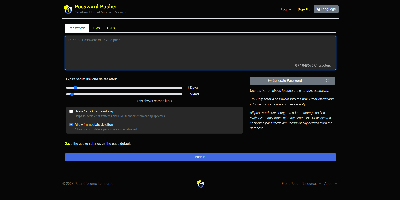
- Password Generator
- Configurable length and character sets, plus per-entry history tracking.
- Browser Autofill
- KeeWeb Connect extension for Chrome, Firefox, Edge, and Safari via keepassxc-protocol.