Categories
E-Learning Learning Management System Corporate Training Virtual Classroom Education Technology Online Assessment Course Authoring Question BankStars
Forks
Watchers
Developer links
OpenOlat
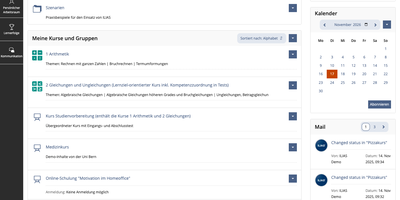
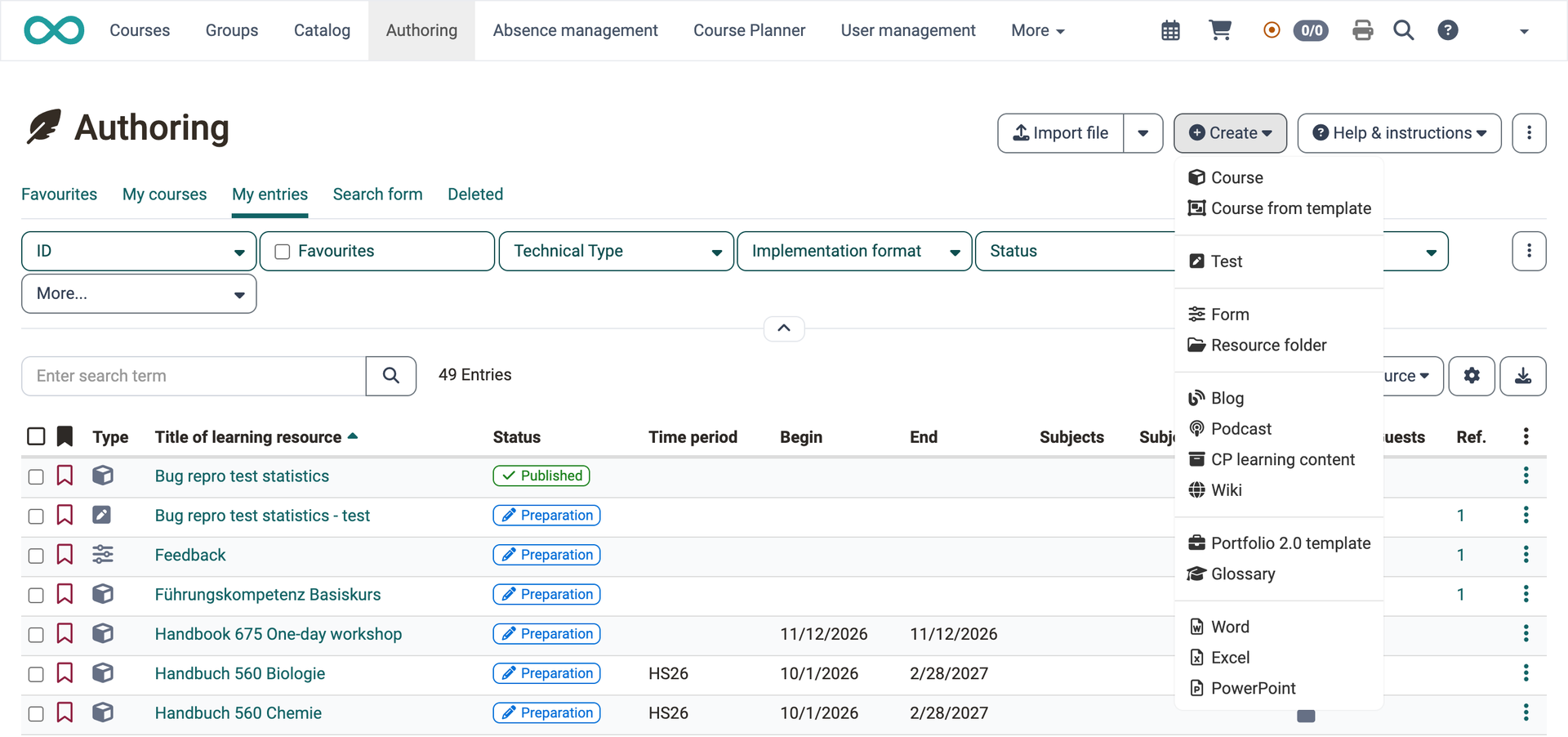
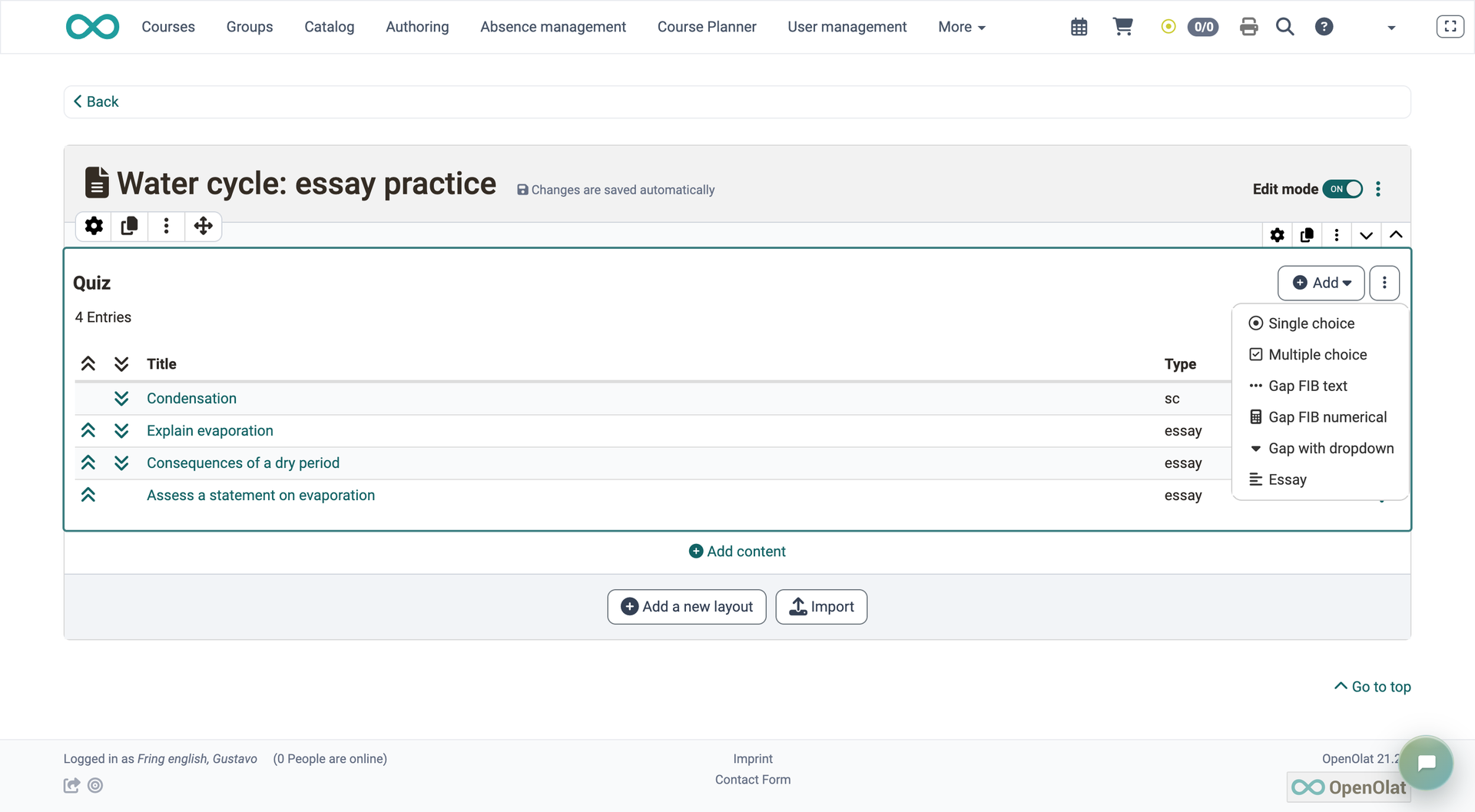
OpenOlat is a learning management system where educators build a course, run the exams, and follow every learner's progress without leaving the browser. Courses are assembled from more than 40 element types: pages, video, podcasts, blogs, wikis, forums, SCORM 1.2 and CP packages, tasks, group tasks, checklists, and surveys. They run as conventional courses or as learning paths whose completion criteria track each person's progress. The test editor offers 16 question types, from single choice and gap text to hotspot, drawing, essay, and file upload; closed questions score themselves, while essays autosave every minute and wait for manual grading. Questions live in a shared question bank, and an optional AI module can draft multiple-choice or essay questions from pasted text. Coaches follow people, courses, and assessment orders in one tool, and the Course Planner schedules products, implementations, events, rooms, and certification programs with recertification. Participants collect badges, certificates, and credit points, or book offers from a catalog. Virtual classrooms connect BigBlueButton, Zoom, or Microsoft Teams, and LTI pages embed outside tools. Hosting it on a dedicated RepoCloud VPS brings guaranteed CPU, RAM, and SSD, full root SSH access, and a browser serial console. Apache-2.0 licensed.
Benefits
- Build courses from reusable elements
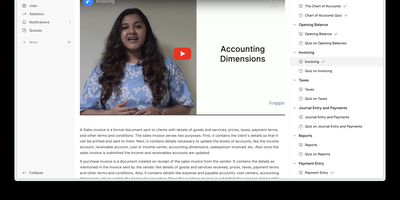
- More than 40 course element types combine content, tests, forums, wikis, and virtual classrooms, and learning path courses use completion criteria such as a Mark as done toggle to track each learner's progress.
- Score closed questions automatically
- Closed question types score automatically, and multiple choice offers all-correct, per-answer, or partial scoring, while essays, file uploads, and drawings go to graders; essays autosave every minute.
- Run many course offerings centrally
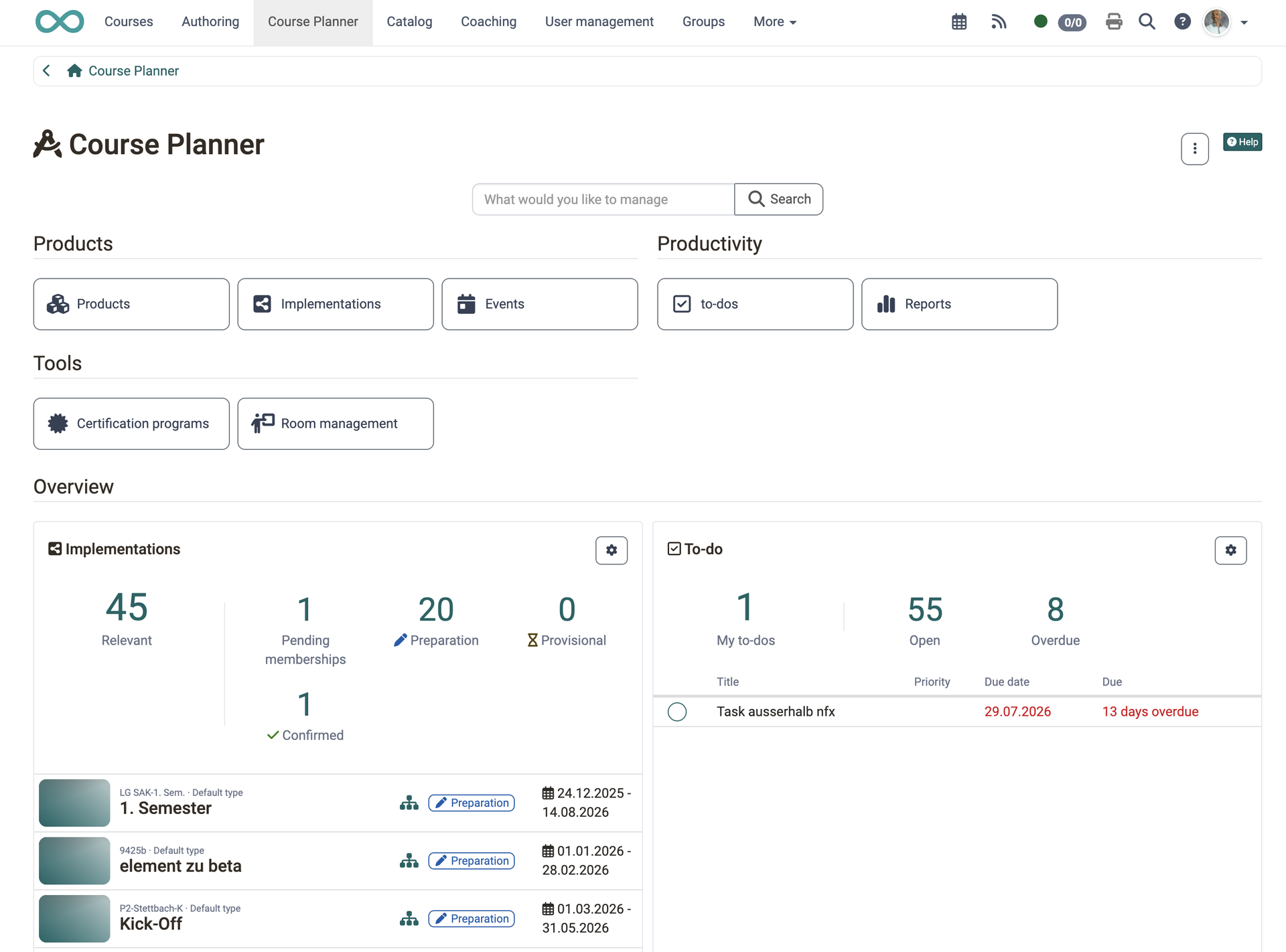
- The Course Planner creates products with several implementations, instantiates template courses on a chosen date, adds members through catalog bookings, and exports booking order reports to Excel.
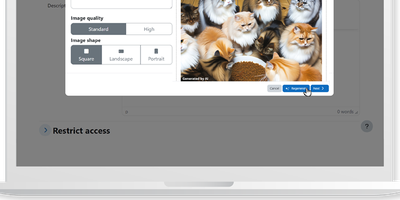
- Draft questions with optional AI
- Once an administrator connects an AI provider, authors can generate multiple-choice and essay questions from pasted text, and each person can switch the AI feedback on free-text answers on or off.
Features
- Course Editor and Elements
- Combine pages, SCORM 1.2 and CP learning content, video, podcasts, wikis, forums, and folders, then set visibility, access rules, or learning path completion criteria per element.
- QTI 2.1 Test Editor
- Build QTI 2.1 tests with 16 question types, import questions from the question bank or an Excel table, and review submissions in the assessment tool.
- Web Conferencing Integrations
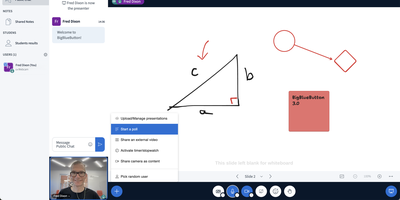
- Course elements connect BigBlueButton, Zoom, Microsoft Teams, Adobe Connect, GoToMeeting, OpenMeetings, and vitero for live sessions; which ones appear depends on the system administrator's configuration.
- Coaching and Course Planner
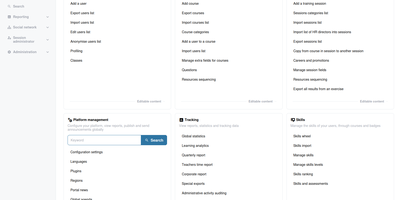
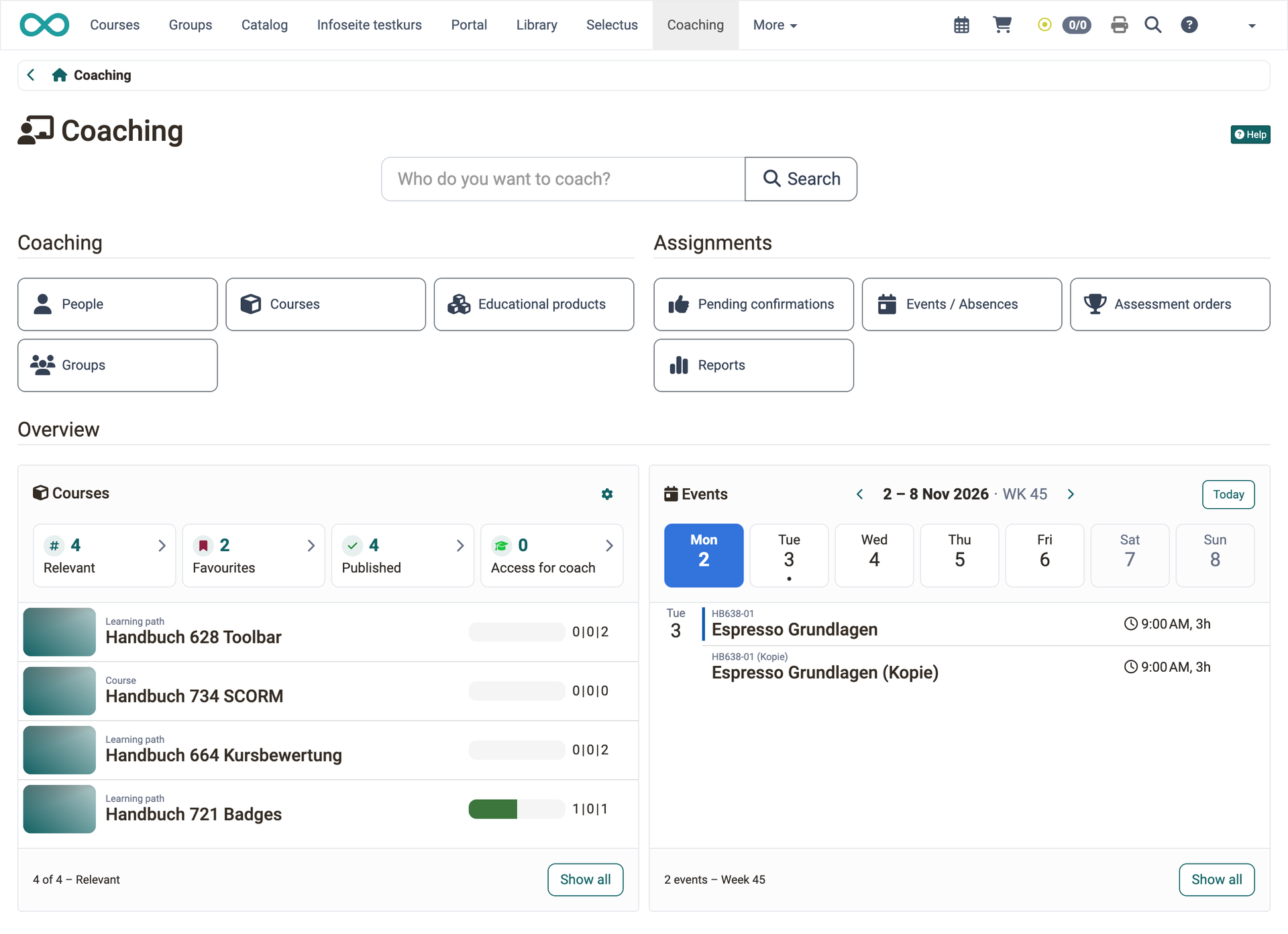
- Coaches monitor people, courses, and assessment orders in one tool, while the Course Planner manages products, implementations, events, room scheduling, and certification programs with recertification.
- Badges and Certificates
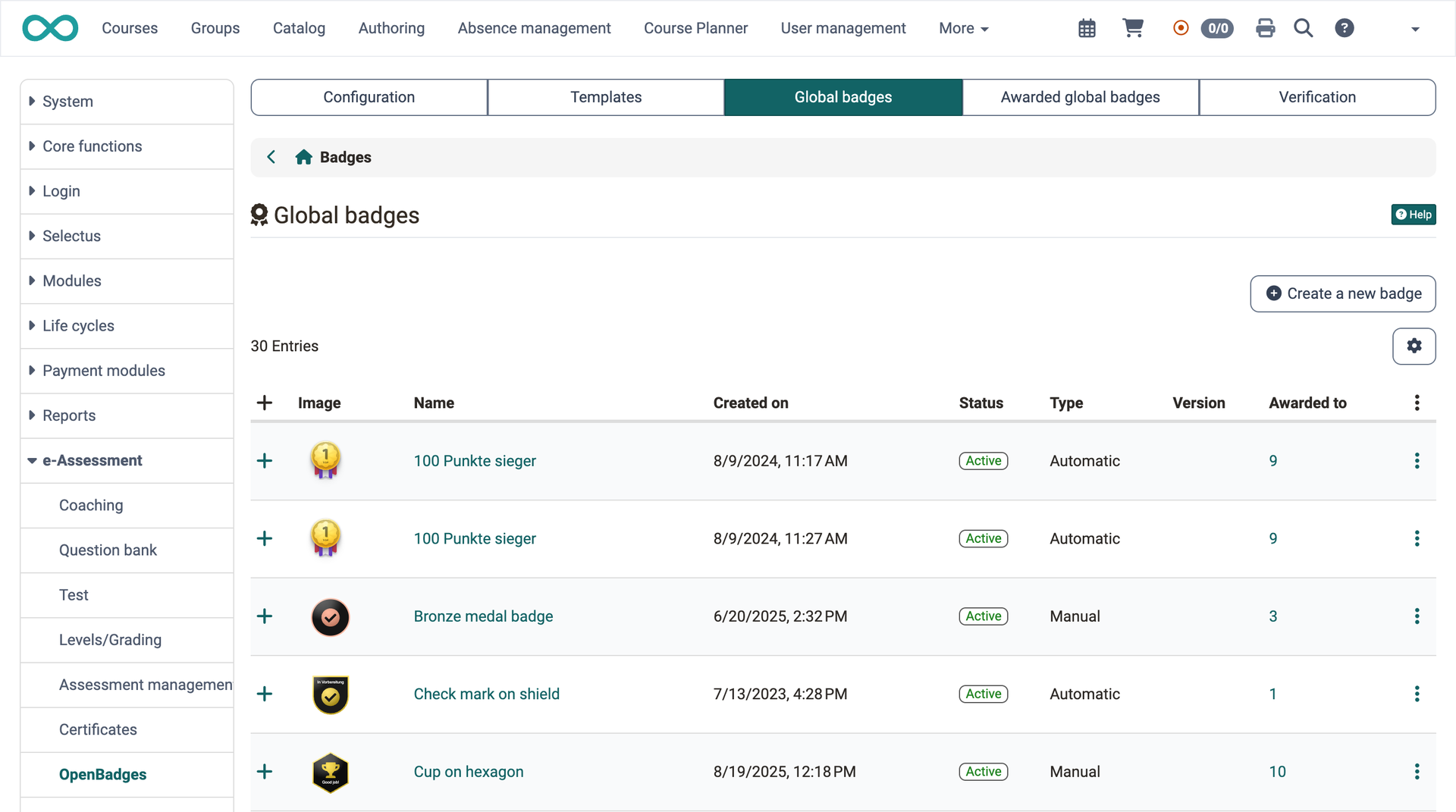
- Learners earn OpenBadges, certificates, and credit points, while evidence of achievement and a personal competence overview document skills gained across courses and learning resources.
- Catalog and Booking
- Courses and educational products appear in a searchable catalog, and bookings can require access codes, forms, or payment through the payment modules administrators activate.