Categories
AI Tools Media Library Creative Tools Self-Hosted Audio Text to Music AI Music Generation Music ProductionStars
Forks
Watchers
Developer links
Minimax Music UI
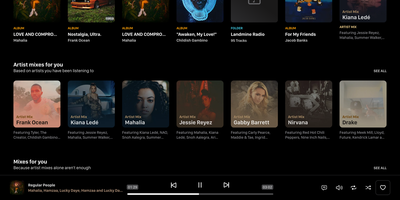
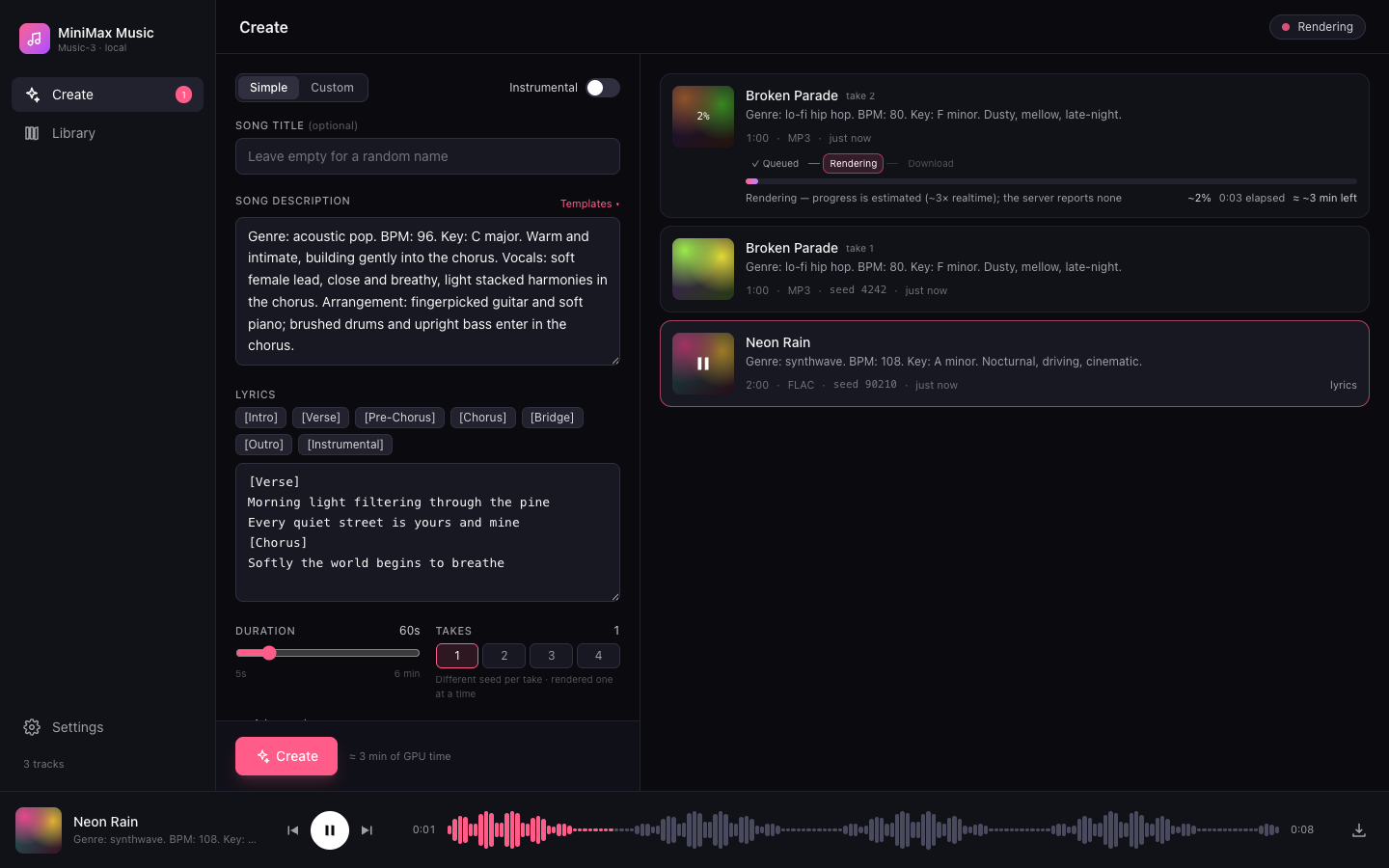
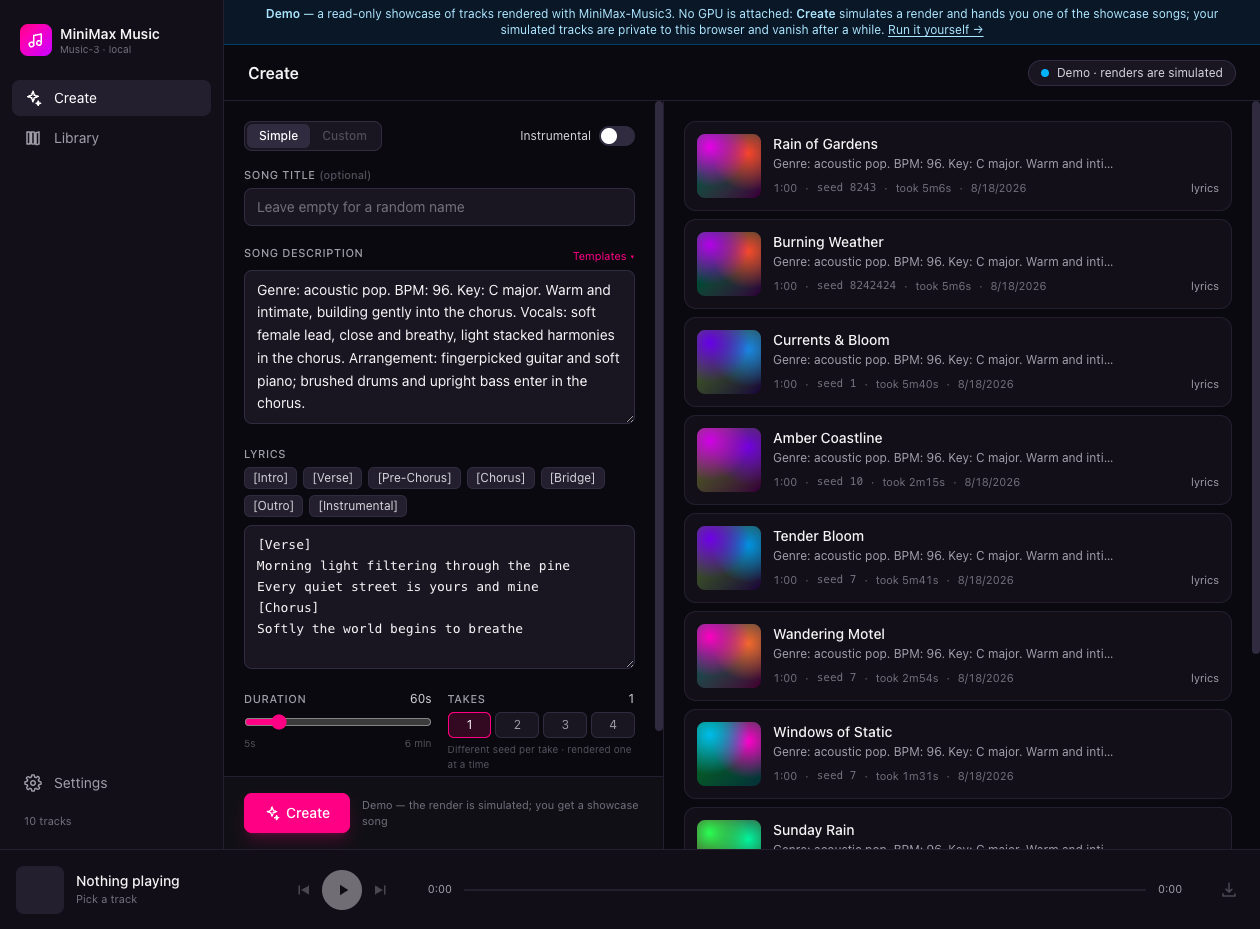
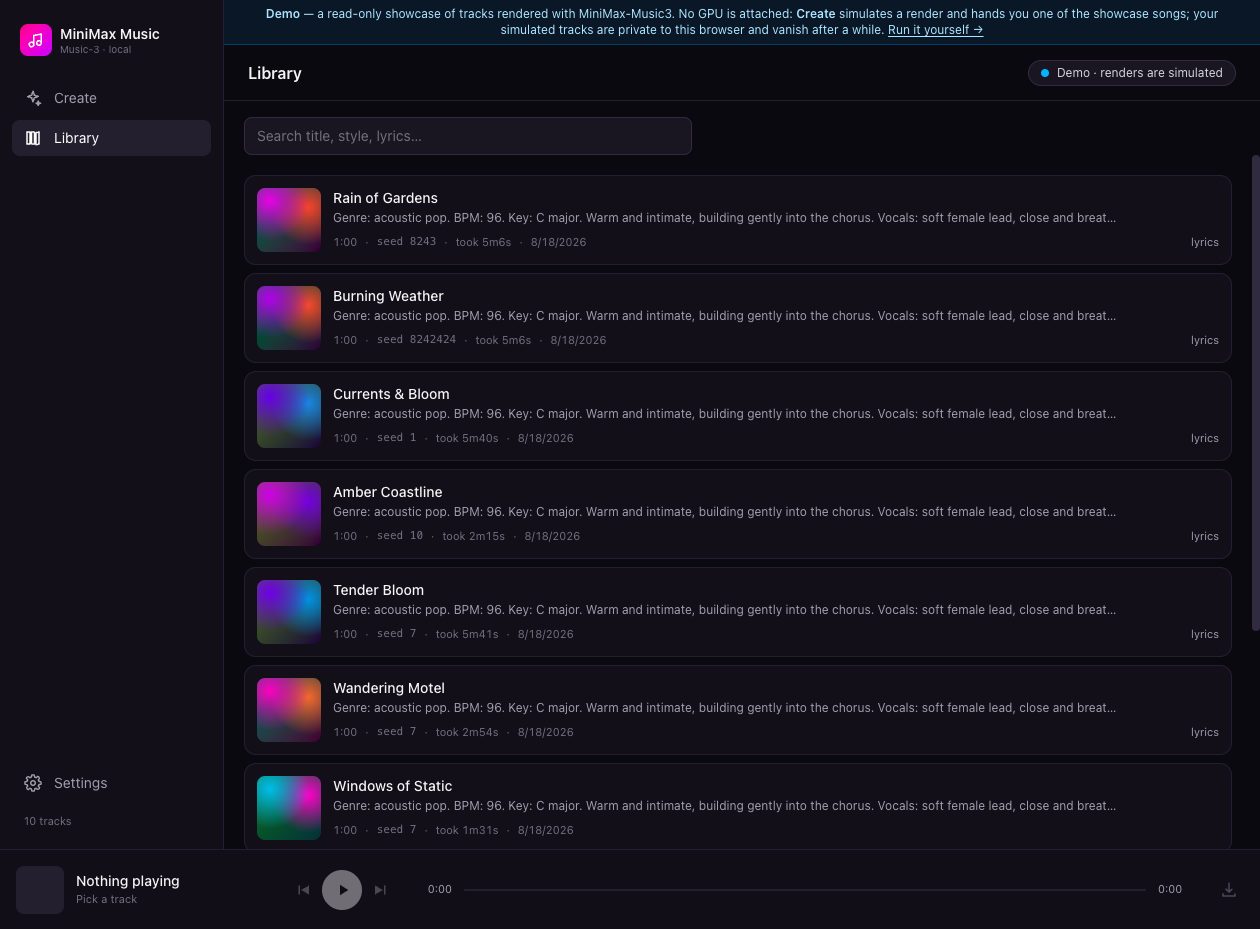
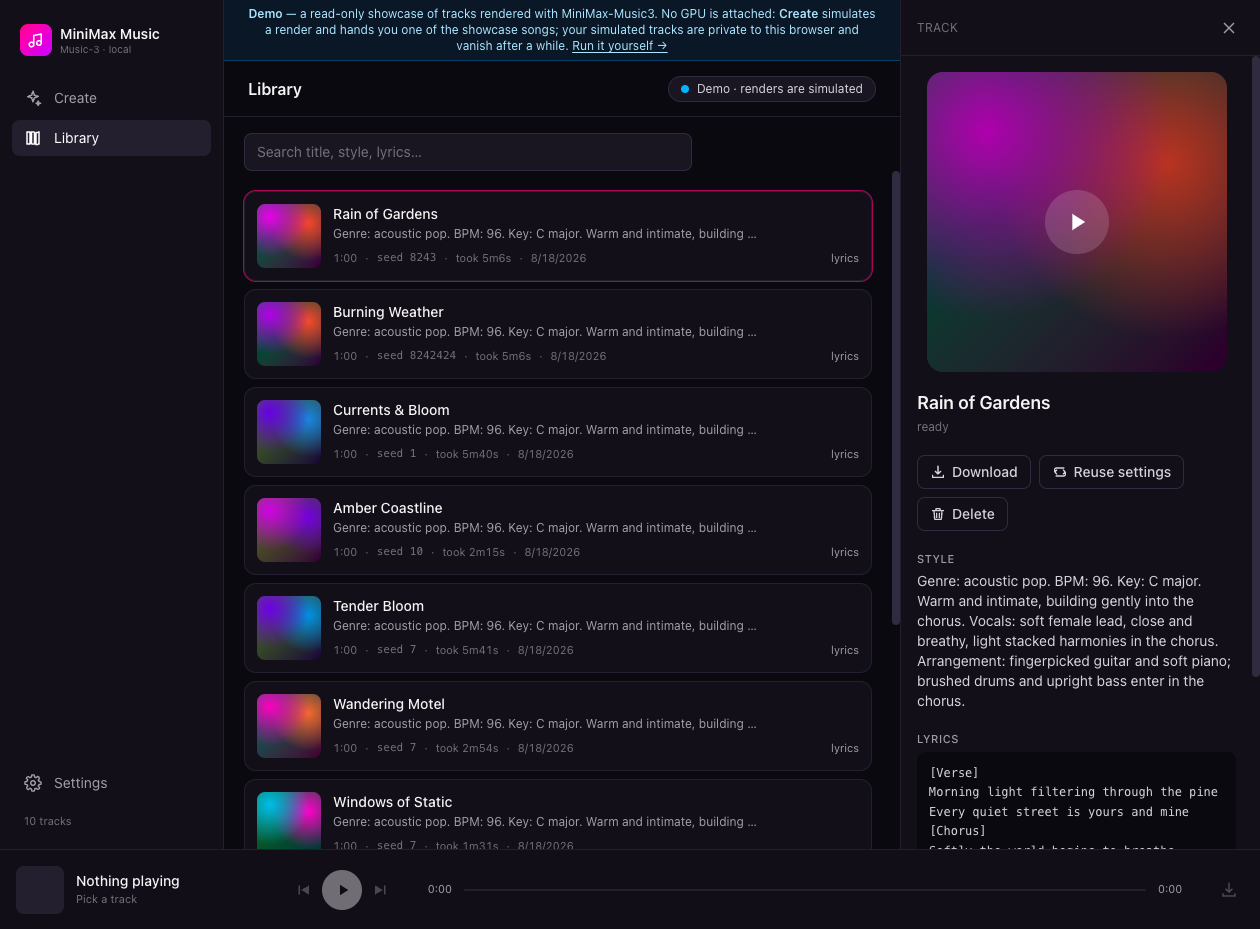
Minimax Music UI turns a self-hosted MiniMax-Music3 model into a private song factory, giving you a Suno-style studio where you describe a track, add lyrics, and watch finished songs appear in your own library. The Create panel works in Simple or Custom mode: write a style description covering genre, BPM, key, vocals, and arrangement, then shape words in a lyrics editor with one-tap [Verse], [Chorus], [Bridge], and [Instrumental] section chips. One submit can queue up to four takes at 5 to 360 seconds each, and the render queue shows queued, rendering, and done states with elapsed time, cancel, and retry, surviving a server restart without losing your place. When you run the bundled inference server, you can even press play on a track that is still rendering and hear the waveform grow in real time. A magic wand rewrites rough ideas into structured music captions, and a second wand drafts original lyrics sized to your chosen duration, both through any OpenAI-compatible model you point it at. Finished renders land in a searchable library with cover art, seeds, and render times, ready to download as WAV, reuse as a template, or open in a detail panel with the prompt and lyrics. A sticky waveform player with seek and keyboard shortcuts keeps music going while you work, and an optional access token locks the whole studio down. Running on a dedicated VPS on RepoCloud with guaranteed CPU, RAM, and SSD, full root SSH access, and a browser serial console. MIT licensed.
Benefits
- Your Own Private Suno
- Generate full songs from a style prompt and lyrics on hardware you control, with up to four alternate takes per submit and durations from 5 to 360 seconds.
- Watch Songs Render Live
- With the bundled inference server, renders stream progress in real time and you can press play mid-render, hearing the waveform grow before swapping seamlessly to the finished file.
- AI Help Writing Songs
- Two magic wands use any OpenAI-compatible chat model to rewrite rough ideas into structured music captions and draft original lyrics sized to your target duration.
- A Library That Remembers Everything
- Every finished track is saved with its prompt, lyrics, seed, and render time, so any song can be searched, downloaded, deleted, or reused as a starting template.
Features
- Structured Lyrics Editor
- One-tap chips insert [Intro], [Verse], [Pre-Chorus], [Chorus], [Bridge], [Outro], and [Instrumental] tags, while an instrumental toggle and random title generator keep quick sessions moving.
- Resilient Render Queue
- Renders run one at a time against the blocking POST /v1/audio/speech route with elapsed time, estimated progress, cancel and retry, and queues persist across server restarts.
- Prompt Enhancement Wand
- Rewrites your description into a structured MiniMax-Music3 caption with Global Metadata, Vocal Details, and Arrangement sections, using MiniMax's own music-caption-rewriter skill on your configured LLM.
- Waveform Player Bar
- A sticky bottom player decodes audio in the browser for waveform seeking, prev and next navigation, and spacebar play and pause, with range-streamed audio for long tracks.
- Works With Any Server
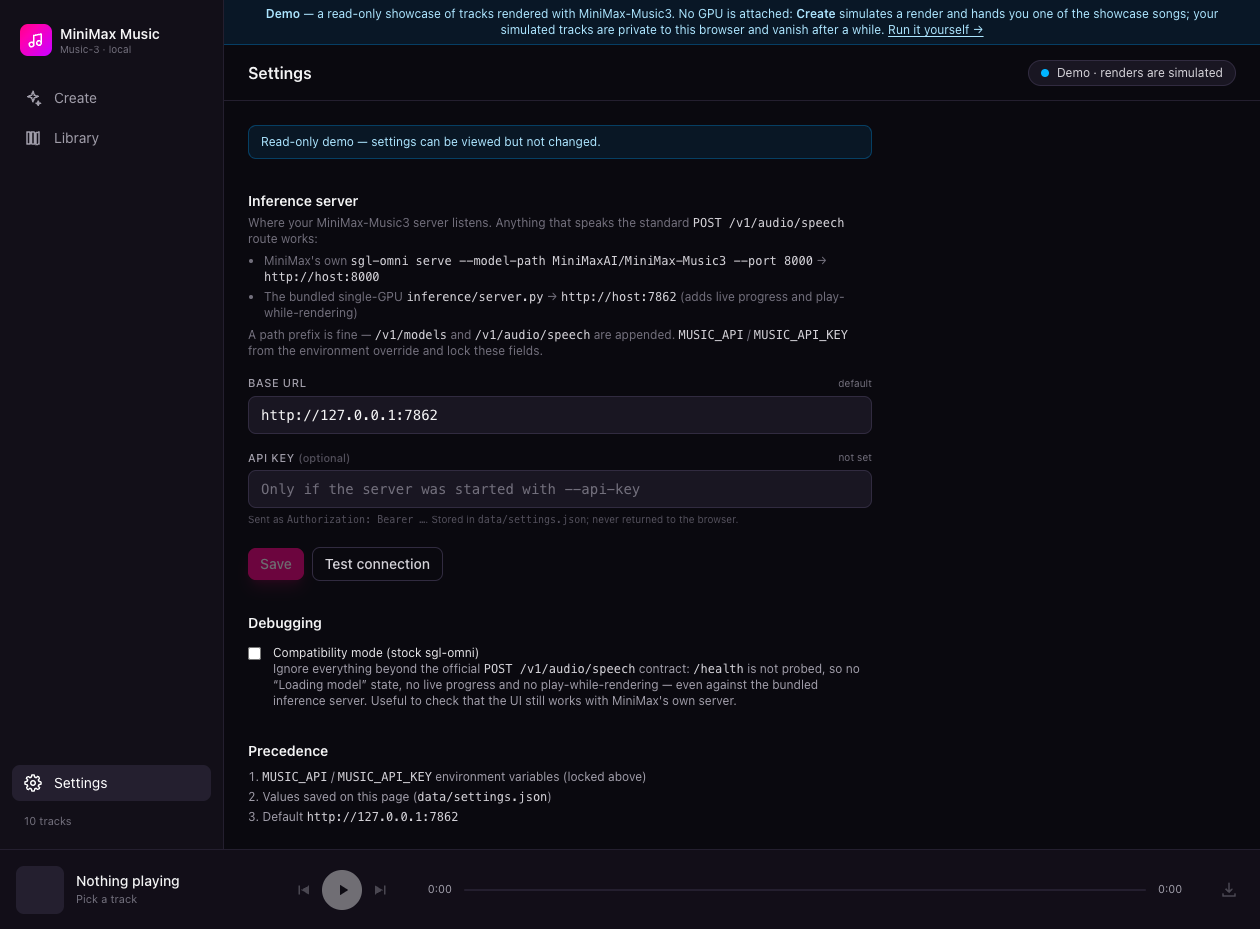
- Talks the standard MiniMax-Music3 contract, so it pairs with MiniMax's sgl-omni serve or the bundled single-GPU inference server, configurable from the Settings page with a connection test.
- Optional Token Lockdown
- Set a UI_TOKEN of 32 or more characters to require a token before any API route answers, exchanged once for an HttpOnly session cookie in the browser.