Categories
Self-Hosted Open Source Docker Control Panel Minecraft Multi-User Game Server Management Server HostingStars
Forks
Watchers
Developer links
MCSManager
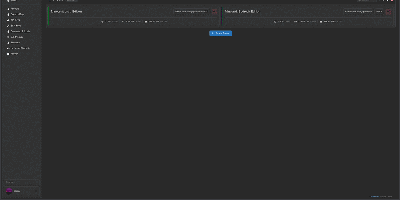
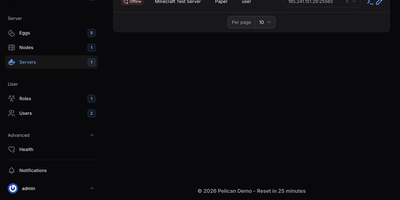
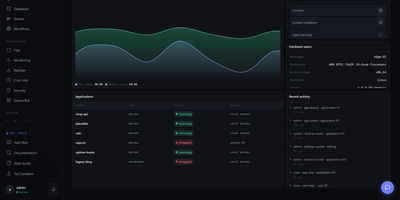
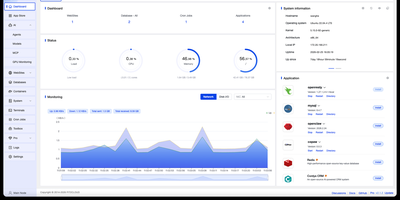
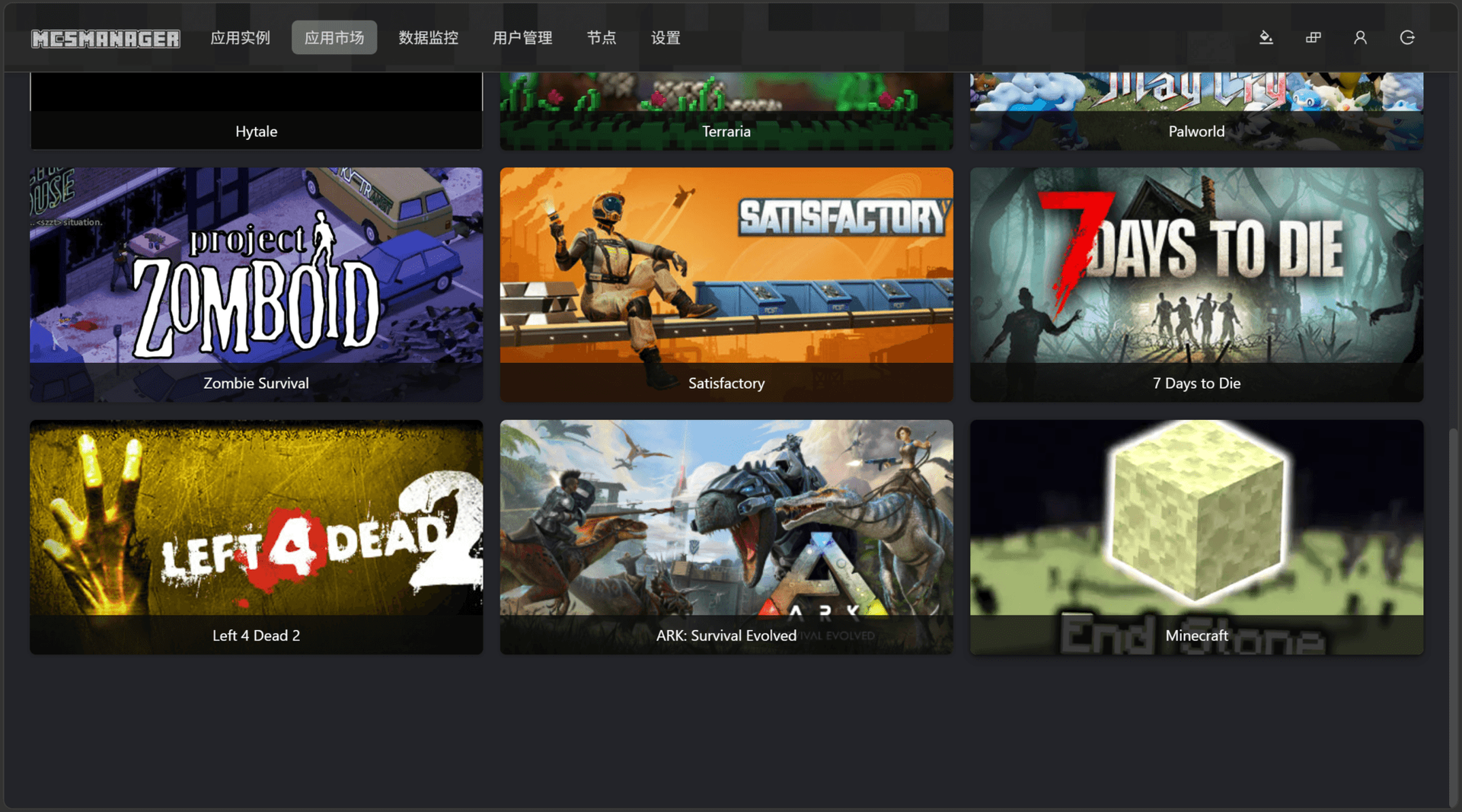
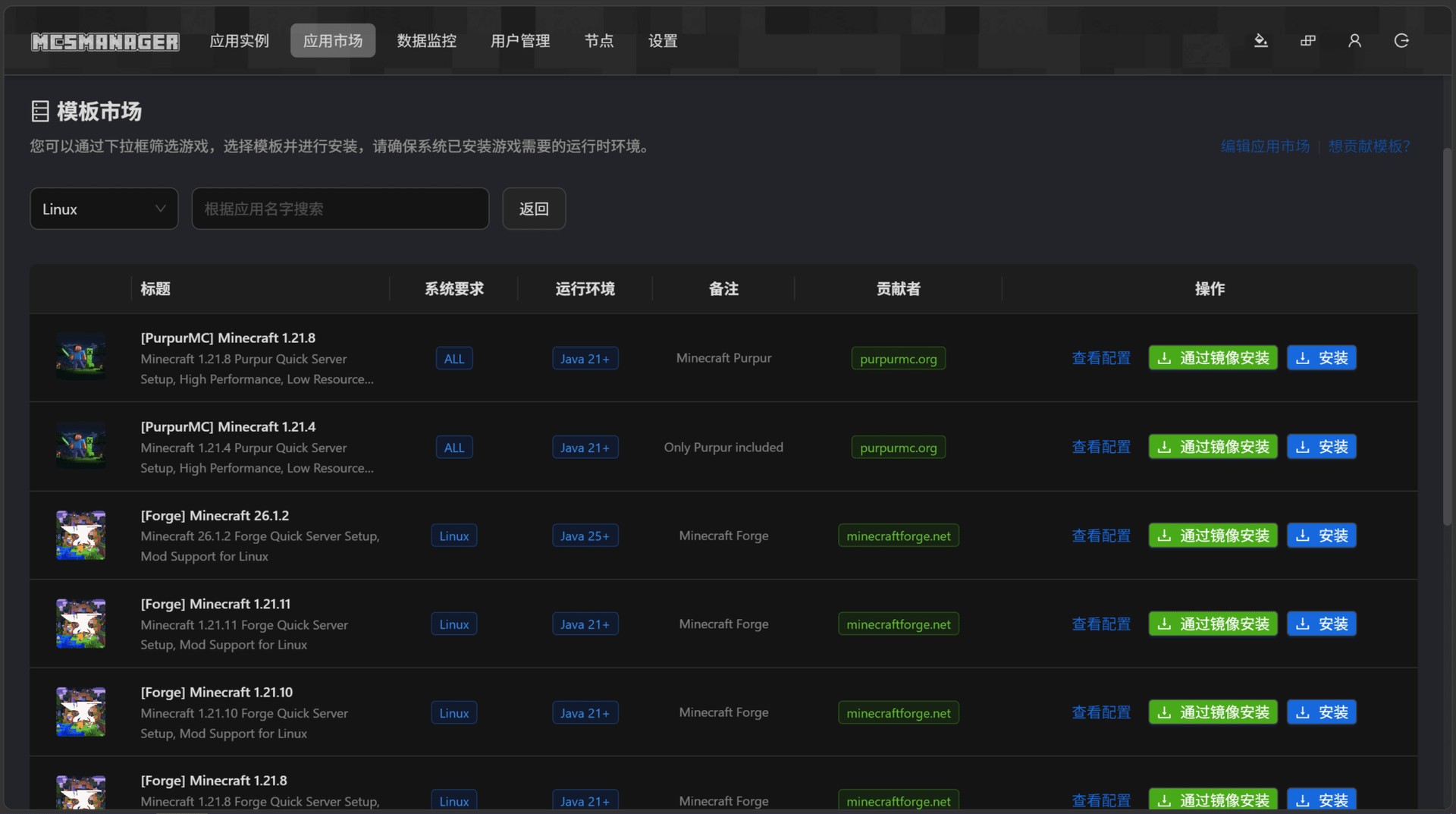
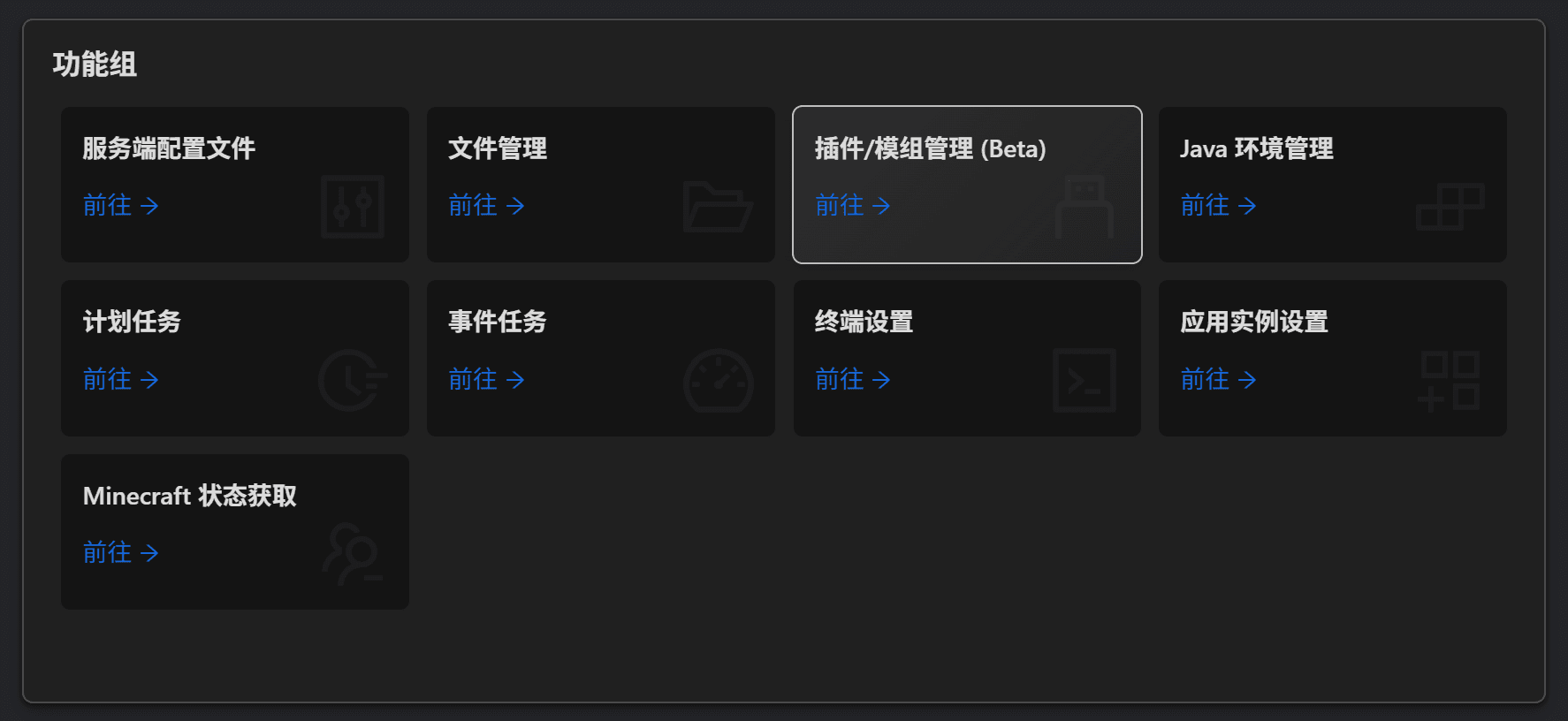
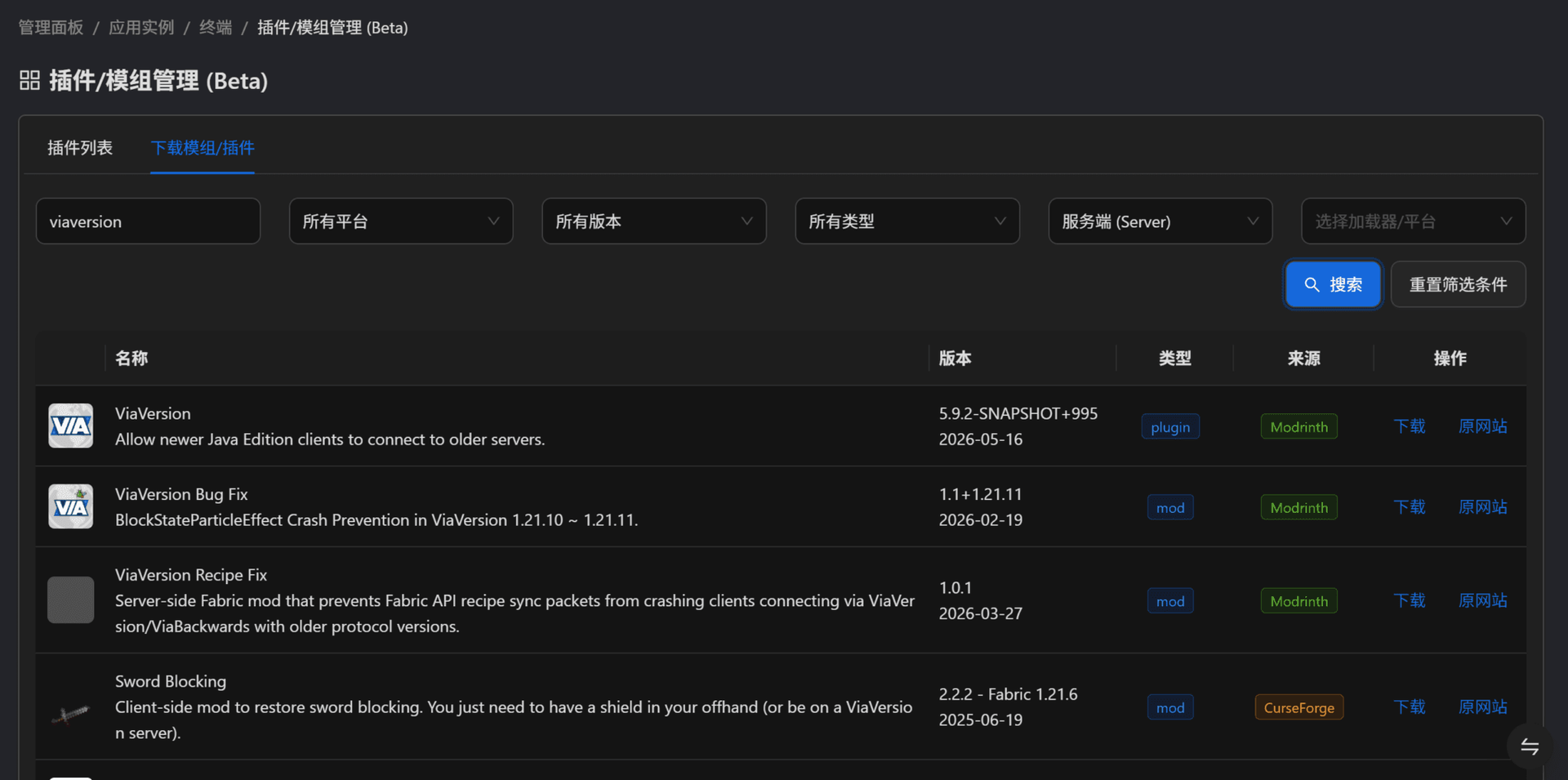
Hosting a Minecraft survival world, a Terraria server, and a Palworld host no longer means juggling SSH sessions and screen windows, because MCSManager puts every instance behind one web panel. A built-in marketplace installs game servers from ready-made templates, filtered by operating system and tagged with the Java version each one needs, while any Docker Hub image, uploaded ZIP archive, or plain process can run as an instance with its own start command, stop command, and live terminal. Docker instances get memory, CPU, port mapping, and volume settings, and each instance can auto start, auto restart, and run scheduled tasks. For Minecraft servers, the plugin and mod manager (Beta) searches Modrinth and CurseForge, and the file manager handles maps, configs, and uploads. Administrators create user accounts and assign instances to them, so friends or paying customers only see their own servers, which suits small hosting businesses that sell game servers. Extra machines join as nodes and connect to the same panel, and the drag-and-drop dashboard can be rearranged to taste. The interface supports many languages. Running on a dedicated VPS on RepoCloud with guaranteed CPU, RAM, and SSD, full root SSH access, and a browser serial console. Apache-2.0 licensed.
Benefits
- Many Game Servers, One Panel
- Run Minecraft, Terraria, Palworld, and other Steam game servers side by side, each as its own instance with a dedicated start command, terminal, and files, all managed from a single browser dashboard.
- Install Servers From Templates
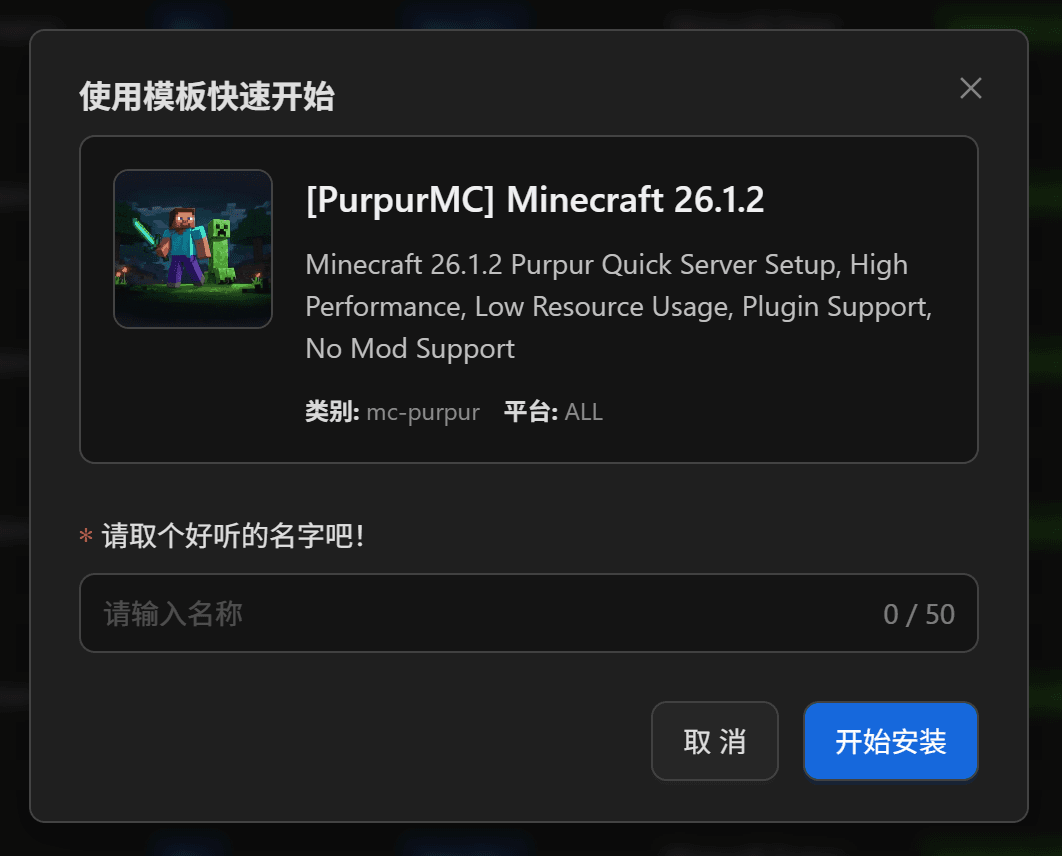
- The built-in marketplace deploys Minecraft and Steam game servers from ready-made templates; pick a template, name the instance, and install, instead of manual downloads and hand-edited configs.
- Share Servers Without Sharing Root
- Create regular user accounts and assign instances to them; Docker containers and file permission checks restrict each user to their own servers and help keep the host machine secure.
- Scale Across Multiple Machines
- Connect additional physical or virtual servers as nodes with a node key, then create and manage game servers on any of them from the same web panel.
Features
- Docker and Process Instances
- Run each server directly as a process or inside a Docker container from any Docker Hub image, with memory, CPU, port mapping, and volume settings per instance.
- Web Terminal Console
- Open each instance's live terminal in the browser to watch output and send commands, with start and stop controls for every game server.
- Marketplace Quick Install
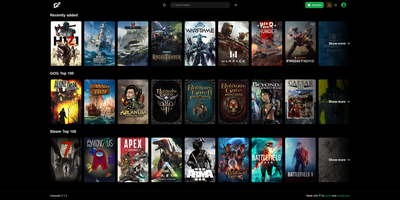
- Browse game tiles, filter templates by operating system, search by name, check required Java versions, then install directly on the host or through a Docker image.
- Scheduled Tasks and Auto Restart
- Create recurring tasks with a time, days of the week, and cycle that run instance actions automatically, and enable auto start and auto restart per instance.
- Multi-User Instance Access
- Administrators create user accounts and assign instances; regular users reach only their assigned servers, and file management access can be switched on or off globally.
- Plugin and Mod Manager
- Search Modrinth and CurseForge from the instance page, filter by platform, version, and type, then install plugins and mods and review them in the installed list (Beta).