Stars
Forks
Watchers
Developer links
Anchor
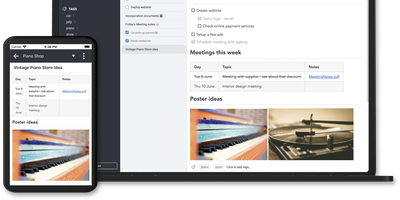
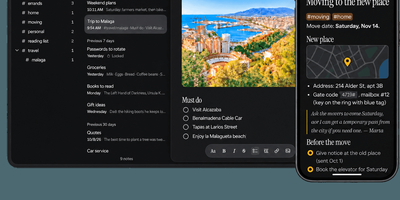
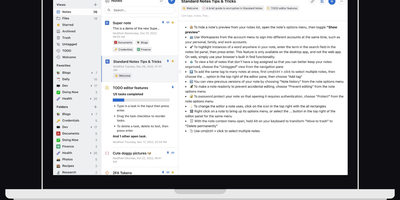
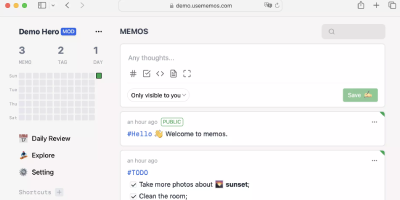
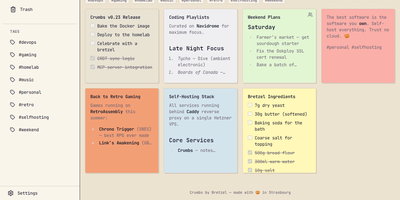
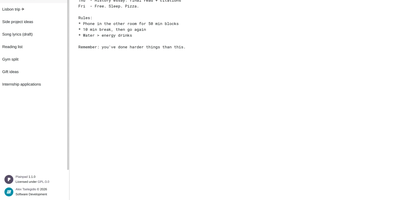
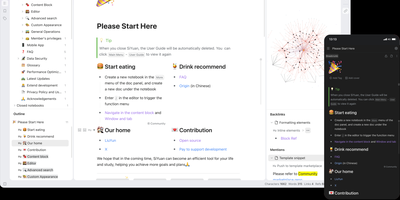
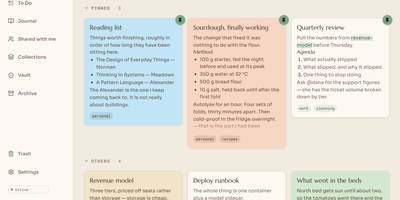
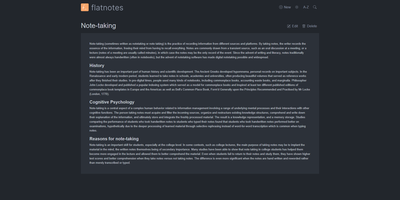
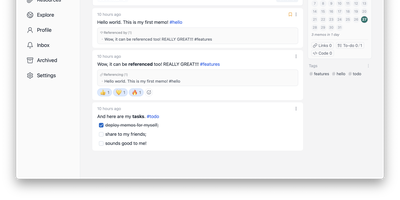
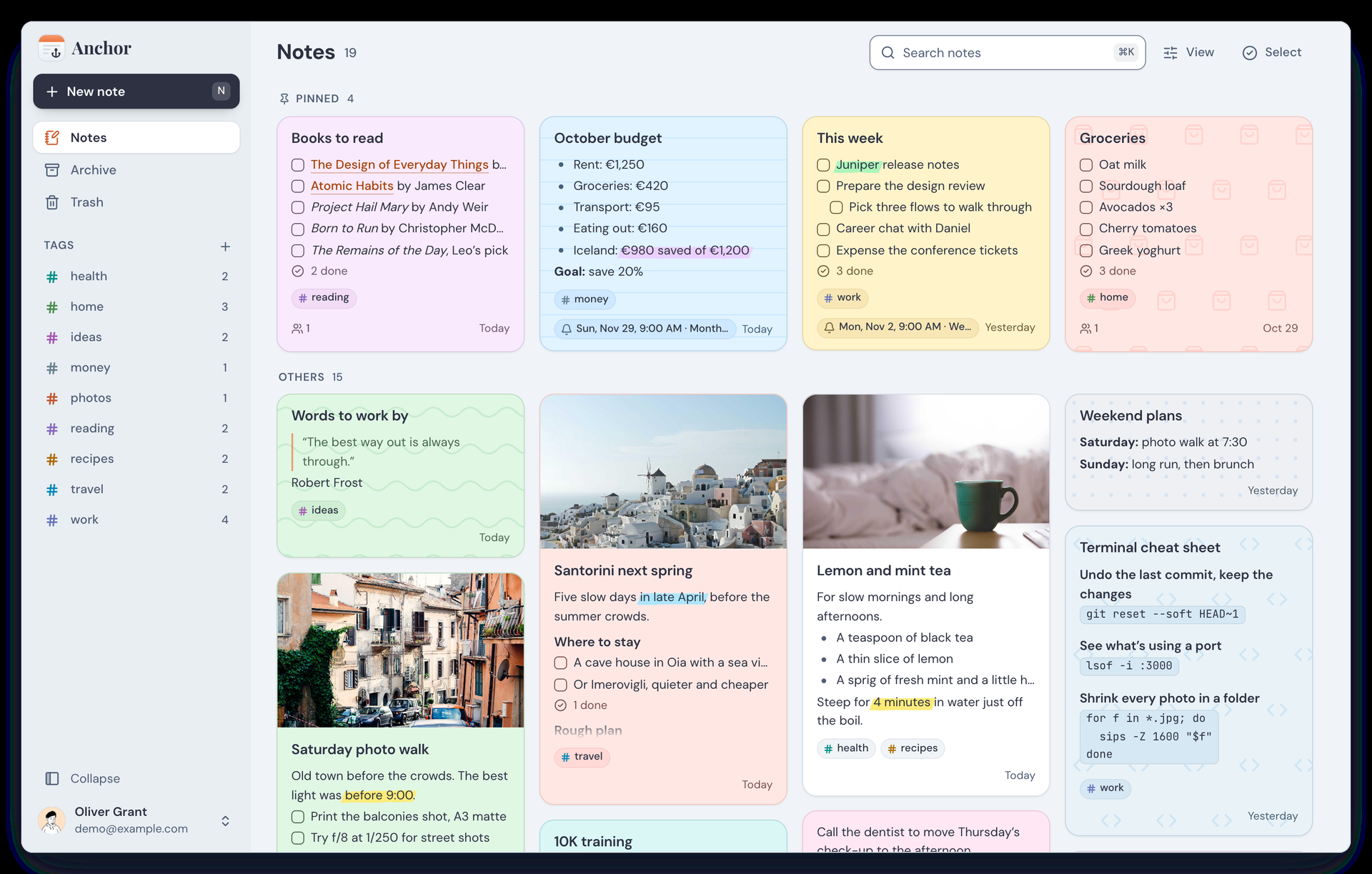
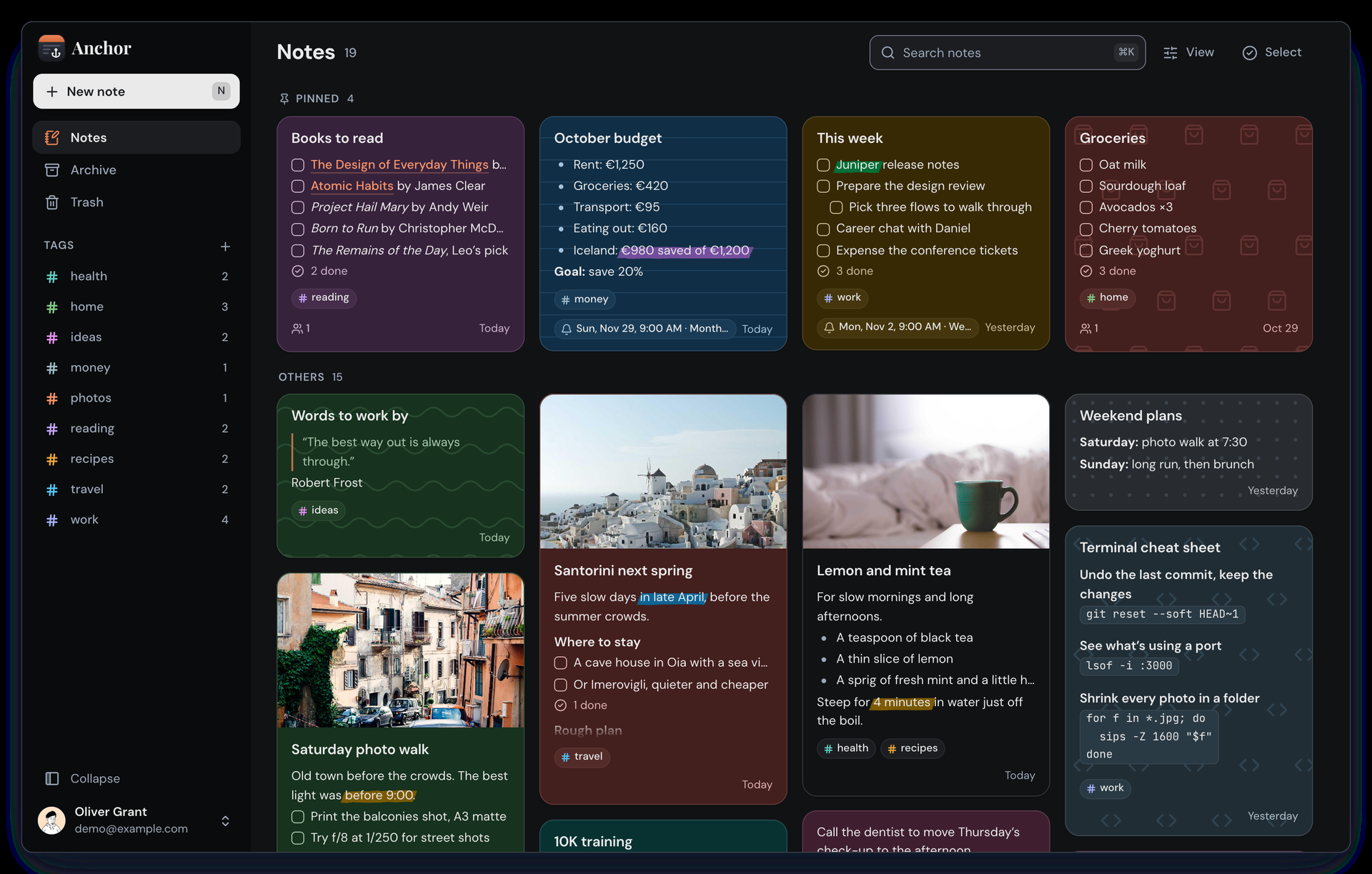
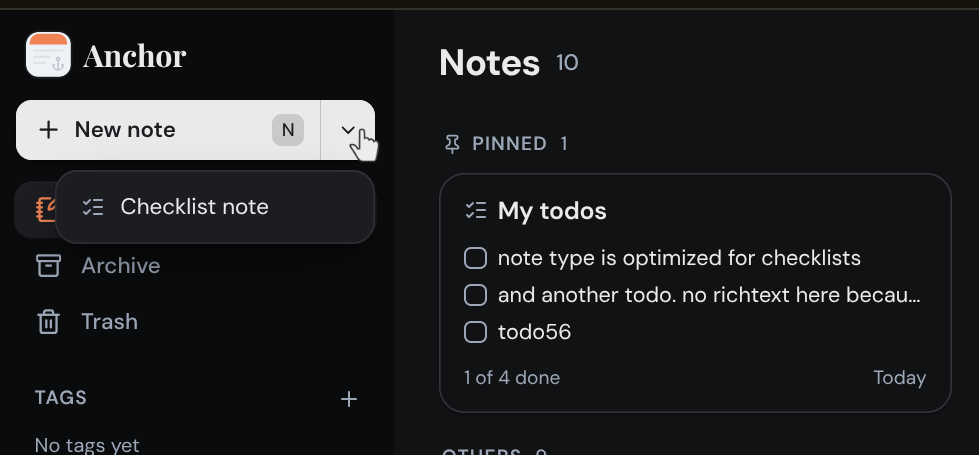
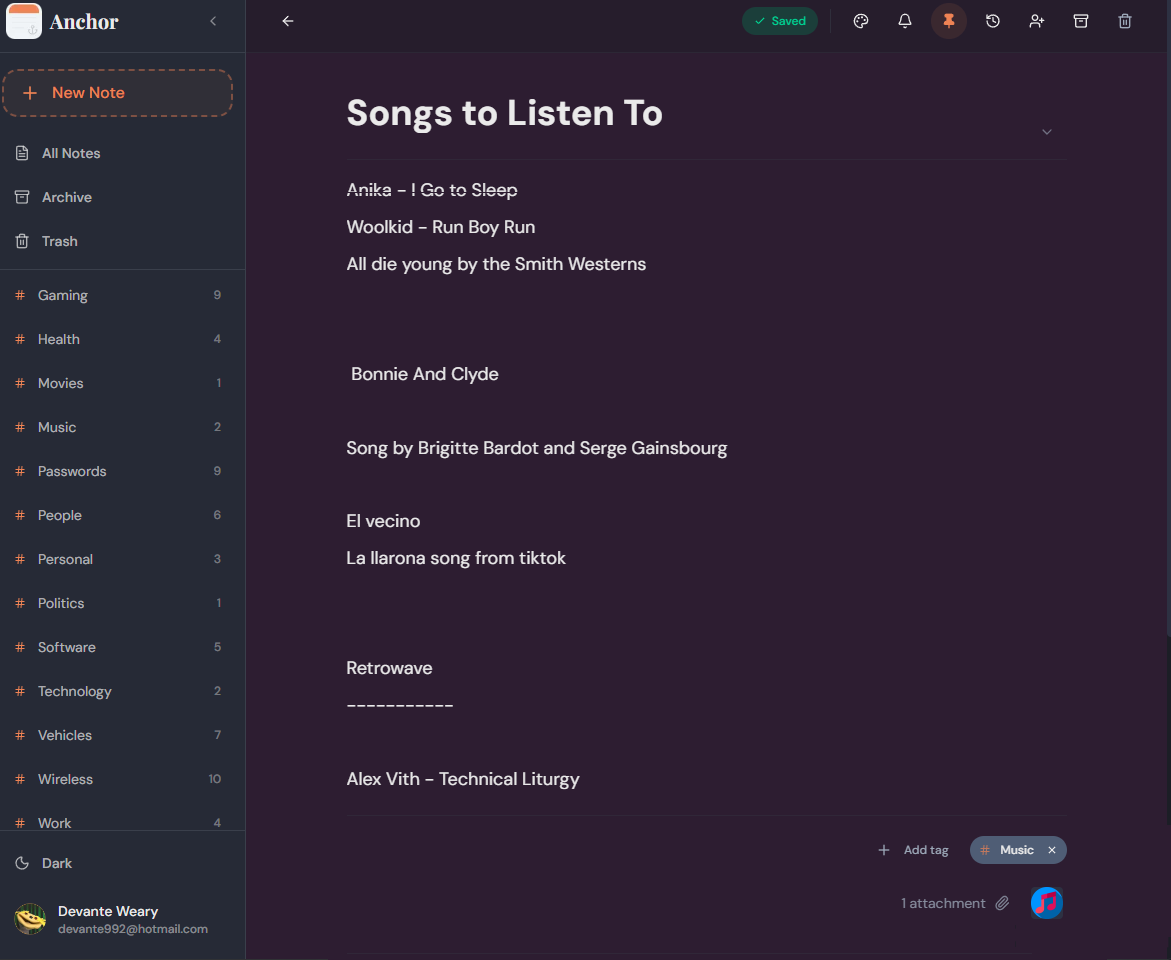
Anchor is a self-hosted note-taking app that keeps every note on your own server and on your devices, so your ideas stay searchable and editable even with no connection at all. Open the web app or the phone app and start typing; the rich text editor handles headings, checklists, highlights, and formatting from a slash menu, and everything saves locally first. When a connection comes back, changes sync automatically across your devices, so the thought you captured on a train is waiting on your desk. Organize with colored tags, pin the notes you live in, archive the ones you are done with, and set one-time or repeating reminders so a note resurfaces when it matters. Notes can carry image and audio attachments, custom backgrounds, and a full version history you can roll back. Share a note with another user as view-only or editable, search titles and body text across everything including the archive, and recover deleted notes from the trash during the recovery window. Bring an existing library with you through Markdown import, a full Anchor backup, or a Google Keep export, and take everything out again the same way. An admin panel controls registration and shows system statistics, and OpenID Connect sign-in through providers like Authelia or Keycloak can replace local passwords entirely. Running on a dedicated VPS on RepoCloud with guaranteed CPU, RAM, and SSD, full root SSH access, and a browser serial console. AGPL-3.0 licensed.
Benefits
- Offline First, Syncs Later
- Notes save to a local database first, so writing keeps working on planes, trains, and dead connections. When the network returns, Anchor syncs every change to your server and across your devices automatically.
- Your Server, Your Rules
- One Docker container serves the web app and API on port 3000 with embedded storage or your own PostgreSQL database. Admins control open registration, review signups, manage users, and watch system statistics from admin panel.
- History, Sharing, And Recovery
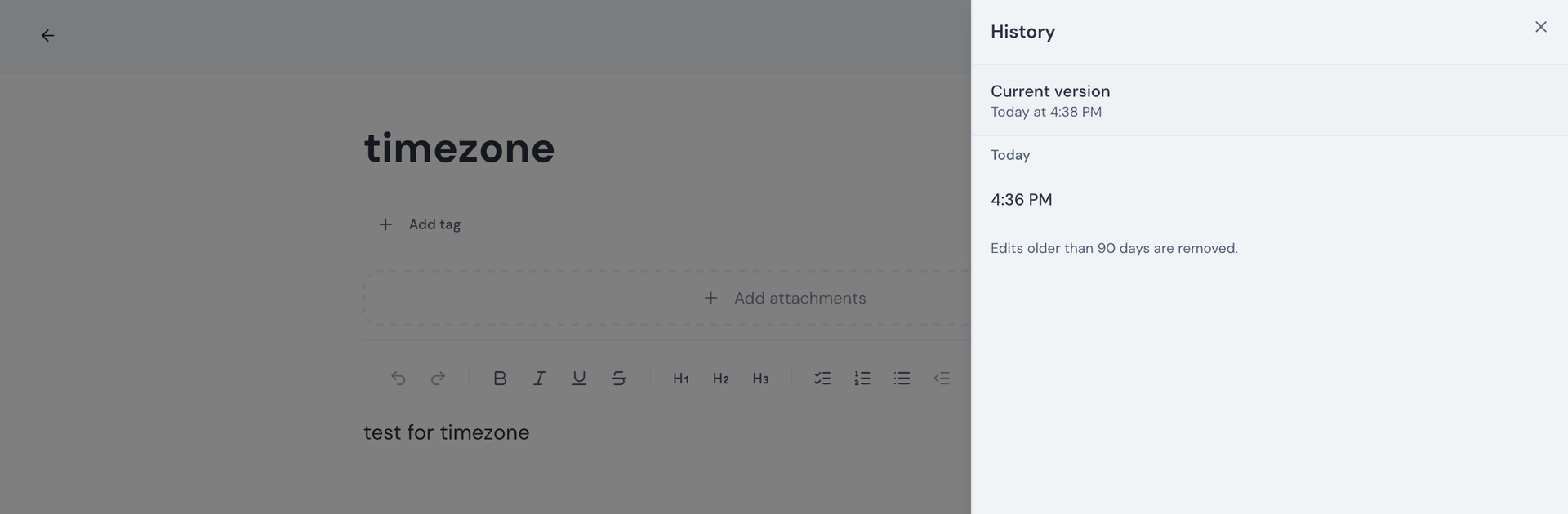
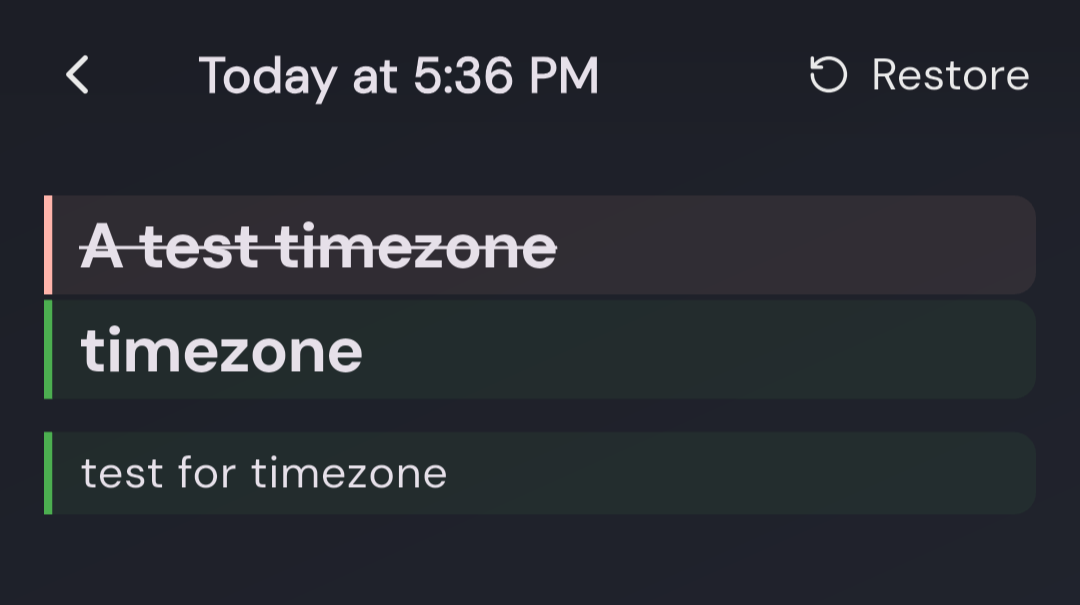
- Every note keeps earlier versions you can read and restore, and sharing grants another user view-only or editing access. Deleted notes wait in a trash folder during a recovery window before they disappear for good.
- Bring Your Old Notes
- Import a full Anchor backup, plain Markdown files, or exports from Google Keep, Obsidian, and Nextcloud Notes, attachments included. Export the library again as a dated zip whenever you want a copy outside the server.
Features
- Rich Text Editor
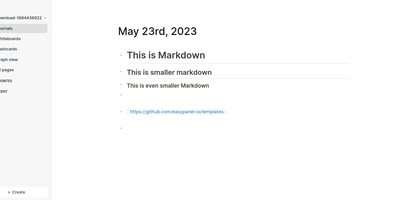
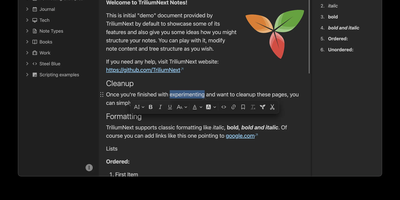
- Format notes with headings, bold, italic, highlights, and checklists from the keyboard or the slash menu, with colored tags and custom note backgrounds for visual organization.
- Reminders That Repeat
- Attach a one-time or repeating reminder to any note and get a phone notification when it fires, so time-sensitive notes resurface instead of sinking under newer ones.
- Images And Audio Attached
- Attach image and audio files to notes, send text, links, and pictures into Anchor from other phone apps, and keep everything included in backups and exports.
- OIDC Single Sign-On
- Sign in through OpenID Connect providers like Pocket ID, Authelia, Authentik, and Keycloak, with PKCE public-client support, automatic account creation, email linking, and an OIDC-only mode.
- Search Everything, Archive Included
- Search note titles and body text locally across the whole library, archived notes included, and keep daily drivers pinned at the top with the rest filed away.