Categories
Event Management University Timetabling Higher Education Examination Scheduling Room Management Course Scheduling Student SchedulingStars
Forks
Watchers
Developer links
UniTime
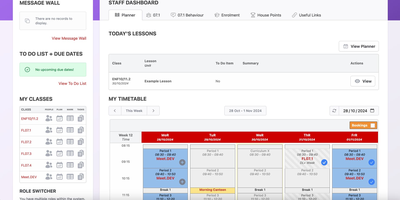
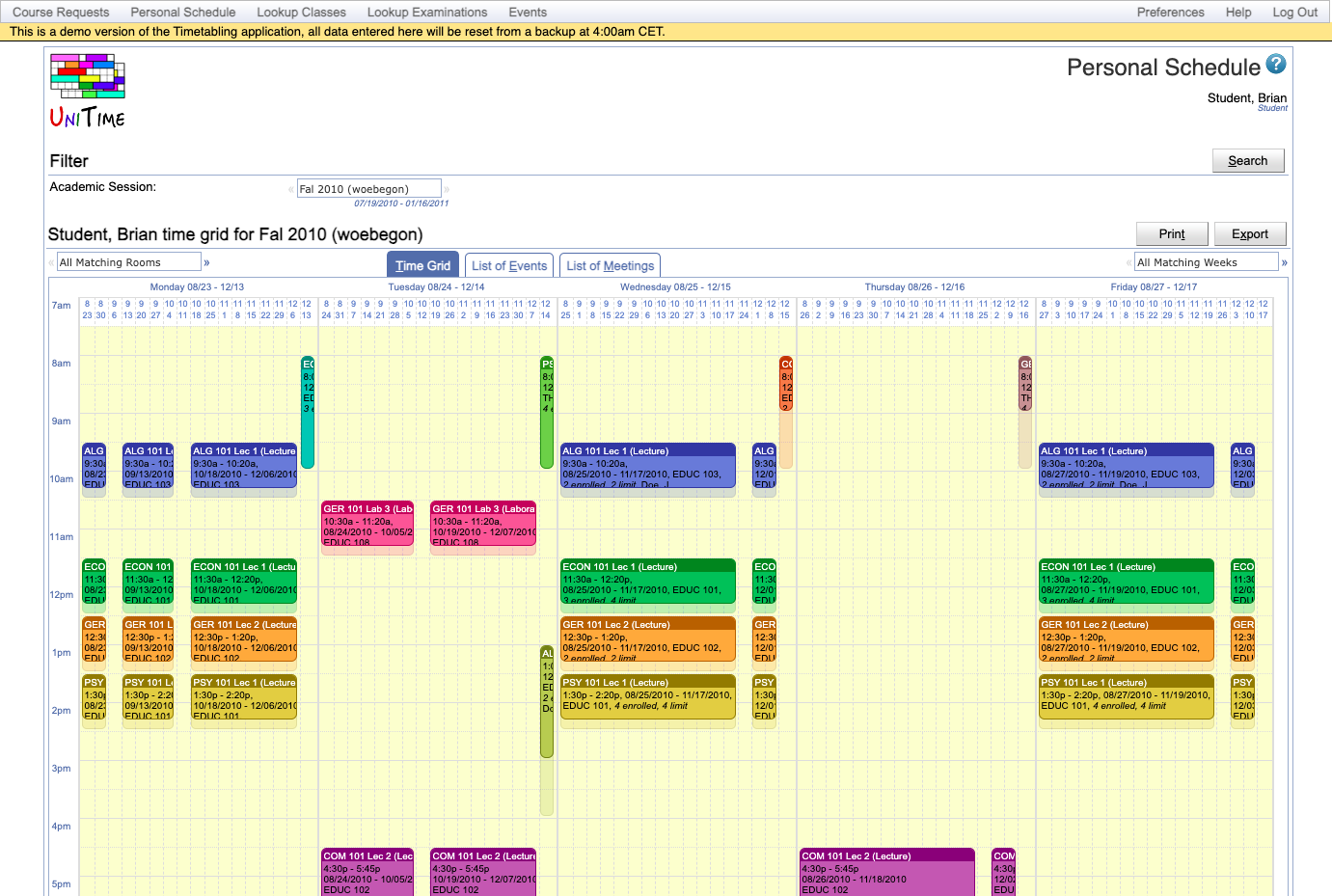
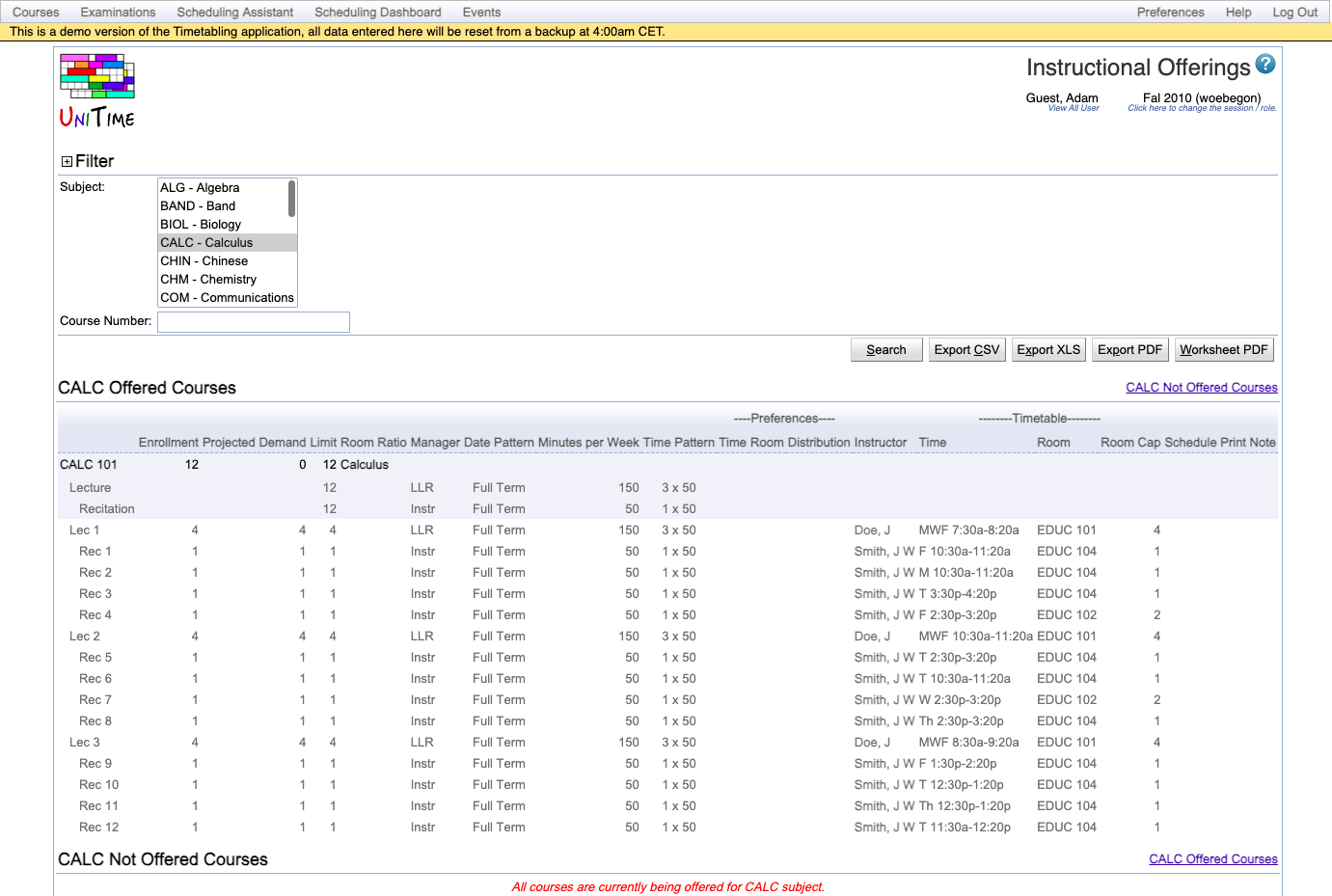
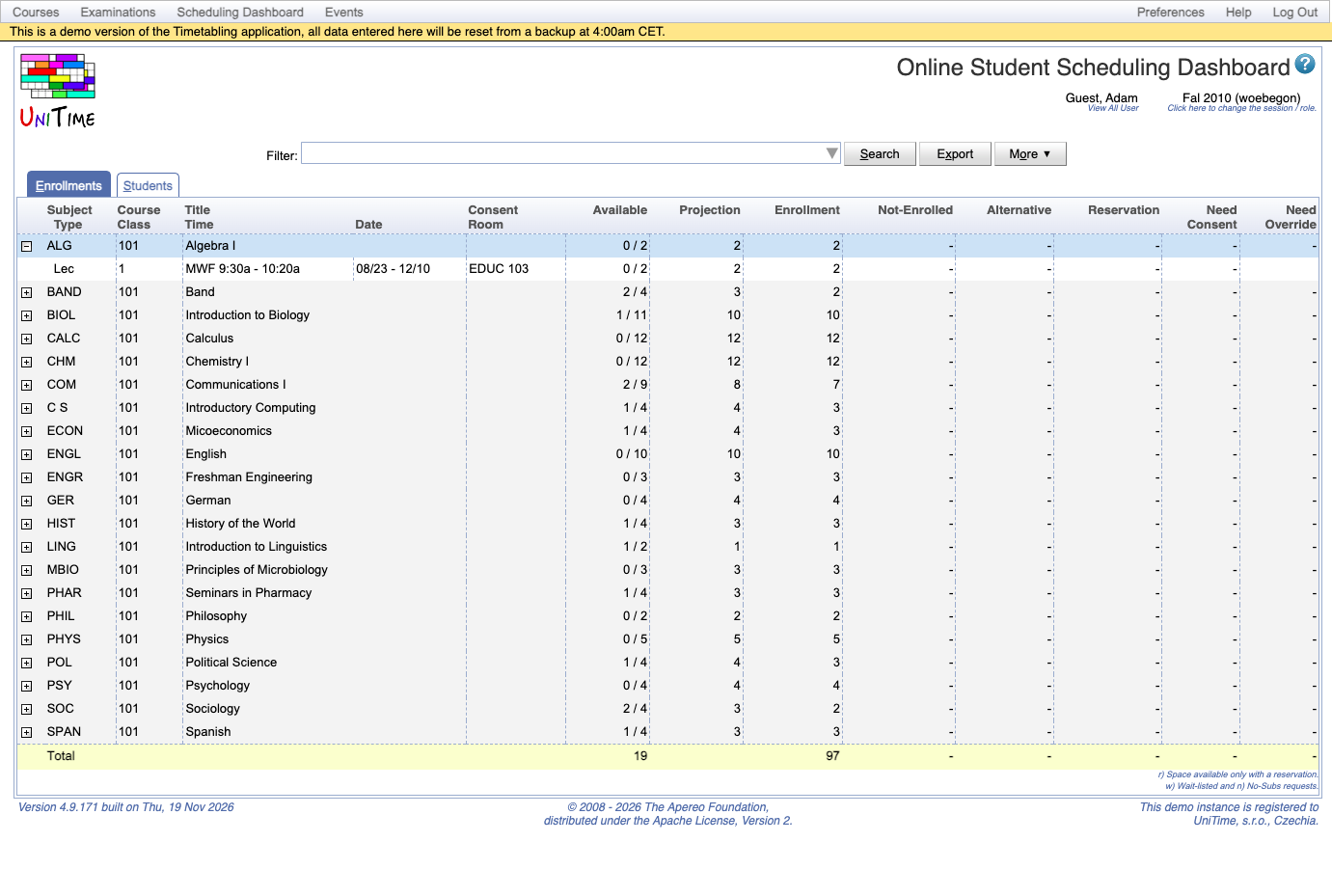
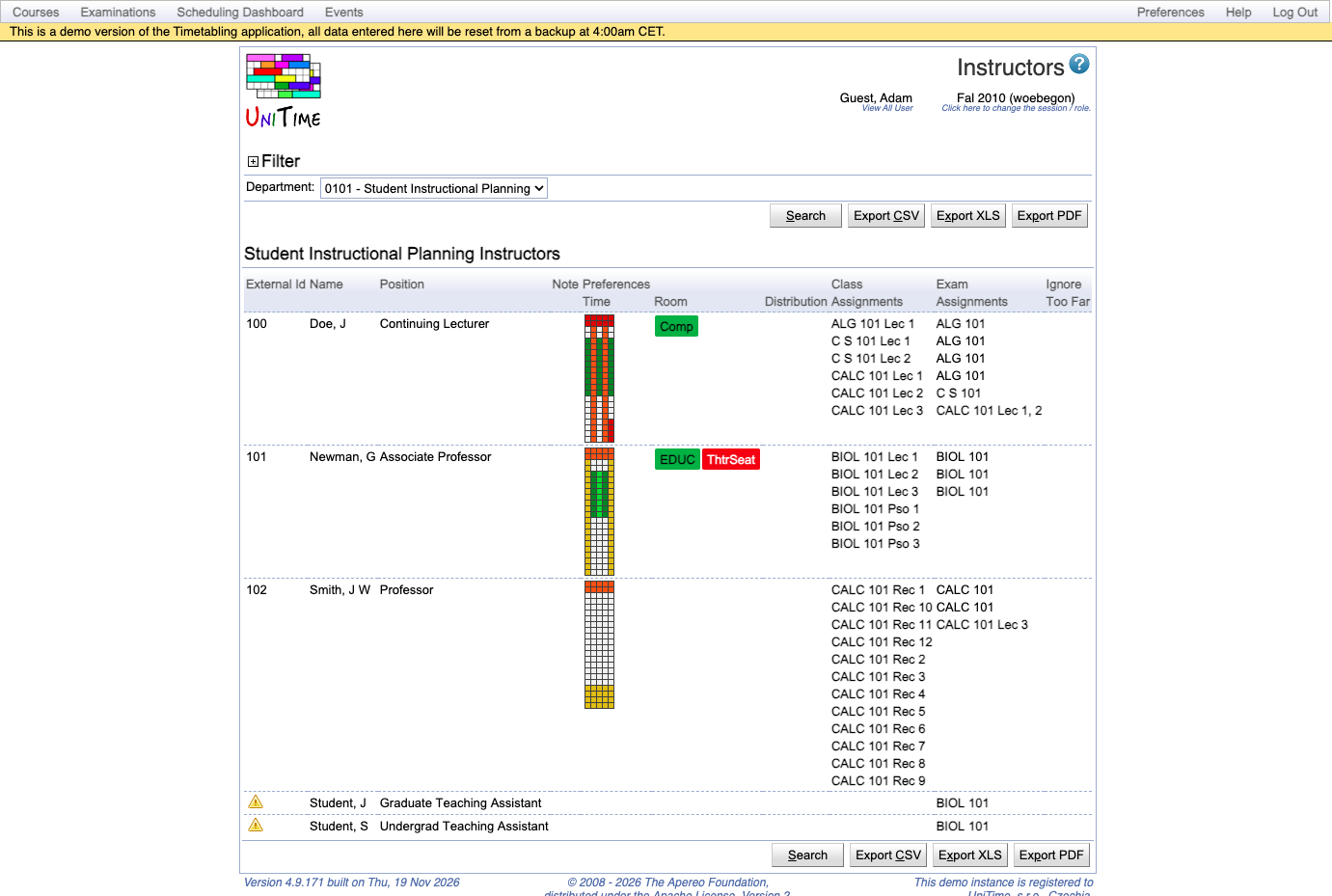
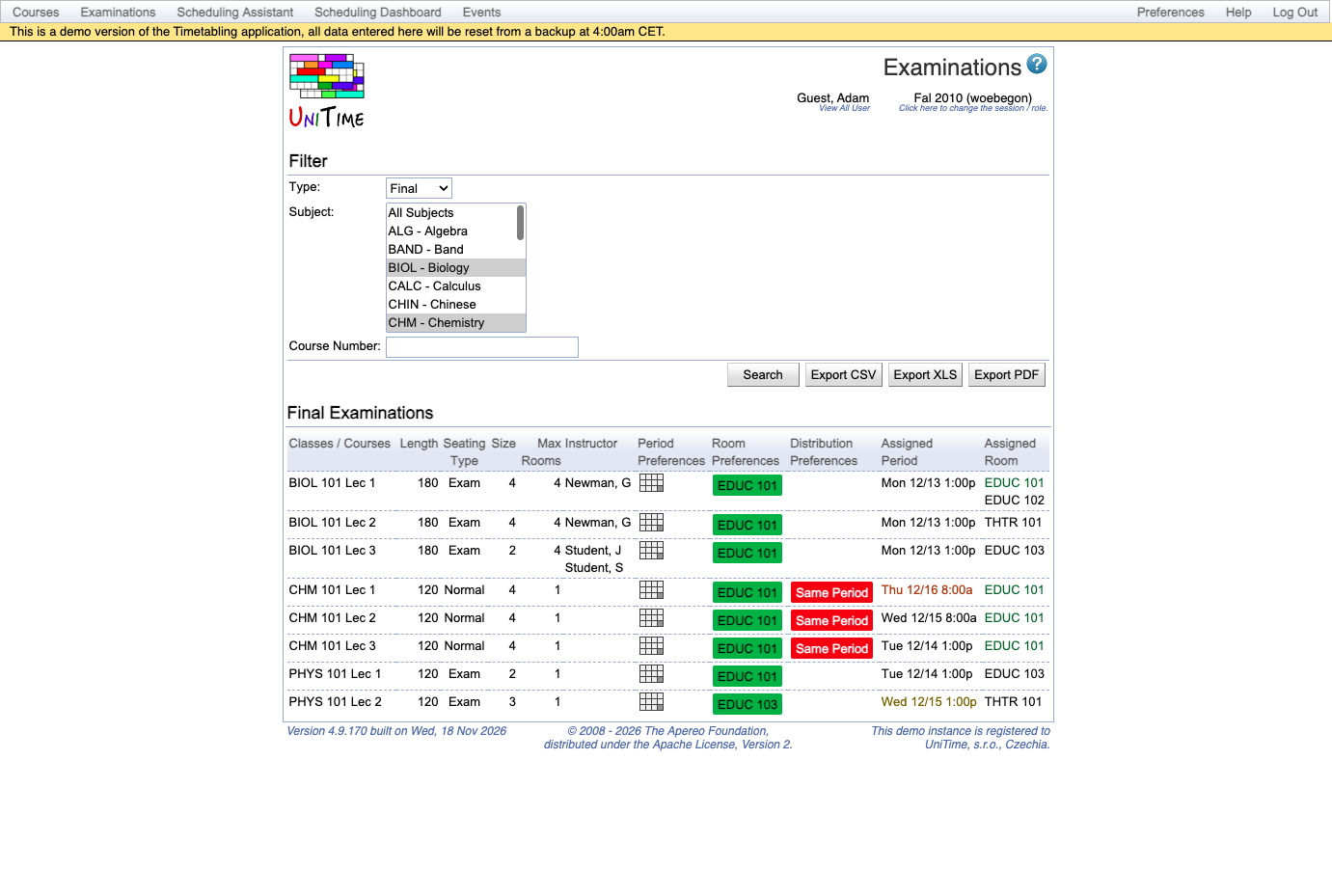
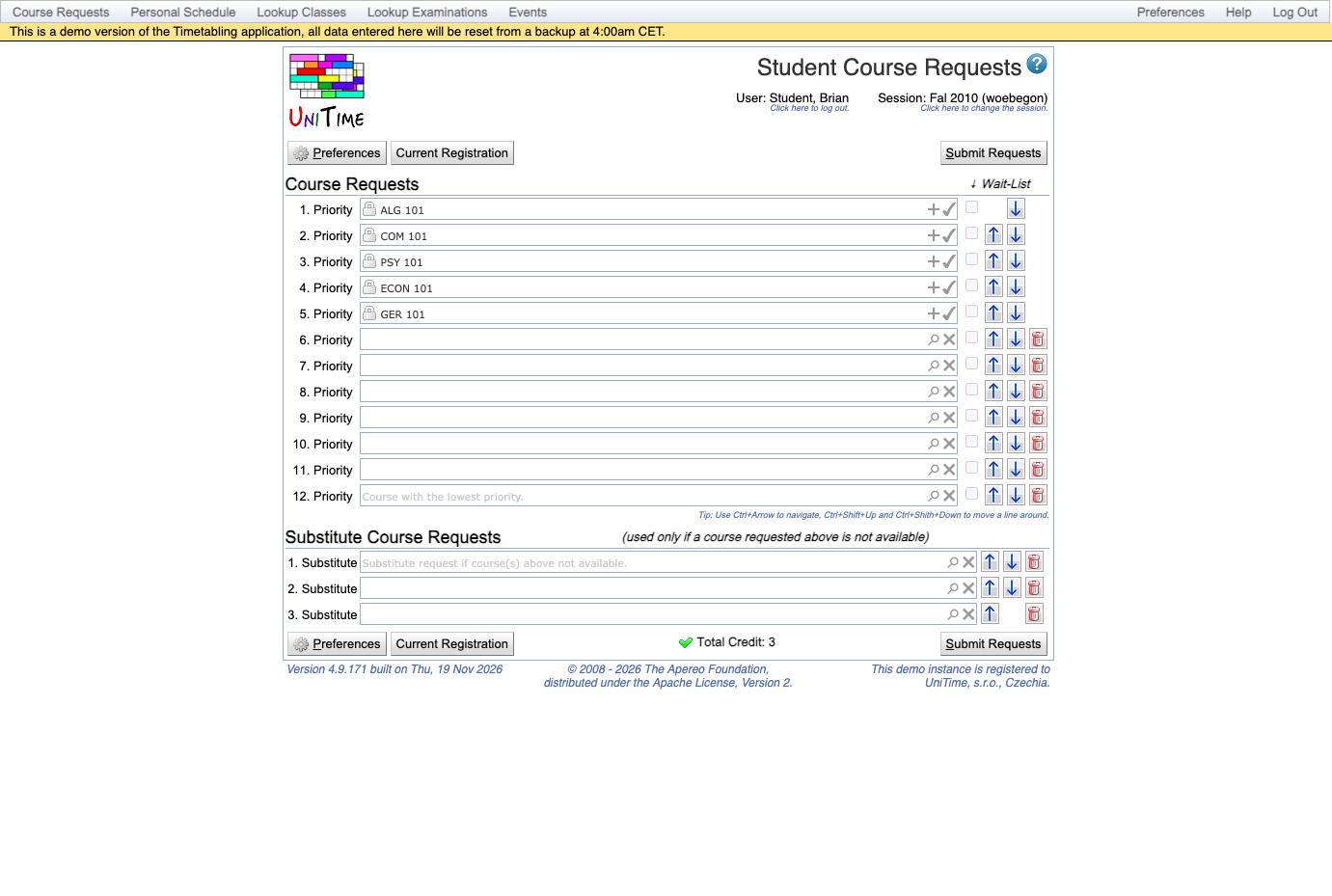
Building a conflict-free class and exam schedule for an entire campus is the problem UniTime solves, covering rooms, meeting times, and the placement of each student in sections. Course timetabling balances student conflicts against instructor preferences, room preferences, and links between classes, and managers can test scenarios with fewer classrooms. A published timetable can still change: an interactive solver proposes new times and rooms for a class that must move and shows each option's student conflicts. Midterms and finals receive periods and rooms through examination timetabling, which minimizes direct conflicts and back-to-back exams and respects rules like Same Period or Precedence. One events calendar holds every class meeting and exam, and staff and students request guest talks and club meetings in free rooms. Students enter prioritized course requests with wait-list and substitute choices, and online scheduling assigns open sections and holds seats that later students need. The scheduling dashboard tracks availability, projected demand, enrollments, reservations, and consent requests for every course. Instructor scheduling assigns teaching assistants to classes after the timetable is set, honoring each person's maximum load and teaching preferences. Timetables display by room, instructor, department, curriculum, subject area, or student group, with CSV, XLS, and PDF exports. UniTime runs alone for a school's classes and exams or connects to an existing student information system through documented import and export interfaces. Running on a dedicated VPS on RepoCloud with guaranteed CPU, RAM, and SSD, full root SSH access, and a browser serial console. Apache-2.0 licensed.
Benefits
- Fewer clashes for students and instructors
- The solver weighs student course conflicts against instructor time and room preferences and the relationships between classes, so one timetable balances several competing needs rather than optimizing a single measure.
- Schedule changes with limited fallout
- When a class must move after publication, the interactive solver first looks for changes that affect no more than two other classes and reports each option's extra student conflicts and violated preferences.
- One system for classes, exams, events
- Class meetings and examinations become calendar events automatically, so staff and students searching for a room for a guest talk or club meeting work from the same calendar the timetable uses.
- Runs alone or beside existing systems
- A school can use UniTime on its own for classes and exams, or connect it to a student information system using documented import and export interfaces for rooms, students, curricula, and course offerings.
Features
- Course Timetabling Solver
- Places classes at times and in rooms using instructor and room preferences plus student demand from actual requests, curricula, or historical patterns, in centralized, distributed, or hybrid workflows.
- Examination Timetabling
- Assigns midterms and finals to periods and rooms, splits large exams across rooms, and applies Same Room, Different Room, Same Period, Different Period, and Precedence distribution rules.
- Online Student Scheduling
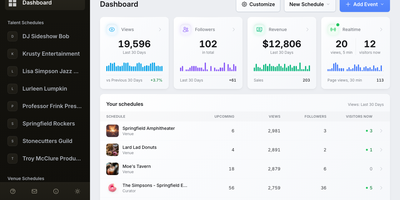
- Course requests with priorities, wait-lists, and substitutes feed online sectioning, and the dashboard reports available seats, projected demand, enrollments, reservations, and students needing consent or override.
- Event Management Calendar
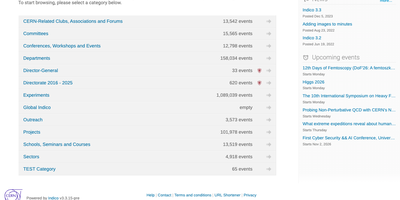
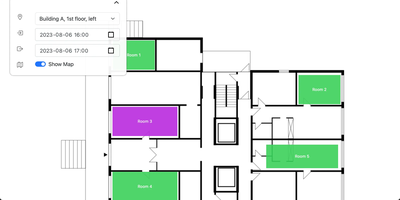
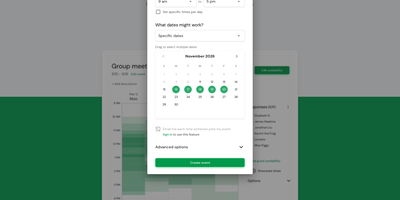
- Staff and students search available times and locations and request events; event managers control groups of rooms, and organizers see status notices on a My Events page.
- Instructor Assignment
- Assigns teaching assistants automatically using maximum load, teaching preferences, attributes, time requirements, and distribution preferences for back-to-back classes, same days, and same rooms.
- Timetable Views and Exports
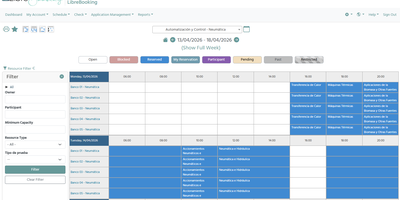
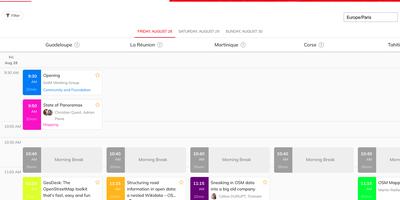
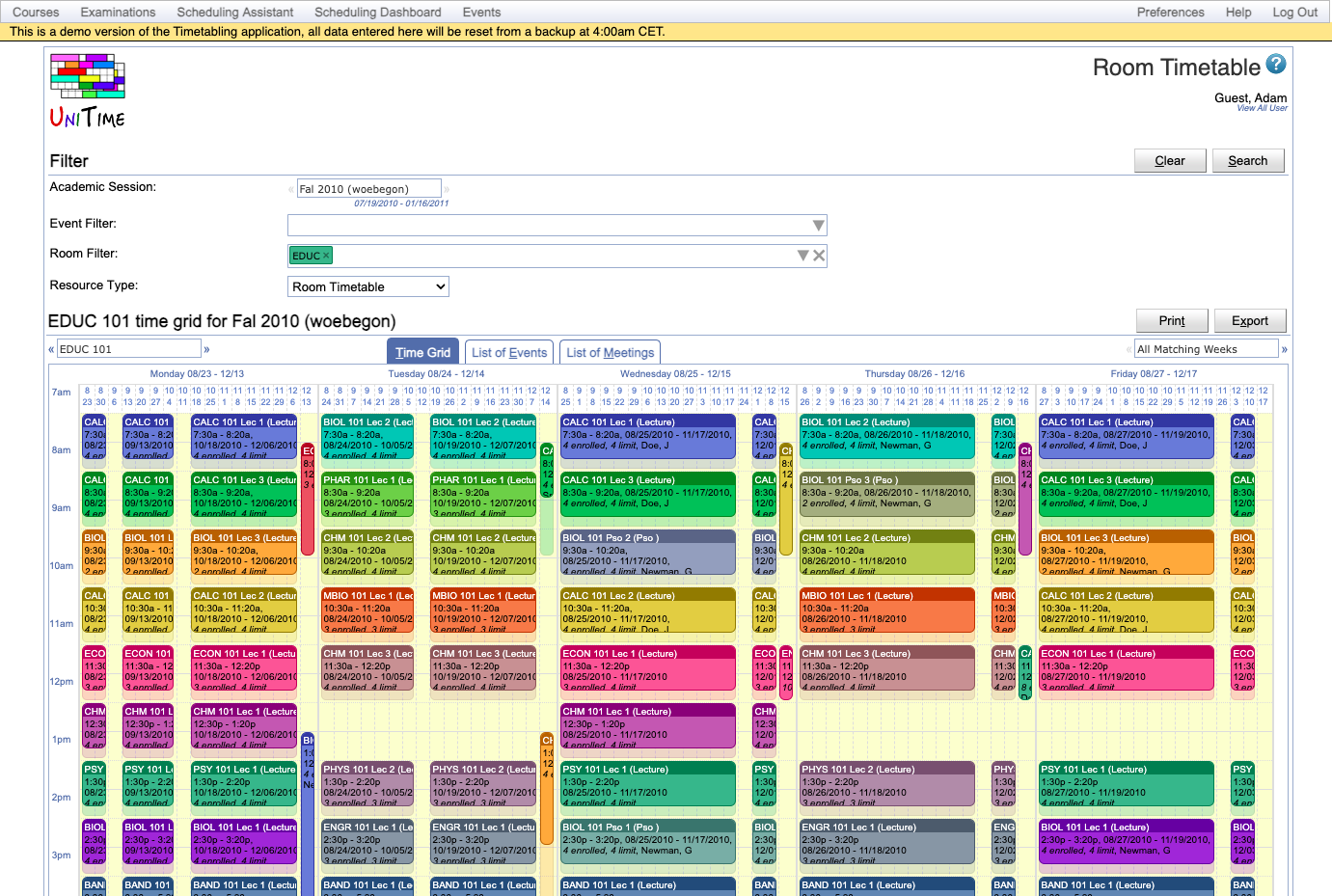
- Time grids show rooms, instructors, departments, curricula, subject areas, or student groups in row, per-week, or per-date layouts, with CSV, XLS, and PDF exports.