Categories
Self-Hosted Music Navidrome ListenBrainz Personal Analytics Music Scrobbler Listening History Music StatisticsStars
Forks
Watchers
Developer links
Koito
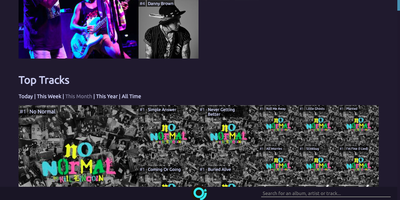
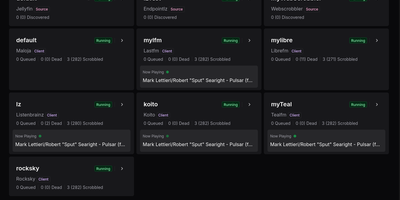
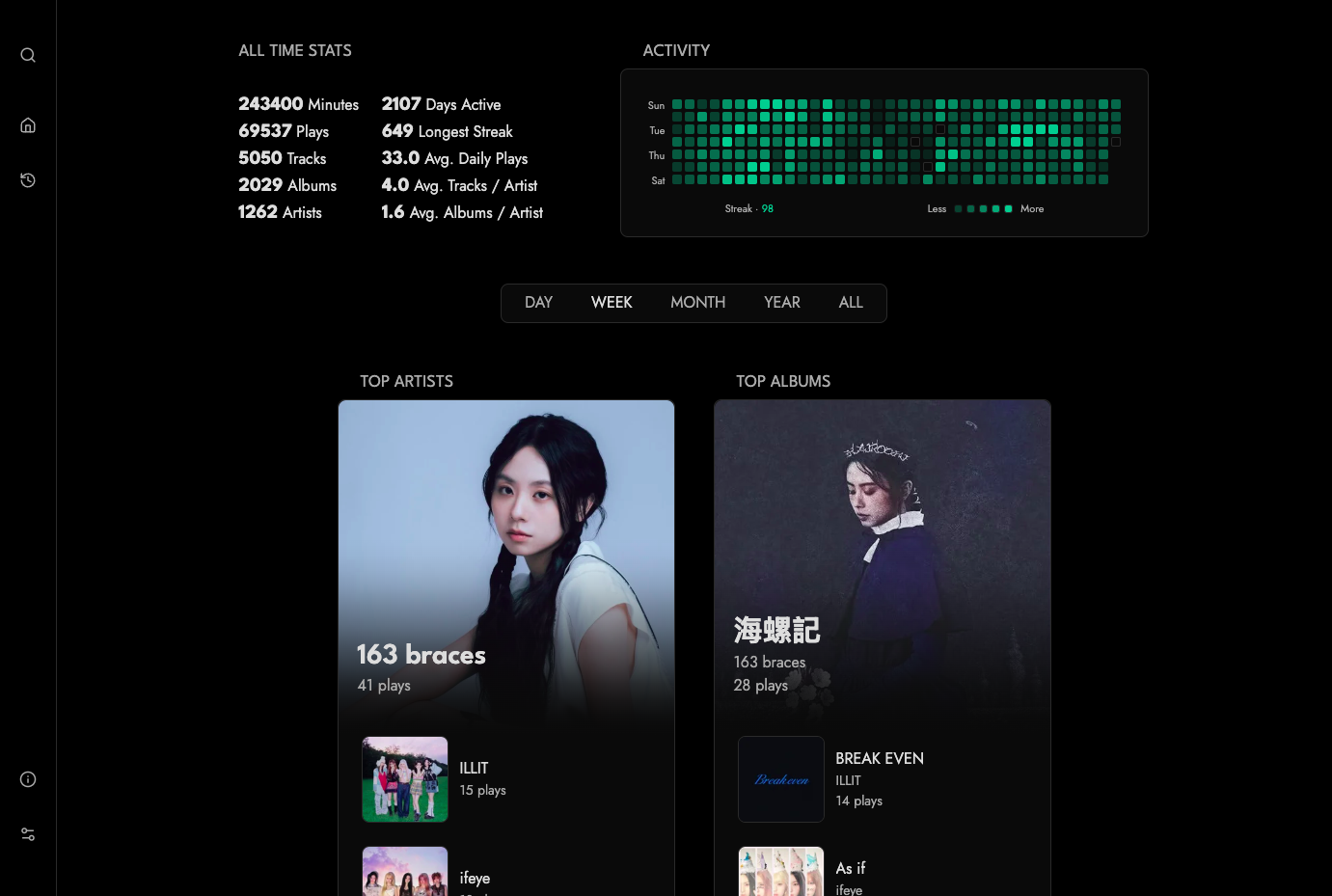
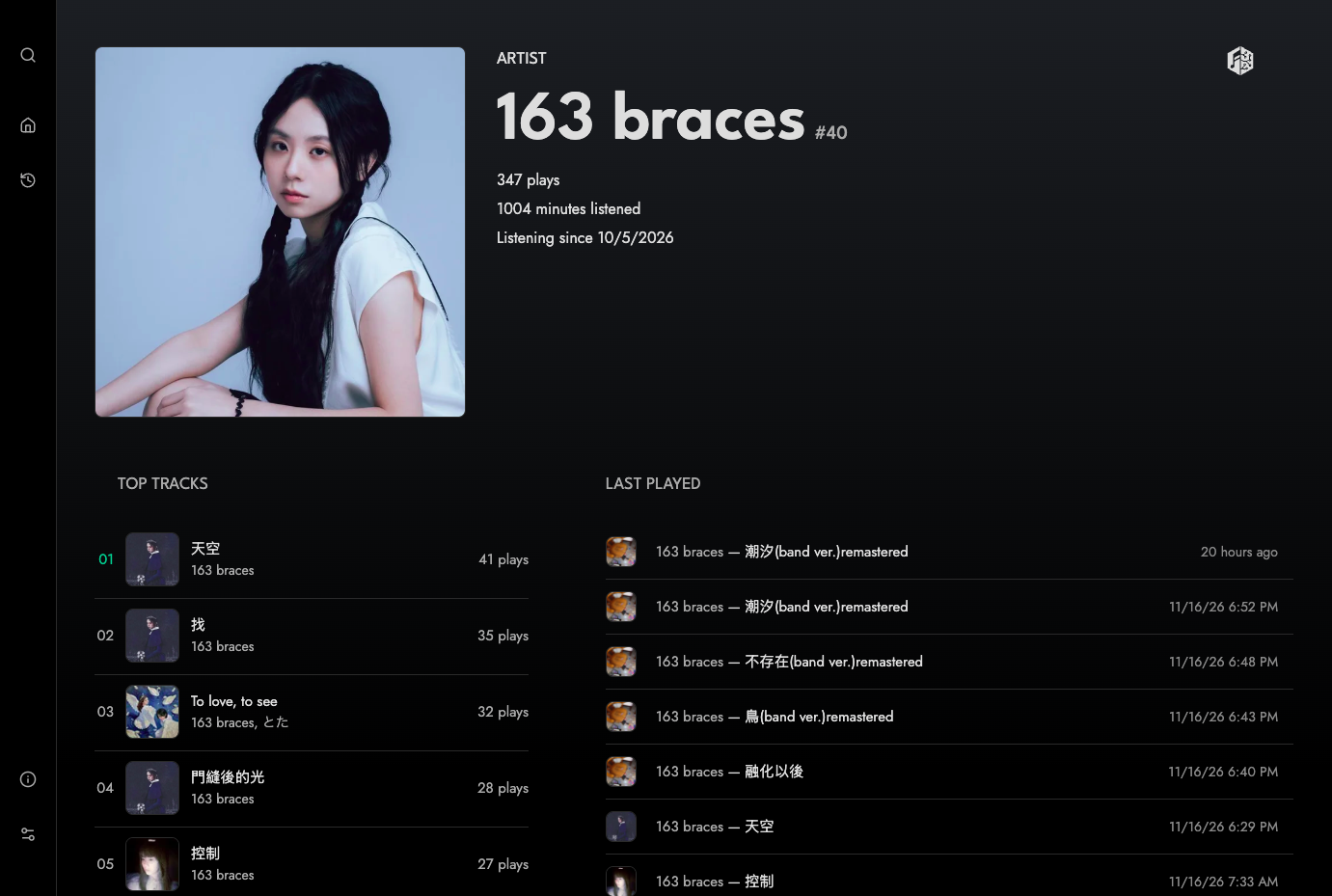
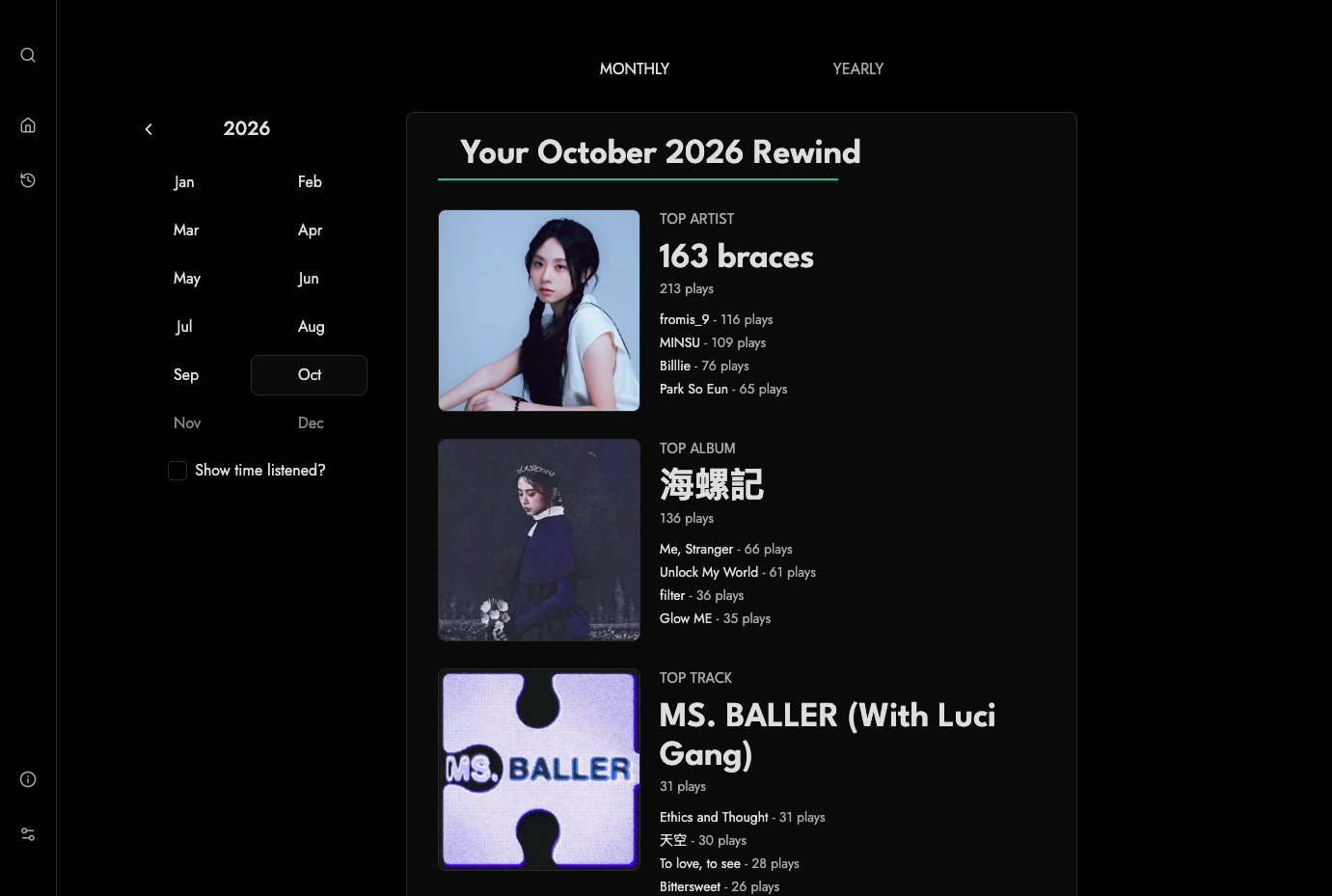
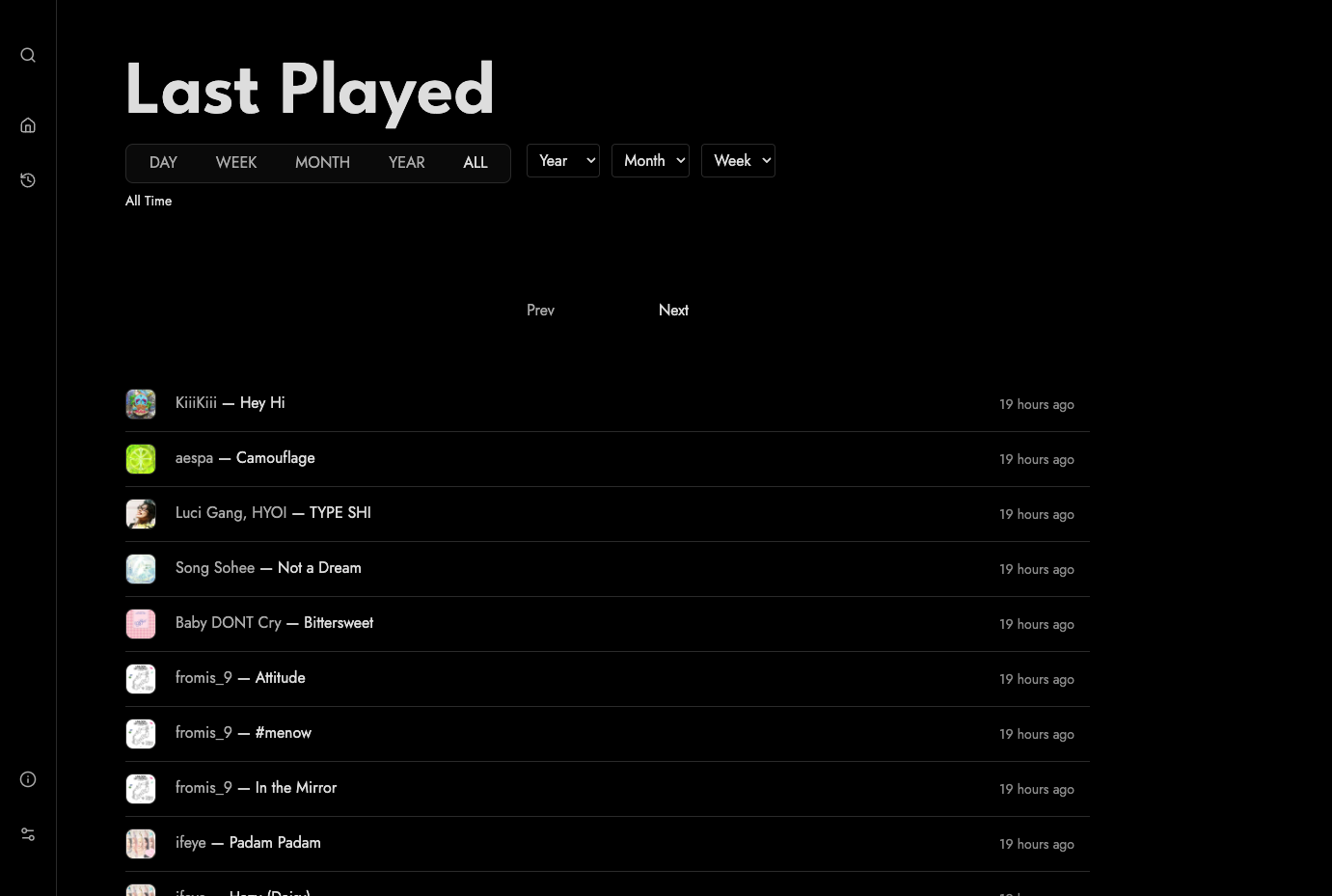
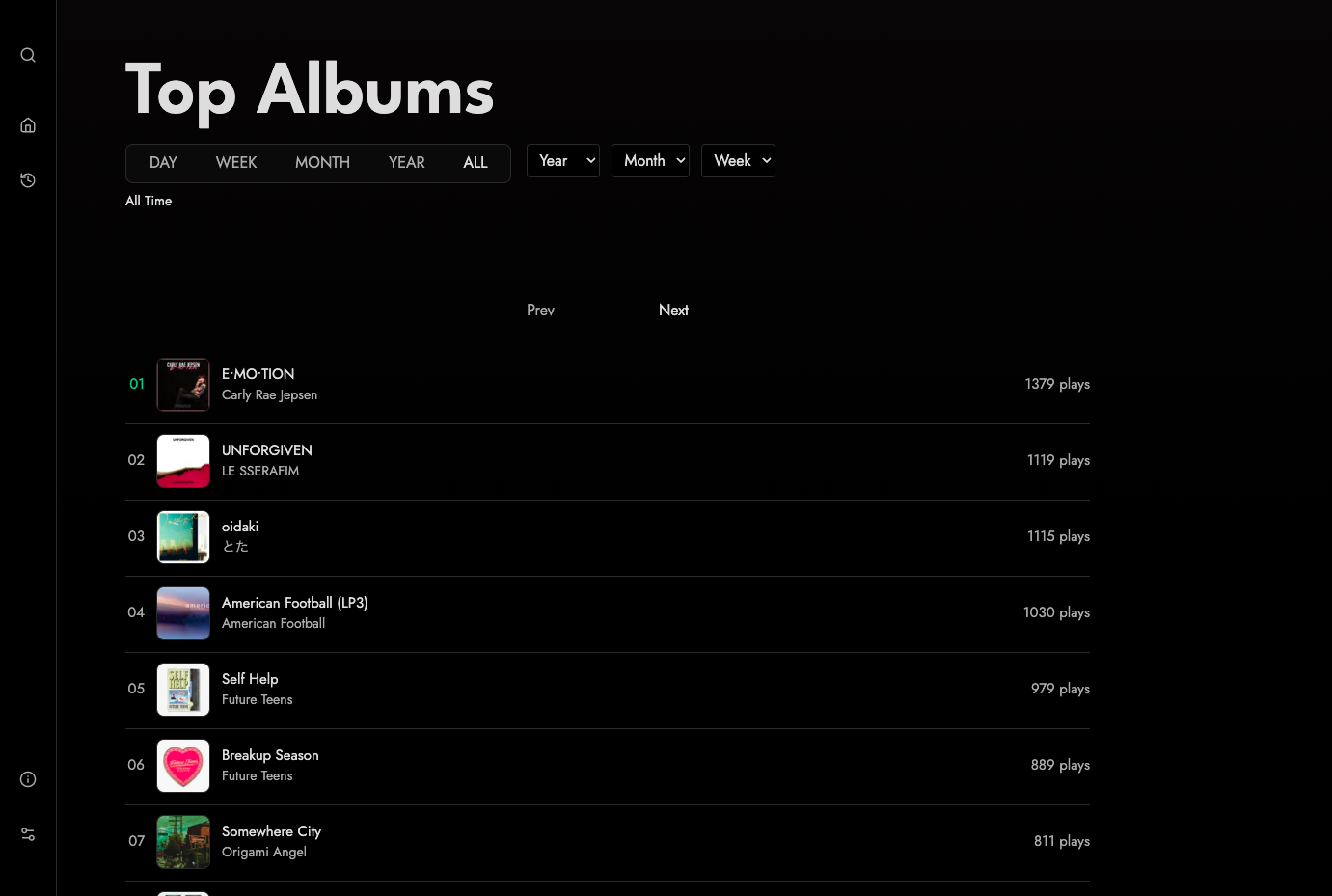
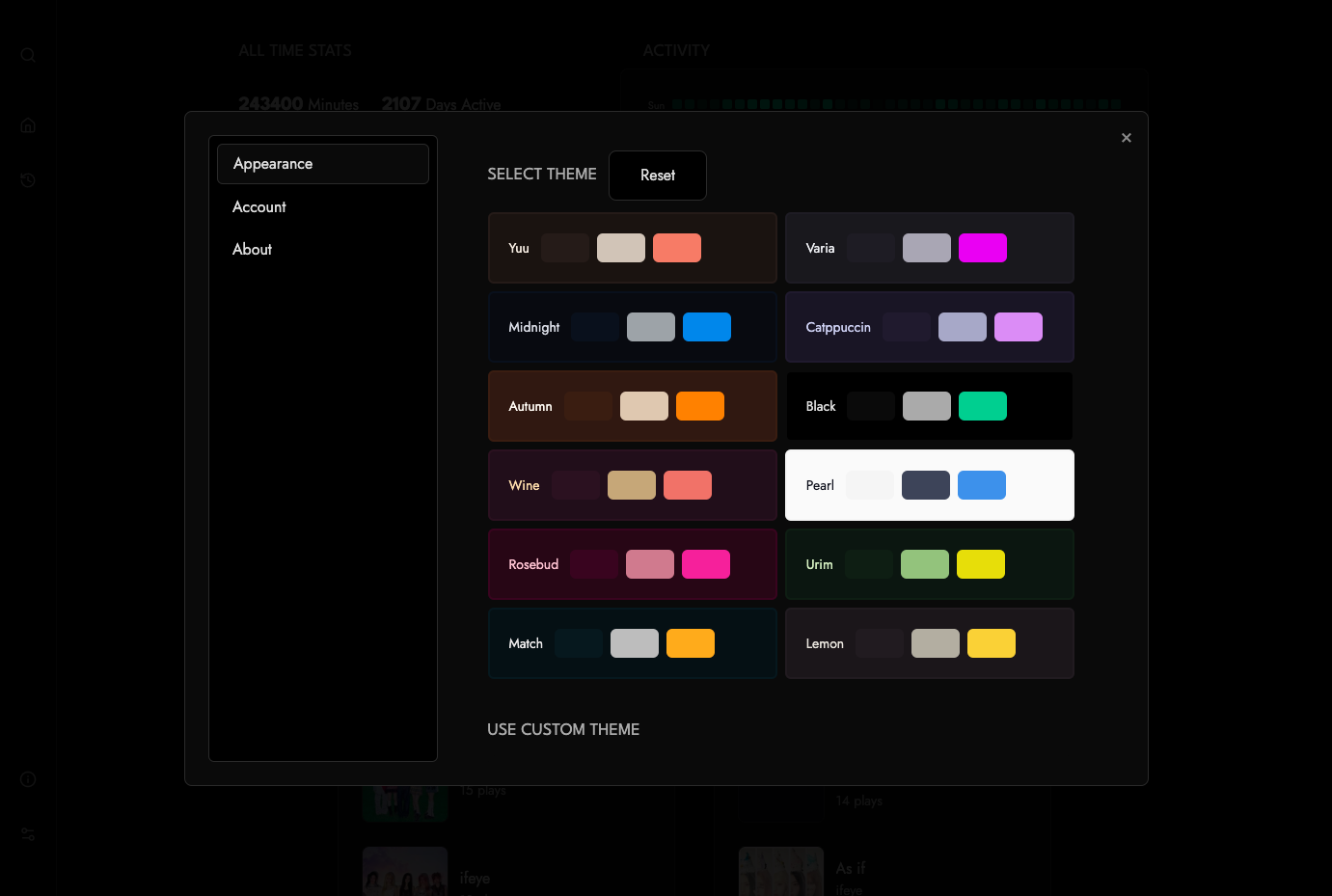
Koito keeps your whole music listening history on a server you own, turning every play into charts, streaks, and monthly or yearly Rewinds. Anything that can scrobble to a custom ListenBrainz URL can feed it, including Navidrome, multi-scrobbler, and Pano Scrobbler: use the API key from Settings as the token and plays start arriving. Bring your past along by importing Spotify extended streaming history or exports from Last.fm, Maloja, and ListenBrainz. The home page totals your minutes, plays, tracks, albums, and artists, draws a daily activity heatmap with streak counts, and ranks top artists, albums, and tracks by day, week, month, year, or all time. Artist, album, and track pages add interest-over-time graphs and a last-played feed. Messy data is fixable after you sign in: merge duplicate artists, albums, and tracks, add aliases so non-Latin titles are searchable, and drag a replacement image onto an artist or album page. Metadata comes from MusicBrainz, and artwork from Deezer, Cover Art Archive, or your own Subsonic-compatible server. Not ready to switch? Relay every listen to ListenBrainz or another compatible server and run both side by side. Twelve built-in themes plus custom ones set the look, and an optional login gate hides your stats from visitors. Running on a dedicated VPS on RepoCloud with guaranteed CPU, RAM, and SSD, full root SSH access, and a browser serial console. MIT licensed.
Benefits
- Own Your Listening History
- Every scrobble lands in an SQLite database on your own server, so years of listening data are not locked inside Last.fm, Spotify, or any subscription service.
- Keep Your Current Scrobbler Running
- Relay each listen to ListenBrainz or another compatible server, so you can try Koito alongside your existing setup and switch over only when you are ready.
- Bring Years of Scrobbles Along
- Drop Spotify extended streaming history or Last.fm, Maloja, and ListenBrainz exports into the import folder, restart Koito, and your charts begin with your real past.
- Fix Messy Metadata in Browser
- Merge duplicate artists, albums, and tracks, add aliases for non-Latin titles, and replace artwork by dragging an image onto the page, all after signing in.
Features
- ListenBrainz-Compatible Scrobbling
- Accepts listens at /apis/listenbrainz/1 from Navidrome, multi-scrobbler, Pano Scrobbler, or any client with a custom ListenBrainz URL, authenticated with the API key from Settings.
- Stats, Heatmap, and Rewinds
- All-time totals, a daily activity heatmap with streaks, top artists, albums, and tracks by period, and monthly or yearly Rewinds in the style of Spotify Wrapped.
- History Importers
- Reads Spotify extended streaming history, Last.fm exports from ghan.nl, Maloja files, and ListenBrainz exports placed in the config directory's import folder at startup.
- Automatic Metadata and Artwork
- Pulls metadata from MusicBrainz and artwork from Deezer and Cover Art Archive, with optional Last.fm images via API key and cover art from a Subsonic server.
- Twelve Themes, Custom Themes
- Choose from twelve built-in themes in the settings switcher, add a custom theme, and set the instance's default theme with the KOITO_DEFAULT_THEME environment variable.
- Single-Container Docker Install
- Runs from the gabehf/koito Docker image on port 4110 with one volume at /etc/koito, configured through environment variables and supporting Docker secrets through _FILE suffixes.