Stars
Forks
Watchers
Developer links
Hiccup
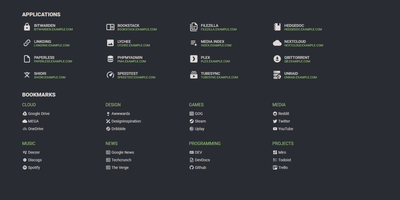
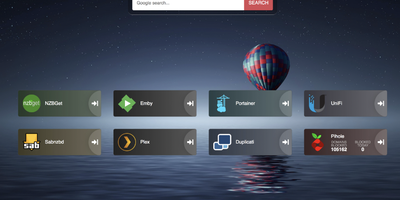
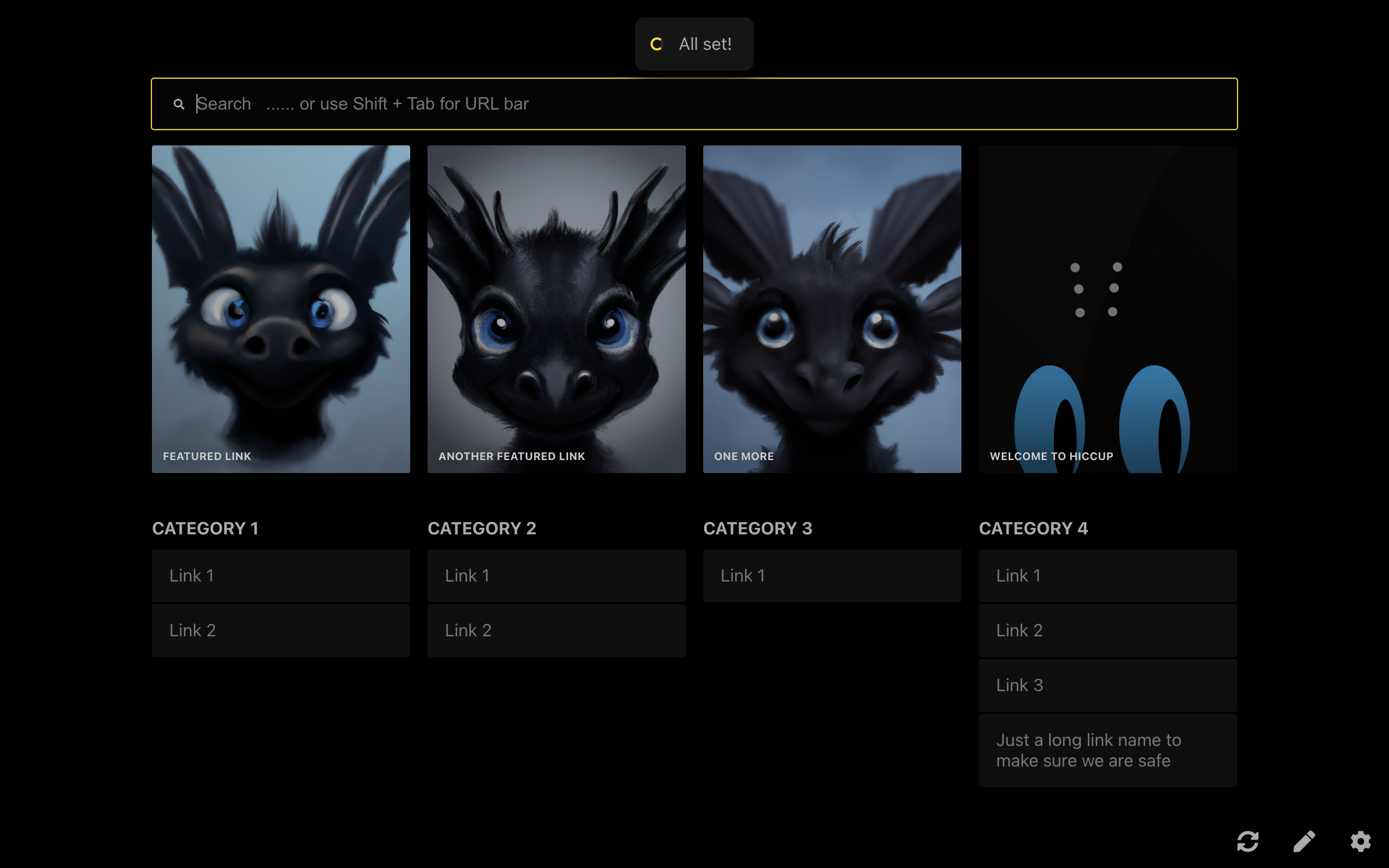
"Get to your most important links, FAST" - Hiccup's README states its whole mission in that one line, and the static start page delivers it. It is a client-side React single-page app - no backend, no database, no accounts - driven entirely by a config.json that defines featured link cards, categorized sections, and search providers. The search bar is the power feature: it queries your own links by name, URL, and tag while simultaneously offering external providers like Google, DuckDuckGo, and Amazon (plus custom URL-template providers you define), with arrow-key navigation and Enter to launch, so muscle memory replaces mousing. Editing happens in the browser - drag and drop links and background images, tweak cards in edit mode - with changes persisting to localStorage; a built-in config manager exports the JSON for hosting, and remote profile loading pulls a shared config across every browser and device you use. Multiple profiles keep home-server, work, and dev-tool link sets separate. PWA support installs it on a phone home screen, caching strategies keep it fast offline, read-only mode suits kiosk displays, and Cmd/Ctrl+/ reveals the full hotkey reference. Serve it from any static host and point your new tab at it.
Benefits
- Speed Is the Feature
- A static page with keyboard-first search - links open before a dashboard would load.
- Nothing to Operate
- No backend, database, or accounts - one JSON file defines everything.
- One Config, Everywhere
- Remote profile loading shares your links across every browser and device.
- Data Stays Local
- Edits persist in browser localStorage - nothing is sent anywhere.
Features
- Unified Search
- One bar searches your links, tags, and external providers like Google and DuckDuckGo.
- Featured Links and Categories
- Prominent cards for daily tools, organized sections for the rest.
- Drag-and-Drop Editing
- Add links and background images by dropping them onto the page.
- Multiple Profiles
- Separate configs for home, work, and dev contexts.
- Config Manager
- Edit in-browser, export JSON, and load local or remote configs.
- PWA and Keyboard Nav
- Installable on mobile, fully navigable without a mouse, read-only kiosk mode.