Categories
Self-Hosted Project Management Task Management Kanban Team Collaboration Gantt Charts Approval Workflows OKR ManagementStars
Forks
Watchers
Developer links
DooTask
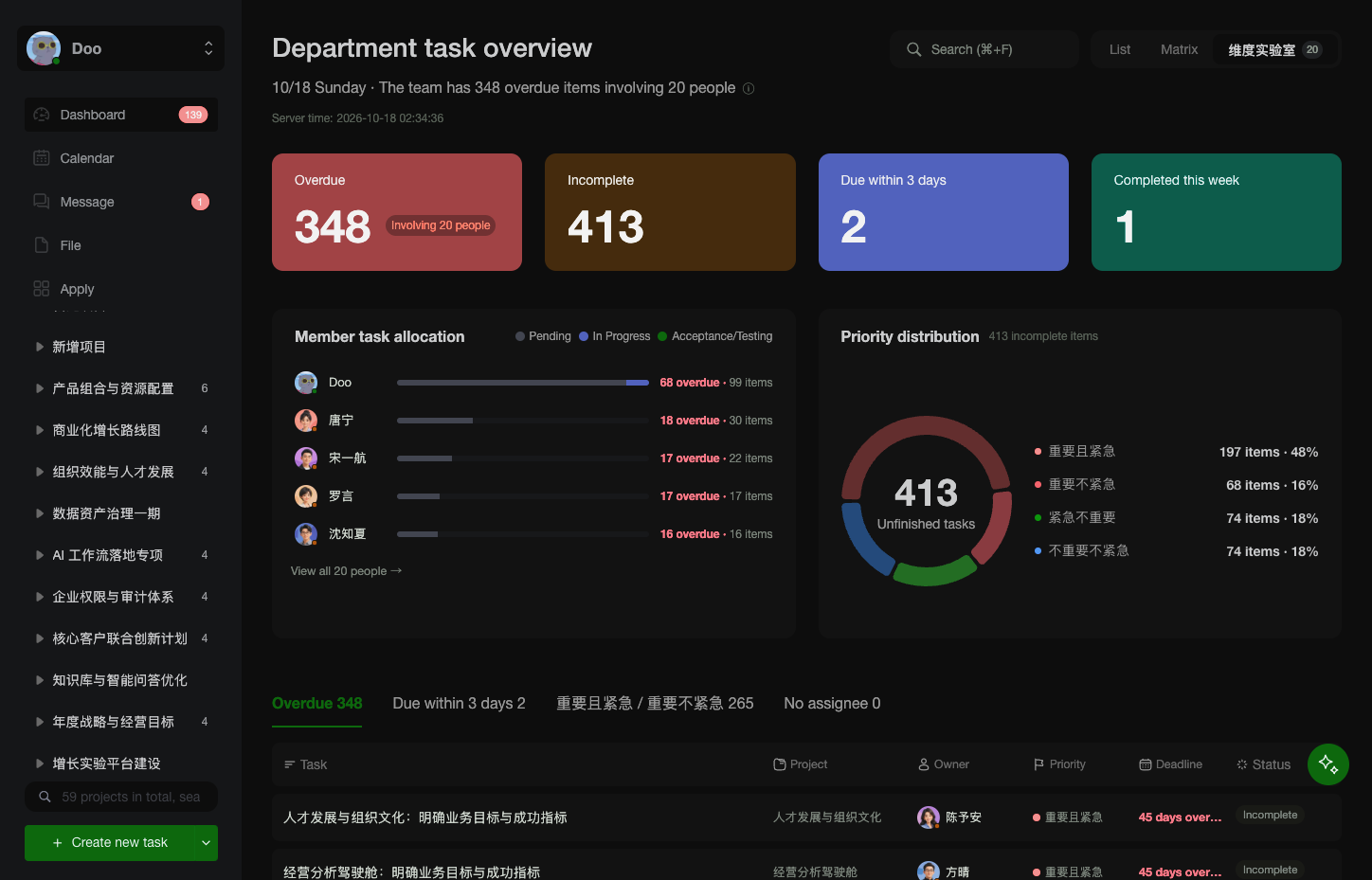
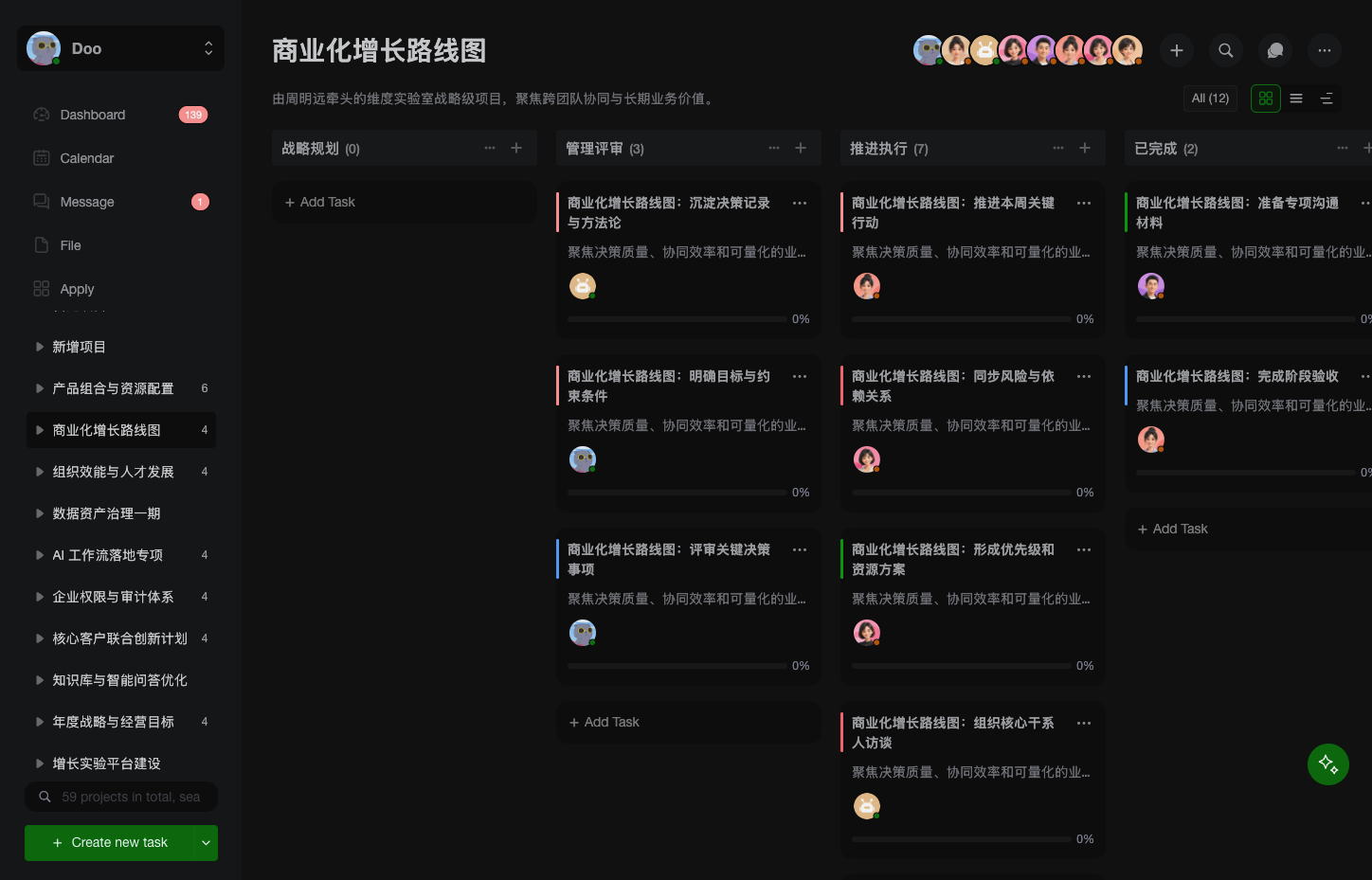
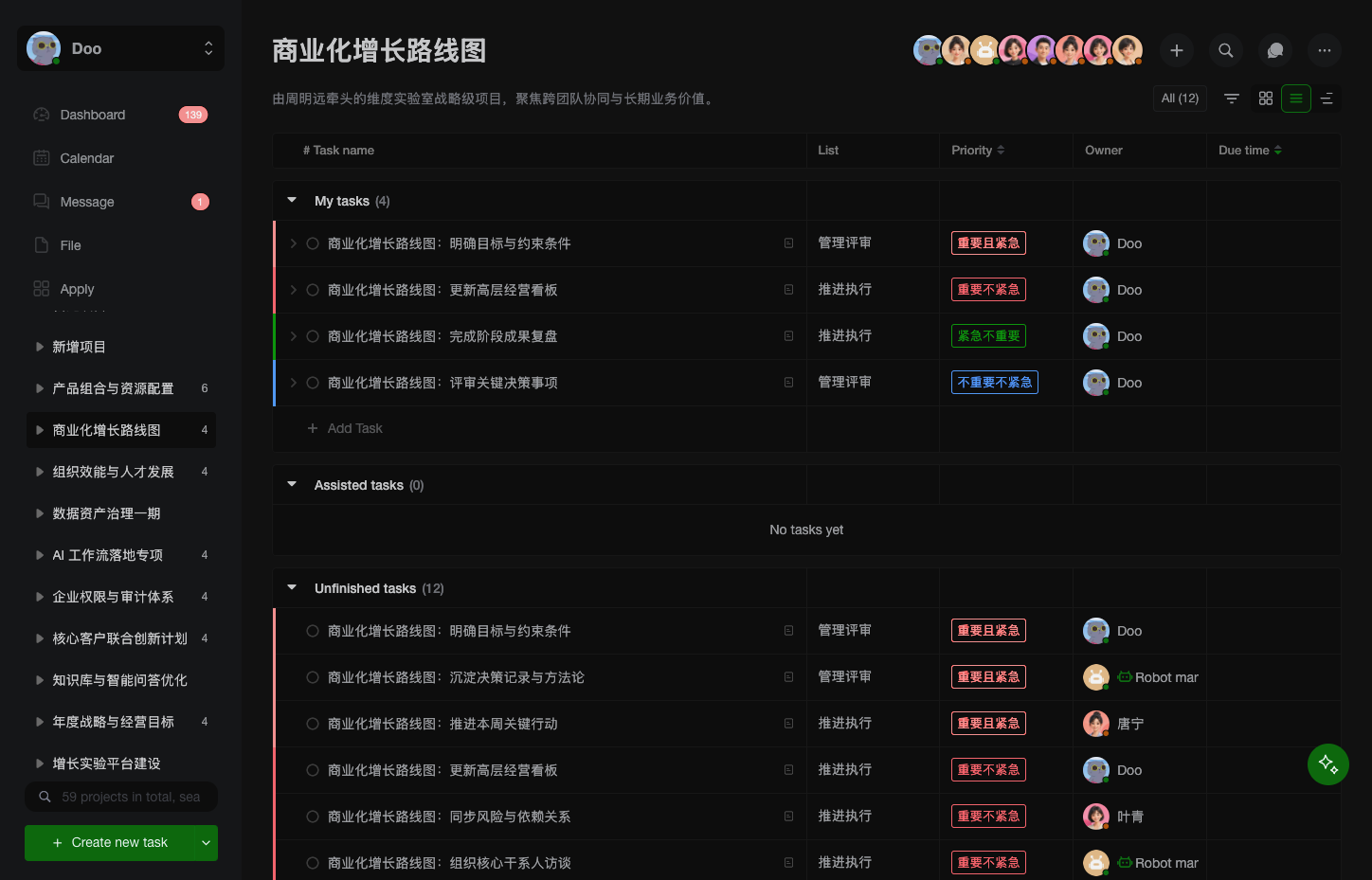
Open a project in DooTask and your tasks appear as a Kanban board, a list, a Gantt timeline, or a calendar, with team chat and file sharing beside them. Start from a project or task template and set a task to repeat so each new occurrence links back to the original. Mention colleagues in project and task chats, add emoji, and keep messages protected with asymmetric encryption. Files from chats and tasks gather in a Collaboration Files section, and WebDAV lets you manage My Files and Shared Files from Finder or Explorer. Check the dashboard for what is overdue, due today, or coming up, while department heads switch to a team view charting overdue and incomplete tasks per member. Visit the App Store to install official apps for approvals, OKRs, AI assistants, OnlyOffice, Minder mind maps, and Drawio diagrams. Administrators can add custom apps from an archive, a URL, or a GitHub repository. Add an API key for ChatGPT, Claude, Gemini, DeepSeek, or Grok, or point to Ollama or any OpenAI-compatible URL, then type @AI Robot in a project chat to draft tasks. Log in on the web by scanning a QR code with the mobile app, or use an LDAP or Active Directory username. The free Open Source Edition covers three users; paid editions raise that to ten or unlimited. Running on a dedicated VPS on RepoCloud with guaranteed CPU, RAM, and SSD, full root SSH access, and a browser serial console. AGPL-3.0 licensed.
Benefits
- Every team view in one place
- Switch projects between drag-and-drop Kanban, sortable lists, and Gantt timelines, then plan on day, week, or month calendars, so planners, developers, and managers each work in the view that suits them.
- Managers see workload at a glance
- The department overview charts overdue and incomplete tasks per member, with a priority donut that filters the task list, so managers can rebalance work before deadlines slip.
- Approvals, OKRs, and work reports
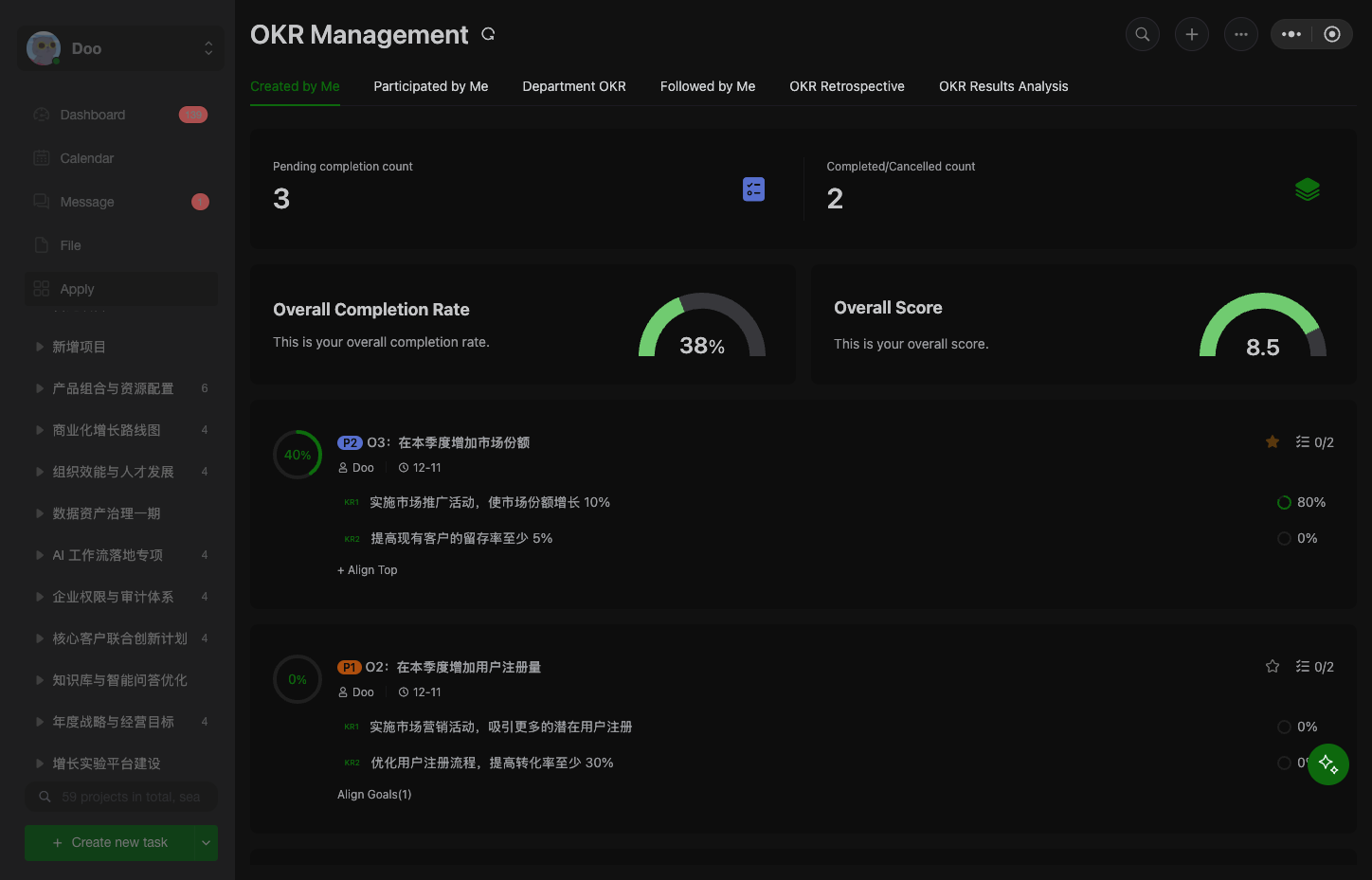
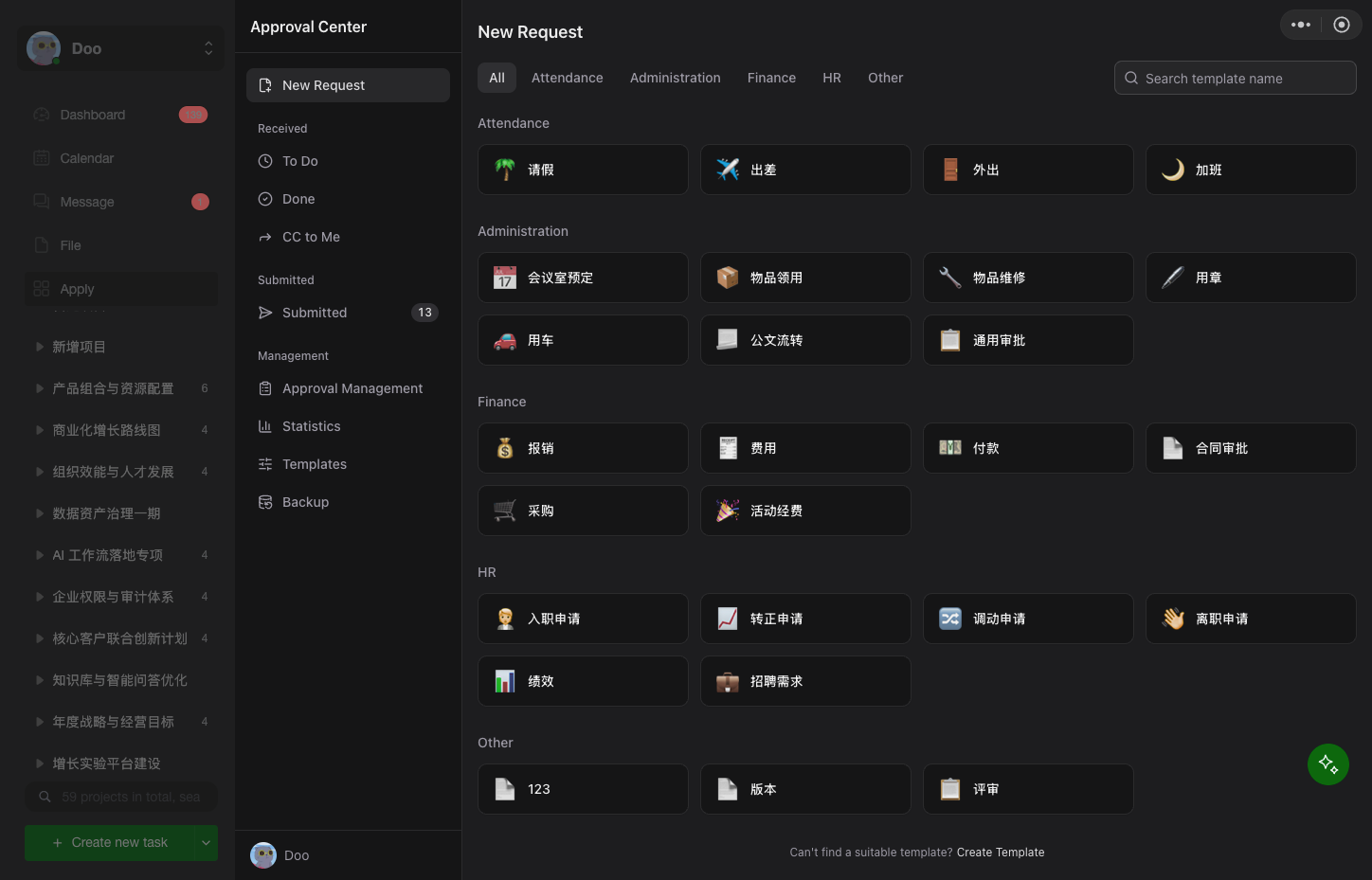
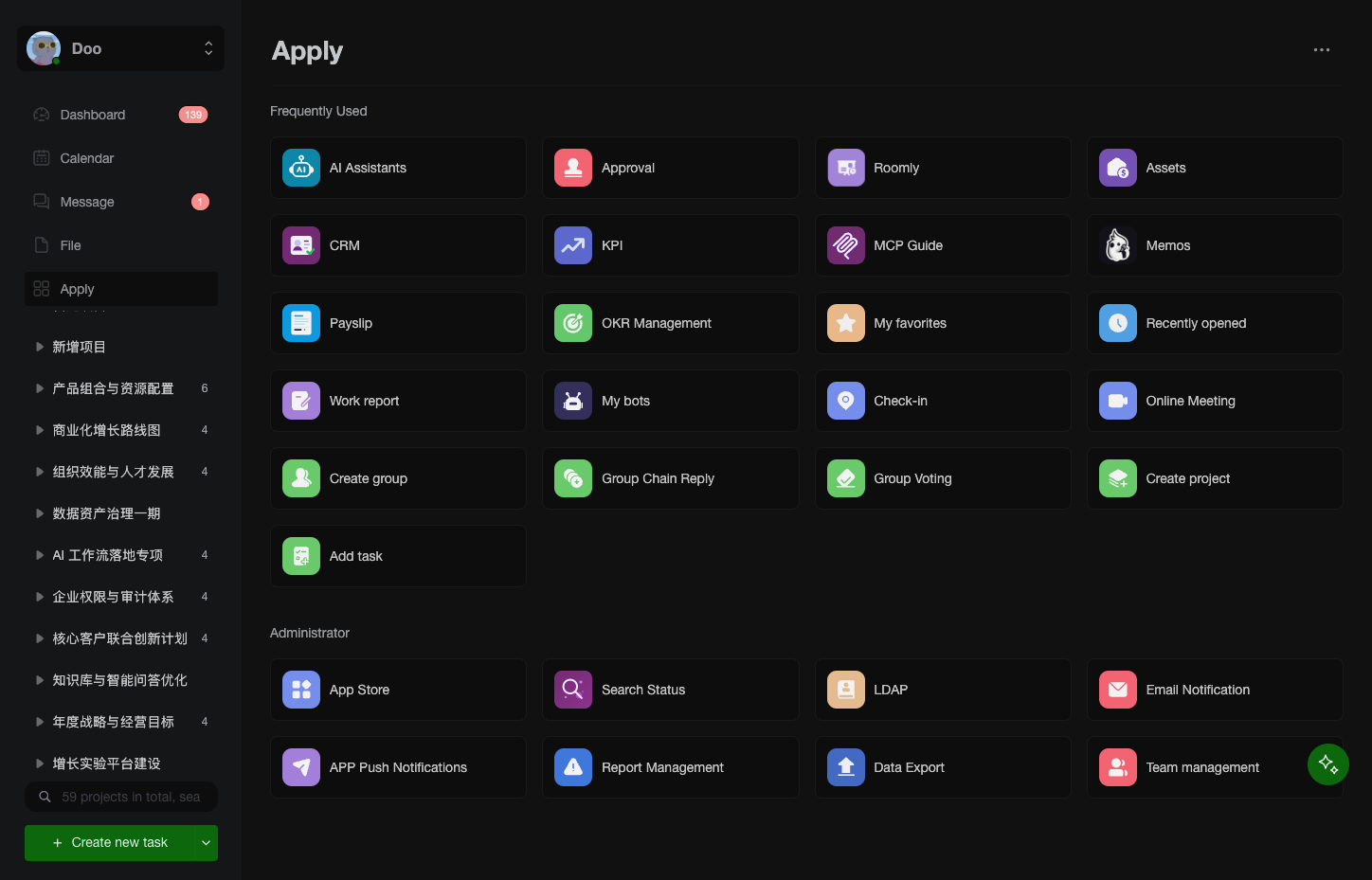
- Official approval and OKR apps give administrators custom approval processes with CC recipients and give teams scored OKR key results, plus daily or weekly work reports to chosen recipients.
- Bring your own AI provider
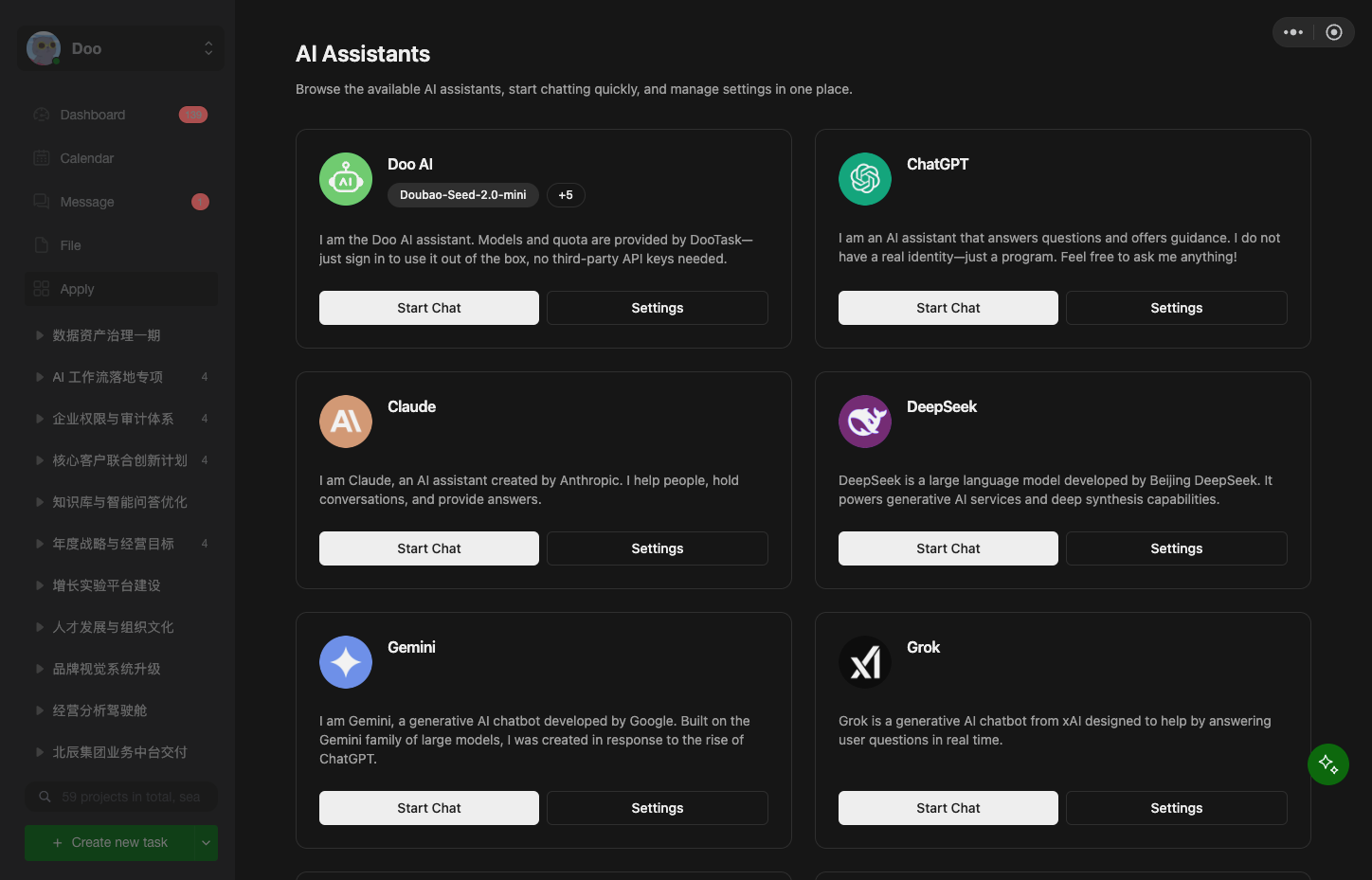
- Connect ChatGPT, Claude, Gemini, DeepSeek, or Grok with an API key, or point a custom base URL at Ollama or any OpenAI-compatible service, then chat with the bot or have it draft tasks.
Features
- Multi-View Task Boards
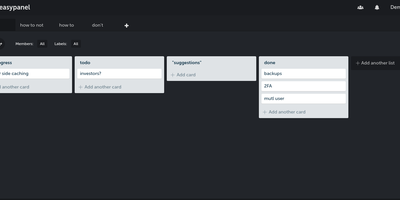
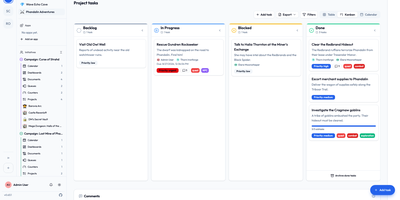
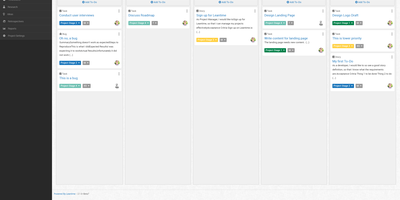
- Kanban boards, sortable list tables, Gantt timelines, and day, week, or month calendars, with drag-and-drop editing on boards, timelines, and calendars.
- Templates and Workflows
- Project templates, task templates, tags, and configurable workflow rules standardize routine work, while recurring tasks and linked tasks keep related work connected.
- Chat and File Sharing
- Project and task chats with mentions, emoji, and asymmetric encryption, plus WebDAV access to personal and shared files and a collaboration tab for files sent in chats.
- App Store and Official Apps
- The App Store installs official approval, OKR, AI, OnlyOffice, Minder mind map, and Drawio diagram apps, or your own from a zip, URL, or GitHub repository.
- AI Assistant and MCP
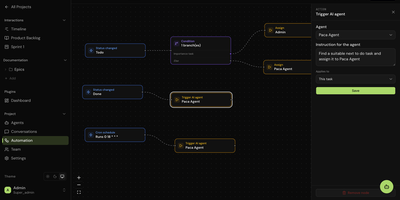
- The AI assistant accepts images, suggests tasks in several languages, and the desktop client can start an MCP server for external AI tools.
- Clients and Enterprise Login
- Web, desktop, and mobile clients share one account, with QR-code login from the phone, LDAP or Active Directory usernames, and nine interface languages.